Best Proposal Software for Schools (2026): 5 Picks Checked on Vendor Pages
Best proposal software for schools: 5 contenders ranked by fit, with entry costs and free tiers. Each listing flags where it falls short. Easy to scan.
- Editor's choice
 Dropbox Sign
Straightforward, legally binding e-signatures
Starts at$15 USD / moVisit sign.dropbox.comFull review - Great alternative
 Qwilr
Interactive proposals with buyer analytics
Starts at$35 USD per user/monthVisit qwilr.comFull review - Also consider
 Conga
Unified pricing, CPQ and document automation
Starts atSee websiteVisit conga.comFull review
Direct answer
This list puts Dropbox Sign first for simple, legally binding e-signatures. Listed starting prices: Dropbox Sign from $15 USD / mo, Qwilr from $35 USD per user/month and Proposify from $39 per user a month. If your case is different, Qwilr suits interactive proposals with buyer analytics and Conga suits unified pricing, CPQ and document automation. The remaining 2 options are covered below with prices and limits.
TL;DR:
- Dropbox Sign is the opening pick, best for straightforward, legally binding e-signatures.
- Dropbox Sign, Proposify and the 3 others all need a premium plan or a trial, since no free plan is listed.
- Qwilr has the lowest monthly starting price in this list: $35 USD per user/month.
- The main caution on Conga: wide product may be complicated.
Last checked November 2026. Prices and plan details were read from the vendors' own pages in November 2026; vendors change plans often, so confirm the current price on the vendor site before you buy.
Quick comparison
| Tool | Best for | Starts at | Free plan? | |
|---|---|---|---|---|
| Dropbox Sign | Straightforward, legally binding e-signatures | $15 USD / mo | Free trial | Visit |
| Qwilr | Interactive proposals with buyer analytics | $35 USD per user/month | Free trial | Visit |
| Conga | Unified pricing, CPQ and document automation | See website | Not stated | Visit |
 DealHub | Quote-to-revenue workflows and deal rooms | See website | Not stated | Visit |
 Proposify | Simplified proposal creation and tracking | $39 per user a month | Free trial | Visit |
Proposal Software for Schools compared in detail
Short on time? The summary and table above give the quick view of 5 proposal software for schools, and the profiles that follow give the detail behind each entry.
Where Dropbox Sign fits: straightforward, legally binding e-signatures. Dropbox Sign, formerly HelloSign, centres on sending, receiving and managing legally binding electronic signatures. Its strength is signatures instead of proposal creation or analytics.
So teams that require interactive proposals or pricing configuration will want a different tool. More specifically, consider it as a complement to your proposal process instead of a replacement. On cost, Dropbox Sign starts like this: $15 USD / mo. Trial and free access: Free trial.
Honest limits: Restricted proposal design features.
- Send
- Straightforward signature workflow
- Narrower than full agreement suites
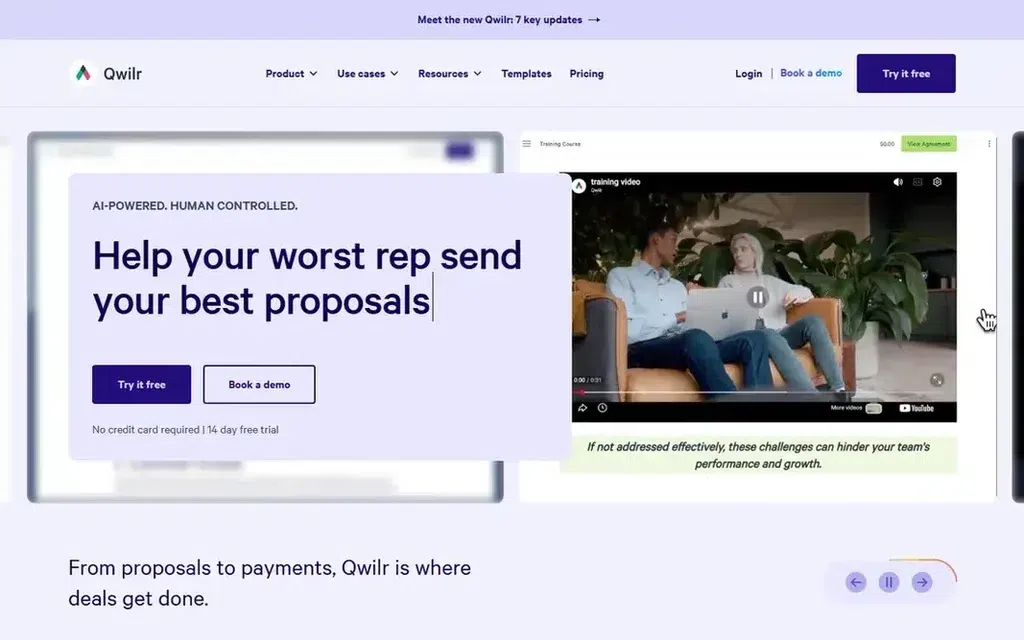
Qwilr targets interactive proposals with buyer analytics. Qwilr presents proposals as interactive pages and emphasizes live buyer analytics to help teams understand engagement.
Downsides: Not a full contract suite.
Worth adding: schools that send proposals to prospective families, sponsors or partners can benefit from seeing how recipients interact with the content. The analytics-driven approach may be more than a small school office needs, and Qwilr is not positioned as a full contract lifecycle product. Price to start with Qwilr: $35 USD per user/month. As for free access: Free trial.
- Live buyer analytics
- Interactive proposal pages
- Analytics focus may exceed straightforward needs
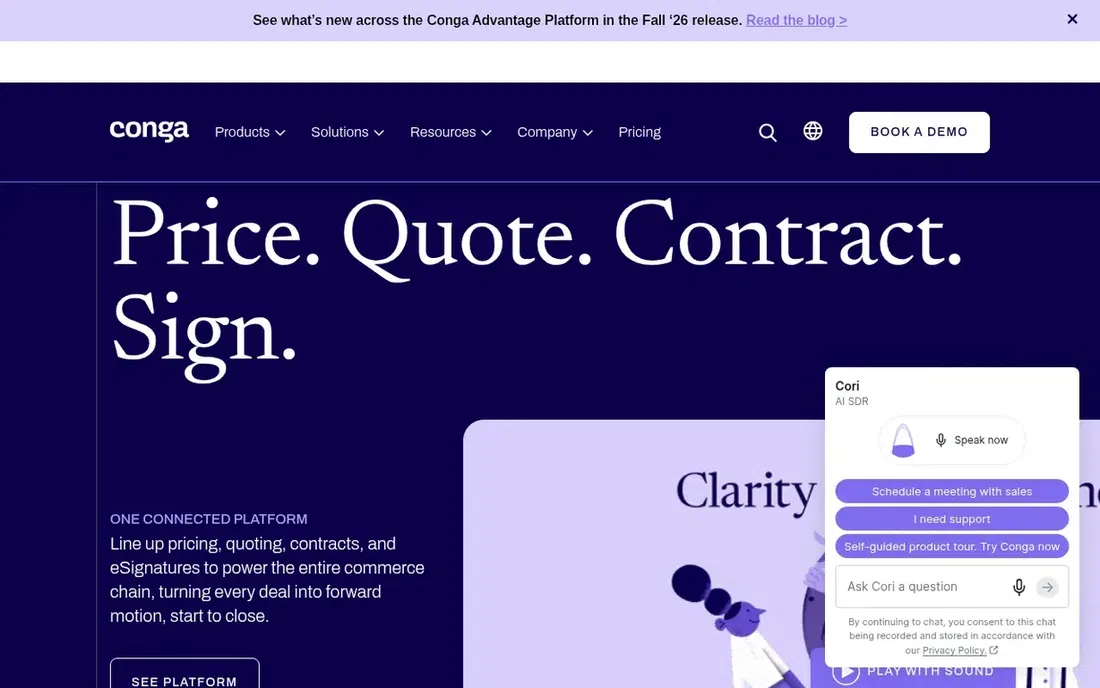
Conga serves unified pricing, CPQ and document automation. Conga describes a unified product spanning pricing, CPQ, contract lifecycle management and document automation, with purpose-built AI.
Points against: Geared toward bigger operations.
It is a fit where proposal and contract processes have to align with pricing and commerce workflows. If your team only sends occasional proposals, a lighter proposal tool is likely simpler to adopt. Conga shows no starting price here, so confirm the cost on the vendor site. On free options: Not stated.
- Document automation included
- Merges pricing
- Wide product may be complicated
DealHub is built with quote-to-revenue workflows and deal rooms in mind. It suits bigger institutions or education-adjacent organizations that run structured quotes and deal rooms alongside proposals, especially where revenue workflows are part of the picture.
Honest limits: May be heavy for school offices.
DealHub shows no starting price here, so confirm the cost on the vendor site. On free options: Not stated.
- Brings together CPQ and DealRoom
- Spans subscriptions and billing
- Aimed at revenue teams
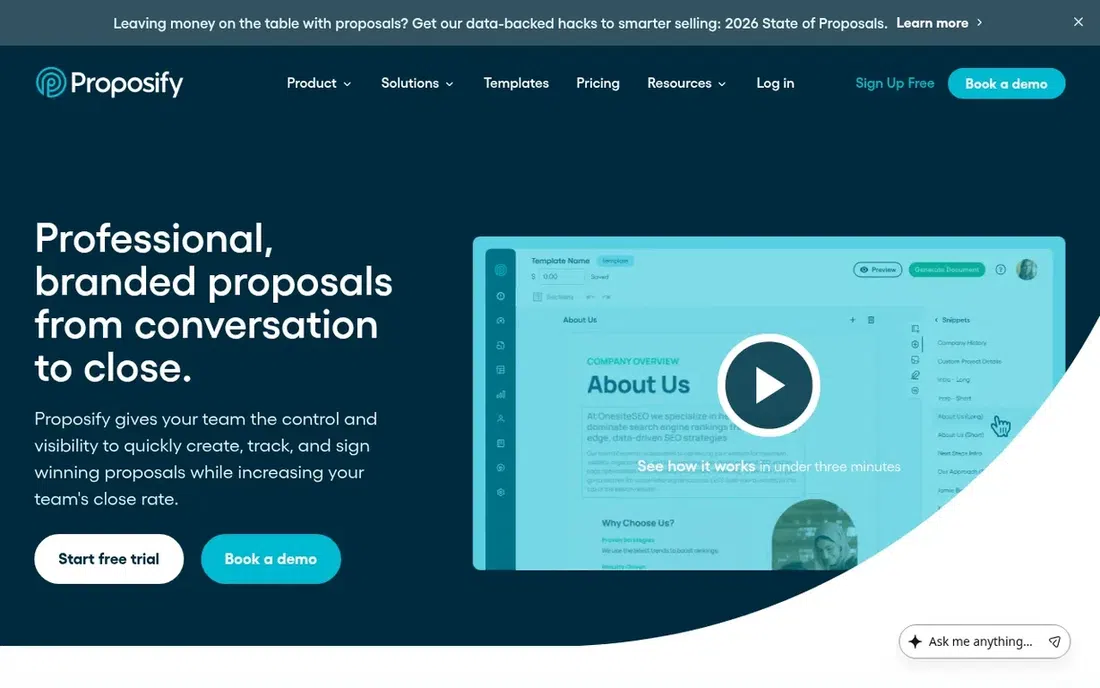
Proposify serves simplified proposal creation and tracking. It fits teams that value a focused proposal tool over a wide agreement system.
For everyday use, since its focus is proposal sales workflow, Proposify is less suited to schools that require deep contract lifecycle management or heavy pricing configuration. Proposify pricing: $39 per user per month. On free options: Free trial.
Limits to weigh: Signature features are secondary.
- Built to organize the sales process
- Built around proposal workflow efficiency
- Less emphasis on contract lifecycle
Selection criteria
We compared the tools on published pricing, free plan or trial availability, feature coverage for proposal software for schools, and the limits each vendor documents. Plan names, prices and limits change often. Treat the figures here as a starting point and verify them with the vendor. The order reflects how well each tool fits the most common buying scenario for proposal software for schools, then price clarity, then free plan access. It is a starting point, not a verdict.
Things to verify first
- Confirm the entry price on the vendor page. For Conga and DealHub that means a quote rather than a fixed price.
- Run a trial of Dropbox Sign, Qwilr and Proposify with real work before paying for a year; your own workflow is the best test.
- Before choosing Dropbox Sign, weigh its main limit: restricted proposal design features.
- Ask Qwilr which support channels and response times come with the plan you would buy.
- Before you load data into DealHub, check what an export looks like and who can run it.
FAQ
How do interactive proposals help schools?
Qwilr emphasizes live buyer analytics, which can help teams see whether a partner or family has reviewed the proposal before following up.
Is Dropbox Sign the right pick for everyone comparing proposal software for schools?
No single tool suits every team. Dropbox Sign comes first because it fits simple, legally binding e-signatures, while Qwilr suits interactive proposals with buyer analytics and Conga suits unified pricing, CPQ and document automation. Match the tool to your own size, budget and workflow before deciding.
What is the cheapest option for proposal software for schools in this list?
On published monthly entry prices, Qwilr is the lowest here at $35 USD per user/month. Entry price is only part of the cost, because seats, add-ons and billing terms can change the total. Prices, free plan details and limits for all 5 tools in this proposal software for schools roundup sit on the individual cards above.
How are the tools for proposal software for schools ordered?
Dropbox Sign sits first and Proposify last because the order follows typical fit for proposal software for schools, then price clarity and free access. It is a judgement call, so read each profile for fit and limits.
Can I try these tools before paying?
Often, yes. Dropbox Sign, Qwilr and Proposify offer a free trial. Use your own data and a real task during the test, and check what the free tier or trial limits before you rely on it.
Sources
- https://sign.dropbox.com
- https://qwilr.com
- https://conga.com
- https://dealhub.io
- https://www.proposify.com