Best Proposal Software for Remote Teams in 2026: 6 Tools Compared
Best proposal software for remote teams in 2026: 6 contenders with entry costs and free tiers. Verdicts stay brief and factual. Pricing and limits included.
- Editor's choiceConga Composer
Document automation within a revenue product
Starts atSee websiteVisit conga.comFull review - Great alternative
 Adobe Acrobat Sign
E-signatures within Adobe workflows
Starts atSee websiteVisit adobe.comFull review - Also consider
 Qwilr
Interactive proposals with buyer analytics
Starts at$35 USD per user/monthVisit qwilr.comFull review
Direct answer
Conga Composer is the first pick on this list for document automation within a revenue product. Listed starting prices: Qwilr from $35 USD per user/month, Dropbox Sign from $15 USD / mo and Proposify from $39 per user a month. For a different need, Adobe Acrobat Sign covers E-signatures within Adobe workflows and Qwilr covers interactive proposals with buyer analytics. The other 3 tools in the list cover narrower or pricier cases.
TL;DR:
- Top of the list is Conga Composer, which targets document automation within a revenue system.
- The lowest published monthly entry price here is $35 USD per user/month, from Qwilr.
- DealHub suits quote-to-revenue with deal rooms.
- Conga Composer, DealHub and the 4 others all need a premium plan or a trial, since no free plan is listed.
Last checked November 2026. Prices and plan details were read from the vendors' own pages in November 2026; vendors change plans often, so confirm the current price on the vendor site before you buy.
Quick comparison
| Tool | Best for | Starts at | Free plan? | |
|---|---|---|---|---|
| Conga Composer | Document automation within a revenue product | See website | Not stated | Visit |
| Adobe Acrobat Sign | E-signatures within Adobe workflows | See website | Not stated | Visit |
| Qwilr | Interactive proposals with buyer analytics | $35 USD per user/month | Free trial | Visit |
 Dropbox Sign | Straightforward electronic signatures | $15 USD / mo | Free trial | Visit |
 Proposify | Simplified sales proposal workflow | $39 per user a month | Free trial | Visit |
 DealHub | Quote-to-revenue with deal rooms | See website | Not stated | Visit |
Tool-by-tool breakdown
LinkVetted put together this guide to proposal software for remote teams for readers who want a clear shortlist without reading every vendor page. It compares 6 tools on starting price, free plans, who each one suits and where each one falls short.
Conga Composer
Best for: Document automation within a revenue product
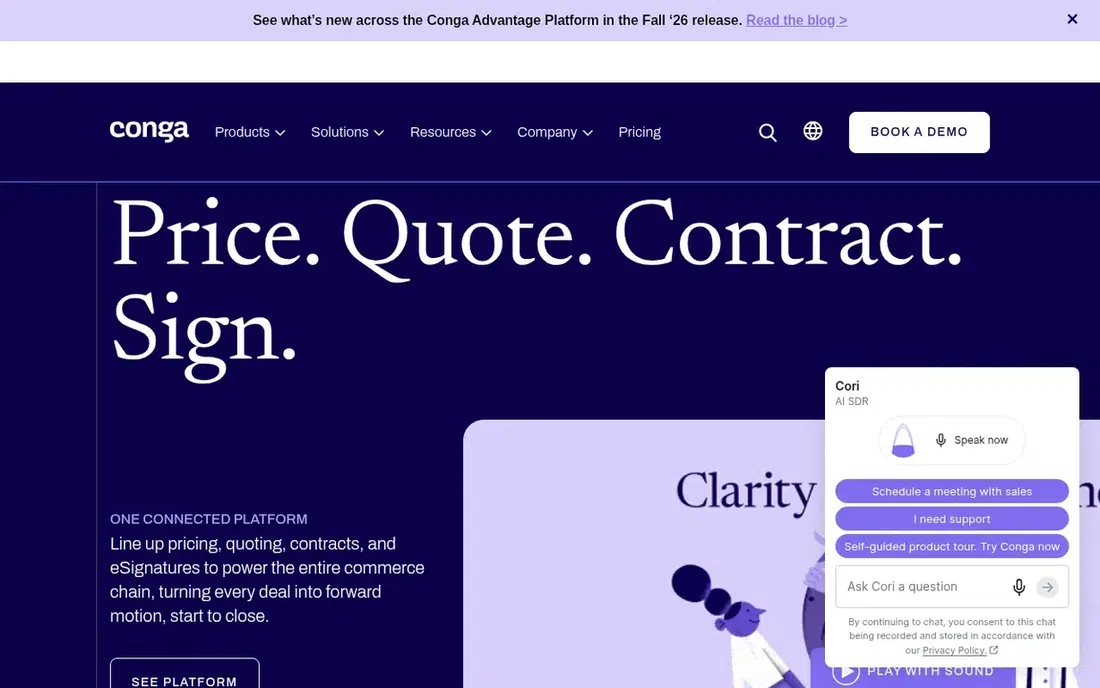
Choose Conga Composer for document automation within a revenue product. Consider a lighter proposal tool when the priority is quick, straightforward document creation.
Where it falls short: Enterprise-oriented scope.
Conga Composer shows no starting price here, so confirm the cost on the vendor site. Trial and free access: Not stated.
- Document automation focus
- Contract lifecycle management included
- Broader than a straightforward proposal builder
Adobe Acrobat Sign is built with E-signatures within Adobe workflows in mind. Adobe Acrobat Sign gives you e-signature software for business, including signing documents, collecting digital payments and accepting signatures on a website.
Its strength is signatures and document workflows, not proposal creation or buyer analytics. On top of that, teams without an Adobe footprint may find a standalone signature tool more straightforward to adopt. Adobe Acrobat Sign shows no starting price here, so confirm the cost on the vendor site. On free options: Not stated.
Downsides: Not a proposal builder.
- Electronic signature support
- Suits Adobe document workflows
- Best value for Adobe-centric teams
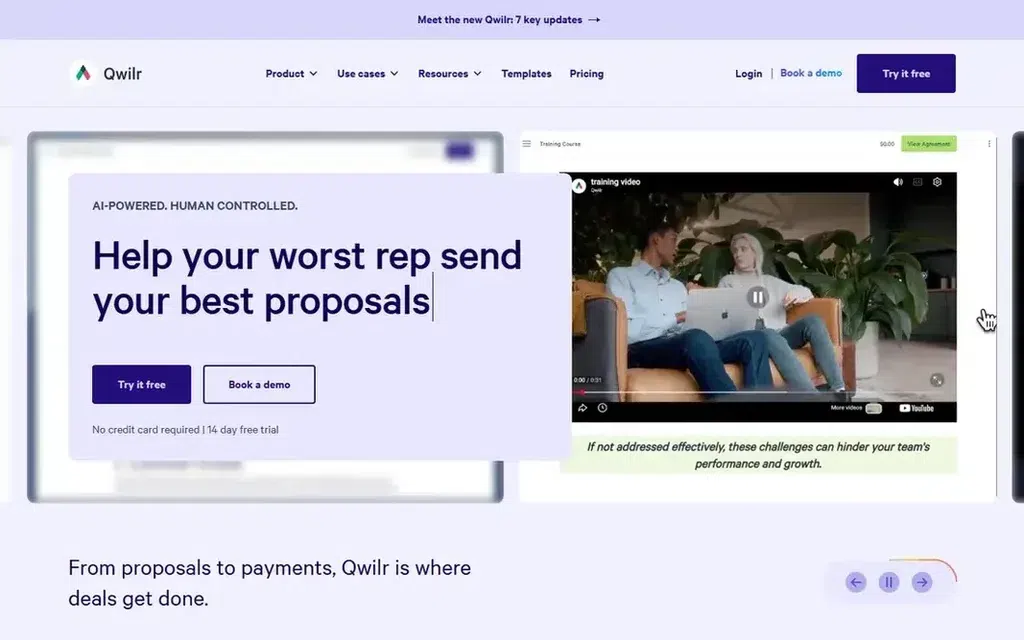
Qwilr targets interactive proposals with buyer analytics. Qwilr offers interactive proposal software with live buyer analytics, which fits remote teams that want prospects to engage with a web-based proposal and want visibility into that engagement.
Where it is weaker: Not a full CPQ or billing suite.
Main advantages: Live buyer analytics. Teams needing deep pricing and CPQ logic should weigh the platform choices here. For everyday use, if your process relies on complicated quoting, subscriptions or billing, Qwilr alone may not handle it. Starting cost for Qwilr: $35 USD per user/month. Free options: Free trial.
- Targeted at quicker deal velocity
- Interactive proposal pages
- Analytics focus may be more than some need
Dropbox Sign is designed for straightforward electronic signatures. It does not replace a proposal builder for content, design or analytics.
Points against: Better as a signing layer.
On top of that, if you need interactive proposals or CPQ logic, choose a proposal-focused or product option and use signing alongside it. Dropbox Sign starts at: $15 USD / mo. Free options: Free trial.
- Straightforward signature workflow
- Legally binding e-signatures
- Restricted proposal authoring
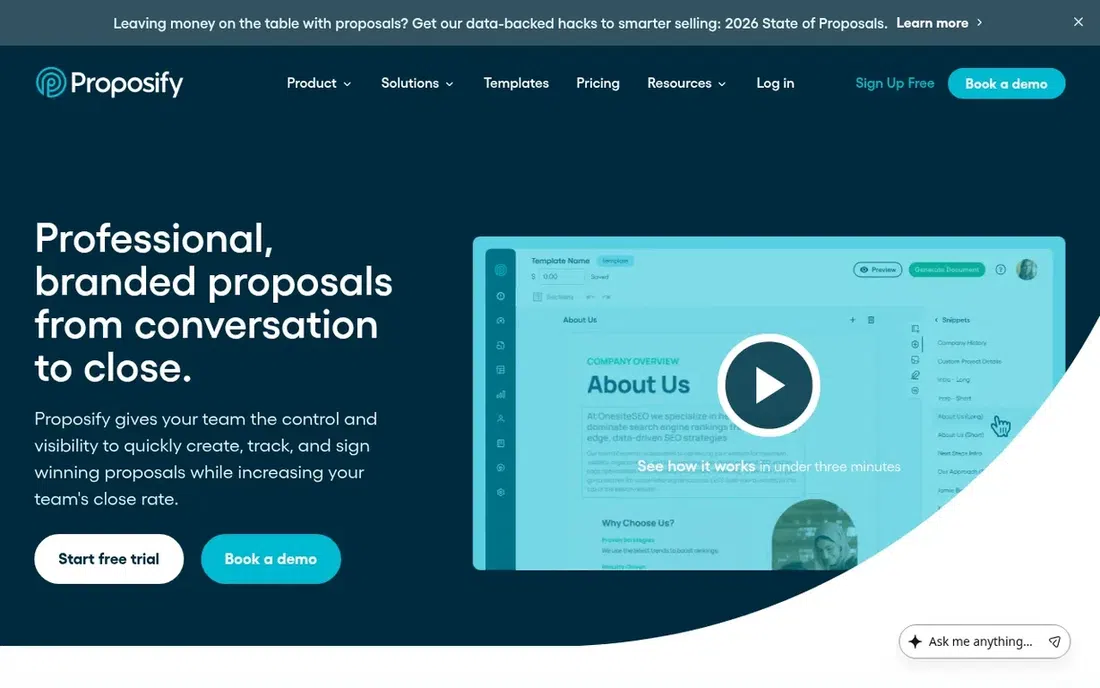
Proposify serves simplified sales proposal workflow. Proposify is proposal software positioned to simplify the sales process, which suits remote teams that send proposals on a regular basis and want a repeatable path from draft to sent document. Its homepage emphasizes efficiency, so it fits sales and account teams looking for a dedicated proposal tool instead of a wide agreement system.
For everyday use, teams that primarily need electronic signatures or enterprise document automation should look at the other choices here instead. Since it is built around proposals, it may not include deeper pricing, CPQ or contract lifecycle needs on its own. Proposify starts at: $39 per user per month. On free options: Free trial.
Where it shines: Fits sales teams sending proposals frequently.
The main drawbacks: Less suited to heavy CPQ needs.
- Aims to maximize efficiency
- Built around the proposal process
- Narrower than full agreement suites
DealHub is built with quote-to-revenue with deal rooms in mind. Evaluate whether you need the full quote-to-revenue scope before committing to a bigger system.
From a buyer's view, DealHub describes an agentic quote-to-revenue product that brings together CPQ, DealRoom, subscriptions and billing to support sales-led, product-led, self-service and consumption-based motions. No starting price is listed for DealHub here; confirm pricing on the vendor site. As for free access: Not stated.
Downsides: More than a proposal-only tool.
- Spans subscriptions and billing
- Supports several go-to-market motions
- Wide system scope
How the list was put together
LinkVetted used vendor pricing pages and product documentation as the base, then compared plans, free access and documented limits for 6 tools. Treat prices as a snapshot: vendors change plans often, so check the vendor site for the figure that applies today. Tools are placed by general fit for proposal software for remote teams, with price clarity and free access as tie-breakers. A different team can reasonably rank them differently.
Before you commit
- Get a written quote from Conga Composer, Adobe Acrobat Sign and DealHub; the list shows no starting price for them.
- Take the trial from Qwilr, Dropbox Sign and Proposify and push a live task through it before you pay.
- Before choosing Conga Composer, weigh its main limit: enterprise-oriented scope.
- Work out what Adobe Acrobat Sign costs with your real seat count, add-ons and usage, not just the entry price.
- Run a one or two week pilot of Dropbox Sign with the people who will use it every day.
FAQ
Do these tools publish their prices?
Not all of them. Conga Composer, Adobe Acrobat Sign and DealHub publish no starting price, so expect a quote request for those. The rest, Qwilr included, show a starting price, though seats and billing terms still change the final cost.
Is Conga Composer the right pick for everyone comparing proposal software for remote teams?
No single tool suits every team. Conga Composer comes first because it fits document automation within a revenue platform, while Adobe Acrobat Sign suits E-signatures within Adobe workflows and Qwilr suits interactive proposals with buyer analytics. Match the tool to your own size, budget and workflow before deciding.
When does a platform like Conga or DealHub make sense?
These products fit teams that require proposals tied to pricing, CPQ, contracts or billing. If you only send straightforward proposals, a dedicated builder for example Proposify or Qwilr is typically simpler to adopt.
Does any tool for proposal software for remote teams here have a free plan?
No tool in this list, Conga Composer and DealHub included, has a permanent free plan. Qwilr, Dropbox Sign, Proposify offer a trial. Trials and quotes are the usual route, so plan a short evaluation period.
Can I try these tools before paying?
Often, yes. Qwilr, Dropbox Sign and Proposify offer a free trial. Use your own data and a real task during the test, and check what the free tier or trial limits before you rely on it.
Sources
- https://conga.com
- https://www.adobe.com/sign.html
- https://qwilr.com
- https://sign.dropbox.com
- https://www.proposify.com
- https://dealhub.io