Best Proposal Management Software in 2026: 8 Tools Compared
We compared the best proposal management software on templates, e-signatures, pricing and tracking, so small teams and agencies can pick a tool with confidence.
- Editor's choice
 PandaDoc
All-round proposal work
Starts atSee websiteVisit pandadoc.comFull review - Great alternative
 Proposify
Agencies and service firms
Starts atSee websiteVisit proposify.comFull review - Also consider
 Qwilr
Beautiful web proposals
Starts atSee websiteVisit qwilr.comFull review
TL;DR:
- PandaDoc and Proposify suit most small teams because they combine templates, e-signatures and tracking in one place.
- Qwilr and Better Proposals are strong picks when a polished, web-based proposal matters more than a long feature list.
- GetAccept and DealHub fit larger sales teams that need approvals, deal rooms and CRM connections.
- Most tools charge per user per month, and a free trial is the best way to test template editing before you commit.
- No single tool wins on every point, so match the pick to your proposal volume and your sales process.
Quick comparison
| Tool | Best for | Starts at | Free plan? | |
|---|---|---|---|---|
| PandaDoc | All-round proposal work | See website | Free trial | Visit |
| Proposify | Agencies and service firms | See website | Free trial | Visit |
| Qwilr | Beautiful web proposals | See website | Free trial | Visit |
 Better Proposals | Simple, fast proposals | See website | Free trial | Visit |
 GetAccept | Sales teams with e-signing | See website | Free trial | Visit |
 DealHub | Quotes and deal rooms | See website | Free trial | Visit |
 Nusii | Freelancers and small studios | See website | Free trial | Visit |
 QuoteWerks | Detailed quotes and pricing | See website | Free trial | Visit |
The best proposal management software
We looked at tools that take a proposal from first draft to signed deal, not just a document editor. Each one below handles templates, client-ready output and some form of signing or tracking.
We also weighed how easy each tool is to learn, since a proposal management software tool that staff avoid using rarely delivers value. The picks below balance depth with day-to-day usability, and we note where a tool needs more setup or training than a busy team may want to give it.
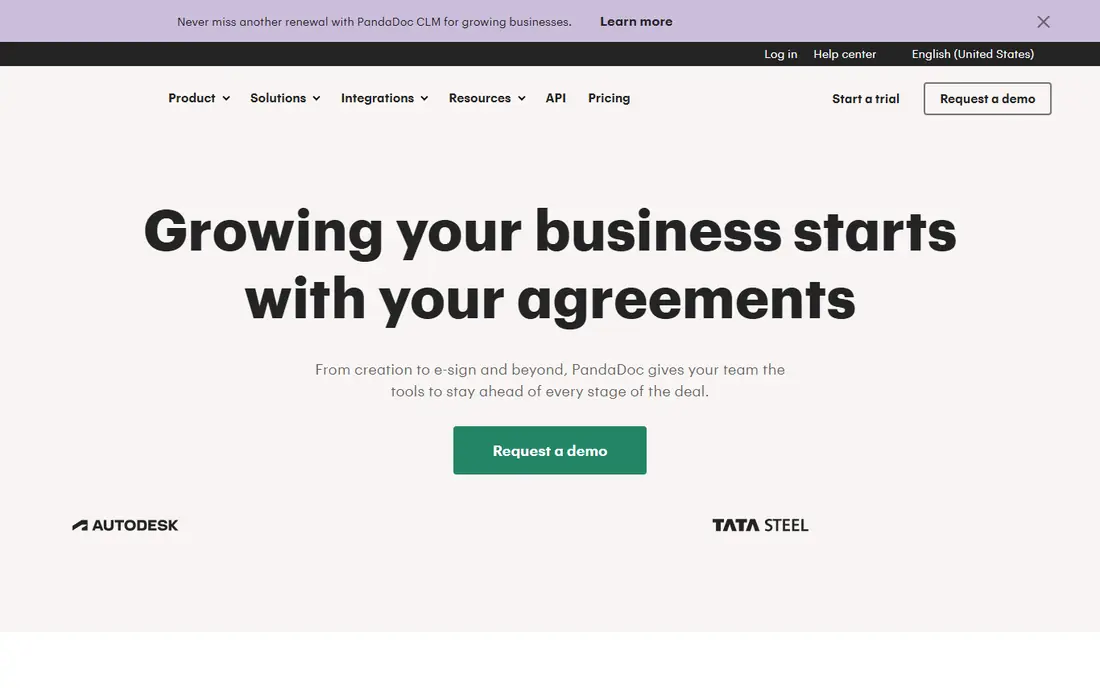
PandaDoc is our pick for most teams because it covers the full proposal flow in one workspace. You can start from a template, add pricing tables, send the document for signature and see when a client opens it. That combination saves time compared with stitching together a word processor, a signing tool and a separate tracker.
The honest catch is that the best features sit on paid plans, and costs rise as your team grows. Smaller teams should start with a trial and check whether they really use the CRM links and approval workflows. If your volume is high, the time saved on follow-ups and retyping prices often justifies the price.
- Wide template library
- Built-in e-signatures
- Document tracking and payments
- Higher tiers cost more
- Some features need a paid plan
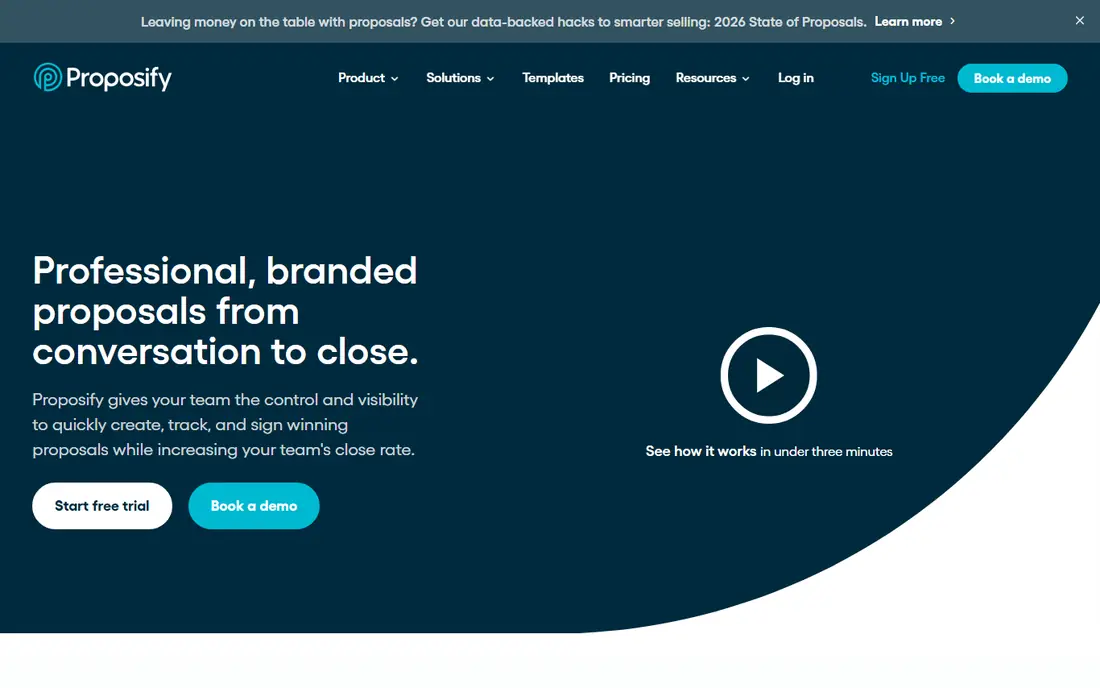
Proposify suits agencies that send similar proposals again and again. Its content library lets you save approved sections, pricing blocks and case studies, then reuse them without hunting through old files. Clients get a clear page to review, comment and accept, which cuts down on long email threads.
It is less suited to complex product quoting with many configuration rules. Teams that sell services with standard packages will get more from it than teams that build detailed hardware quotes. The editor is easy to learn, so new staff can usually send a first proposal within a day.
- Clean proposal editor
- Reusable content library
- Client approval workflow
- Fewer advanced quoting features
- Pricing scales with team size
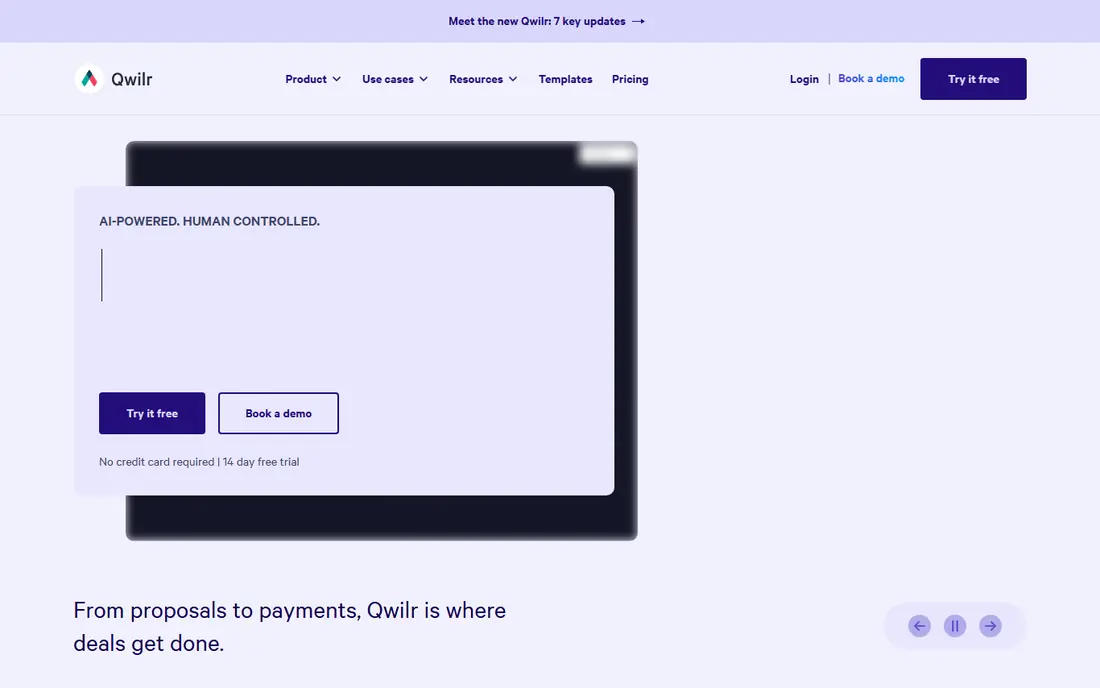
Qwilr turns a proposal into a web page rather than a static document, and that difference shows when a client opens it on a phone. Pages look modern, load fast and include video, images and interactive pricing. Analytics show which sections a prospect reads, which helps you time a follow-up call well.
The trade-off is that Qwilr is a presentation-first tool. If you need heavy approval chains or complex discount rules, another tool on this list may fit better. For consultants and creative firms where first impressions matter, it is a strong choice.
- Web-page style proposals
- Built-in analytics
- Good mobile display
- Limited offline use
- Fewer deep CRM features
Better Proposals aims at speed. You pick a template, fill in your details, add a signature block and send. That simplicity helps freelancers and small firms that cannot spare a week learning new software. Templates cover common services, from marketing to web design to consulting.
Customization is the limit here. Firms with strict brand rules or unusual pricing structures may outgrow it. For most small teams, though, the fast setup and clear client view make it an easy recommendation.
- Fast setup
- Ready-made templates
- E-signatures included
- Limited customization on lower plans
- Smaller integration list
GetAccept blends proposals with sales tools such as video messages, chat and reminders. A rep can record a short walkthrough, attach it to the proposal and see exactly when the prospect watches it. That context helps reps follow up with a useful message instead of a generic check-in.
Smaller teams with only a few proposals a month may find it more than they need. It earns its place for sales teams that live in their CRM and want signing, tracking and communication tied to each deal.
- E-signatures and video messages
- Deal tracking
- CRM links
- Interface takes time to learn
- Best value for active sales teams
DealHub is built for teams that sell through quotes, approvals and renewals rather than one-off documents. Guided selling walks reps through valid product combinations, while managers approve discounts inside the system. Digital deal rooms give buyers one place for documents, pricing and next steps.
That power comes with setup work. Teams should plan their product catalog and approval rules before rollout. Once that work is done, DealHub reduces pricing errors and speeds up the path from quote to signed order.
- Guided quoting and approvals
- Digital deal rooms
- CRM integration
- Setup needs planning
- Pricing is quote-based for some plans
Nusii keeps things plain in a good way. Freelancers can build a proposal, set a follow-up reminder and get notified when a client views or accepts it. The focus is on winning work without a heavy admin load, and the price reflects that simpler scope.
Larger teams will want more control over roles, approvals and reporting. For a solo consultant or a two-person studio, Nusii covers the core job well and stays out of the way.
- Simple proposal builder
- Client notifications
- Affordable for solo users
- Smaller template range
- Fewer enterprise features
QuoteWerks has served sales teams for years, and its strength is detailed quoting. It handles product lists, bundles, taxes and discount rules with care, which matters when a quote runs to many lines. Integration with common CRM systems keeps quote data close to customer records.
The interface looks dated next to newer web tools, and first setup takes patience. Teams that value quoting accuracy over a modern look will still find it dependable, especially in IT and equipment sales.
- Detailed product and pricing control
- Quote tracking
- CRM links
- Older interface style
- Setup takes longer
How we picked these
We compared official feature pages, pricing pages and public reviews for tools that describe themselves as proposal management software. We kept only tools that are still sold and supported, that offer templates or a proposal builder, and that include signing or client acceptance in some form. We favored tools with clear pricing information and a trial, and we dropped tools that were only document editors or only e-signature apps.
For proposal management software, we also checked whether vendors publish clear documentation, support options and security information. Tools with vague pricing or missing support pages scored lower, even when their feature lists looked strong. That check matters because buyers often learn about limits only after purchase, when switching costs are already high.
What to check before you buy
Match the tool to your proposal volume
A freelancer sending five proposals a month needs speed and low cost. A sales team sending fifty needs approvals, CRM links and reporting. Write down your monthly volume before you compare plans, because that number decides which tier makes sense.
Test the template editor first
Templates save time only if editing them feels easy. During a trial, build a real proposal with your own logo, pricing and terms. Check how it looks on a phone, since many clients now open proposals on mobile.
Check signing and payment support
Confirm that e-signatures are legally valid in your region and that clients can sign without creating an account. If you collect deposits, check whether the tool supports payments or whether you will still need a separate invoice tool.
Look at tracking and follow-up
Open notifications and read analytics turn a silent wait into useful information. A tool that tells you when a proposal is opened, and which pages get attention, helps you follow up at the right moment.
Check support and updates
Support quality matters as much as features, especially when a tool is used every day. Check support hours, response times and whether help is offered by chat, email or phone on the plan you will buy. Read the documentation for a task you will do often, and look at how often the vendor ships fixes and improvements. A tool with stale docs and slow support can cost more in lost time than a slightly higher subscription.
Plan the switch from your current tool
Moving tools takes more than signing up. List the data you must move, such as templates, customer records or past reports, and test an export before you cancel the old tool. Run the new tool alongside the old one during a trial, and train a small group first so they can help colleagues. A planned switch avoids lost work and gives staff time to learn new habits.
Budget for the full first year
Price the first year in full, not just the monthly rate. Add seats for every user, any required add-ons and the cost of training or setup help. Check whether annual billing saves money and whether that saving is worth the commitment. A clear first-year total makes plans easier to compare and avoids surprise renewals.
Ask about data ownership and exit options
Before you commit, ask who owns your data, how you can export it and what happens if you cancel. Check contract length, renewal terms and whether prices change after an introductory period. Clear exit options protect you if the tool no longer fits, and they also signal a vendor that is confident in keeping customers by quality rather than by lock-in.
FAQ
What is proposal management software?
Proposal management software helps you create, send, track and get approval for business proposals. It usually includes templates, pricing tables, e-signatures and notifications when a client views or signs a document.
How is it different from a document editor?
A document editor only helps you write. Proposal software adds client-facing pages, signing, tracking and often CRM links, so you can see the full path from draft to signed deal in one place.
Do I need a CRM connection?
Small teams can work without one, but growing sales teams benefit from it. A CRM link keeps customer details, deal value and proposal status in sync, which reduces manual updates and errors.
Are electronic signatures legally valid?
In the United States, electronic signatures are generally valid under federal and state law for most business agreements. Check the rules for your industry and region, and use a tool that keeps an audit trail.
How long does it take to get value from proposal management software?
That depends on setup and team size. Simple tools can show value within a week, while enterprise platforms may need a month or more for setup, data migration and training. A focused pilot with one team and clear goals gives the fastest honest answer.
What mistakes do buyers often make with proposal management software?
Common mistakes include buying for a feature list instead of a daily workflow, skipping a trial with real data, and undercounting users who will need access. Another frequent error is ignoring support and exit terms until a problem appears. A short trial and a clear list of must-have tasks prevent most of these errors.