Best Rated CRM for Service Industry in 2026: 10 CRMs Compared
We compare 10 CRMs to find the best-rated crm for service industry teams, covering scheduling, invoicing, field tools, pricing, and ease of use in 2026.

- Editor's choice
 Jobber
Small field service crews
Starts at$39 per monthVisit getjobber.comFull review - Great alternative
 Housecall Pro
Small to mid size service teams
Starts at$59 per monthVisit housecallpro.comFull review - Also consider
 ServiceTitan
Large trades businesses
Starts atSee websiteVisit servicetitan.comFull review
TL;DR:
- Jobber and Housecall Pro are the simplest CRMs for small field service teams, with scheduling, quotes, and invoicing in one place.
- ServiceTitan suits larger trades businesses that need deep dispatch, marketing, and reporting tools.
- Salesforce and HubSpot suit service companies that need a general CRM with strong sales and automation, plus field service add ons.
- Zoho CRM, Freshsales, Pipedrive, and monday CRM suit smaller teams that want a lower cost CRM with custom pipelines.
- Price depends on users and features, so compare total cost for your team size, not just the entry rate.
Quick comparison
| Tool | Best for | Starts at | Free plan? | |
|---|---|---|---|---|
| Jobber | Small field service crews | $39 per month | Free trial | Visit |
| Housecall Pro | Small to mid size service teams | $59 per month | Free trial | Visit |
| ServiceTitan | Large trades businesses | See website | No | Visit |
 Salesforce | Large service companies | See website | Free trial | Visit |
 HubSpot CRM | Sales and service teams | See website | Yes | Visit |
 Zoho CRM | Budget friendly custom CRM | See website | Yes | Visit |
 Freshsales | Sales focused service teams | See website | Free trial | Visit |
 Pipedrive | Simple pipeline management | See website | Free trial | Visit |
 monday CRM | Visual workflow teams | See website | Free trial | Visit |
 Insightly | Small teams needing projects plus CRM | See website | Free trial | Visit |
The best rated CRM for service industry
Service industry CRMs must do more than store contacts. They need to schedule jobs, dispatch staff, send quotes, track invoices, and keep customer history in one place. The tools below range from field service platforms built for trades to general CRMs that service companies adapt with pipelines and automation.
Jobber is the easiest field service CRM for a solo operator or a small crew to adopt. You can schedule jobs on a calendar, send quotes, invoice customers, and let clients approve work and pay online through a client hub. Setup is fast, and most teams can run their first jobs within days, which matters when you are also out on jobs yourself.
The trade off is depth. Marketing tools are basic, reporting on lower plans is limited, and dispatch features do not match enterprise platforms. If your crew grows past about fifteen people or you need advanced call tracking and marketing attribution, you may outgrow Jobber. For small crews, that simplicity is a strength, not a flaw.
- Simple scheduling, quoting, and invoicing
- Client hub for approvals and payments
- QuickBooks and Xero links
- Marketing tools are basic
- Reporting is limited on lower plans
- Dispatch is simpler than enterprise tools
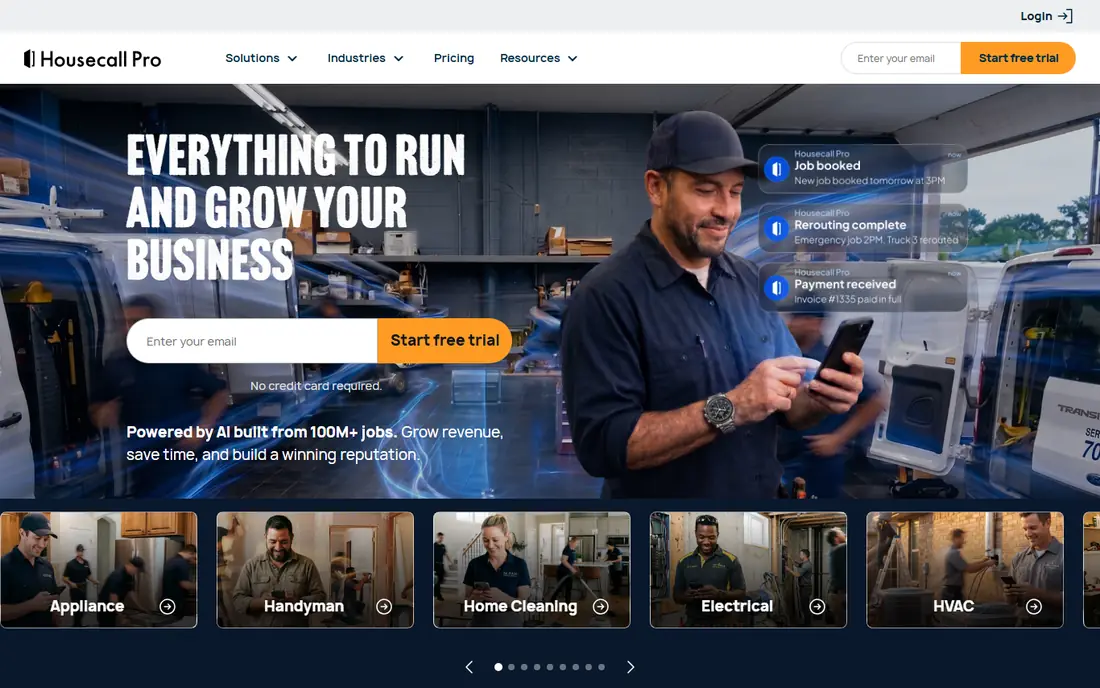
Housecall Pro covers scheduling, dispatch, invoicing, payments, and customer messaging in a polished package. The mobile app is a highlight, since field staff can see jobs, update status, and collect payment on site without returning to the office. Review requests and marketing tools on higher plans also help service companies win repeat work.
Pricing is the main watch point. Entry pricing starts at $59 per month on annual billing, with higher tiers for more users and features, so model your team size before you choose a plan. For a small to mid size crew that values a strong app and built in payments, Housecall Pro is a close rival to Jobber, and a trial of both is the best way to decide.
- Strong mobile app for field staff
- Built in payments and review requests
- Marketing tools on higher plans
- Per user pricing adds up as teams grow
- Some advanced features sit on higher tiers
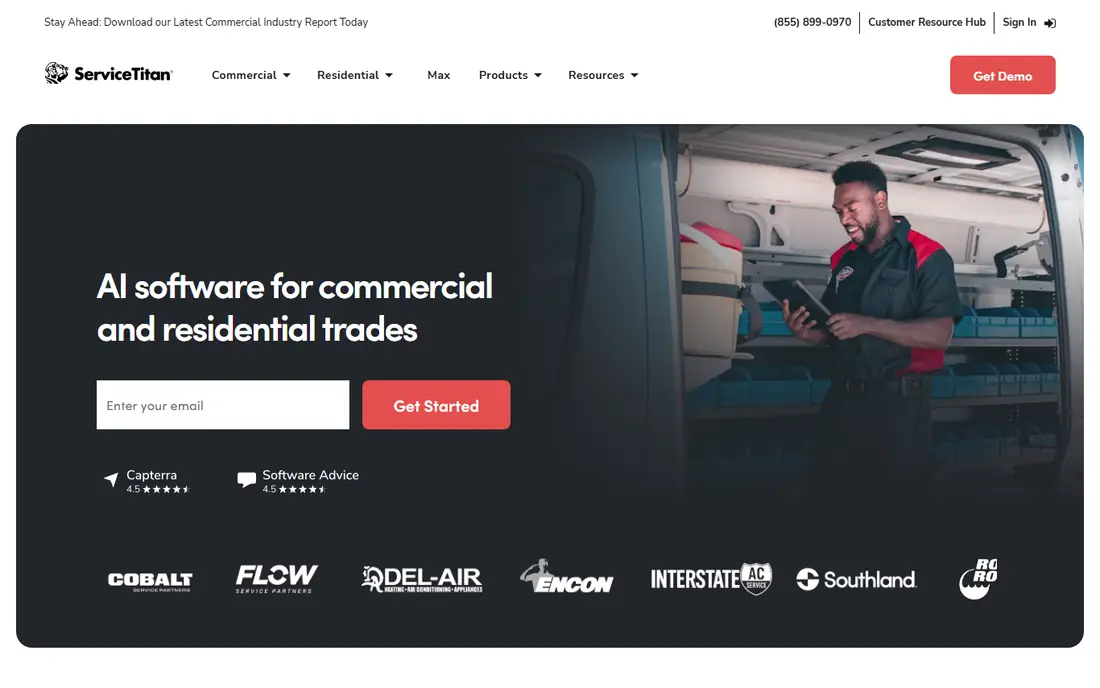
ServiceTitan is built for larger HVAC, plumbing, and electrical companies that run many trucks and need tight control over dispatch, sales, and marketing. It offers advanced dispatch boards, pricebooks, call tracking, marketing attribution, and reporting that smaller tools cannot match. For a company with dedicated office staff, that depth can pay for itself in better booking rates and clearer job costing.
The cost and setup are serious. Pricing is quoted per technician, with contractor reported figures well above small business tools, and implementation can take months. Small crews will find it heavy and costly. ServiceTitan suits companies that will use its full range and that have the staff to run it properly.
- Deep dispatch and reporting
- Marketing attribution and call tracking
- Strong fit for multi truck operations
- Quote based pricing is high
- Implementation can take weeks or months
- More software than small crews need
Salesforce is the most flexible general CRM on this list, and its Field Service tools add scheduling, dispatch, and mobile job management for service teams. Large service companies use it to join sales, service, billing, and reporting in one system, with automation that routes cases and jobs based on rules. The integration range is also unmatched, which helps companies with many other tools.
Flexibility comes with complexity and cost. Pricing varies by edition and add ons, and good setup often needs an admin or implementation partner. Small field teams will find Jobber or Housecall Pro faster to adopt. Salesforce suits larger service companies that need a CRM they can shape to complex workflows.
- Very flexible CRM and automation
- Field Service tools for scheduling and dispatch
- Huge integration range
- Pricing and setup can be complex
- Needs admin time or a partner to configure well
HubSpot CRM starts free, which makes it an easy way for a service company to organise contacts, deals, and service tickets without an upfront fee. The service hub adds ticketing, knowledge base, and customer feedback tools, while the sales hub adds pipelines and automation. For a service company that sells as well as serves, that joined view is valuable.
HubSpot is not a field service platform at heart. Scheduling and dispatch are lighter than Jobber or ServiceTitan, so trades teams may need integrations or workarounds for job routing. Costs also rise as you add hubs, contacts, and marketing tools, so check the price for your actual setup. For office led service companies, HubSpot is a strong and flexible choice.
- Free CRM starter tier
- Strong contact, deal, and ticket tools
- Good marketing and service hub options
- Field scheduling is less deep than Jobber or ServiceTitan
- Costs rise as you add hubs and contacts
Zoho CRM suits small service companies that want a low cost CRM they can shape to their own pipeline. You can track leads, customers, jobs as deals, and follow ups, with automation for reminders and assignments. The free tier helps very small teams start, and paid plans stay below many rivals, which matters when every user seat counts.
The interface can feel busy at first, and field service work such as dispatch and job scheduling needs configuration or links to other Zoho apps. That setup time is the trade off for low cost and flexibility. If your team is comfortable configuring tools and wants to keep costs down, Zoho CRM is hard to beat on value.
- Low cost plans with strong customisation
- Automation and pipeline tools
- Wide Zoho app range
- Interface can feel busy
- Field service features need configuration or add ons
Freshsales, part of Freshworks, focuses on sales pipelines, lead management, and follow up, which suits service companies that win work through quotes and repeat sales. Built in phone and email keep outreach in one place, and lead scoring on higher plans helps teams prioritise the best prospects. The interface is clean, which helps adoption across a small team.
Service and field features are lighter than Jobber or ServiceTitan, so a trades company may need Freshdesk or an integration for tickets and dispatch. Freshsales fits service companies where sales and customer follow up matter most, with field work handled elsewhere or through linked tools.
- Clean sales pipeline and lead tools
- Built in phone and email
- AI lead scoring on higher plans
- Service ticket tools are lighter than a dedicated service CRM
- Field scheduling needs integrations
Pipedrive is the simplest CRM on this list to learn. Deals move across a visual pipeline, activities and follow ups are easy to set, and automation on higher plans handles routine reminders. For a small service company that mainly needs to track leads, quotes, and repeat customers, that clarity beats a complex system staff will not use.
Pipedrive does not offer deep field service tools, so scheduling, dispatch, and job costing will need other software or integrations. It suits office led service companies and small teams that value a clean pipeline over field depth. If your team needs dispatch boards and pricebooks, look at Jobber or ServiceTitan first.
- Very clear visual pipeline
- Easy to learn for small teams
- Good automation on higher plans
- Limited service and dispatch features
- Reporting depth is lower than enterprise CRMs
monday CRM lets service teams build boards for customers, jobs, leads, and follow ups, with statuses, timelines, and automations that match how the team actually works. That visual style helps managers see job progress at a glance, and collaboration tools keep office and field notes in one place. Small teams often adopt it fast because boards feel familiar.
Field dispatch is not built in the way it is in Jobber or ServiceTitan, so trades teams will need custom boards or integrations for routing. Pricing also rises with team size and feature tier, so check the total for your user count. For service companies that want a flexible, visual CRM, monday CRM is a strong option.
- Highly visual boards and workflows
- Flexible job and customer tracking
- Good team collaboration tools
- Pricing rises with users and features
- Field dispatch needs custom setup
Insightly joins CRM with project management, which suits service companies that run jobs as projects with tasks, milestones, and files. You can track a customer from lead to job to follow up without switching tools, and the interface stays approachable for small teams. That joined view helps companies that sell a project, then deliver it over weeks.
The integration range is smaller than Salesforce or HubSpot, and field dispatch features are limited. Insightly suits small service firms that need projects plus CRM in one place, rather than a dedicated field platform. For larger trades operations, a field service CRM will still be a better fit.
- CRM plus project management in one tool
- Good contact and opportunity tracking
- Simple reporting
- Smaller integration range than Salesforce or HubSpot
- Field service depth is limited
How we picked these
We compared CRMs that service companies actually use, including field service platforms and general CRMs with service tools. We looked at scheduling, dispatch, quoting, invoicing, customer history, mobile access, integrations, and pricing for typical team sizes. We gave weight to tools with clear service workflows and to general CRMs that adapt well to service pipelines, and we left out CRMs with no practical service use case.
We did not claim hands on testing. Our comparison rests on official pricing and feature pages and public reviews. Prices and plan limits change, so check the vendor pricing page for your team size and for the features you need before you buy.
How to choose a service industry CRM
Start with how work reaches your team. If jobs come by phone and need dispatch to trucks, pick a field service platform such as Jobber, Housecall Pro, or ServiceTitan. If work comes through sales pipelines and tickets, a general CRM such as HubSpot, Salesforce, or Zoho CRM may fit better. The wrong choice here is the most common reason teams abandon a CRM, since staff will not use a tool that fights their daily routine.
Cost, migration, and adoption
Model total cost for your user count, including add ons for payments, marketing, or field tools. Plan migration for customer records, job history, and open quotes, and test the mobile app with field staff before you roll out. A CRM only works if office and field staff both use it, so pick the tool your team will actually open every day, not just the one with the longest feature list.
FAQ
What is the best rated CRM for service industry small businesses?
Jobber and Housecall Pro are the most practical picks for small field service businesses, thanks to scheduling, quoting, invoicing, and mobile apps in one tool. HubSpot CRM and Zoho CRM suit office led service companies that need a general CRM at lower cost. Try free trials with real jobs before you commit.
Do I need a field service CRM or a general CRM?
Choose a field service CRM if you dispatch staff to jobs, need job scheduling, and track work on site. Choose a general CRM if your work is mainly sales, tickets, and customer follow up without field dispatch. Some companies use both, with a field tool for jobs and a general CRM for sales.
How much does a service industry CRM cost?
Costs vary by users and plan, from free starter tiers at HubSpot and Zoho CRM to $39 per month for Jobber and $59 per month for Housecall Pro, up to quote based pricing for ServiceTitan and Salesforce. Always compare total cost for your team size, including add ons, rather than entry price alone.
Can a CRM handle invoicing and payments?
Field service CRMs such as Jobber and Housecall Pro include invoicing and payments, with client portals for approvals. General CRMs often need an integration or add on for invoicing and payments. Check the exact plan, since payment features may sit on higher tiers.
Does ServiceTitan suit a small business?
ServiceTitan suits larger trades businesses with many technicians and dedicated office staff, not most small crews. Its depth, quote based pricing, and implementation time make it heavy for a solo operator or small team. Small crews usually do better with Jobber or Housecall Pro.
How long does it take to set up a service CRM?
Small field service tools can be live in days, while general CRMs may take weeks to configure pipelines, automation, and integrations. Enterprise tools such as ServiceTitan and Salesforce can take months with implementation help. Start with core jobs and customers, then add automation over time.
Sources
- https://getjobber.com/pricing
- https://www.housecallpro.com/pricing
- https://www.servicetitan.com
- https://www.salesforce.com
- https://www.hubspot.com/pricing/crm
- https://www.zoho.com/crm/pricing
- https://www.freshworks.com/crm/sales/pricing
- https://www.pipedrive.com/pricing
- https://monday.com/crm/pricing
- https://www.insightly.com/pricing