Top 5 Productivity Software for Startup Founders for 2026 (Prices and Free Plans)
Best productivity software for startup founders in 2026: 5 tools with starting prices, free plans and limits. Short verdicts, no fluff. Full profiles inside.
- Editor's choice
 Trello
Straightforward visual task boards
Starts at$5 per user per monthVisit trello.comFull review - Great alternative
 Asana
Structured project and workflow management
Starts at$10.99 per user a monthVisit asana.comFull review - Also consider
 Slack
Quick team communication and integrations
Starts at$4.38 per user a monthVisit slack.comFull review
Direct answer
Trello leads the list, best for straightforward visual task boards. Listed starting prices: Trello from $5 per user per month, Asana from $10.99 per user a month and Slack from $4.38 per user a month. Alternatives: Asana for structured project and workflow management, and Slack for fast team communication and integrations. Prices, free plans and limits for all 5 tools follow.
TL;DR:
- Number one here is Trello, a fit for straightforward visual task boards.
- Only 4 of the 5 tools have a free plan (Trello, Asana, Slack, Notion), so check the caps.
- Slack is the lowest-priced starter here at $4.38 per user per month.
- For docs, wikis and light project tracking, Notion is worth a look.
Last checked November 2026. Prices and plan details were read from the vendors' own pages in November 2026; vendors change plans often, so confirm the current price on the vendor site before you buy.
Quick comparison
| Tool | Best for | Starts at | Free plan? | |
|---|---|---|---|---|
| Trello | Straightforward visual task boards | $5 per user per month | Yes | Visit |
| Asana | Structured project and workflow management | $10.99 per user a month | Yes | Visit |
| Slack | Quick team communication and integrations | $4.38 per user a month | Yes | Visit |
 Microsoft 365 | Document-heavy teams needing desktop apps | See website | Free trial | Visit |
 Notion | Docs, wikis and light project tracking | $10 per member a month | Yes | Visit |
Every option for productivity software for startup founders explained
LinkVetted compared 5 productivity software for startup founders. The goal is a practical shortlist: published prices, free plan facts, best-fit use cases and honest limits for every entry.
Trello is aimed squarely at straightforward visual task boards. Its homepage stresses escaping clutter and staying efficient.
In daily use, choose Trello when speed of adoption and visual clarity matter more than depth. Trello cost at the entry level: $5 per user per month. Trello has a free plan.
Honest limits: Restricted for complicated, multi-team workflows.
- Boards and cards are fast to learn
- Performs well on mobile
- Reporting depth is modest
Where Asana fits: structured project and workflow management. Asana is work management software for teams and AI agents, built to plan, automate and execute critical workflows together. Founders who want a lighter visual approach may prefer Trello, whereas those wanting docs and tasks in one workspace may lean on Notion.
For everyday use, founders running several workstreams, like product, marketing and hiring, can use it to assign owners, track timelines and keep recurring processes visible without relying on chat threads. For everyday use, Asana asks for more setup discipline than a straightforward board tool, and very small teams may find the structure unnecessary at first. Asana cost at the entry level: $10.99 per user per month. Asana offers a free plan.
Points against: More structure to configure than straightforward boards.
- Supports human and AI agent workflows
- Clear task and project views
- Can feel heavy for very small teams
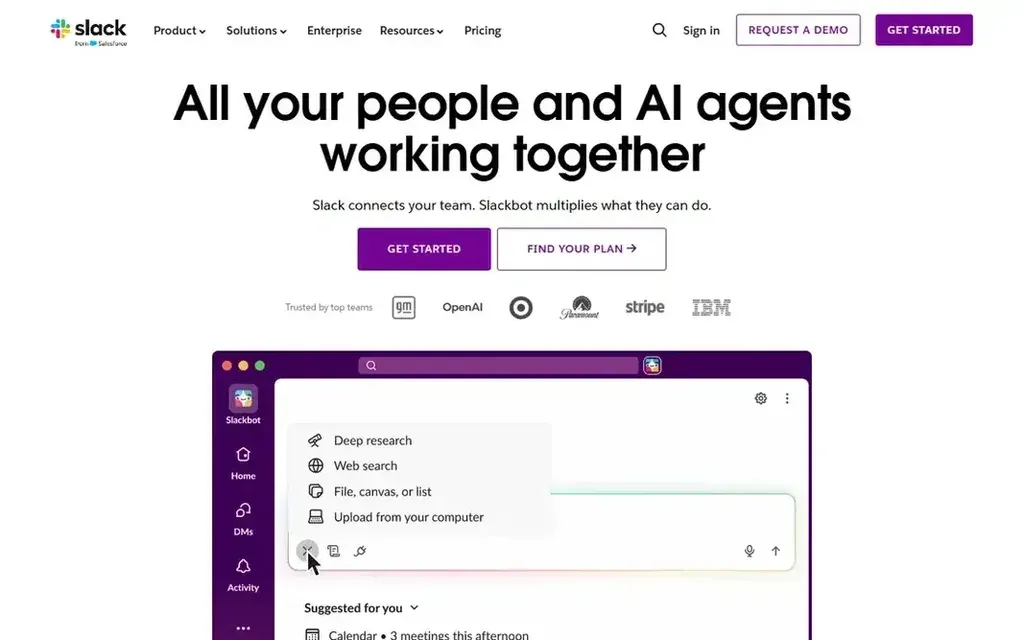
Think of Slack for quick team communication and integrations. Slack describes itself as an AI work product for managing projects, automating workflows and connecting teams securely.
In daily use, Slack is a communication tool first, so in-depth task tracking, timelines and reporting are better handled elsewhere. More specifically, founders generally use it as the communication layer of the company, with channels for teams, projects and external partners, plus integrations that bring alerts and updates into one stream. Price to start with Slack: $4.38 per user per month. Free access exists with Slack.
Downsides: Less suited to structured project planning.
- Wide app and workflow integrations
- AI features for search and summaries
- Message volume can overwhelm small teams
Microsoft 365 serves document-heavy teams needing desktop apps. Founders with document-heavy work, for example finance models, proposals or contracts, frequently value the depth of the desktop applications alongside online collaboration and cloud storage.
Worth adding: choose Microsoft 365 when document depth and desktop applications matter more than a light setup. Check the vendor site for Microsoft 365 pricing; none is listed in this comparison. Free access: Free trial.
Where it is weaker: Collaboration setup is less immediate than browser-first suites.
- Capable document and spreadsheet depth
- Full desktop and online productivity apps
- Administration can feel complicated for small teams
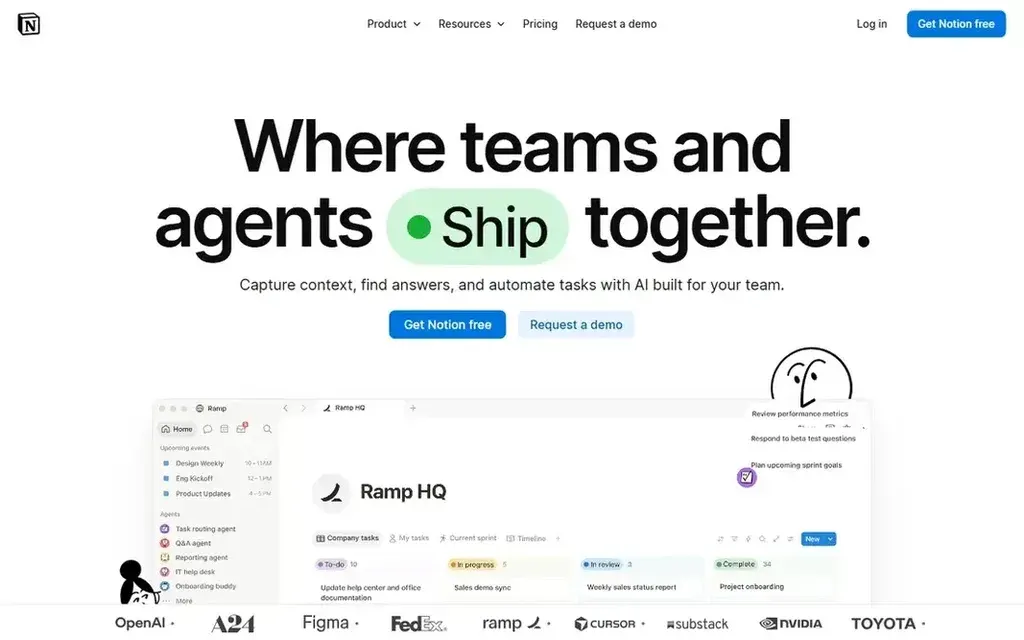
Notion targets docs, wikis and light project tracking. For founders, it frequently replaces multiple scattered tools with a single hub for company notes, meeting records and straightforward roadmaps. Notion is an AI workspace that brings docs, wikis, databases and project tracking into one place.
The main drawbacks: Can slow down on very large databases.
What users get: Adaptable templates for small teams; Merges notes.
Its homepage flags custom agents, search across connected apps and automation of routine work. The adaptability is also the primary limit: without a clear structure, pages and databases can sprawl, and heavy database use can feel slower than a dedicated project tool. The starting price for Notion: $10 per member per month. A free plan is available with Notion.
- Docs and databases
- AI search across connected apps
- Adaptable setup takes time to structure
How these tools were picked
Selection started from tools commonly considered for productivity software for startup founders, then narrowed to 5 that have clear pricing information or a clear quote process. Where a price is missing, the vendor does not list one publicly or ties it to a quote. Always confirm before budgeting. Position on the page reflects fit for a typical buyer first, with price clarity and free access breaking ties. Treat it as a guide, not a ruling.
Things to verify first
- Get a written quote from Microsoft 365; the list shows no starting price for them.
- Look at free plan limits closely: Trello, Asana, Slack and Notion have one, and the caps decide whether it is usable for real work.
- Use real work to test the free trial from Microsoft 365, rather than a demo project.
- Read the limits listed for Trello first: restricted for complicated, multi-team workflows.
- Confirm the exact Trello plan that includes your must-have features.
- Ask Slack which support channels and response times come with the plan you would buy.
FAQ
How are the tools for productivity software for startup founders ordered?
The order follows typical fit for productivity software for startup founders, with Trello first and Notion last, then price clarity and free access. It is editorial judgement, not a score, so another team could rank the tools differently.
Can I try these tools before paying?
Often, yes. Trello, Asana, Slack and Notion have a free plan and Microsoft 365 offers a free trial. Use your own data and a real task during the test, and check what the free tier or trial limits before you rely on it.
Should founders choose an all-in-one tool or separate best-of-breed apps?
For most readers this guide would start with Trello, built for straightforward visual task boards. Asana is the alternative for structured project and workflow management, and Slack for quick team communication and integrations. The right answer depends on budget and workflow.
Is Trello the right pick for everyone comparing productivity software for startup founders?
No single tool suits every team. Trello comes first because it fits simple visual task boards, while Asana suits structured project and workflow management and Slack suits fast team communication and integrations. Match the tool to your own size, budget and workflow before deciding.
Which options for productivity software for startup founders have a free plan?
Trello, Asana, Slack and Notion offer a free plan in this list. Free plans usually cap users, projects or features, so check the limits on the vendor page. One other tool offers a trial instead.
What should a founder check before committing to a productivity suite?
Confirm guest access, data export, admin controls and integration with your email and calendar. Also test the tool with one real workflow before rolling it out. These checks cut the risk of migration later.
Sources
- https://trello.com
- https://asana.com
- https://slack.com
- https://www.microsoft.com/microsoft-365
- https://www.notion.so