6 Best Product Usage Analytics Software for PLG Companies for 2026, Vetted and Compared
Best product usage analytics software for PLG companies: 6 contenders ranked by fit, with entry costs and free tiers. With pricing notes and limits. Facts only.
- Editor's choice
 Mixpanel
Analytics with replay, experiments, and flags
Starts at$100 per monthVisit mixpanel.comFull review - Great alternative
 Pendo
In-app guidance and adoption context
Starts atSee websiteVisit pendo.ioFull review - Also consider
 June
Auto-generated reports for B2B SaaS
Starts atSee websiteVisit june.soFull review
Direct answer
Our first pick is Mixpanel, best for analytics with replay, experiments, and flags. Listed starting prices: Mixpanel from $100 per month and Statsig from $150 a month. Pendo is the stronger choice for in-app guidance and adoption context, while June suits auto-generated reports for B2B SaaS. Details, prices and limits for the rest of the 6 tools are below.
TL;DR:
- Top of the list is Mixpanel, which targets analytics with replay, experiments, and flags.
- Mixpanel has the lowest monthly starting price in this list: $100 per month.
- For developer-friendly analytics with automated diagnostics, PostHog is worth a look.
- Pendo comes with a trade-off: emphasis on in-app context may not suit pure analysis needs.
- Free plans exist at 2 of 6 tools (Mixpanel, Statsig).
Last checked November 2026. Prices and plan details were read from the vendors' own pages in November 2026; vendors change plans often, so confirm the current price on the vendor site before you buy.
Quick comparison
| Tool | Best for | Starts at | Free plan? | |
|---|---|---|---|---|
| Mixpanel | Analytics with replay, experiments, and flags | $100 per month | Yes | Visit |
| Pendo | In-app guidance and adoption context | See website | Not stated | Visit |
| June | Auto-generated reports for B2B SaaS | See website | No | Visit |
 Statsig | Experimentation and feature management with analytics | $150 a month | Yes | Visit |
 Amplitude | AI-assisted product analytics and feedback loops | See website | Not stated | Visit |
 PostHog | Developer-friendly analytics with automatic diagnostics | See website | Not stated | Visit |
Our 6 product usage analytics software for PLG companies
LinkVetted put together this guide to product usage analytics software for PLG companies for readers who want a clear shortlist without reading every vendor page. It compares 6 tools on starting price, free plans, who each one suits and where each one falls short.
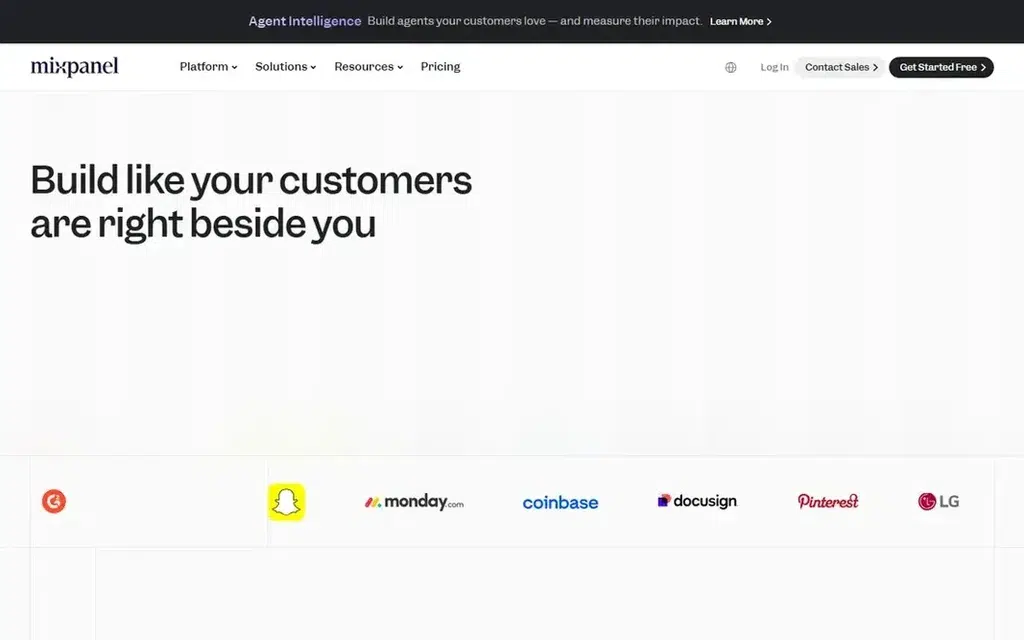
Mixpanel targets analytics with replay, experiments, and flags. This makes it a good fit for PLG firms that want to link usage analysis with experimentation and release control without stitching together separate tools.
As for the details, since Mixpanel spans multiple disciplines, teams need a clear event taxonomy to get steady results. Mixpanel starts at: $100 per month. A free plan is available with Mixpanel.
Downsides: Plenty of modules can complicate onboarding.
- AI-powered insights surface patterns
- Comes with experiments and feature flags
- Best value emerges with disciplined event tracking
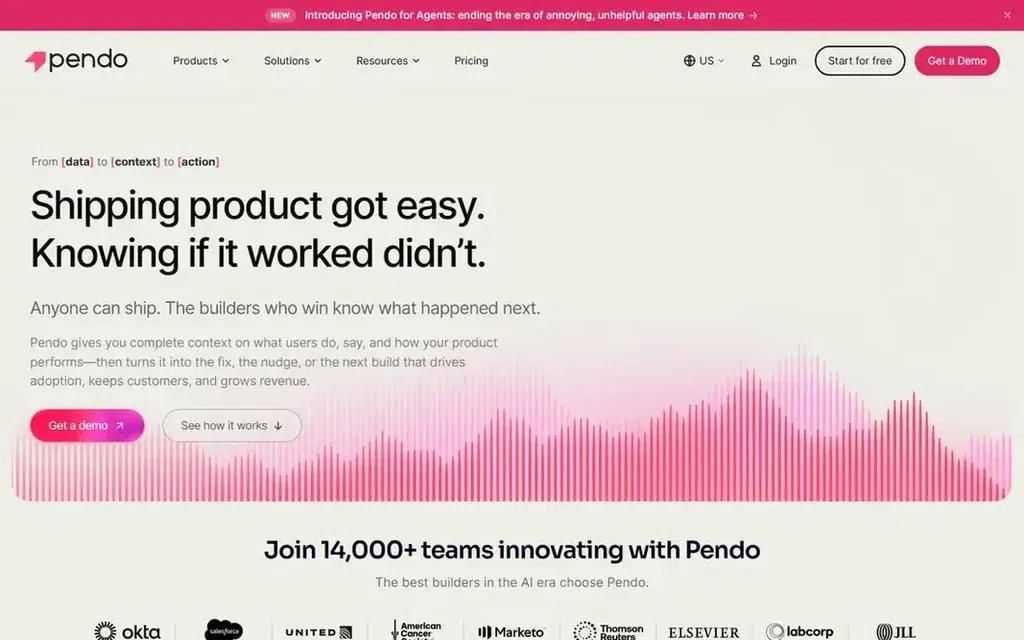
Pendo is built with in-app guidance and adoption context in mind. Pendo supplies product context for the apps and AI agents you build or buy, so teams can understand users, act where it counts, and drive adoption and revenue.
Worth adding: for PLG businesses, this is handy when analytics needs to translate straight into in-product experiences and adoption programs. Consider Pendo when adoption, onboarding, and in-product guidance are central to your growth motion. Pendo shows no starting price here, so confirm the cost on the vendor site. Free plan details: Not stated.
Trade-offs to know: Needs coordination with product and engineering.
- Helps teams act where user behavior happens
- Feeds product context to apps and AI agents
- Emphasis on in-app context may not suit pure analysis needs
In short, June is for auto-generated reports for B2B SaaS. June is product analytics software for B2B SaaS, offering auto-generated reports for customer analysis concentrated on how firms use your product. Teams needing a broad toolkit across replay, flags, and experiments may look elsewhere.
More specifically, June's B2B SaaS focus means it is less oriented toward consumer-scale behavioral analysis or broad experimentation suites. For PLG firms selling to firms, this account-level view is handy for understanding which customers adopt features and where expansion opportunities sit. No starting price is listed for June here; confirm pricing on the vendor site. No free plan comes with June.
Downsides: Narrower scope than wide analytics suites.
- Concentrated on how businesses use your product
- Made for B2B SaaS
- Less suited to consumer-style product analysis
For experimentation and feature management with analytics, Statsig is a natural candidate. For PLG firms that run continuous experiments, this combination keeps feature releases and measurement in one place.
In daily use, organizations that chiefly need retrospective usage analysis may find the product broader than necessary. Also, consider Statsig when experimentation and feature management are central to how you ship product changes. Statsig pricing: $150 per month. Statsig offers a free plan.
Watch-outs: Wide toolkit needs thoughtful rollout.
- Single toolkit for release and measurement
- Integrated experimentation and feature management
- Experimentation discipline is needed for clean results
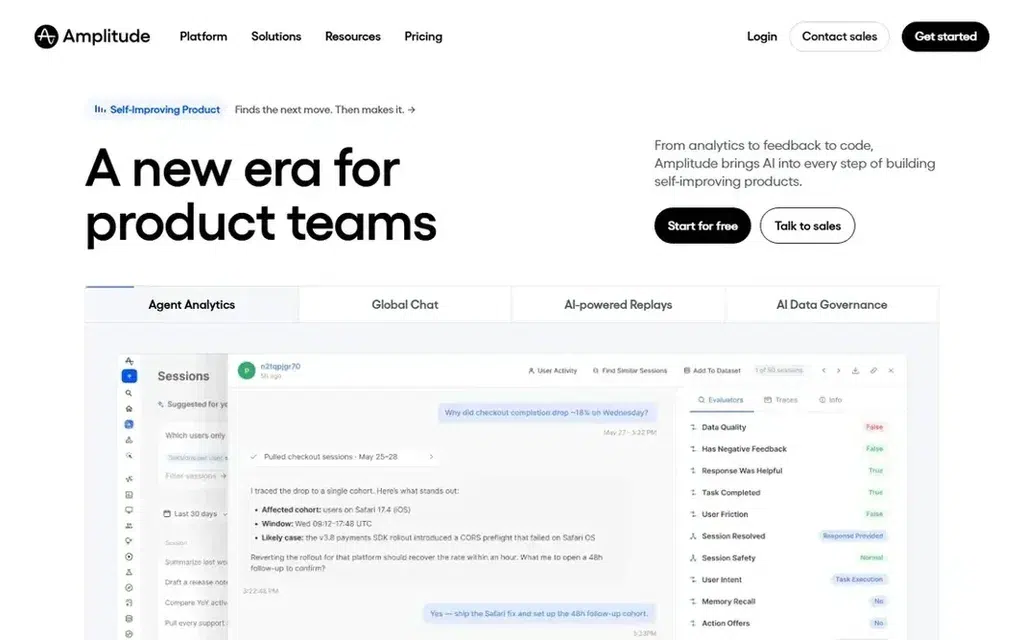
Amplitude is a good fit for AI-assisted product analytics and feedback loops. Amplitude is a product analytics product that positions itself around AI across analytics, feedback, and code. It is built for teams that want to understand user behavior and then act on those insights to boost the product.
The main drawbacks: Wide feature set may overwhelm new teams.
Also, the breadth of the system can mean a steeper ramp-up time for smaller teams with restricted analytics resources. Teams that only need entry-level event tracking may find more straightforward tools sufficient. On top of that, consider Amplitude when you want an analytics foundation that also supports feedback and AI-assisted product improvement. Check the vendor site for Amplitude pricing; none is listed in this comparison. Free plan details: Not stated.
- Merges several product data sources
- Brings AI into analytics, feedback, code
- Advanced capabilities need setup effort
PostHog is built with developer-friendly analytics with automatic diagnostics in mind. Automatic diagnostics and generated code still need review before adoption, so teams should plan for oversight. PostHog presents itself as a system that automatically diagnoses problems, fixes bugs, and creates pull requests without you having to prompt it.
This makes it appealing to PLG firms where product and engineering work closely together and where usage data should feed straight into development work. Organizations seeking a purely visual, non-technical analytics experience may prefer another tool. No starting price is listed for PostHog here; confirm pricing on the vendor site. Trial and free access: Not stated.
What to check first: Automation output needs human review.
- Automatically diagnoses problems and suggests fixes
- Creates pull requests without prompting
- Feature depth varies across modules
How we compared the tools
We compared the tools on published pricing, free plan or trial availability, feature coverage for product usage analytics software for PLG companies, and the limits each vendor documents. Prices and plan limits come from vendor pages and can change, so confirm them on the vendor site before you buy. We ordered the tools by general fit, then by how clearly pricing is shown, then by free access. A buyer with unusual needs may reorder them.
Before you commit
- Ask Pendo, June, Amplitude and PostHog for a written quote, since no starting price is shown.
- Look at free plan limits closely: Mixpanel and Statsig have one, and the caps decide whether it is usable for real work.
- Read the limits listed for Mixpanel first: plenty of modules can complicate onboarding.
- Get the contract term, renewal terms and any onboarding fees from Pendo in writing.
- Confirm the exact Statsig plan that includes your must-have features.
FAQ
Which options for product usage analytics software for PLG companies have a free plan?
Mixpanel and Statsig offer a free plan in this list. Free plans usually cap users, projects or features, so check the limits on the vendor page.
Do these tools publish their prices?
Not all of them. Pendo, June, Amplitude and PostHog publish no starting price, so expect a quote request for those. The rest, Mixpanel included, show a starting price, though seats and billing terms still change the final cost.
Is Mixpanel the right pick for everyone comparing product usage analytics software for PLG companies?
No single tool suits every team. Mixpanel comes first because it fits analytics with replay, experiments, and flags, while Pendo suits in-app guidance and adoption context and June suits auto-generated reports for B2B SaaS. Match the tool to your own size, budget and workflow before deciding.
How are the tools for product usage analytics software for PLG companies ordered?
Mixpanel sits first and PostHog last because the order follows typical fit for product usage analytics software for PLG companies, then price clarity and free access. It is a judgement call, so read each profile for fit and limits.
What should a PLG company look for in product usage analytics software?
Look for dependable event tracking, simple exploration of user behavior, and reporting that matches your growth motion. If you experiment frequently, check whether experimentation and feature flags are included.
Sources
- https://mixpanel.com
- https://www.pendo.io
- https://june.so
- https://statsig.com
- https://amplitude.com
- https://posthog.com