Choosing Product Analytics Software for Schools in 2026: 5 Options Compared
5 best product analytics software for schools, compared on pricing, free plans and best-fit use. The catches are listed up front. Budget notes included.
- Editor's choice
 Adobe Analytics
Enterprise digital experience measurement
Starts atSee websiteVisit business.adobe.comFull review - Great alternative
 Hotjar
Behavior insight for smaller institutions
Starts at$39 a monthVisit hotjar.comFull review - Also consider
 PostHog
Technical teams wanting bundled diagnostics
Starts atSee websiteVisit posthog.comFull review
Direct answer
Adobe Analytics is the first pick on this list for enterprise digital experience measurement. Listed starting prices: Hotjar from $39 a month and Mixpanel from $100 a month. For a different need, Hotjar covers behavior insight for smaller institutions and PostHog covers technical teams wanting bundled diagnostics. The remaining 2 options are covered below with prices and limits.
TL;DR:
- Adobe Analytics is the opening pick, best for enterprise digital experience measurement.
- The main caution on Hotjar: less deep than dedicated product analytics suites.
- For the cheapest start, look at Hotjar: $39 per month.
- Hotjar, Heap, Mixpanel: these are the 3 tools out of 5 that offer a free plan.
- Mixpanel fits wide product intelligence with replay.
Last checked November 2026. Prices and plan details were read from the vendors' own pages in November 2026; vendors change plans often, so confirm the current price on the vendor site before you buy.
Quick comparison
| Tool | Best for | Starts at | Free plan? | |
|---|---|---|---|---|
| Adobe Analytics | Enterprise digital experience measurement | See website | Not stated | Visit |
| Hotjar | Behavior insight for smaller institutions | $39 a month | Yes | Visit |
| PostHog | Technical teams wanting bundled diagnostics | See website | Not stated | Visit |
 Heap | Capturing unknown user behavior | See website | Yes | Visit |
 Mixpanel | Wide product intelligence with replay | $100 a month | Yes | Visit |
Our 5 product analytics software for schools
LinkVetted compared 5 product analytics software for schools. The goal is a practical shortlist: published prices, free plan facts, best-fit use cases and honest limits for every entry.
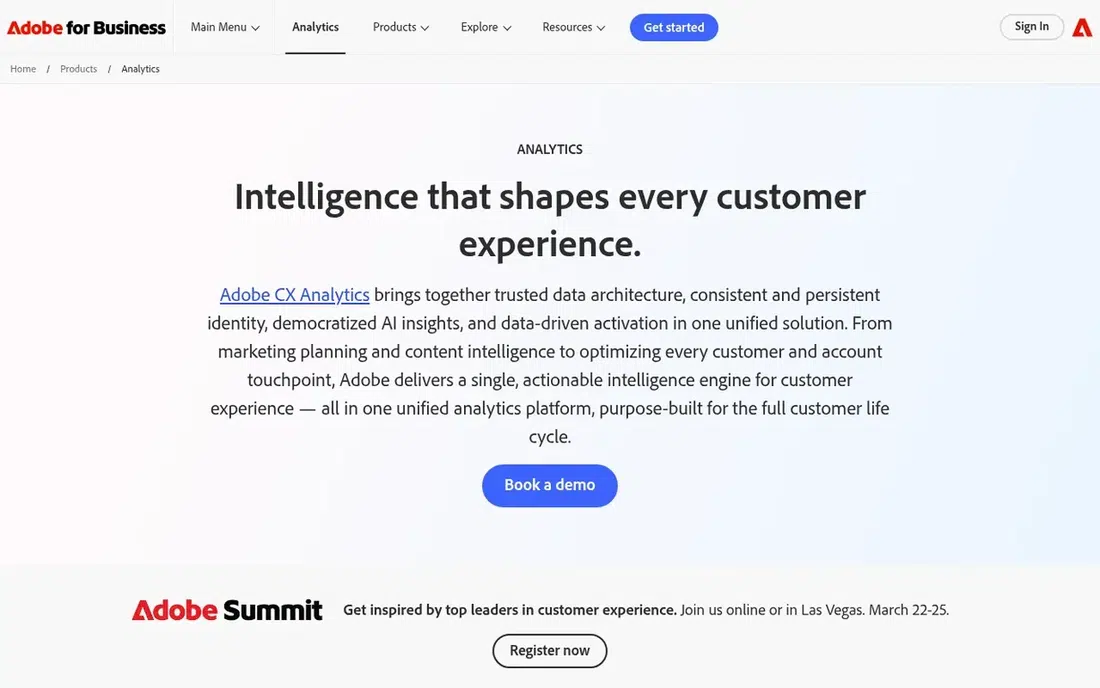
Adobe Analytics works best for enterprise digital experience measurement. Adobe Analytics is an enterprise digital experience analytics product that unifies customer data, measures digital marketing performance and optimizes journeys with AI-powered insights. Beyond that, the enterprise focus means setup and continuing administration usually need specialist resources, which plenty of individual schools lack.
Honest limits: Enterprise orientation can be heavy for small schools.
If you want fast behavioral insight without a heavy implementation, a more straightforward tool is worth considering. As for the details, smaller institutions may find the scope bigger than their questions need. This comparison lists no price for Adobe Analytics; ask the vendor. As for free access: Not stated.
- Measures marketing performance
- AI-powered journey optimization
- Implementation demands specialist skills
Hotjar is aimed squarely at behavior insight for smaller institutions. If you need to link behavior to product decisions across an app, look at a broader product.
Honest limits: Less deep than dedicated product analytics suites.
Beyond that, schools that want to see how visitors and users behave on their websites without a large analytics program can start here. On top of that, behavior insight is narrower than full product analytics, so schools needing funnels, experiments and feature flags will likely outgrow it. Price to start with Hotjar: $39 per month. Free access exists with Hotjar.
- Part of the Contentsquare group
- Behavior insights pitched at midsize and SMB users
- Most useful for website behavior questions
PostHog is designed for technical teams wanting bundled diagnostics. PostHog says it automatically diagnoses problems, fixes bugs and creates pull requests without you having to prompt it.
From a buyer's view, the product is framed around engineering tasks, so non-technical staff may find parts of it unfamiliar. This comparison lists no price for PostHog; ask the vendor. As for free access: Not stated.
What to check first: Bundled scope may exceed school needs.
- Can generate fixes and pull requests
- Automatically diagnoses problems
- Engineering-oriented framing
Heap is a good fit for capturing unknown user behavior. That automatic capture approach helps schools that do not yet know which questions to ask, since data is collected before hypotheses are formed.
What to check first: Automatic capture can produce noisy data.
Without that discipline, dashboards grow faster than understanding. If you already know exactly which events to track, a deliberately instrumented tool may be cleaner. Heap does not show a starting price in this comparison, so check the vendor site for current pricing. A free plan is available with Heap.
- Surfaces patterns other tools miss
- Shows everything users do on your site
- Governance needed as data accumulates
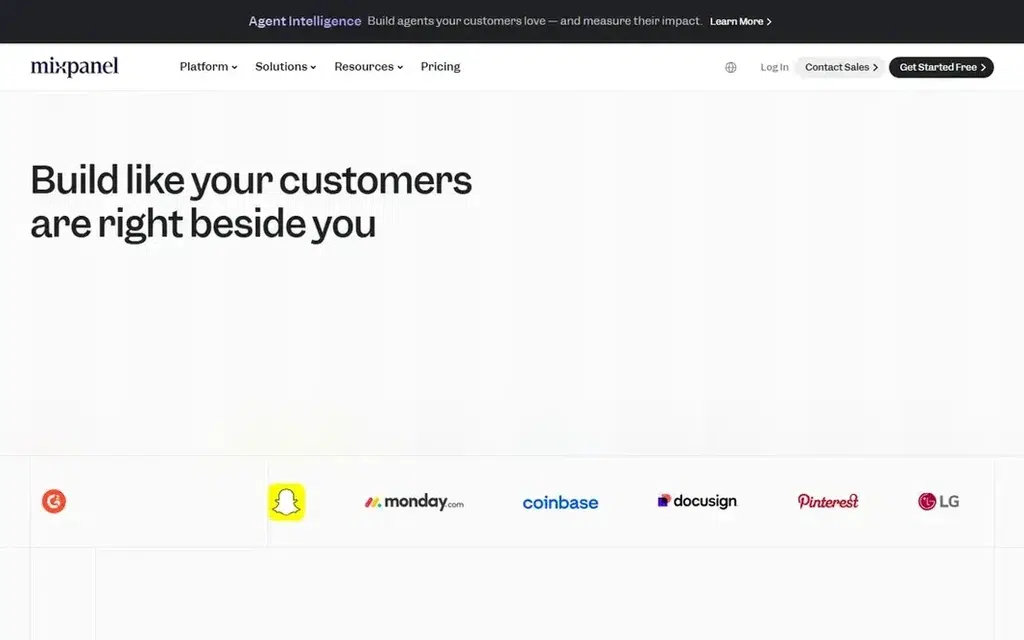
Pick Mixpanel if this describes you: wide product intelligence with replay. For schools, that means one place to see how students move through a learning portal, watch where they stall, and test changes before rolling them out widely. Also, the system assumes a reasonably mature analytics practice, so a small school without dedicated data staff may find the breadth heavy at first.
In practice, if you primarily need straightforward behavior recording with minimal setup, a lighter tool may suit you better. More specifically, event planning takes effort before results appear. Mixpanel cost at the entry level: $100 per month. Free access exists with Mixpanel.
Watch-outs: Feature breadth can overwhelm new teams.
- AI-powered insights surface patterns
- Event analytics plus session replay
- Setup needs planning event tracking
How we compared the tools
Things to verify first
- Ask Adobe Analytics, PostHog and Heap for a written quote, since no starting price is shown.
- Check what the free option really includes: Hotjar, Heap and Mixpanel offer a free plan, and usage caps differ.
- Before choosing Adobe Analytics, weigh its main limit: enterprise orientation can be heavy for small schools.
- Total up the real monthly cost of Hotjar, including add-ons, extra users and usage-based fees.
- Confirm minimum seats and billing terms with PostHog before you commit to an annual plan.
FAQ
How are the tools for product analytics software for schools ordered?
The order follows typical fit for product analytics software for schools, with Adobe Analytics first and Mixpanel last, then price clarity and free access. It is editorial judgement, not a score, so another team could rank the tools differently.
What is the cheapest option for product analytics software for schools in this list?
On published monthly entry prices, Hotjar is the lowest here at $39 per month. Entry price is only part of the cost, because seats, add-ons and billing terms can change the total. All 5 picks in this product analytics software for schools comparison list a starting price, free plan details and the main limits on their cards above.
Can I try these tools before paying?
Often, yes. Hotjar, Heap and Mixpanel have a free plan. Use your own data and a real task during the test, and check what the free tier or trial limits before you rely on it. For the full picture, the cards above cover all 5 entries of this product analytics software for schools list, including price, free plan and limits.
Do these tools publish their prices?
Not all of them. Adobe Analytics, PostHog and Heap publish no starting price, so expect a quote request for those. The rest, Hotjar included, show a starting price, though seats and billing terms still change the final cost.
Do schools need product analytics or just web analytics?
If you run a portal or learning application and want to understand engagement inside it, product analytics hands more detail than page-level web reporting.
How should schools approach student privacy with these tools?
Confirm what data each tool collects, whether behavior recording can be restricted, and how it aligns with your institution's privacy obligations. Involve whoever manages compliance before rollout, and document the choices you make.
Sources
- https://business.adobe.com/products/analytics/adobe-analytics.html
- https://www.hotjar.com
- https://posthog.com
- https://www.heap.io
- https://mixpanel.com