Choosing Analytics Software for Schools in 2026: 6 Options Compared
Weighing the best analytics software for schools? We lined up 6 products by cost, free access and fit. Each tool is judged on the same checks. Start here.
- Editor's choice
 Qlik Sense
Analytics with capable data integration
Starts atSee websiteVisit qlik.comFull review - Great alternative
 Google Looker Studio
Fast, shareable school dashboards
Starts atSee websiteVisit lookerstudio.google.comFull review - Also consider
 Domo
Governed data across the district
Starts atSee websiteVisit domo.comFull review
Direct answer
Qlik Sense leads the list, best for Analytics with solid data integration. Listed starting prices: Tableau from $15 per user per month. Alternatives: Google Looker Studio for fast, shareable school dashboards, and Domo for governed data across the district. The other 3 tools in the list cover narrower or pricier cases.
TL;DR:
- Qlik Sense sits first on this list: Analytics with capable data integration.
- Tableau is the only tool of the 6 with a free plan.
- Before buying Google Looker Studio, weigh this: complicated modeling is restricted.
- Zoho Analytics is the one to check for connecting plenty of apps to dashboards.
Last checked November 2026. Prices and plan details were read from the vendors' own pages in November 2026; vendors change plans often, so confirm the current price on the vendor site before you buy.
Quick comparison
| Tool | Best for | Starts at | Free plan? | |
|---|---|---|---|---|
| Qlik Sense | Analytics with capable data integration | See website | Not stated | Visit |
| Google Looker Studio | Fast, shareable school dashboards | See website | Not stated | Visit |
| Domo | Governed data across the district | See website | Free trial | Visit |
 Sisense | Embedding analytics into school portals | See website | Free trial | Visit |
 Tableau | Adaptable visual exploration of school data | $15 per user per month | Yes | Visit |
 Zoho Analytics | Connecting numerous apps to dashboards | See website | Not stated | Visit |
The best analytics software for schools
LinkVetted compared 6 analytics software for schools. The goal is a practical shortlist: published prices, free plan facts, best-fit use cases and honest limits for every entry.
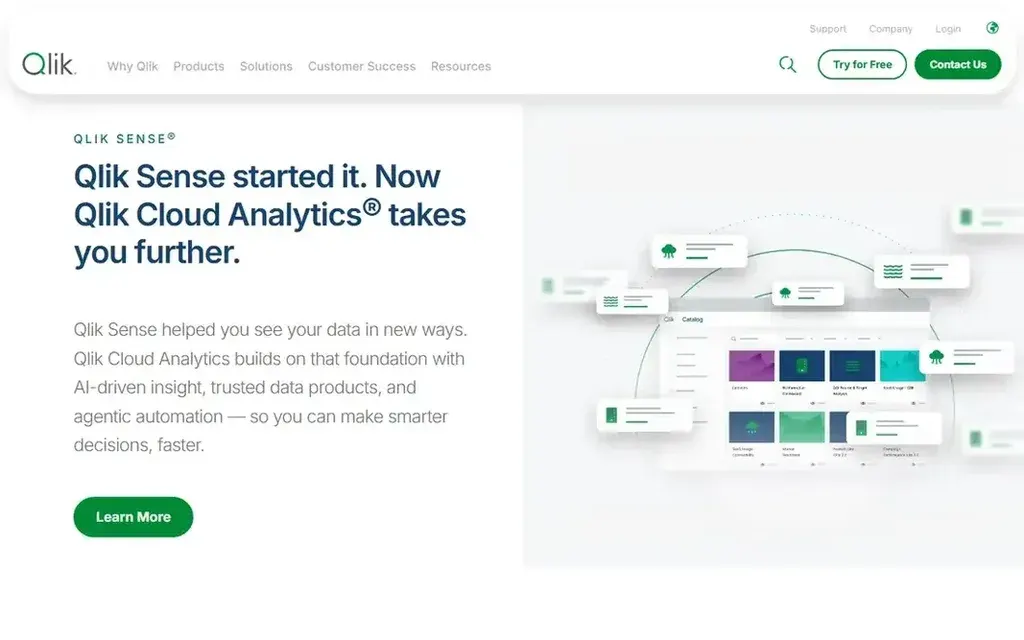
Qlik Sense targets Analytics with solid data integration. Qlik Sense sits within Qlik's data integration and analytics offering, which the vendor describes as a data fabric with end-to-end integration, data quality and analytics. For schools, it suits districts that require to consolidate data from several systems before analyzing it, giving data teams a single environment for preparing and exploring institutional data.
Points against: Setup needs data skills.
Beyond that, the system's breadth can be more than a single school needs, and getting value relies on having staff with data engineering or analytics skills. In daily use, schools wanting a more straightforward dashboard-first tool may prefer Google Looker Studio or Zoho Analytics. Pricing for Qlik Sense is not stated here, so ask the vendor for current figures. Free access: Not stated.
- Part of a broader data fabric
- Analytics for next-level insights
- Wide system may overwhelm small teams
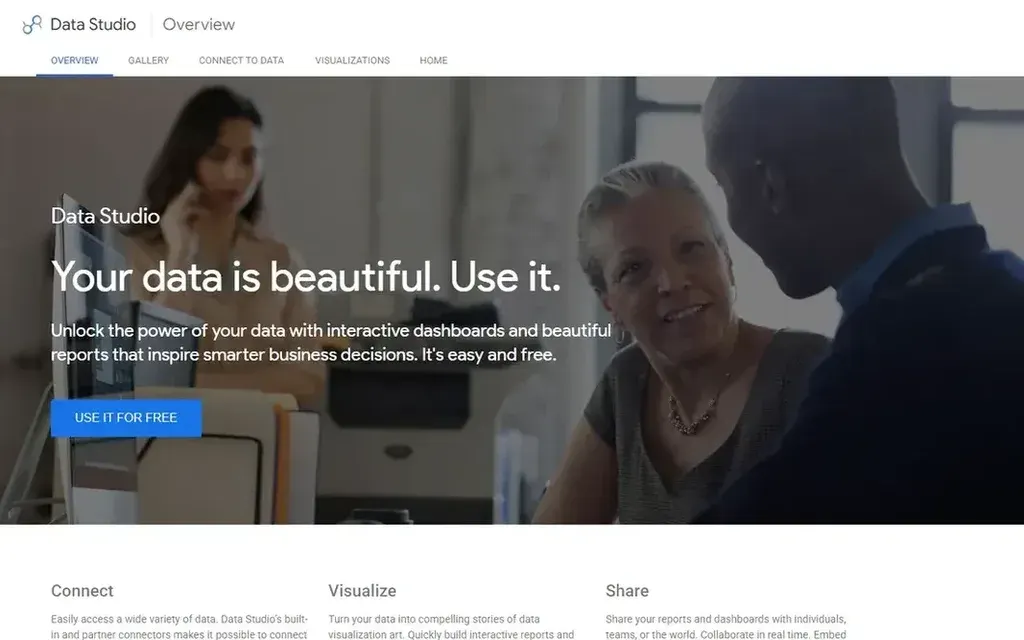
In short, Google Looker Studio is for fast, shareable school dashboards. For schools, it suits administrators and teachers who want to assemble and share enrollment, attendance or performance views without a heavy analytics build, notably where teams already work in Google productivity tools.
Where it is weaker: Advanced customization takes effort.
No starting price is listed for Google Looker Studio here; confirm pricing on the vendor site. Trial and free access: Not stated.
- Fits teams already in Google tools
- Straightforward report sharing
- Complex modeling is restricted
Domo makes the most sense for governed data across the district. Schools with narrower reporting goals may find a focused tool like Tableau or Looker Studio simpler to adopt.
Domo does not show a starting price in this comparison, so check the vendor site for current pricing. Free plan details: Free trial.
Where it is weaker: Wide feature set needs administration.
- Links and moves data from numerous sources
- Prepares and expands data access
- May be heavy for small schools
Think of Sisense for embedding analytics into school portals. Sisense offers AI-powered embedded analytics, letting organizations put insights into their own applications with pro-code, low-code and no-code adaptability.
Downsides: Needs development planning.
From a buyer's view, since Sisense centers on embedding, schools that only need occasional standalone reports may find it more involved than necessary. This comparison lists no price for Sisense; ask the vendor. Free options: Free trial.
- AI-powered insight delivery
- Pro-code
- Embedding focus may exceed straightforward reporting needs
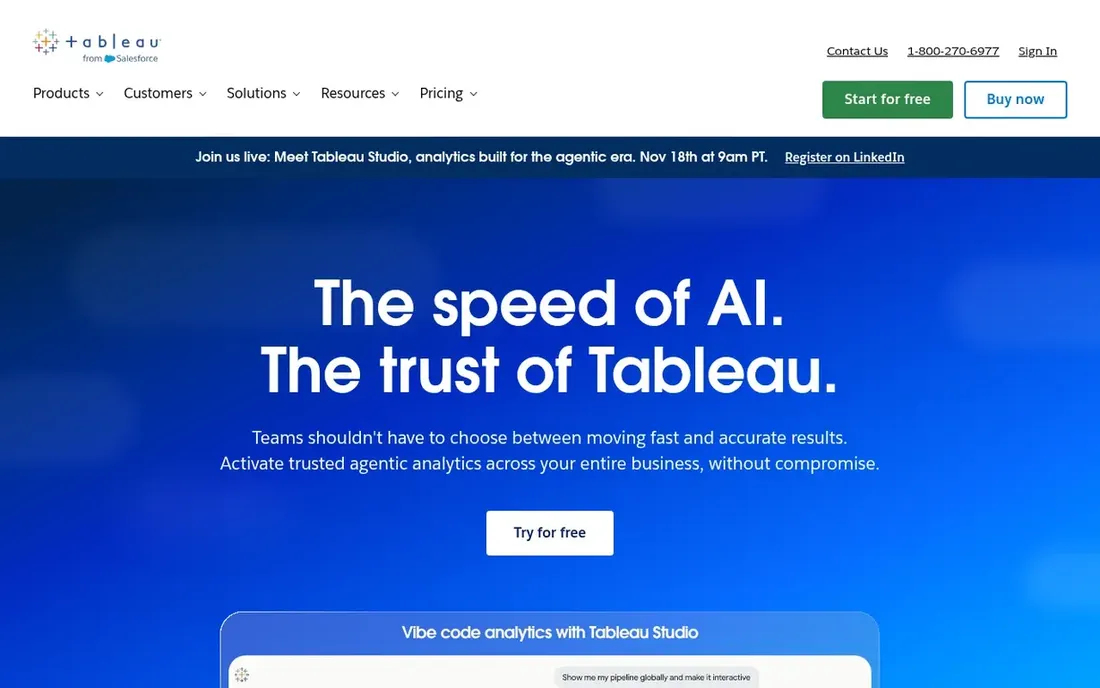
Tableau makes the most sense for adaptable visual exploration of school data. For schools, this suits district data teams and analysts who want to blend enrollment, assessment and operational data into shared views that administrators and teachers can open easily.
For everyday use, schools seeking a more straightforward, browser-based reporting tool with minimal setup may prefer a lighter choice for example Google Looker Studio. The starting price for Tableau: $15 per user per month. Tableau includes a free tier.
Trade-offs to know: Can be complicated for beginners.
- Connects to almost any database
- Share dashboards with a click
- Full capability may need training
Zoho Analytics is built with connecting plenty of apps to dashboards in mind. Zoho Analytics is a business intelligence and data analytics system that links to a large catalog of apps, builds dashboards and surfaces actionable insights. In practice, schools needing embedded analytics inside custom applications may prefer Sisense.
Where it is weaker: Complicated data models need setup.
Also, for schools, it suits administrators who want to pull data from learning, finance or operations apps into shared dashboards without assembling a custom analytics stack. The product is most convenient for schools already using Zoho products, and building complicated data models still needs planning and setup time. Pricing for Zoho Analytics is not stated here, so ask the vendor for current figures. Free plan details: Not stated.
- Links a large catalog of apps
- AI-assisted insights
- Best value within the Zoho ecosystem
How the list was put together
LinkVetted looked at what each vendor publishes: pricing, plan limits, feature coverage for analytics software for schools and stated drawbacks. No hands-on testing is claimed. Figures are shown as the vendors publish them. Billing terms, seat minimums and add-ons can change the real cost. The order reflects how well each tool fits the most common buying scenario for analytics software for schools, then price clarity, then free plan access. It is a starting point, not a verdict.
Before you commit
- Ask Qlik Sense, Google Looker Studio, Domo and others for a written quote, since no starting price is shown.
- Look at the free plan from Tableau closely: its caps decide whether it is usable for real work.
- Use real work to test the free trial from Domo and Sisense, rather than a demo project.
- Read the limits listed for Qlik Sense first: wide system may overwhelm small teams.
- Check how data leaves Domo: formats, limits and whether exports are available on every plan.
- Run a one or two week pilot of Qlik Sense with the people who will use it every day.
FAQ
Is Qlik Sense the right pick for everyone comparing analytics software for schools?
No single tool suits every team. Qlik Sense comes first because it fits Analytics with strong data integration, while Google Looker Studio suits quick, shareable school dashboards and Domo suits governed data across the district. Match the tool to your own size, budget and workflow before deciding.
What is the cheapest option for analytics software for schools in this list?
On published monthly entry prices, Tableau is the lowest here at $15 per user per month. Entry price is only part of the cost, because seats, add-ons and billing terms can change the total. For the full picture, the cards above cover all 6 entries of this analytics software for schools list, including price, free plan and limits.
Which options for analytics software for schools have a free plan?
Tableau is the only tool in this list with a free plan. Free plans usually cap users, projects or features, so check the limits on the vendor page. Several others offer a trial instead. Prices, free plan details and limits for all 6 tools in this analytics software for schools roundup sit on the individual cards above.
Which analytics tool is easiest for school staff to start with?
Zoho Analytics is another approachable choice for teams that want to link multiple apps. More specifically, staff skill levels and existing tools should guide the final choice.
Do these tools publish their prices?
Not all of them. Qlik Sense, Google Looker Studio, Domo and others publish no starting price, so expect a quote request for those. The rest, Tableau included, show a starting price, though seats and billing terms still change the final cost.
Do schools need data integration features in an analytics tool?
If data lives in multiple systems, integration features cut manual preparation. Schools with a single clean data source may not need that depth and can choose a more straightforward dashboard tool.
Sources
- https://www.qlik.com
- https://lookerstudio.google.com
- https://www.domo.com
- https://www.sisense.com
- https://www.tableau.com
- https://www.zoho.com/analytics