5 Best Presntation Software for 2026, Vetted and Compared
Best presntation software in 2026: 5 tools with starting prices, free plans and limits. Our number one: Beautiful.ai, for on-brand team decks. Pick by budget.
- Editor's choice
 Beautiful.ai
On-brand team decks
Starts at$14.50 a monthVisit beautiful.aiFull review - Great alternative
 Prezi
Interactive live sessions
Starts atSee websiteVisit prezi.comFull review - Also consider
 Pitch
Collaborative team workspaces
Starts at€10 a monthVisit pitch.comFull review
Direct answer
Beautiful.ai comes first here, mainly for on-brand team decks. Listed starting prices: Beautiful.ai from $14.50 a month and Pitch from €10 a month. Look at Prezi for interactive live sessions, and at Pitch for collaborative team workspaces. The full list of 5 tools follows, with prices and free plan facts.
TL;DR:
- Number one here is Beautiful.ai, a fit for on-brand team decks.
- Before buying Prezi, weigh this: different mental model from slide decks.
- For the cheapest start, look at Beautiful.ai: $14.50 per month.
- For in-depth slides and pitch decks, Microsoft PowerPoint is worth a look.
Last checked November 2026. Prices and plan details were read from the vendors' own pages in November 2026; vendors change plans often, so confirm the current price on the vendor site before you buy.
Quick comparison
| Tool | Best for | Starts at | Free plan? | |
|---|---|---|---|---|
| Beautiful.ai | On-brand team decks | $14.50 a month | Free trial | Visit |
| Prezi | Interactive live sessions | See website | Not stated | Visit |
| Pitch | Collaborative team workspaces | €10 a month | Yes | Visit |
 Google Slides | Browser-based collaborative decks | See website | Not stated | Visit |
 Microsoft PowerPoint | In-depth slides and pitch decks | See website | Not stated | Visit |
Presntation Software, one by one
LinkVetted compared 5 tools for presntation software. The goal is a practical shortlist: published prices, free plan facts, best-fit use cases and honest limits for every entry.
Beautiful.ai serves on-brand team decks. Beautiful.ai is an AI presentation product aimed at enterprise teams. It keeps every deck on-brand and ready to share across a company, which fits organizations that require consistent visuals from plenty of authors.
Downsides: Concentrated on team consistency.
Automation can limit fine-grained layout control, so unusual slide designs may feel constrained. In daily use, if you want total creative freedom over each slide, a traditional editor hands you more room. Entry price for Beautiful.ai: $14.50 per month. On free options: Free trial.
- Built for enterprise teams
- Keeps decks on-brand
- Less manual layout freedom
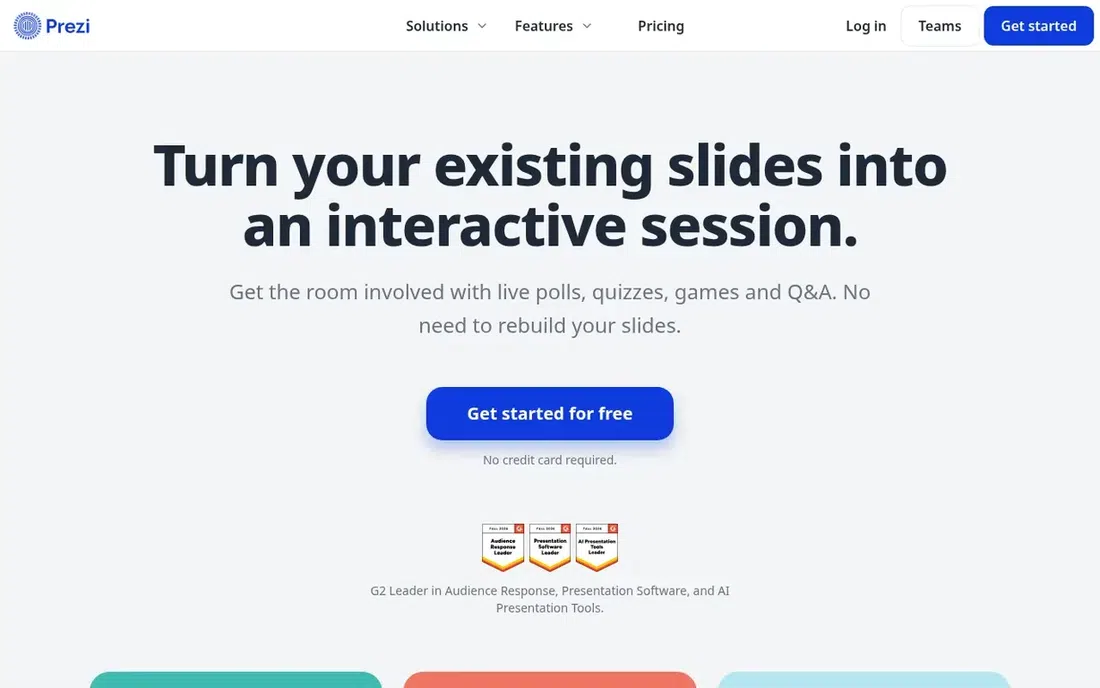
Prezi serves interactive live sessions. Prezi is an interactive presentation platform targeted at educators, trainers, and teams.
Trade-offs to know: Less suited to static handouts.
It lets you bring existing slides or describe what you are handling, then run live polls and quizzes that attendees join from their phones. Its interactive, non-linear approach can feel unfamiliar if your audience expects a conventional slide sequence, and static handouts are not its focus. This comparison lists no price for Prezi; ask the vendor. Free access: Not stated.
- Live polls and quizzes
- Shareable presentation links
- Different mental model from slide decks
Pitch makes the most sense for collaborative team workspaces. Pitch is a collaborative presentation workspace for teams that want to build, share, and deliver better work.
Highlights: deliver in one place.
Limits to weigh: Less known than legacy slide tools.
More specifically, solo presenters who just need a straightforward slide file may find the workspace model more than they need. Starting cost for Pitch: €10 per month. Free access exists with Pitch.
- Built around team collaboration
- AI-assisted workspace
- Workspace model may not suit solo users
Google Slides is built with browser-based collaborative decks in mind. Google Slides is a browser-based presentation maker inside Google Workspace. It provides slide templates for numerous use cases and uses AI to create visualizations, making it practical for teams that build and edit decks together in live.
More specifically, design controls are lighter than in a full desktop slide editor, so highly designed decks may need additional work elsewhere. Beyond that, if you need offline-first editing or Apple-native polish, Keynote or PowerPoint may fit better. Google Slides shows no starting price here, so confirm the cost on the vendor site. As for free access: Not stated.
Honest limits: Fewer advanced design controls.
- Live collaboration
- AI-assisted visual generation
- Needs a Google account to edit
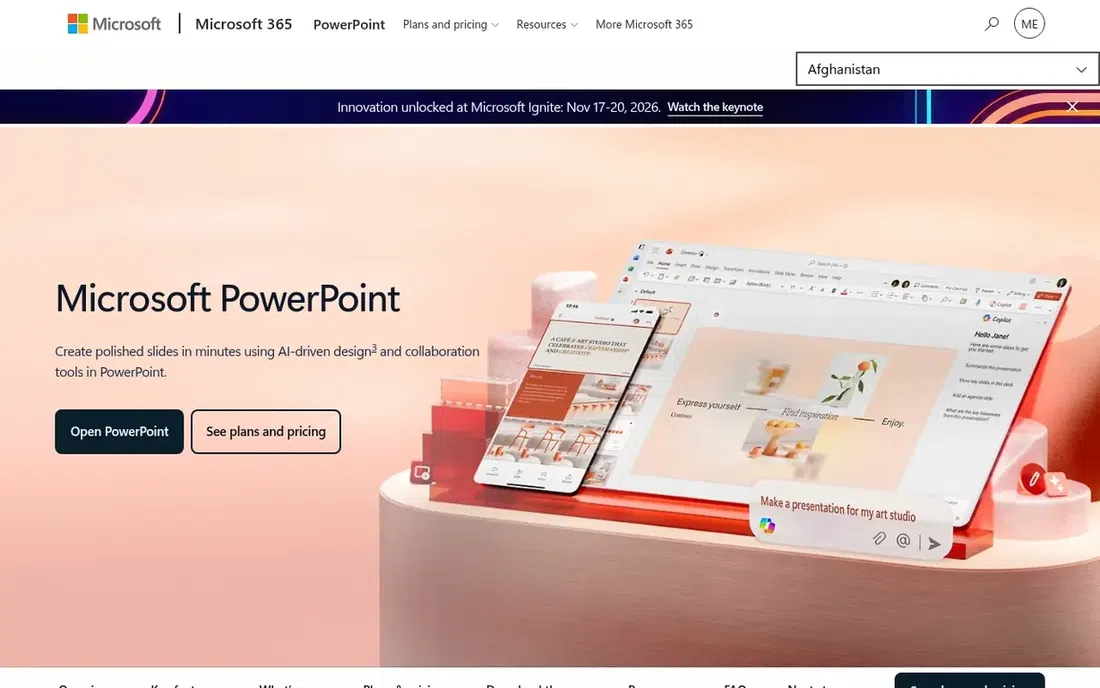
Microsoft PowerPoint is a good fit for in-depth slides and pitch decks. Microsoft PowerPoint is a long-standing presentation maker made for clean slideshows and in-depth pitch decks. It provides you a wide slide canvas, layout controls, and the tools to tell a structured story from title to closing slide.
Points against: Design work is mostly manual.
If you would rather have layouts generated for you or want a browser-first team workspace, a design-led or AI-assisted tool may suit you better. The tradeoff is that solid visual design is largely on you, so refined decks can take time to assemble. Pricing for Microsoft PowerPoint is not stated here, so ask the vendor for current figures. On free options: Not stated.
- Deals with intricate pitch decks
- Widely shared file format
- Advanced polish takes practice
How we chose
LinkVetted looked at what each vendor publishes: pricing, plan limits, feature coverage for presntation software and stated drawbacks. No hands-on testing is claimed. Where a vendor does not publish a price, the entry says quote. Where a price depends on seats or billing term, the entry says so. Position on the page reflects fit for a typical buyer first, with price clarity and free access breaking ties. Treat it as a guide, not a ruling.
A buyer's checklist
- Confirm the entry price on the vendor page. For Prezi, Google Slides and Microsoft PowerPoint that means a quote rather than a fixed price.
- Test the free plan from Pitch against your real workload before relying on it.
- Use real work to test the free trial from Beautiful.ai, rather than a demo project.
- Read the limits listed for Beautiful.ai first: less manual layout freedom.
- Ask Prezi about contract length, onboarding fees and user minimums before you sign.
- Involve the people who will use Beautiful.ai daily; a short pilot beats a long feature checklist.
FAQ
Is Beautiful.ai the right pick for everyone comparing presntation software?
No single tool suits every team. Beautiful.ai comes first because it fits on-brand team decks, while Prezi suits interactive live sessions and Pitch suits collaborative team workspaces. Match the tool to your own size, budget and workflow before deciding.
Do these tools publish their prices?
Not all of them. Prezi, Google Slides and Microsoft PowerPoint publish no starting price, so expect a quote request for those. The rest, Beautiful.ai included, show a starting price, though seats and billing terms still change the final cost.
What suits interactive training sessions?
Prezi is made for live engagement, with polls and quizzes that attendees join from their phones. It fits trainers and educators who want participation during the session instead of a static deck.
Which options for presntation software have a free plan?
Pitch is the only tool in this list with a free plan. Free plans usually cap users, projects or features, so check the limits on the vendor page. One other tool offers a trial instead. All 5 picks in this Presntation software comparison list a starting price, free plan details and the main limits on their cards above.
Can I try these options before paying?
Often, yes. Pitch has a free plan and Beautiful.ai offers a free trial. Use your own data and a real task during the test, and check what the free tier or trial limits before you rely on it. For the full picture, the cards above cover all 5 entries of this Presntation software list, including price, free plan and limits.
Sources
- https://www.beautiful.ai
- https://prezi.com
- https://pitch.com
- https://workspace.google.com/products/slides
- https://www.microsoft.com/microsoft-365/powerpoint