5 Best Preconstruction Software for Gcs for 2026, Vetted and Compared
Shortlisting the best preconstruction software for gcs? 5 products compared on cost, free access and ideal buyer. Each listing flags where it falls short.
- Editor's choiceInEight
Data-driven project decisions
Starts atPricing on requestVisit ineight.comFull review - Great alternativeTrimble
Back-office to field integration
Starts atPricing on requestVisit construction.trimble.comFull review - Also consider
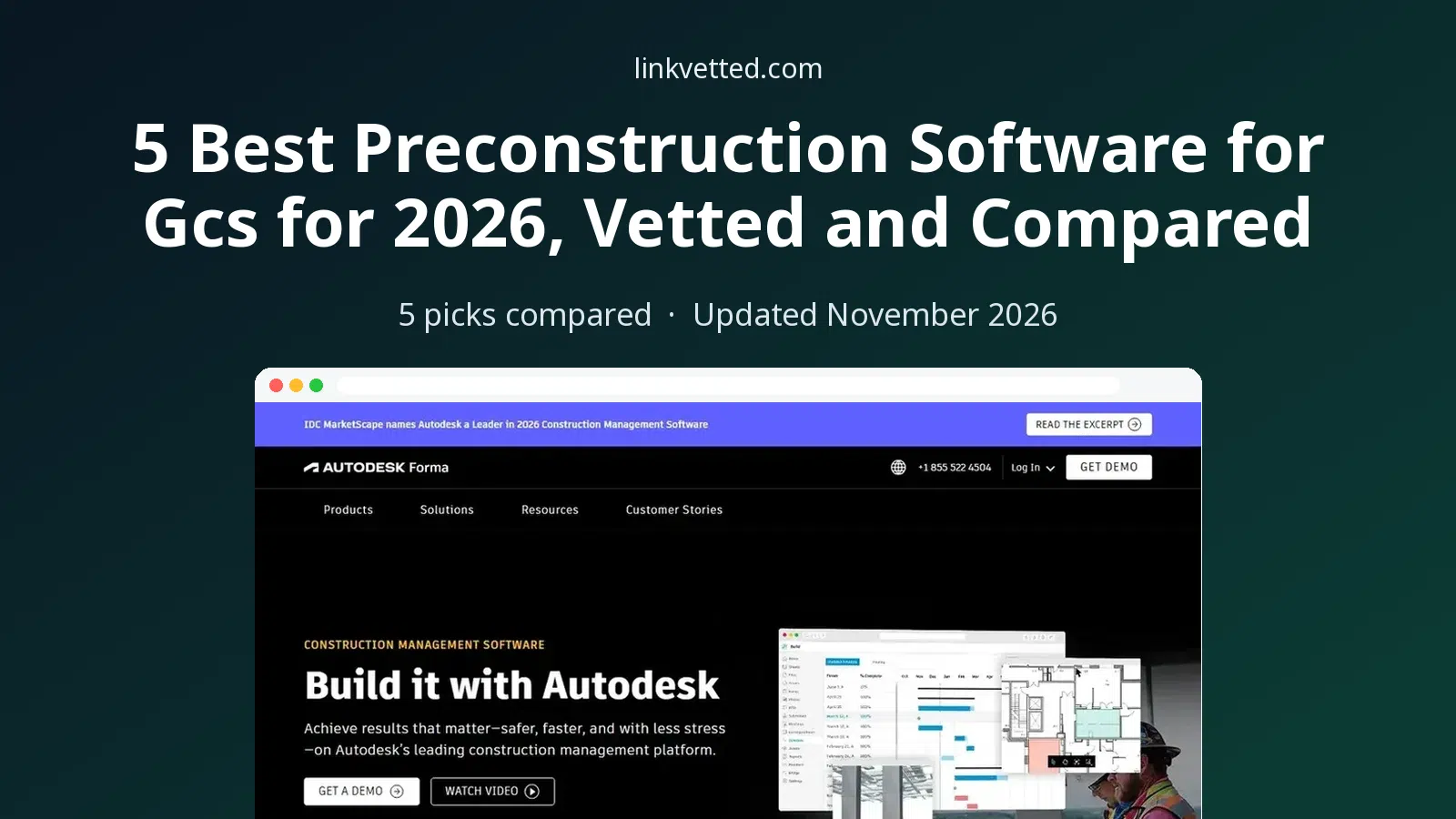
 Autodesk Construction Cloud
Design-to-build collaboration
Starts atPricing on requestVisit construction.autodesk.comFull review
Direct answer
If you need data-driven project decisions, InEight is the first tool to look at here. Trimble is better for back-office to field integration, and Autodesk Construction Cloud is better for design-to-build collaboration. All 5 tools are compared below on fit, free plan and limits. None of these vendors publish plan prices, so pricing is on request for every option.
TL;DR:
- Top of the list is InEight, which targets data-driven project decisions.
- Procore suits connected preconstruction and field management.
- The main caution on Bluebeam Revu: not a full project management system.
- No starting price is shown for any of the 5 tools, InEight and Procore included, so plan time for sales calls.
- A permanent free plan is missing from all 5 tools, InEight and Procore included; plan for a trial or a premium start.
Last checked November 2026. Pricing on request: vendors did not publish plan prices when this guide was last checked (November 2026), so ask each vendor for a written quote.
Quick comparison
| Tool | Best for | Starts at | Free plan? | |
|---|---|---|---|---|
| InEight | Data-driven project decisions | Pricing on request | Not stated | Visit |
| Trimble | Back-office to field integration | Pricing on request | Not stated | Visit |
| Autodesk Construction Cloud | Design-to-build collaboration | Pricing on request | Not stated | Visit |
 Bluebeam Revu | Document collaboration and review | Pricing on request | Free trial | Visit |
 Procore | Connected preconstruction and field management | Pricing on request | Not stated | Visit |
Preconstruction Software for Gcs compared in detail
If you are comparing preconstruction software for gcs, this page covers 5 tools in one place: what each is best for, what it costs to start, whether it has a free plan, and the main limit to know about.
InEight
Best for: Data-driven project decisions
InEight makes the most sense for data-driven project decisions. InEight provides construction project management software meant to provide teams the data they have to make better decisions. As for the details, consider it when project controls and data-driven planning are central to your preconstruction approach.
Best features of InEight: Suited to construction planning.
Beyond that, teams needing those capabilities may have to pair it with another tool. On top of that, InEight is centered on project management and decision support instead of document review or design collaboration. InEight shows no starting price here, so confirm the cost on the vendor site. As for free access: Not stated.
Points against: May need integration with other systems.
- Emphasizes better decision data
- Project management focus
- Less emphasis on document markup
Trimble
Best for: Back-office to field integration
Where Trimble fits: back-office to field integration. Evaluate the specific product against your preconstruction needs before committing.
Drawbacks to consider: Portfolio spans plenty of products.
Trimble's construction portfolio bundles numerous products, so the right fit relies on which solution a contractor selects. Trimble does not show a starting price in this comparison, so check the vendor site for current pricing. Trial and free access: Not stated.
- Wide capabilities and integrations
- Construction-focused options
- Fit relies on specific product selection
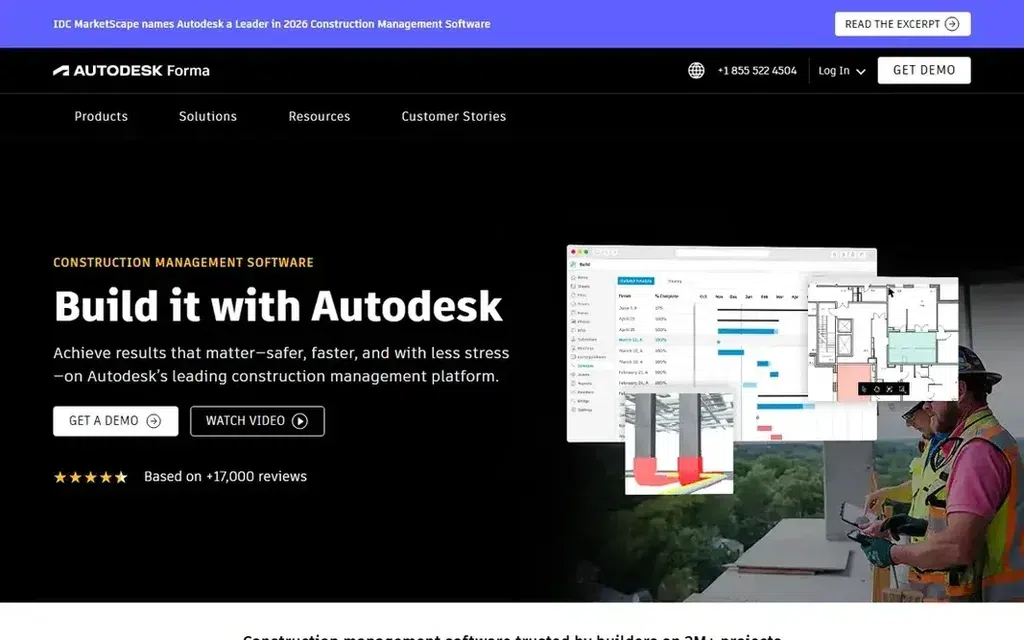
Autodesk Construction Cloud is built with design-to-build collaboration in mind. It suits general contractors who want preconstruction collaboration tied closely to design data and shared project information across owners, designers, and builders.
More specifically, contractors without that context may find adoption slower. Check the vendor site for Autodesk Construction Cloud pricing; none is listed in this comparison. As for free access: Not stated.
Where it is weaker: Best value for teams already in the Autodesk ecosystem.
- Secure project collaboration
- Links project teams
- May overlap with existing design tools
Choose Bluebeam Revu for document collaboration and review. Teams needing end-to-end preconstruction control should pair it with a broader system.
What to check first: Not a full project management system.
Beyond that, choose it when document review and collaboration are the primary preconstruction bottleneck. Bluebeam Revu supplies construction collaboration software and document management tools so teams can collaborate in live and handle projects from design to completion. Bluebeam Revu does not show a starting price in this comparison, so check the vendor site for current pricing. Free access: Free trial.
- Runs projects from design to completion
- Solid PDF review workflow
- Centred on documents rather than scheduling or estimating
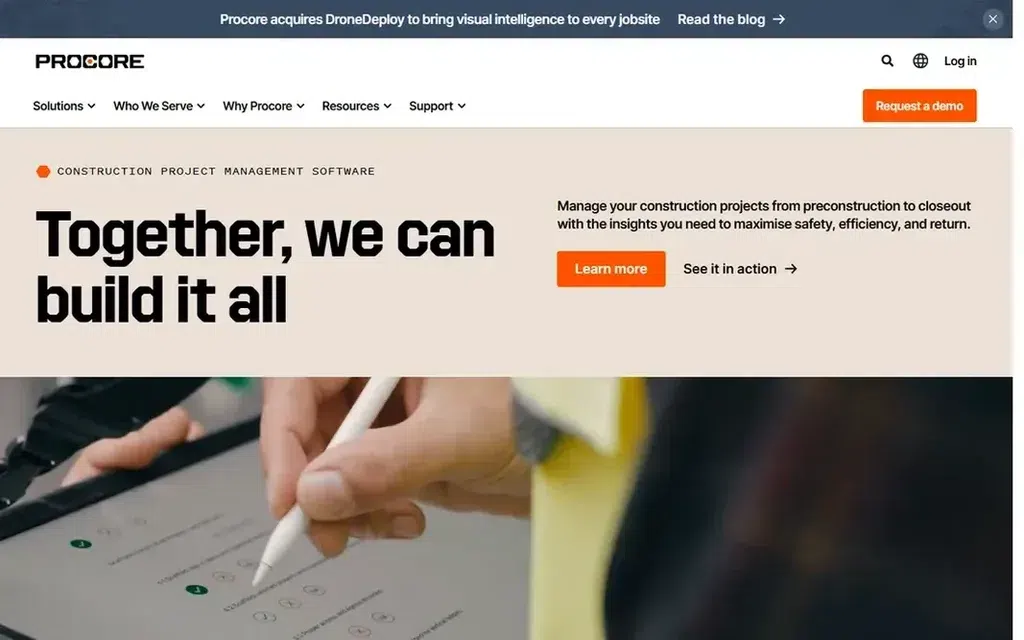
Procore serves connected preconstruction and field management. Procore is a construction management platform that links the site and the office. Worth adding: since Procore spans numerous construction workflows, teams may need time to configure it around their preconstruction processes.
It is less specialized for standalone estimating or scheduling than dedicated tools. In daily use, choose something else if your primary need is deep schedule modeling or document markup instead of connected project management. Pricing for Procore is not stated here, so ask the vendor for current figures. Free access: Not stated.
Downsides: Centred on construction management instead of deep estimating.
- Links site and office teams
- Wide construction management product
- Wide product may need configuration
What went into this list
What to check before you buy
- Ask each vendor, from InEight to Procore, for a written quote; none of them publishes a starting price.
- Take the trial from Bluebeam Revu and push a live task through it before you pay.
- Before choosing InEight, weigh its main limit: less emphasis on document markup.
- Confirm that InEight connects to the apps your team already uses, on the plan you would actually buy.
- Check how data leaves Autodesk Construction Cloud: formats, limits and whether exports are available on every plan.
FAQ
Does any tool for preconstruction software for gcs here have a free plan?
A permanent free plan is not offered by InEight, Procore or the other tools here. Bluebeam Revu offer a trial. Plan a short evaluation period instead.
How are the tools for preconstruction software for gcs ordered?
The order follows typical fit for preconstruction software for gcs, with InEight first and Procore last, then price clarity and free access. It is editorial judgement, not a score, so another team could rank the tools differently.
Can I try these tools before paying?
Often, yes. Bluebeam Revu offers a free trial. Use your own data and a real task during the test, and check what the free tier or trial limits before you rely on it. For the full picture, the cards above cover all 5 entries of this Preconstruction software for Gcs list, including price, free plan and limits.
Do these tools publish their prices?
No. None of the tools, from InEight to Procore, shows a fixed starting price here, so budget time for quotes. Prices, free plan details and limits for all 5 tools in this Preconstruction software for Gcs roundup sit on the individual cards above.
What should a general contractor look for in preconstruction software?
Look for tools that link estimating, scheduling, and document review in one workflow. Beyond that, confirm integration with your existing systems and that the vendor documents the capabilities you need.
Is Procore a good fit for preconstruction?
Procore links the site and office with live visibility, which supports preconstruction planning that stays linked to field execution. It is a wide construction management system, so evaluate whether its preconstruction depth matches your estimating and scheduling needs.
Sources
- https://ineight.com
- https://construction.trimble.com
- https://construction.autodesk.com
- https://www.bluebeam.com
- https://www.procore.com