5 Best Platform Engineering Solutions for Startups for 2026, Vetted and Compared
Searching for the best platform engineering solutions for startups? Here are 5 options with prices and free plans. The catches are listed up front. No hype.
- Editor's choice
 Render
Easy-to-learn cloud infrastructure for builders
Starts at$25 a monthVisit render.comFull review - Great alternative
 Netlify
Creating and sharing web apps
Starts at$9 per monthVisit netlify.comFull review - Also consider
 Google Cloud Run
Containerized apps in any language
Starts atSee websiteVisit cloud.google.comFull review
Direct answer
For easy-to-learn cloud infrastructure for builders, Render is where this list starts. Listed starting prices: Render from $25 a month, Netlify from $9 per month and Railway from $5 minimum usage. Netlify fits creating and sharing web apps; Google Cloud Run fits Containerized apps in any language. All 5 tools are compared below on price, free plan and limits.
TL;DR:
- Number one here is Render, a fit for easy-to-learn cloud infrastructure for builders.
- The lowest published monthly entry price here is $9 per month, from Netlify.
- Only 4 of the 5 tools have a free plan (Render, Netlify, Railway, Vercel), so check the caps.
- For front-end and agent-driven apps, Vercel is worth a look.
Last checked November 2026. Prices and plan details were read from the vendors' own pages in November 2026; vendors change plans often, so confirm the current price on the vendor site before you buy.
Quick comparison
| Tool | Best for | Starts at | Free plan? | |
|---|---|---|---|---|
| Render | Easy-to-learn cloud infrastructure for builders | $25 a month | Yes | Visit |
| Netlify | Creating and sharing web apps | $9 per month | Yes | Visit |
| Google Cloud Run | Containerized apps in any language | See website | Not stated | Visit |
 Railway | All-in-one full-stack deployment | $5 minimum usage | Yes | Visit |
 Vercel | Front-end and agent-driven apps | $20 a month | Yes | Visit |
Platform Engineering Solutions for Startups compared in detail
Short on time? The summary and table above give the quick view of 5 platform engineering solutions for startups, and the profiles that follow give the detail behind each entry.
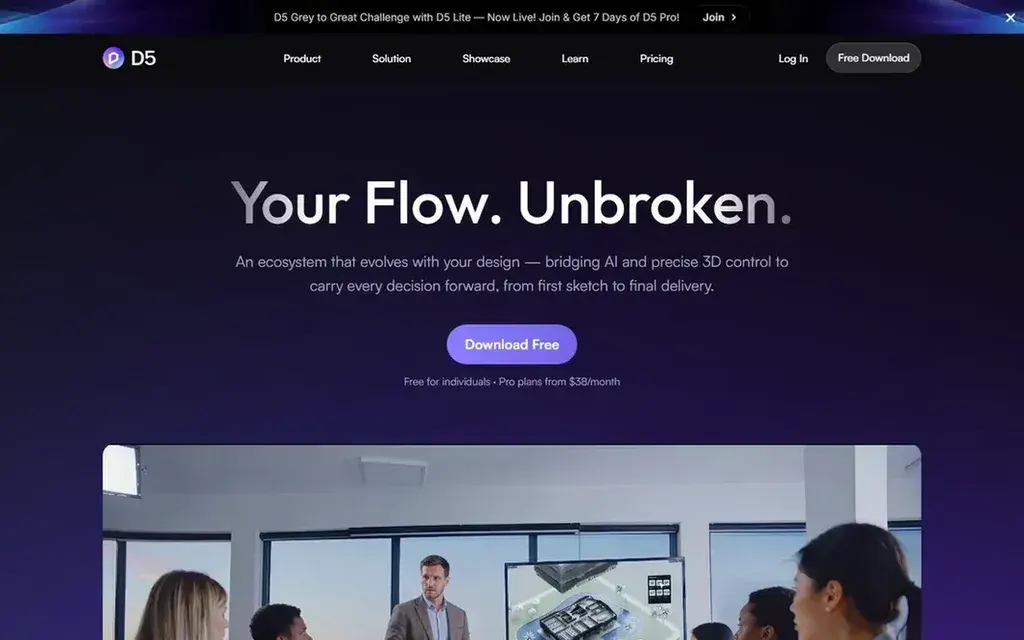
Choose Render for intuitive cloud infrastructure for builders. Render describes itself as the cloud for builders, letting teams deploy and scale any app or agent from a first user onward. Beyond that, a wide product means startups should verify that their specific runtime and database needs are covered before committing.
The main drawbacks: Less specialized for niche stacks.
Beyond that, choose Render when you want an approachable general cloud that grows with your product. Teams with highly specialized infrastructure requirements may prefer a more focused provider. The pitch is easy-to-learn cloud infrastructure for the modern web, which fits startups that want a general-purpose home for services without deep system expertise. Price to start with Render: $25 per month. A free plan is available with Render.
- Easy-to-learn infrastructure model
- Scales from early users upward
- Wide scope needs evaluation
Netlify is built with creating and sharing web apps in mind. Netlify frames its system as where apps come to life, letting teams start with a prompt, an agent or code and then produce, share and run the app at any scale.
What works well: Start from prompt.
Starting cost for Netlify: $9 per month. Free access exists with Netlify. Points against: Web-centric positioning.
- Suited to web-first products
- Agent or code
- Backend-heavy stacks need review
Google Cloud Run serves Containerized apps in any language. Cloud Run assumes some container familiarity, so startups without that background may face a steeper ramp-up time than with more opinionated products.
Choose Cloud Run when container portability and language freedom are priorities. Google Cloud Run does not show a starting price in this comparison, so check the vendor site for current pricing. On free options: Not stated.
Drawbacks to consider: Broader cloud context may be needed.
- Build and deploy scalable apps
- Runs containers in numerous languages
- Container knowledge helps
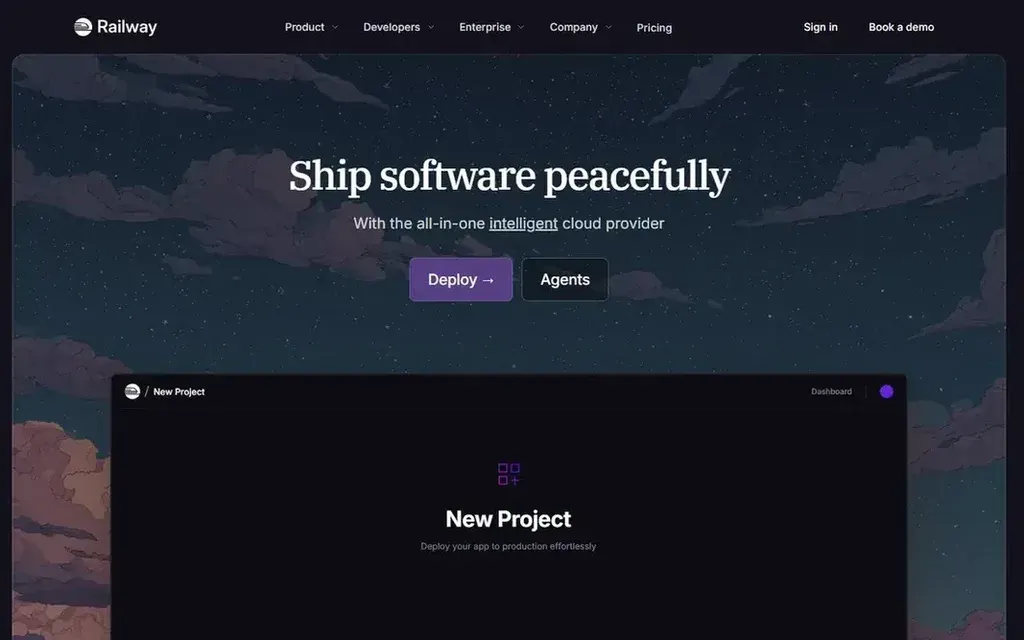
Railway was built for all-in-one full-stack deployment. It fits startups that want deployment, data and operational visibility in one place instead of stitching together separate services.
Trade-offs to know: All-in-one model may feel wide.
In practice, teams with strict requirements in one area may prefer a specialist tool alongside it. Price to start with Railway: $5 minimum usage. A free plan is available with Railway.
- Servers and databases
- Security built into the product
- Startups should map feature needs first
Vercel makes the most sense for front-end and agent-driven apps. Vercel presents itself as agentic infrastructure, an autonomous stack for every app and agent.
Since Vercel centers on apps and agents, teams with unusual backend or legacy server requirements may have to look elsewhere. On top of that, for startups building modern web front ends or agent-based products, it provides a deployment path that emphasizes automation and speed. What you pay to start with Vercel: $20 per month. A free plan is available with Vercel.
Trade-offs to know: Concentrated on web and agent workloads.
- Autonomous infrastructure stack
- Simplified deploy workflow
- Less suited to legacy server stacks
How the list was put together
The comparison looks at four things: starting price, free access, how well the feature set matches platform engineering solutions for startups, and the main limit of each tool. Plan names, prices and limits change often. Treat the figures here as a starting point and verify them with the vendor. The ranking is editorial: typical fit first, then clear pricing, then free access. If your needs are unusual, read the profiles rather than relying on position.
Pre-purchase checklist
- Get a written quote from Google Cloud Run; the list shows no starting price for them.
- Check what the free option really includes: Render, Netlify, Railway and Vercel offer a free plan, and usage caps differ.
- Before choosing Render, weigh its main limit: wide scope needs evaluation.
- Price Google Cloud Run for your actual team size; headline prices rarely include add-ons or overage.
- Look at the help docs and support options for Netlify before you commit.
FAQ
Can these products scale as a startup grows?
Each vendor describes scaling as part of its offering, from Render's first user to large audiences to Railway's automatic scaling. Confirm the specifics for your expected load on the vendor site before relying on those claims.
How are the tools for platform engineering solutions for startups ordered?
Render sits first and Vercel last because the order follows typical fit for platform engineering solutions for startups, then price clarity and free access. It is a judgement call, so read each profile for fit and limits.
Can I try these tools before paying?
Often, yes. Render, Netlify, Railway and Vercel have a free plan. Use your own data and a real task during the test, and check what the free tier or trial limits before you rely on it.
Do these tools publish their prices?
Not all of them. Google Cloud Run publishes no starting price, so expect a quote request for it. The rest, Render included, show a starting price, though seats and billing terms still change the final cost.
Which options for platform engineering solutions for startups have a free plan?
On this list, Render, Netlify, Railway and Vercel include a free plan. Caps on seats, usage or features are common, so test the free plan against your real workload.
Sources
- https://render.com
- https://www.netlify.com
- https://cloud.google.com/run
- https://railway.com
- https://vercel.com