Best PR Tools for Solo Consultants for 2026: Our 6 Vetted Picks
A practical guide to the best PR tools for solo consultants in 2026, compared from vendor documentation and public sources, with limits and fit.
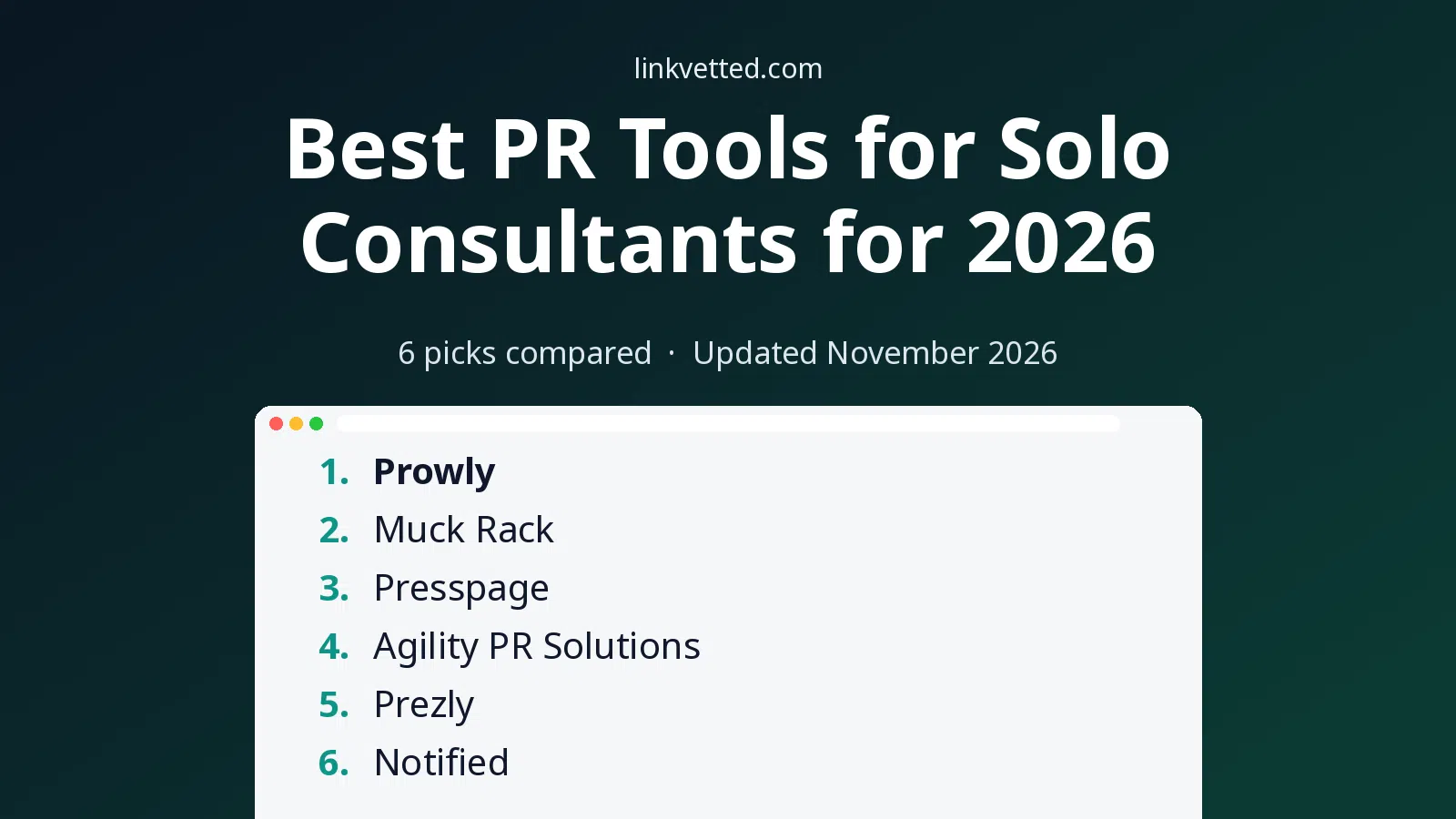
- Editor's choice
 Prowly
All-in-one PR workflow for one person
Starts atSee websiteVisit prowly.comFull review - Great alternative
 Muck Rack
Finding and tracking journalists
Starts atSee websiteVisit muckrack.comFull review - Also considerPresspage
Hosted newsrooms for ongoing announcements
Starts atSee websiteVisit presspage.comFull review
Direct answer
My first pick is Prowly, because it combines media database, contact management, press release publishing and a simple newsroom in one place that a single consultant can run alone. If your main need is finding journalists and bloggers, Muck Rack is the stronger research option. If budget matters most and you already have contacts, Presspage covers hosted newsrooms well. I compared these from vendor documentation and public sources, not hands-on tests.
TL;DR:
- A solo consultant needs one tool that covers media lists, outreach email and a place to publish releases, not five separate subscriptions.
- Media database coverage and accuracy differ a lot between vendors, so check the regions and beats you actually pitch before committing.
- Hosted newsrooms are useful for ongoing announcements, but they only pay off if you publish regularly.
- Most tools price per user or per contact tier, which suits a one-person practice better than agency-wide seats.
- Free plans and trials are worth using to check database quality in your niche before you pay.
Last checked November 2026. Plan prices are not quoted in this guide because they change often; see each vendor's own pricing page for current figures before you buy.
Quick comparison
| Tool | Best for | Starts at | Free plan? | |
|---|---|---|---|---|
| Prowly | All-in-one PR workflow for one person | See website | Free trial | Visit |
| Muck Rack | Finding and tracking journalists | See website | Not stated | Visit |
| Presspage | Hosted newsrooms for ongoing announcements | See website | Not stated | Visit |
 Agility PR Solutions | Media monitoring and measurement | See website | Not stated | Visit |
 Prezly | Story-led newsrooms and contact management | See website | Not stated | Visit |
| Notified | Press release distribution at scale | See website | Not stated | Visit |
The best PR tools for solo consultants compared
I put this list together by reading vendor documentation, pricing pages and public product descriptions, and by checking which features a one-person consultancy actually uses day to day. I did not run hands-on tests of these tools, so treat this as a fit-and-features comparison rather than a performance review. Where a vendor does not publish a detail, I say so.
Prowly is a PR platform aimed at small teams and individuals, and it is the closest thing to a single workspace for a solo consultant. It bundles a media contact database, an email outreach tool with templates, a press release builder and a hosted newsroom. For someone who handles everything alone, that reduces the number of logins and the risk of contacts falling between tools.
In practice you would search the database for journalists by beat and region, build a list, send a pitch from inside the tool and track opens and replies. When a release goes out, you can publish it to your Prowly-hosted newsroom and link to it from the pitch. That loop is what most solo consultants need, and it is why Prowly sits at the top of my list.
The limit is database depth. If you pitch niche trade press in several countries, check coverage in those markets during the trial before you commit. Consultants who only need distribution and already own their contact list may find a simpler tool enough.
- Media database plus outreach in one account
- Built-in press release editor and newsroom
- Contact and pitch tracking
- Database is smaller than the biggest vendors
- Higher tiers needed for fuller features
Muck Rack is a media database and monitoring platform built around journalist profiles. Each profile collects recent articles, contact details and sometimes social accounts, which helps you check whether a journalist still covers your topic before you pitch. It is widely used by PR teams and is a reasonable research layer for a consultant who pitches often.
For solo work, the useful part is list building: you search by beat, outlet or location, save journalists to lists and export or pitch from there. Monitoring lets you see when your client or a competitor gets mentioned, which is handy for reporting to a small client base. It does not replace a full outreach suite, so pair it with an email tool or your own process.
The main limit is cost and scope. Muck Rack is designed with teams in mind, and a one-person practice may not use enough of it to justify the spend. If you pitch occasionally rather than weekly, a lighter database may be the better call.
- Large journalist profiles with recent work
- Monitoring of coverage and mentions
- Media list building with verification
- Pricing aimed at teams
- Can be more than a solo needs
Presspage
Best for: Hosted newsrooms for ongoing announcements
Presspage is a newsroom platform. It gives you a branded online press centre where releases, media kits, images and contact details live in one place. For a consultant who manages announcements for several small clients, that means each client can have a clean, linkable newsroom without building one from scratch.
The workflow is publishing-led rather than outreach-led. You write and publish a release, add assets, and share the link with journalists and on social. Because the newsroom is hosted and maintained by the vendor, you avoid the maintenance work of a self-built page. That suits consultants whose clients issue news regularly and want a stable destination for media.
The clear limit is that Presspage does not give you a media database or pitch tracking. If your main job is finding journalists and sending pitches, this is a complement, not a replacement. Solo consultants who publish a handful of releases a year may find a hosted newsroom more than they need.
- Professional hosted newsroom
- Supports multiple client newsrooms
- Structured release publishing
- Not a media database
- Less useful if you publish rarely
Agility PR Solutions is a media monitoring and PR management platform. It tracks coverage across print, online, broadcast and social, and offers a media database and reporting in its wider packages. For a consultant who needs to show clients what was published and where, monitoring is often the part that justifies the subscription.
In a solo workflow, you would set up searches for each client and their key topics, then review the results and pull them into a report. That replaces manual checking of Google and social feeds. If your plan includes the database, you can also build lists in the same place, which keeps client work together.
The drawback is that the platform covers a lot, and a single user may not need all of it. The interface takes some time to learn, which matters when you are the only person operating it. Consultants who mainly need outreach rather than monitoring should look at a lighter tool first.
- Monitoring across many outlets
- Media database included in some plans
- Reporting tools for client updates
- Interface has a learning curve
- Feature set can feel large for one user
Prezly is a PR software built around storytelling and newsrooms. It lets you publish releases and stories in a format that reads more like an article than a traditional wire release, and it includes contact management so you can keep a media list alongside your published content. It is often chosen by teams that want their announcements to look considered rather than templated.
For a solo consultant, Prezly works well if your clients have stories worth telling at length, such as product launches, funding news or founder profiles. You can publish the story, keep the contacts in the same tool and share a single link. That reduces the back-and-forth of sending attachments and separate documents.
The limit is that Prezly is not primarily a media database. If your bottleneck is finding the right journalists, you will still need another source for contacts. Consultants who publish rarely will not get much from the newsroom side either.
- Clean, readable newsroom design
- Contact management built in
- Good for narrative announcements
- Less of a database product
- Value depends on regular publishing
Notified
Best for: Press release distribution at scale
Notified is a PR and investor relations platform that includes press release distribution, media monitoring and reporting. It is part of the wider group behind GlobeNewswire, and its distribution reach is the main draw. For a consultant who needs a release to go out widely and be picked up by aggregators and outlets, distribution is the core function.
In a solo practice, you would use it when a client has a formal announcement that needs broad reach, such as a funding round or a regulatory filing. You write the release, choose targeting and review the pickup report afterwards. That reporting is useful when you need to show a client what happened after the announcement.
The limit is that Notified is designed for larger communications teams and investor relations departments. A solo consultant will pay for reach and infrastructure that may exceed what a small client needs. Distribution also does not replace relationship building, so treat it as one channel rather than the whole plan.
- Broad distribution network
- Release writing and targeting options
- Reporting on pickup
- Built for larger comms teams
- Distribution alone does not build relationships
How I chose
I started from the tasks a solo consultant actually does: finding journalists, keeping contacts tidy, sending pitches, publishing releases and reporting coverage. Then I read each vendor's public documentation and product pages to see which of those tasks the tool covers and where it stops. I also looked at how each product is positioned, because a platform built for large comms teams often carries features and pricing that a one-person practice cannot use well.
I did not run hands-on tests, so I have not scored speed, deliverability or database accuracy from direct use. Instead I weighed fit for a single user, the number of separate jobs a tool replaces, and the limits a consultant would hit first. Where a vendor does not publish a detail, such as a free plan, I have not guessed. The result is a shortlist you can check against your own client mix rather than a ranking of performance.
What to check before you buy
- Confirm the media database covers the countries, languages and beats your clients actually pitch.
- Check whether pricing is per user, per contact or per release, and how that scales if you add a client.
- Ask whether the plan includes a hosted newsroom or whether that is a separate cost.
- Test the export and contact format, so lists are not locked inside the tool.
- Look at monitoring and reporting, since clients often ask what coverage came from the work.
- Check cancellation terms and whether you can pause during quiet months.
FAQ
Do I need a media database as a solo consultant?
Not always. If you already have a working list of journalists from past work, an outreach and newsroom tool may be enough. A database helps most when you are pitching new beats or new markets and need current contact details and recent articles to check who is still covering the topic.
Is one all-in-one tool better than several small ones?
For a solo practice, usually yes, because fewer logins and one contact list reduce admin. The trade-off is that an all-in-one tool may be weaker in one area, such as database depth. Check the part you rely on most before you commit, and only add a second tool when a clear gap appears.
How do I judge database quality before paying?
Use the trial or a demo and search for journalists you already know cover your client's topic. If they appear with recent articles and correct details, the database is likely maintained. If known names are missing or outdated, that tells you more than any feature list.
Can I run PR for clients without distribution?
Yes. Many small clients get more from targeted pitches to a short list of relevant journalists than from a wide release. Distribution helps with formal announcements and reach, but relationships and a clear story usually matter more for coverage in trade and local press.
What should a solo consultant skip?
Skip features built for team collaboration, approval chains and large-scale reporting unless a client requires them. They add cost and setup time without helping you pitch. Start with the smallest set of tools that covers contacts, outreach and publishing, then add monitoring when clients ask for coverage reports.
Sources
- https://prowly.com
- https://muckrack.com
- https://www.presspage.com
- https://www.agilitypr.com
- https://www.prezly.com
- https://www.notified.com