6 Employee Scheduling Software for Consultants Worth Shortlisting in 2026
Need the best employee scheduling software for consultants? We compare 6 tools on cost, free access and who each suits. With pricing notes and limits.
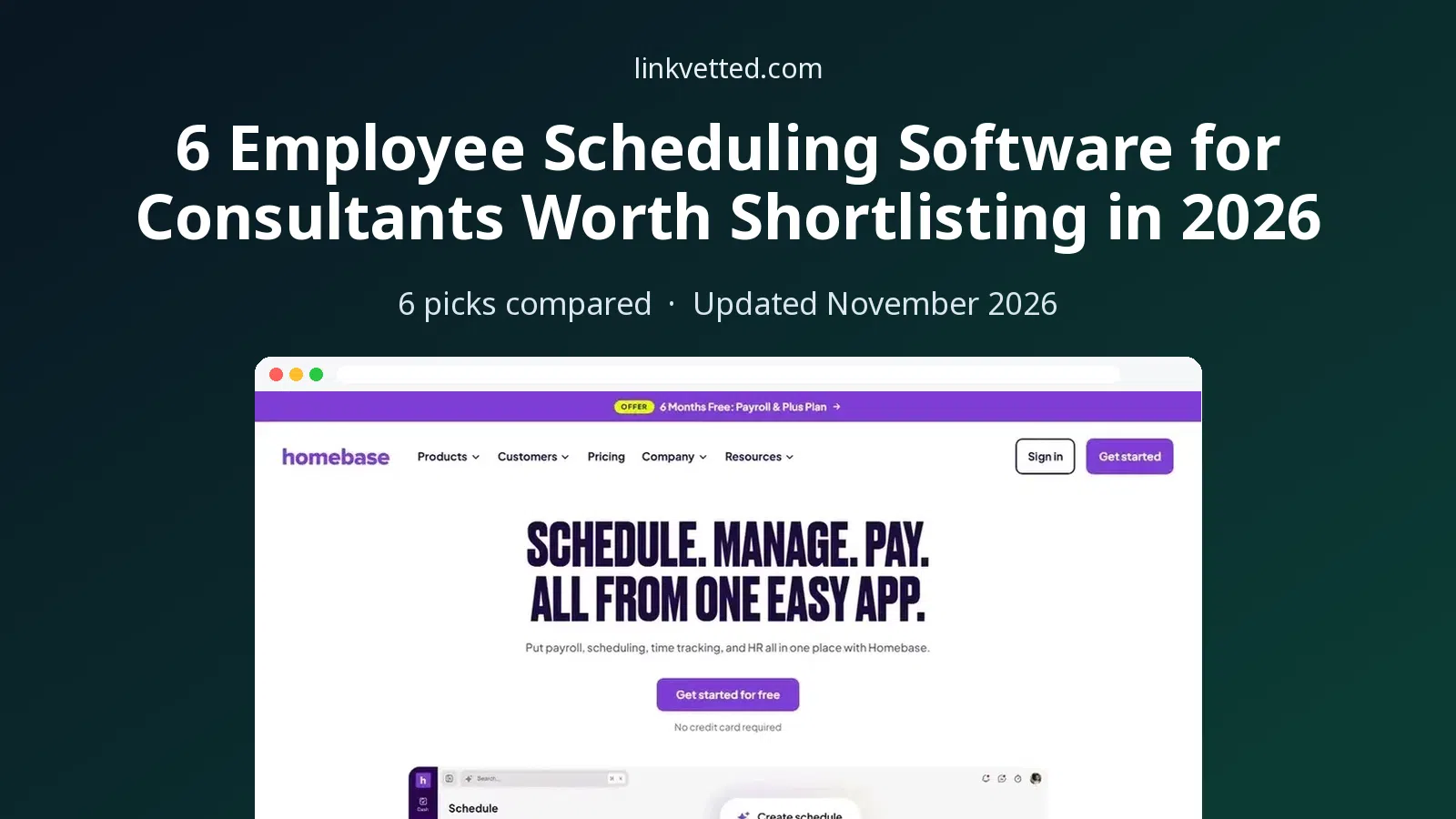
- Editor's choice
 Homebase
Small hourly teams needing payroll too
Starts at$30 per location per monthVisit joinhomebase.comFull review - Great alternative
 Connecteam
Frontline teams in one app
Starts at$29 per monthVisit connecteam.comFull review - Also consider
 Shiftboard
Existing customers needing support links
Starts atSee websiteVisit shiftboard.comFull review
Direct answer
If you need small hourly teams needing payroll too, Homebase is the first tool to look at here. Listed starting prices: Homebase from $30 per location per month, Connecteam from $29 per month and Deputy from $5 per user a month. Connecteam is better for frontline teams in one app, and Shiftboard is better for existing customers needing support links. Prices, free plans and limits for all 6 tools follow.
TL;DR:
- Number one here is Homebase, a fit for small hourly teams needing payroll too.
- One limit worth knowing about Homebase: designed around hourly teams instead of project work.
- For teams comparing options in this category, HotSchedules is worth a look.
- Homebase, Connecteam: these are the 2 tools out of 6 that offer a free plan.
- Starting prices begin at $2.50 per user per month with When I Work.
Last checked November 2026. Prices and plan details were read from the vendors' own pages in November 2026; vendors change plans often, so confirm the current price on the vendor site before you buy.
Quick comparison
| Tool | Best for | Starts at | Free plan? | |
|---|---|---|---|---|
| Homebase | Small hourly teams needing payroll too | $30 per location per month | Yes | Visit |
| Connecteam | Frontline teams in one app | $29 per month | Yes | Visit |
| Shiftboard | Existing customers needing support links | See website | Not stated | Visit |
 Deputy | Scheduling with HR and payroll features | $5 per user a month | Free trial | Visit |
 When I Work | Shift scheduling with team messaging | $2.50 per user a month | Free trial | Visit |
| HotSchedules | Teams comparing choices in this category | See website | Not stated | Visit |
Employee Scheduling Software for Consultants, one by one
If you are comparing employee scheduling software for consultants, this page covers 6 tools in one place: what each is best for, what it costs to start, whether it has a free plan, and the main limit to know about.
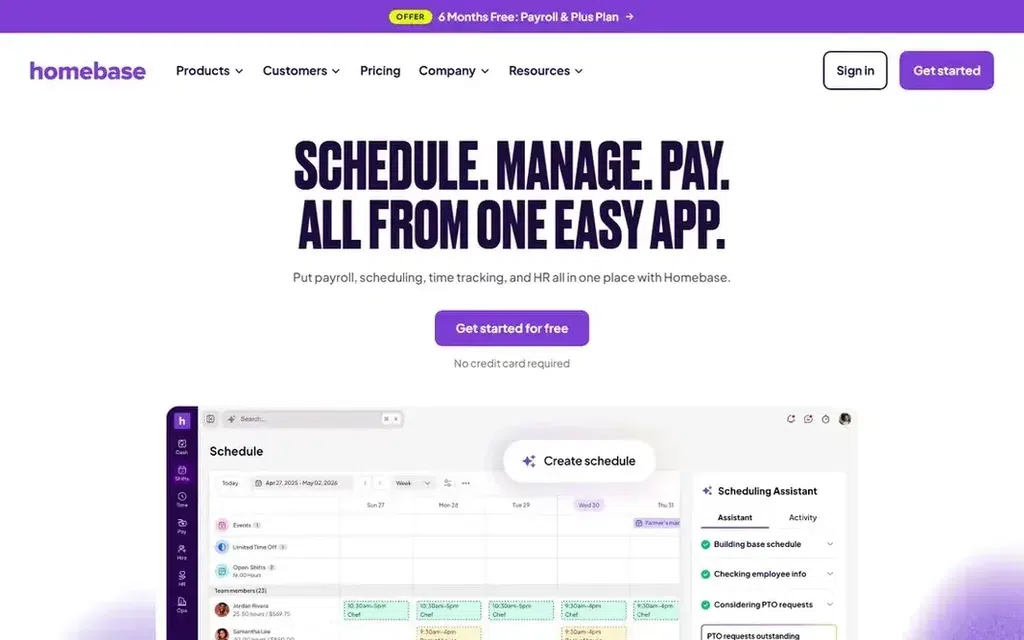
In short, Homebase is for small hourly teams needing payroll too. It fits owners who want to cut the number of separate tools they run.
Where it falls short: Wide bundle may exceed straightforward scheduling needs.
From a buyer's view, Homebase is built around hourly teams and small business operations, so a consultant with only salaried project staff may find parts of it unnecessary. Price to start with Homebase: $30 per location per month. A free plan is available with Homebase.
- Hiring features included
- Geared toward small companies with hourly teams
- Designed around hourly teams instead of project work
Connecteam targets frontline teams in one app. Connecteam markets itself as an employee management app made for frontline teams, including scheduling, time tracking, communication and more with what it describes as clarity and control.
It fits operations where staff are mobile and communication matters as much as the schedule. Entry price for Connecteam: $29 per month. Connecteam has a free plan.
Honest limits: Wide app needs setup across modules. Reasons to shortlist it: Aims to replace scattered tools.
- Scheduling
- Aimed at frontline teams
- Frontline focus may not suit office-only consultants
For existing customers needing support links, Shiftboard is a natural candidate. Shiftboard's homepage is oriented toward existing customers, offering support, login links and next steps following its acquisition. In practice, since the page centers on customer support instead of product details, new buyers get little to evaluate from the homepage alone.
The main drawbacks: Homepage concentrates on customer support.
On top of that, confirm current product direction and availability straight with the vendor. Beyond that, consultants comparing fresh choices should weigh Deputy, When I Work or Connecteam first. Consultants who already use Shiftboard for workforce scheduling can find account resources there. It is most relevant to current users instead of buyers starting a fresh scheduling search. No starting price is listed for Shiftboard here; confirm pricing on the vendor site. Free access: Not stated.
- Next-step guidance after acquisition
- Support and login resources for customers
- New-buyer information is restricted on the page
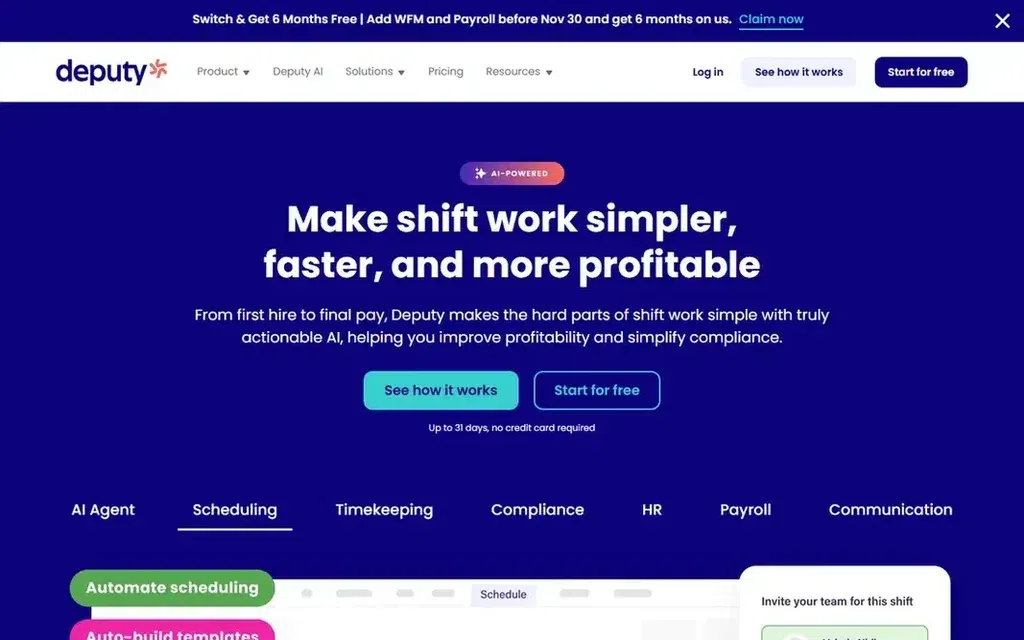
Choose Deputy for scheduling with HR and payroll features. Deputy is an employee scheduling system that also handles HR, AI labor forecasting and payroll software, based on its homepage. From a buyer's view, if you only want straightforward shift planning and team messaging, a lighter choice for example When I Work may suit you better.
Downsides: Wide feature set may feel heavy for solo consultants.
From a buyer's view, confirm which modules you actually need on the vendor site before committing. In practice, for consultants who handle staff across client sites or variable hours, that combination keeps scheduling and labor planning in one place. Deputy starts at: $5 per user per month. Free options: Free trial.
- AI labor forecasting included
- HR and payroll features alongside scheduling
- Setup needs learning the wider system
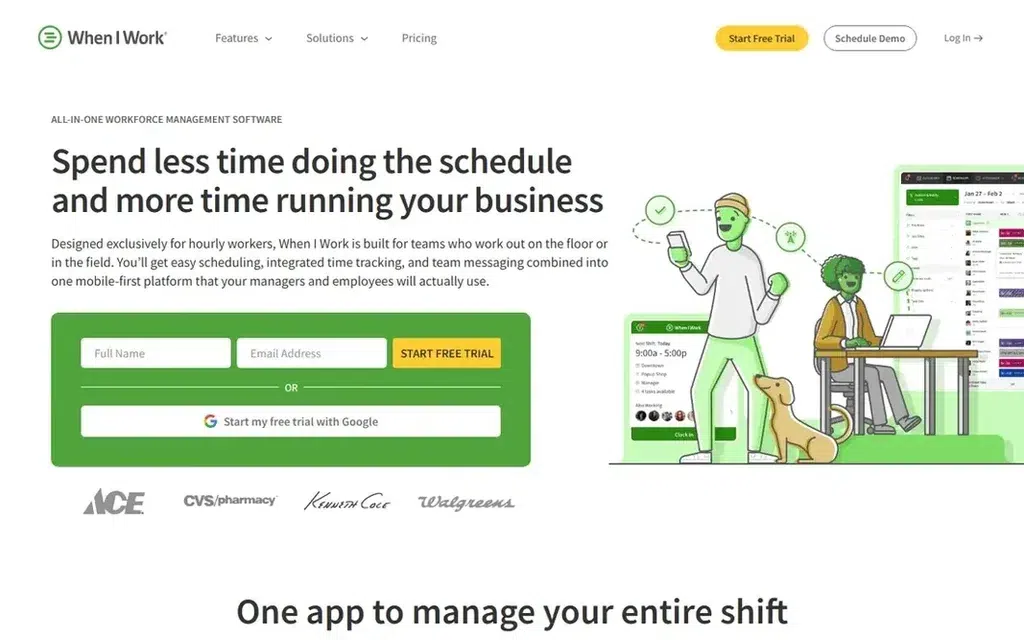
When I Work serves shift scheduling with team messaging. The homepage positions When I Work around scheduling, time tracking and messaging instead of payroll or HR administration.
Drawbacks to consider: Payroll is not the headline focus.
When I Work starts at: $2.50 per user per month. Trial and free access: Free trial.
- Concentrated on employee scheduling and management
- Schedule shifts and track time in one app
- Narrower scope than full HR suites
HotSchedules
Best for: Teams comparing choices in this category
Where HotSchedules fits: teams comparing choices in this category. Consultants advising restaurants, cafes or similar venues may find its scheduling and engagement focus relevant to client operations.
In daily use, check current product details and availability on the vendor site, since the homepage points to support and next steps. Worth adding: general-purpose tools for example Deputy or Connecteam handle broader scheduling needs. HotSchedules does not show a starting price in this comparison, so check the vendor site for current pricing. Free access: Not stated.
Watch-outs: Hospitality-specific positioning.
- Scheduling and engagement in one app
- Online scheduling focus
- Less relevant for non-hospitality consulting work
Our selection method
A buyer's checklist
- Ask Shiftboard and HotSchedules for a written quote, since no starting price is shown.
- Read the fine print on the free plans from Homebase and Connecteam; seat, project and feature caps differ.
- Take the trial from Deputy and When I Work and push a live task through it before you pay.
- Before choosing Homebase, weigh its main limit: designed around hourly teams instead of project work.
- Make sure Homebase lets you export your data in a format another tool can read.
- Ask Shiftboard which support channels and response times come with the plan you would buy.
FAQ
Is Homebase the right pick for everyone comparing employee scheduling software for consultants?
No single tool suits every team. Homebase comes first because it fits small hourly teams needing payroll too, while Connecteam suits frontline teams in one app and Shiftboard suits existing customers needing support links. Match the tool to your own size, budget and workflow before deciding.
Do these tools publish their prices?
Not all of them. Shiftboard and HotSchedules publish no starting price, so expect a quote request for those. The rest, Homebase included, show a starting price, though seats and billing terms still change the final cost.
How are the tools for employee scheduling software for consultants ordered?
Homebase sits first and HotSchedules last because the order follows typical fit for employee scheduling software for consultants, then price clarity and free access. It is a judgement call, so read each profile for fit and limits.
Can I try these tools before paying?
Often, yes. Homebase and Connecteam have a free plan and Deputy and When I Work offer a free trial. Use your own data and a real task during the test, and check what the free tier or trial limits before you rely on it. For the full picture, the cards above cover all 6 entries of this employee scheduling software for consultants list, including price, free plan and limits.
Which scheduling tool is a good match for a consultant with a small team?
Homebase comes first here and is built for small hourly teams needing payroll too. Buyers with other needs may prefer Connecteam (for frontline teams in one app) or Shiftboard (for existing customers needing support links). Compare costs and limits first.
What should existing Shiftboard customers do?
The Shiftboard homepage points customers to support, login links and next steps following its acquisition. Buyers starting fresh should compare Deputy, When I Work and Connecteam first.
Sources
- https://www.joinhomebase.com
- https://connecteam.com
- https://www.shiftboard.com
- https://www.deputy.com
- https://wheniwork.com
- https://www.hotschedules.com