6 Podcasting Software Most Creators Choose Worth Shortlisting in 2026
Searching for the best podcasting software most creators choose? Here are 6 options with prices and free plans. Each pick lists its main limit. Facts only.
- Editor's choiceSquadCast
Remote recording with cloud backup
Starts at$16 per person a monthVisit squadcast.fmFull review - Great alternative
 StreamYard
Live streaming and recording
Starts atSee websiteVisit streamyard.comFull review - Also consider
 Podcastle
AI-powered video production
Starts atSee websiteVisit podcastle.aiFull review
Direct answer
For remote recording with cloud backup, SquadCast is where this list starts. Listed starting prices: SquadCast from $16 per person a month, Restream from $239 a month and Riverside from $24 a month. StreamYard fits live streaming and recording; Podcastle fits AI-powered video production. The remaining 3 options are covered below with prices and limits.
TL;DR:
- The list opens with SquadCast, aimed at remote recording with cloud backup.
- SquadCast, Podcastle, Riverside, Descript: these are the 4 tools out of 6 that offer a free plan.
- Descript is the one to check for text-based editing and transcription.
- SquadCast is the lowest-priced starter here at $16 per person per month.
Last checked November 2026. Prices and plan details were read from the vendors' own pages in November 2026; vendors change plans often, so confirm the current price on the vendor site before you buy.
Quick comparison
| Tool | Best for | Starts at | Free plan? | |
|---|---|---|---|---|
| SquadCast | Remote recording with cloud backup | $16 per person a month | Yes | Visit |
| StreamYard | Live streaming and recording | See website | Free trial | Visit |
| Podcastle | AI-powered video production | See website | Yes | Visit |
 Restream | Multistreaming live video | $239 a month | Not stated | Visit |
 Riverside | High-quality remote recording and editing | $24 a month | Yes | Visit |
 Descript | Text-based editing and transcription | $16 per person per month | Yes | Visit |
Podcasting Software Most Creators Choose compared in detail
Choosing podcasting software most creators choose usually comes down to price, fit and limits. This LinkVetted guide sets 6 tools side by side on those three points, with the facts kept short and checkable.
SquadCast
Best for: Remote recording with cloud backup
SquadCast was built for remote recording with cloud backup. SquadCast is a remote recording studio that builds high-quality audio and video content with in-browser software. Recordings are auto-saved with cloud storage, ensuring reliability.
It is well suited to podcasters who prioritize recording quality and data safety. SquadCast concentrates on recording instead of editing, so you will need separate software for post-production. Entry price for SquadCast: $16 per person per month. SquadCast offers a free plan.
Where it falls short: Subscription required for full access.
- In-browser recording
- Auto-saved to cloud
- No built-in editing
Where StreamYard fits: live streaming and recording. StreamYard is a professional live streaming and recording studio in your browser. It permits you to record content or stream live to products like Facebook and YouTube.
Strengths: Multistreaming.
It is well-suited for creators who want to engage with audiences in live. Also, if your focus is pre-recorded, heavily edited presents, other choices may be more appropriate. In practice, StreamYard is not a full-fledged podcast editor, so you will need extra tools for post-production. This comparison lists no price for StreamYard; ask the vendor. Free options: Free trial.
Limits to weigh: Restricted editing features.
- Browser-based
- Approachable interface
- Needs stable internet
Choose Podcastle for AI-powered video production. Podcastle supplies a chat-based AI creative suite for video content production.
Where it is weaker: Focus on video.
Podcastle is geared toward video production, so audio-only podcasters may find it less focused. If you need specialized audio tools, consider a dedicated audio editor. Podcastle does not show a starting price in this comparison, so check the vendor site for current pricing. You can start on Podcastle without paying.
- Chat-based AI workflow
- All-in-one production
- May be overkill for audio-only
Restream is built with Multistreaming live video in mind. Restream is a straightforward live video system that enables you to produce beautiful videos and multistream them to your favorite channels. It is aimed at live broadcasters who want to reach audiences across several products simultaneously.
More specifically, Restream lacks deep podcast editing capabilities, so it is best used in conjunction with other tools. Worth adding: if you need thorough production features, consider a dedicated podcasting suite. Restream cost at the entry level: $239 per month. Free options: Not stated.
Limits to weigh: No advanced editing.
- Browser-based
- Multistream to several systems
- Restricted recording features
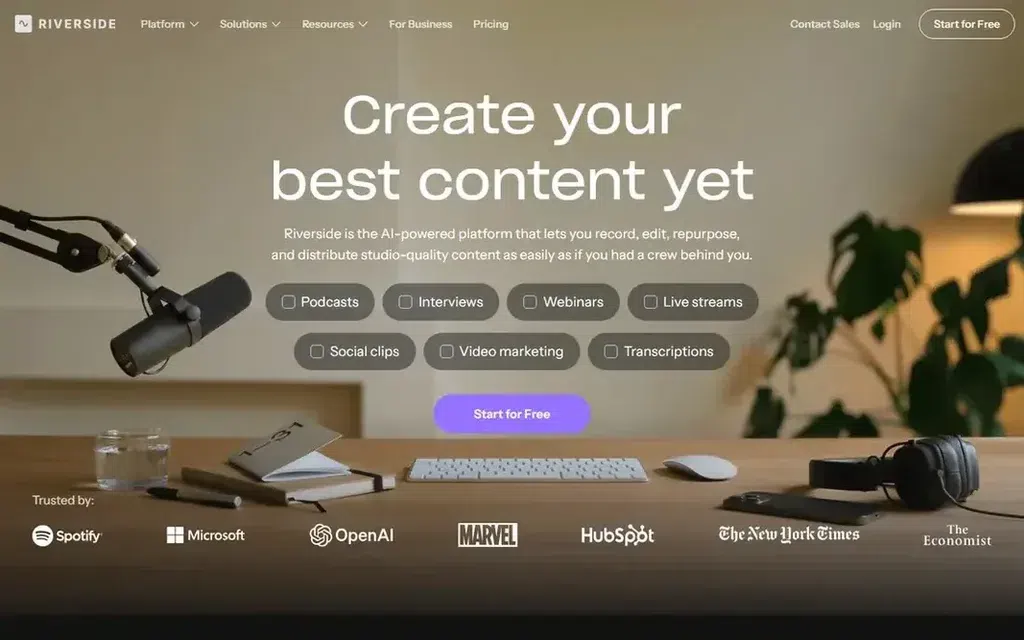
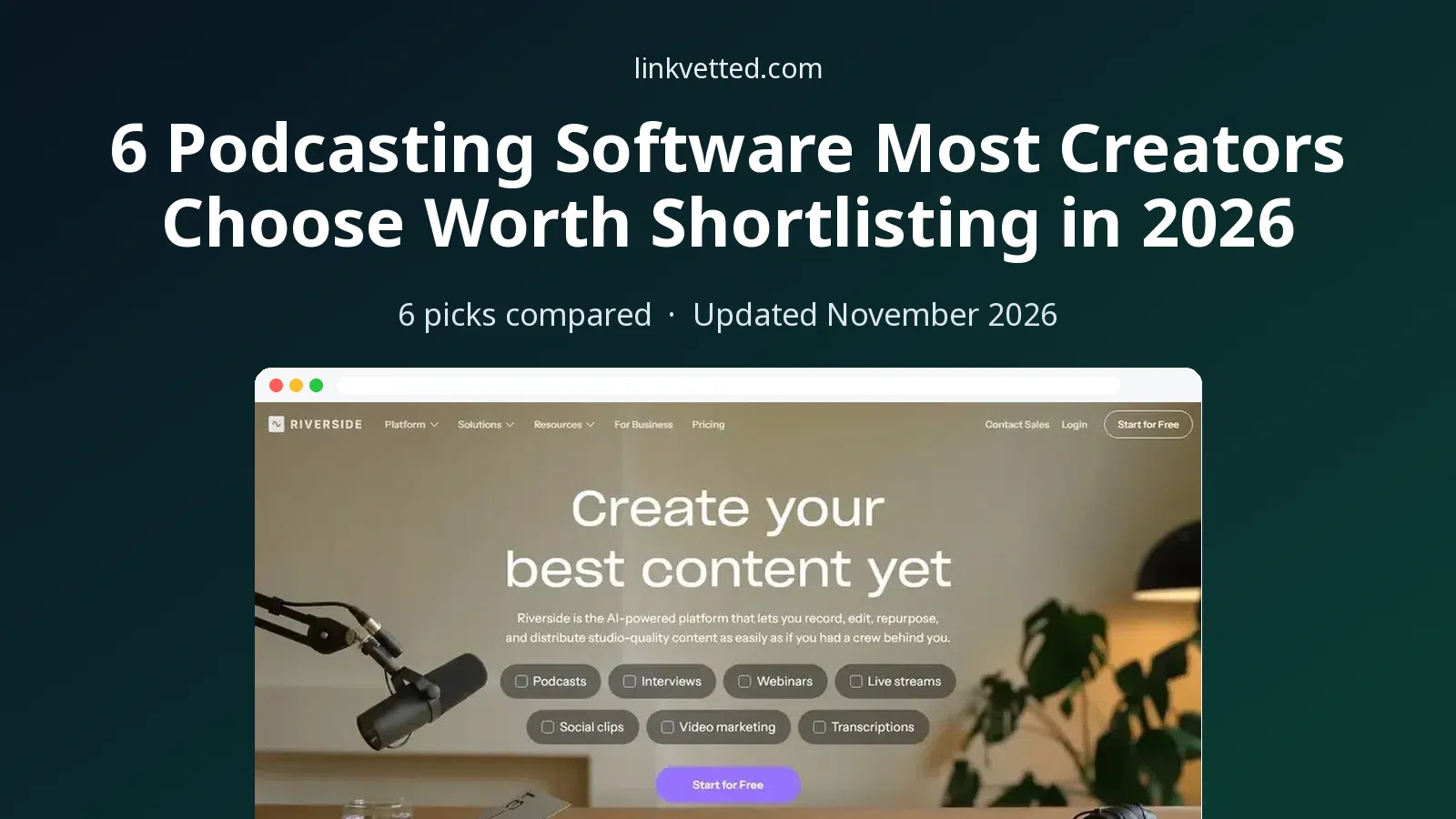
Riverside targets high-quality remote recording and editing. If you need advanced local editing or work primarily offline, consider a desktop-based option instead. Riverside is an online studio built for high-quality podcast and video recording and editing.
What works well: Browser-based studio.
Watch-outs: Needs stable internet. It uses AI to enhance recordings and is designed for human conversations, making it a good match for remote interviews and solo presents. Even so, Riverside relies on a stable internet connection for optimal performance, and offline editing is not its focus. Starting cost for Riverside: $24 per month. Riverside offers a free plan.
- AI-powered editing
- HD recording
- Restricted offline capabilities
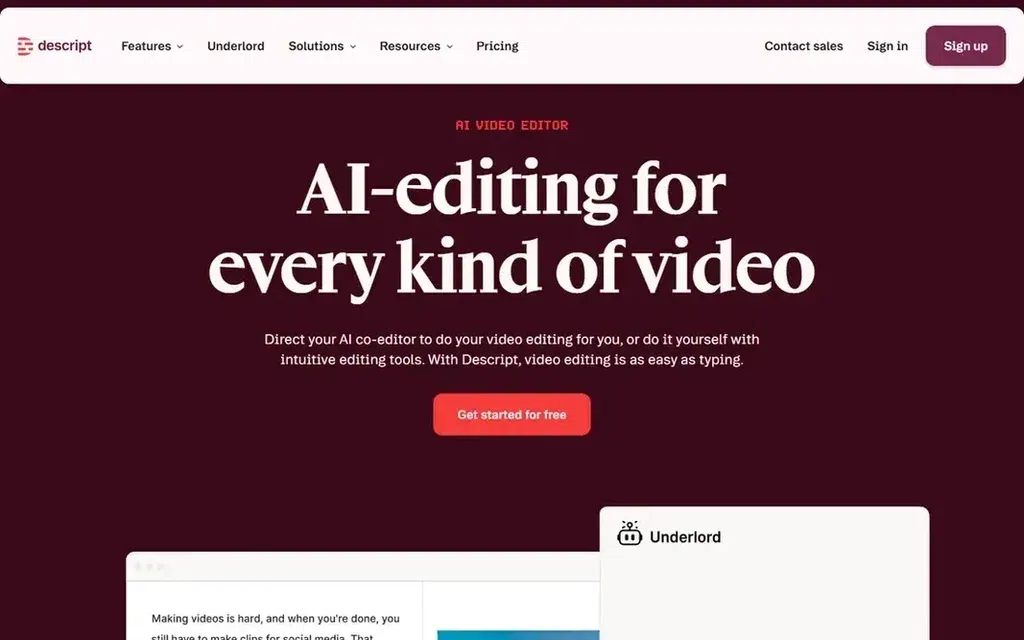
Descript is a good fit for text-based editing and transcription. Descript is an AI video and audio editor that makes editing as simple as editing text. It is especially handy for those who want to simplify post-production.
Trade-offs to know: May need ramp-up time.
Beyond that, the text-based approach may not suit everyone, and some advanced audio editing features are less solid than dedicated DAWs. If you need precise multi-track mixing or complicated sound design, a traditional audio editor might be better. What you pay to start with Descript: $16 per person per month. You can start on Descript without paying.
- Integrated transcription
- All-in-one workflow
- Restricted advanced audio tools
How the list was put together
Things to verify first
- Ask StreamYard and Podcastle for a written quote, since no starting price is shown.
- Read the fine print on the free plans from SquadCast, Podcastle, Riverside and Descript; seat, project and feature caps differ.
- Run a trial of StreamYard with real work before paying for a year; your own workflow is the best test.
- Read the limits listed for SquadCast first: no built-in editing.
- Run a one or two week pilot of StreamYard with the people who will use it every day.
- Look at which plan of Riverside unlocks the features you need; entry tiers are often cut down.
FAQ
Is SquadCast the right pick for everyone comparing podcasting software most creators choose?
No single tool suits every team. SquadCast comes first because it fits remote recording with cloud backup, while StreamYard suits live streaming and recording and Podcastle suits AI-powered video production. Match the tool to your own size, budget and workflow before deciding.
Do these tools publish their prices?
Not all of them. StreamYard and Podcastle publish no starting price, so expect a quote request for those. The rest, SquadCast included, show a starting price, though seats and billing terms still change the final cost. For the full picture, the cards above cover all 6 entries of this Podcasting software most Creators choose list, including price, free plan and limits.
How are the tools for podcasting software most creators choose ordered?
SquadCast sits first and Descript last because the order follows typical fit for podcasting software most creators choose, then price clarity and free access. It is a judgement call, so read each profile for fit and limits.
What is the cheapest option for podcasting software most creators choose in this list?
On published monthly entry prices, SquadCast is the lowest here at $16 per person per month. Entry price is only part of the cost, because seats, add-ons and billing terms can change the total. Prices, free plan details and limits for all 6 tools in this Podcasting software most Creators choose roundup sit on the individual cards above.
What is the best podcasting software for beginners?
For most readers this guide would start with SquadCast, built for remote recording with cloud backup. StreamYard is the alternative for live streaming and recording, and Podcastle for AI-powered video production. The right answer depends on budget and workflow.
Sources
- https://squadcast.fm
- https://streamyard.com
- https://podcastle.ai
- https://restream.io
- https://riverside.fm
- https://www.descript.com