6 Podcast Software for Top Sound Quality Worth Shortlisting in 2026
Best podcast software for top sound quality in 2026: 6 tools with starting prices, free plans and limits. Auphonic is the first pick for automatic audio.
- Editor's choice
 Auphonic
Automatic audio post-production
Starts atSee websiteVisit auphonic.comFull review - Great alternative
 Descript
Text-based editing and AI enhancements
Starts at$16 per person a monthVisit descript.comFull review - Also considerCleanfeed
Live remote recording with high fidelity
Starts atSee websiteVisit cleanfeed.netFull review
Direct answer
Auphonic is the first pick on this list for automatic audio post-production. Listed starting prices: Descript from $16 per person a month and Riverside from $24 a month. If your case is different, Descript suits text-based editing and AI enhancements and Cleanfeed suits live remote recording with high fidelity. Prices, free plans and limits for all 6 tools follow.
TL;DR:
- Auphonic takes the first slot, best suited to automatic audio post-production.
- Starting prices begin at $16 per person per month with Descript.
- Check the limits for Auphonic before you commit: restricted manual editing capabilities.
- Adobe Audition is the one to check for professional audio editing and restoration.
- A free plan is available from 3 of the 6 tools: Auphonic, Descript, Riverside.
Last checked November 2026. Prices and plan details were read from the vendors' own pages in November 2026; vendors change plans often, so confirm the current price on the vendor site before you buy.
Quick comparison
| Tool | Best for | Starts at | Free plan? | |
|---|---|---|---|---|
| Auphonic | Automatic audio post-production | See website | Yes | Visit |
| Descript | Text-based editing and AI enhancements | $16 per person a month | Yes | Visit |
| Cleanfeed | Live remote recording with high fidelity | See website | Not stated | Visit |
 Zencastr | Remote recording with local capture | See website | Not stated | Visit |
 Riverside | High-quality remote recording | $24 a month | Yes | Visit |
 Adobe Audition | Professional audio editing and restoration | See website | Not stated | Visit |
6 options for podcast software for top sound quality in detail
LinkVetted put together this guide to podcast software for top sound quality for readers who want a clear shortlist without reading every vendor page. It compares 6 tools on starting price, free plans, who each one suits and where each one falls short.
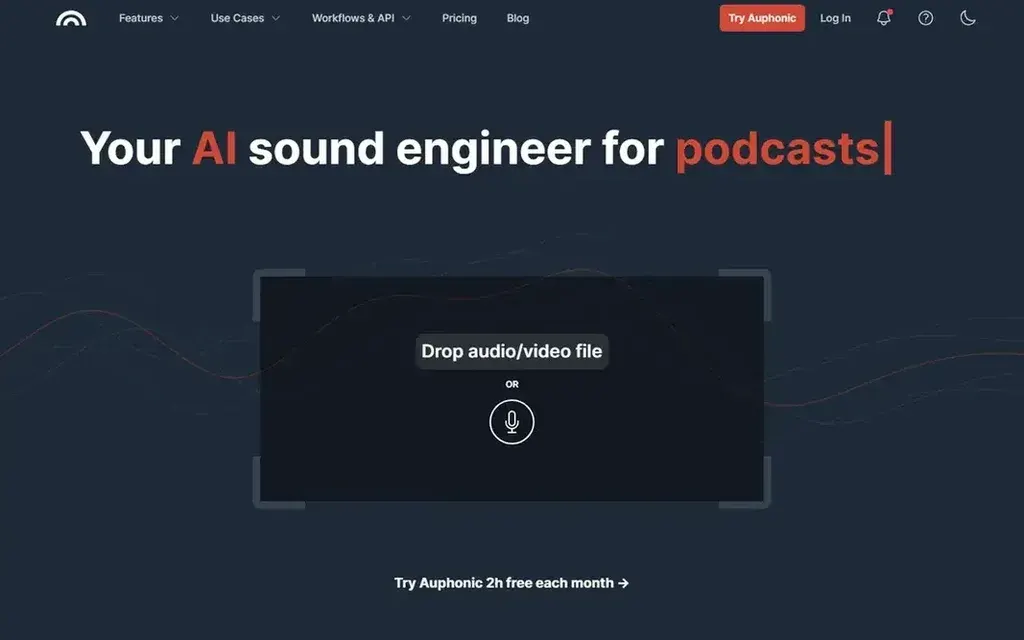
Auphonic is aimed squarely at automatic audio post-production. It examines your audio and applies leveling, noise reduction, and other enhancements to achieve a refined result. This is a strong match for podcasters who want consistent quality without diving into manual editing.
Auphonic is not a full editor, so you will still need a separate tool for cutting and arranging content. Even so, for fast, automatic improvements, Auphonic is a valuable addition to your workflow. Auphonic shows no starting price here, so confirm the cost on the vendor site. You can start on Auphonic without paying.
Where it is weaker: Requires internet connection.
- Batch processing for several files
- Automatic leveling and noise reduction
- Restricted manual editing capabilities
For text-based editing and AI enhancements, Descript is a natural candidate. It transcribes your recording and permits you to edit the audio by deleting or rearranging words in the transcript. This approach is perfect for podcasters who want to rapidly remove mistakes and filler words.
On top of that, Descript provides AI-powered studio sound and noise reduction to enhance audio quality. It is well-suited for solo podcasters and interview-style displays. Descript's text-based approach may not appeal to those who prefer traditional waveform editing. It can also be demanding on system resources for large projects. What you pay to start with Descript: $16 per person per month. You can start on Descript without paying.
The main drawbacks: Can be resource-intensive.
- AI-powered noise reduction and studio sound
- Integrated recording and transcription
- Some features need a subscription
Cleanfeed
Best for: Live remote recording with high fidelity
Cleanfeed serves live remote recording with high fidelity. Cleanfeed is a browser-based tool for long-distance professional audio. It offers high-fidelity audio for remote recordings, making it well suited to podcasters who require to capture studio-quality sound from guests around the world.
More specifically, Cleanfeed concentrates on recording and does not offer editing or post-production features. Also, Cleanfeed supports multi-track recording and is noted for its reliability and simplicity. This comparison lists no price for Cleanfeed; ask the vendor. Free access: Not stated.
Trade-offs to know: Restricted editing features.
- Multi-track recording
- High-quality audio for remote guests
- No built-in publishing
Zencastr is built with remote recording with local capture in mind. It records each participant locally, avoiding compression artifacts typical in VoIP recordings.
What to check first: Editing features are entry-level.
The system also bundles chat-based editing and publishing tools, making it a one-stop shop for podcasters. Also, Zencastr's editing capabilities are more entry-level compared with full-featured editors. Zencastr shows no starting price here, so confirm the cost on the vendor site. Free access: Not stated.
- Lossless local recording
- Chat-based editing
- Restricted advanced audio processing
Riverside was built for high-quality remote recording. Riverside is a strong match for podcasters who often record with guests remotely and want studio-quality audio without complicated setups.
Worth adding: Whereas Riverside gives you editing capabilities, they are not as deep as those in dedicated audio editors like Adobe Audition. That said, for recording and entry-level editing, Riverside gives you a smooth experience. Price to start with Riverside: $24 per month. Riverside offers a free plan.
Drawbacks to consider: Needs stable internet for recording.
- High-definition audio and video
- Local recording for each participant
- Editing features are less advanced than dedicated editors
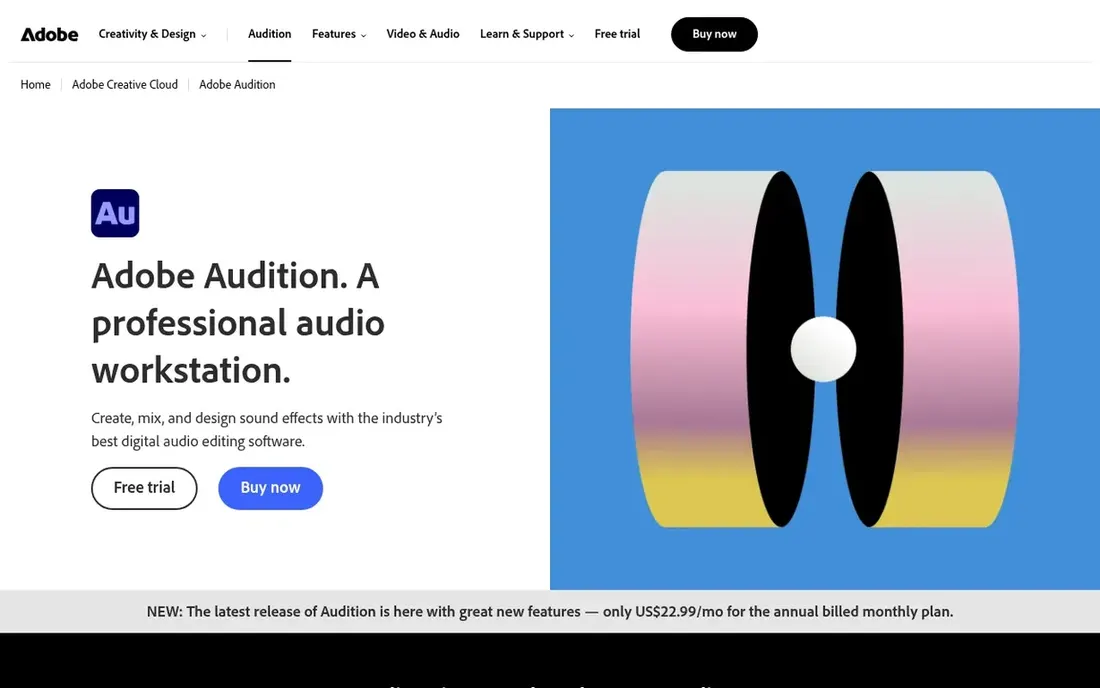
Pick Adobe Audition if this describes you: professional audio editing and restoration. Adobe Audition is a professional audio workstation that excels in in-depth editing and restoration. Its spectral display permits you to visually identify and fix audio issues, making it a strong match for podcasters who demand the highest sound quality.
If you prefer a more straightforward, text-based editing approach, consider Descript. Beyond that, the subscription model might not suit those looking for a one-time purchase. For automatic post-production, Auphonic could be a better fit. Adobe Audition shows no starting price here, so confirm the cost on the vendor site. As for free access: Not stated.
Where it is weaker: Steeper ramp-up time for beginners.
- Smooth integration with other Adobe products
- Advanced noise reduction and repair tools
- Needs a subscription
How we chose
A buyer's checklist
- Confirm the entry price on the vendor page. For Auphonic, Cleanfeed, Zencastr and Adobe Audition that means a quote rather than a fixed price.
- Check what the free option really includes: Auphonic, Descript and Riverside offer a free plan, and usage caps differ.
- Read the limits listed for Auphonic first: restricted manual editing capabilities.
- Look at the help docs and support options for Descript before you commit.
- Look at the renewal terms for Auphonic: auto-renewal, notice periods and price changes can matter more than the first-year price.
FAQ
Which options for podcast software for top sound quality have a free plan?
On this list, Auphonic, Descript and Riverside include a free plan. Caps on seats, usage or features are common, so test the free plan against your real workload.
Can I use these tools for remote recording?
They capture audio locally to avoid internet compression, ensuring pristine sound. You can then edit the recordings in software like Adobe Audition or Descript.
How are the tools for podcast software for top sound quality ordered?
The order follows typical fit for podcast software for top sound quality, with Auphonic first and Adobe Audition last, then price clarity and free access. It is editorial judgement, not a score, so another team could rank the tools differently.
What is the cheapest option for podcast software for top sound quality in this list?
On published monthly entry prices, Descript is the lowest here at $16 per person per month. Entry price is only part of the cost, because seats, add-ons and billing terms can change the total. Each of the 6 options in this Podcast software for top Sound quality guide has its own card above with the price, free plan and limits.
Can I try these tools before paying?
Often, yes. Auphonic, Descript and Riverside have a free plan. Use your own data and a real task during the test, and check what the free tier or trial limits before you rely on it.
Sources
- https://auphonic.com
- https://www.descript.com
- https://cleanfeed.net
- https://zencastr.com
- https://riverside.fm
- https://www.adobe.com/products/audition.html