Top 5 Platforms for Live Sports Broadcasts for 2026 (Prices and Free Plans)
Best platforms for live sports broadcasts, compared. 5 tools with published prices, free plans and limits. Each pick comes with its main catch. Easy to scan.
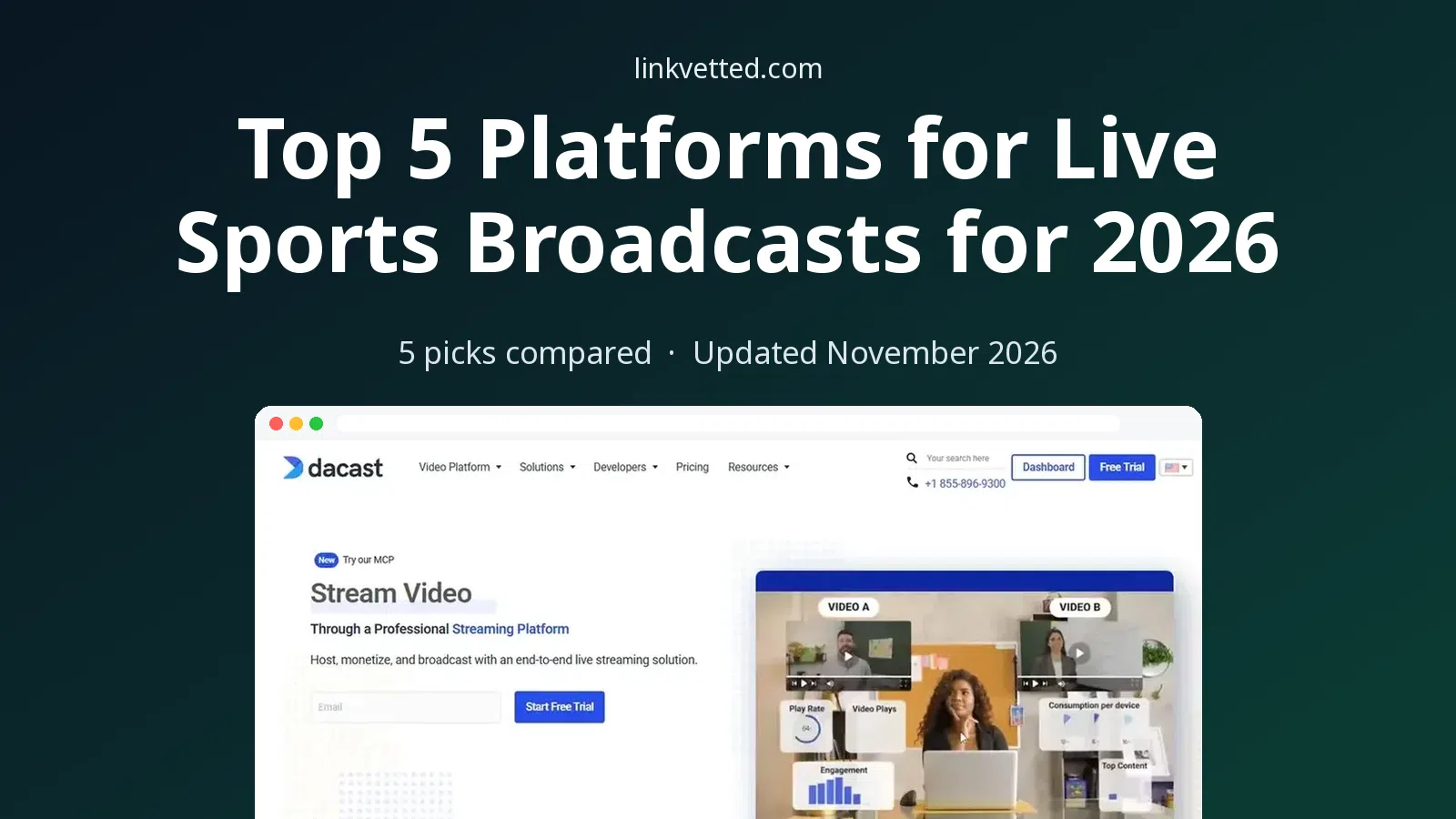
- Editor's choice
 Restream
Multistreaming to several channels
Starts at$239 a monthVisit restream.ioFull review - Great alternativeMux
Developers building video into products
Starts at$20 per monthVisit mux.comFull review - Also considerBoxCast
Straightforward production with expert support
Starts at$109 a monthVisit boxcast.comFull review
Direct answer
If you need Multistreaming to several channels, Restream is the first tool to look at here. Listed starting prices: Restream from $239 a month, Mux from $20 per month and BoxCast from $109 a month. Mux is better for developers building video into products, and BoxCast is better for straightforward production with expert support. The other 2 tools in the list cover narrower or pricier cases.
TL;DR:
- This list starts with Restream, which is built for Multistreaming to several channels.
- Just one of the 5 tools, Mux, has a free plan.
- Before buying BoxCast, weigh this: less developer-oriented than API products.
- Kaltura suits video product for organizations and institutions.
Last checked November 2026. Prices and plan details were read from the vendors' own pages in November 2026; vendors change plans often, so confirm the current price on the vendor site before you buy.
Quick comparison
| Tool | Best for | Starts at | Free plan? | |
|---|---|---|---|---|
| Restream | Multistreaming to several channels | $239 a month | Not stated | Visit |
| Mux | Developers building video into products | $20 per month | Yes | Visit |
| BoxCast | Straightforward production with expert support | $109 a month | Free trial | Visit |
 Dacast | Scheduled live sports broadcasts with hosting | $29 per month | Free trial | Visit |
 Kaltura | Video system for organizations and institutions | See website | Free trial | Visit |
The 5 tools in detail
Short on time? The summary and table above give the quick view of 5 platforms for live sports broadcasts, and the profiles that follow give the detail behind each entry.
Think of Restream for Multistreaming to several channels. Organizations needing secure, scalable hosting should weigh a hosting-first product.
Where it falls short: Centered on distribution instead of hosting.
Restream is a straightforward live video system that helps you produce beautiful videos and multistream them to your favorite channels. Confirm which destinations and production features you need on the vendor site. Restream cost at the entry level: $239 per month. Free plan details: Not stated.
- Tools for creating polished live video
- Multistreams to favorite channels
- Less suited to enterprise video libraries
Mux
Best for: Developers building video into products
Mux is built with developers building video into products in mind. Using Mux well needs engineering resources, so non-technical production teams may find it indirect.
Honest limits: Needs engineering resources.
It does not replace a straightforward go-live interface for event staff. Mux cost at the entry level: $20 per month. Free access exists with Mux.
- Focus on high-performance delivery
- Systems and AI workflows
- Not a turnkey broadcast interface
BoxCast
Best for: Straightforward production with expert support
Think of BoxCast for straightforward production with expert support. BoxCast presents a professional live video streaming and production system made straightforward, backed by an expert, supportive team. Very large media operations with custom workflows should check whether the feature set matches their scale.
Watch-outs: Less developer-oriented than API products.
Since the pitch centers on simplicity and support, teams wanting deep developer control through APIs may prefer a product aimed at that. The emphasis on support helps teams new to live sports production get moving. Entry price for BoxCast: $109 per month. Free plan details: Free trial.
- Supportive team behind the product
- Integrated live video platform
- Best value when production is kept straightforward
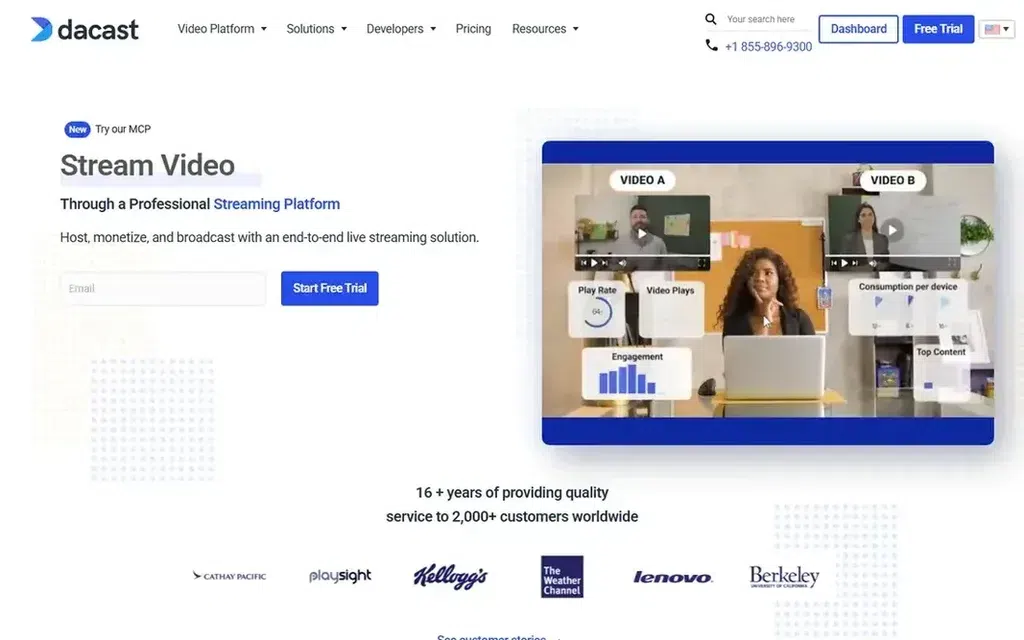
Dacast serves scheduled live sports broadcasts with hosting. Dacast is a professional live streaming and video hosting product designed for organizations that broadcast on a schedule, which suits leagues, schools and media teams with a regular sports calendar. It merges live delivery with hosting, so recorded games and flags sit alongside the live feed.
The main drawbacks: Not made for casual one-off streaming.
Since it is oriented toward scheduled professional broadcasts, it may be more structure than a creator needs for occasional casual streams. Confirm current delivery and hosting details on the vendor site. Dacast pricing: $29 per month. Trial and free access: Free trial.
- Built for professional live streaming and video hosting
- Merges live delivery with stored video
- Multistreaming to social channels is not its focus
In short, Kaltura is for video system for organizations and institutions. A wide product suite can take time to configure, and smaller teams may not need its full depth.
Watch-outs: Feature depth may exceed small team needs.
Also, buyers should map their specific broadcast workflow to the available modules before committing. This comparison lists no price for Kaltura; ask the vendor. As for free access: Free trial.
- Used by organizations and educational institutions
- Spans hosting and live video capabilities
- Wide suite can take time to configure
What went into this list
Selection started from tools commonly considered for platforms for live sports broadcasts, then narrowed to 5 that have clear pricing information or a clear quote process. Where a price is missing, the vendor does not list one publicly or ties it to a quote. Always confirm before budgeting. The ranking is editorial: typical fit first, then clear pricing, then free access. If your needs are unusual, read the profiles rather than relying on position.
A buyer's checklist
- Confirm the entry price on the vendor page. For Kaltura that means a quote rather than a fixed price.
- Look at the free plan from Mux closely: its caps decide whether it is usable for real work.
- Take the trial from BoxCast, Dacast and Kaltura and push a live task through it before you pay.
- Before choosing Restream, weigh its main limit: centered on distribution instead of hosting.
- Check whether the features you need in BoxCast sit on the entry plan or only on higher tiers.
- The entry price of Dacast is only the starting point; model the full cost with seats and extras.
FAQ
Which options for platforms for live sports broadcasts have a free plan?
Mux is the only tool in this list with a free plan. Free plans usually cap users, projects or features, so check the limits on the vendor page. Several others offer a trial instead.
Do these tools publish their prices?
Not all of them. Kaltura publishes no starting price, so expect a quote request for it. The rest, Restream included, show a starting price, though seats and billing terms still change the final cost.
What is the cheapest option for platforms for live sports broadcasts in this list?
On published monthly entry prices, Mux is the lowest here at $20 per month. Entry price is only part of the cost, because seats, add-ons and billing terms can change the total. All 5 picks in this platforms for live Sports Broadcasts comparison list a starting price, free plan details and the main limits on their cards above.
Is Restream the right pick for everyone comparing platforms for live sports broadcasts?
No single tool suits every team. Restream comes first because it fits Multistreaming to multiple channels, while Mux suits developers building video into products and BoxCast suits simple production with expert support. Match the tool to your own size, budget and workflow before deciding.
Sources
- https://restream.io
- https://www.mux.com
- https://www.boxcast.com
- https://www.dacast.com
- https://corp.kaltura.com