Top 5 Phone System for Architects for 2026 (Prices and Free Plans)
Best phone system for architects in 2026: 5 tools with starting prices, free plans and limits. Every pick gets a straight assessment. Narrow your shortlist.
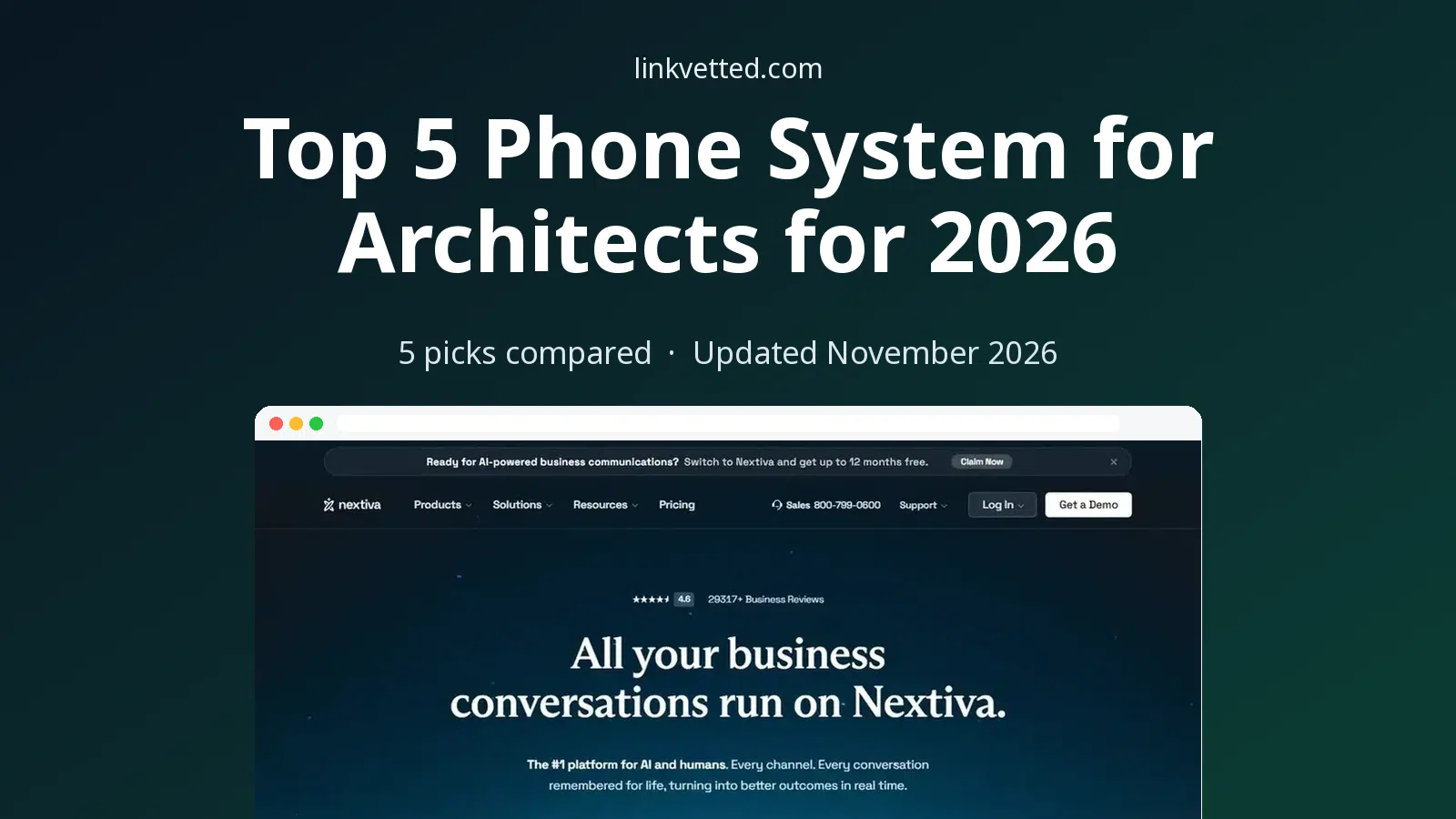
- Editor's choiceWebex Calling
AI-powered collaboration and devices
Starts atSee websiteVisit webex.comFull review - Great alternative
 Nextiva
Customer experience with integrated phone and AI
Starts at$15 per user per monthVisit nextiva.comFull review - Also consider
 Microsoft Teams Phone
Smooth integration with Microsoft Teams
Starts atSee websiteVisit microsoft.comFull review
Direct answer
For AI-powered collaboration and devices, Webex Calling is where this list starts. Listed starting prices: Nextiva from $15 per user per month, RingCentral MVP from $52 a month and Dialpad from $15 per user a month. Alternatives: Nextiva for customer experience with integrated phone and AI, and Microsoft Teams Phone for Smooth integration with Microsoft Teams. The full list of 5 tools follows, with prices and free plan facts.
TL;DR:
- Number one here is Webex Calling, a fit for AI-powered collaboration and devices.
- Nextiva has the lowest monthly starting price in this list: $15 per user per month.
- Check the limits for Nextiva before you commit: may be overkill for very small businesses.
- Webex Calling stands alone as the one tool in this list with a free plan.
- Dialpad suits AI-driven conversation intelligence.
Last checked November 2026. Prices and plan details were read from the vendors' own pages in November 2026; vendors change plans often, so confirm the current price on the vendor site before you buy.
Quick comparison
| Tool | Best for | Starts at | Free plan? | |
|---|---|---|---|---|
| Webex Calling | AI-powered collaboration and devices | See website | Yes | Visit |
| Nextiva | Customer experience with integrated phone and AI | $15 per user per month | No | Visit |
| Microsoft Teams Phone | Smooth integration with Microsoft Teams | See website | Not stated | Visit |
| RingCentral MVP | AI-enhanced voice and team collaboration | $52 a month | Free trial | Visit |
 Dialpad | AI-driven conversation intelligence | $15 per user a month | Free trial | Visit |
Phone System for Architects compared in detail
LinkVetted compared 5 phone system for architects. The goal is a practical shortlist: published prices, free plan facts, best-fit use cases and honest limits for every entry.
Webex Calling
Best for: AI-powered collaboration and devices
Webex Calling works best for AI-powered collaboration and devices. Adopting Webex Calling may be most beneficial when completely integrated with the Webex ecosystem, which could be a significant change for businesses not already using it. Smaller businesses might find it complicated.
As for the details, architecture businesses that value integrated video, messaging, and calling with AI enhancements may find Webex Calling suitable, notably if they already use Cisco or Webex options. Webex Calling is part of Cisco's AI-powered collaboration system, offering cloud calling integrated with customer experience and devices. It is made for organizations seeking a thorough collaboration suite. No starting price is listed for Webex Calling here; confirm pricing on the vendor site. You can start on Webex Calling without paying.
Where it falls short: May need Webex ecosystem adoption.
- AI-powered collaboration features
- Integrated with Webex devices
- Can be complicated for small teams
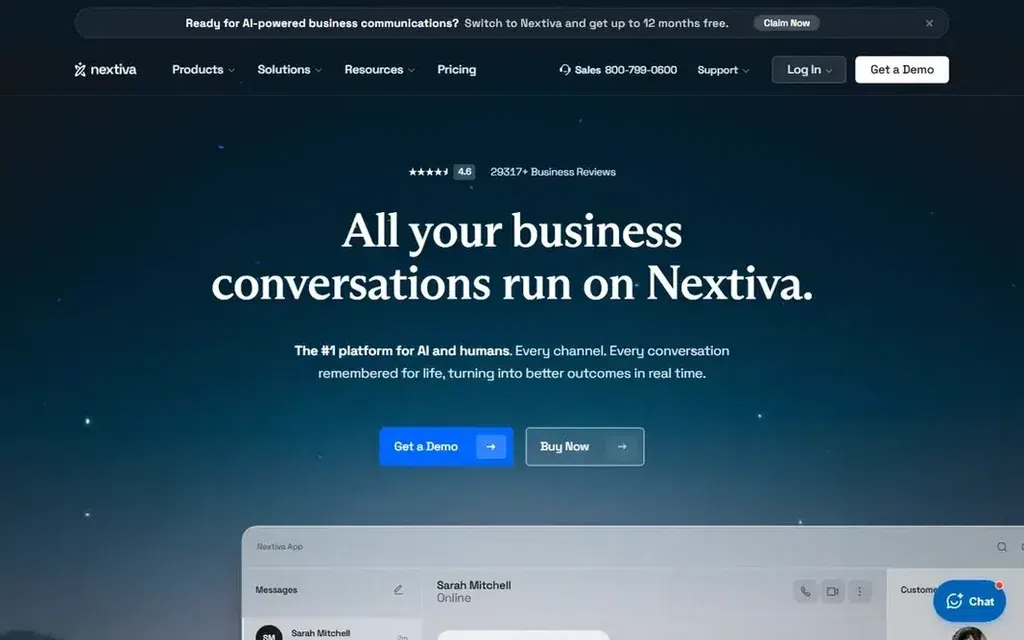
Nextiva targets customer experience with integrated phone and AI. Nextiva is an AI customer experience management system that merges business phone, contact center, AI receptionist, and unified CX. It aims to optimize every customer journey, making it right for architecture businesses that prioritize client experience and want a single product for communication and customer management.
Where it is weaker: Needs setup for full CX features.
As for the details, the integrated approach can help simplify client interactions from first call to project completion. Worth adding: for businesses with entry-level phone needs, Nextiva's wide CX features might be unnecessary and could require more setup time. Nextiva cost at the entry level: $15 per user per month. Nextiva does not include a free plan.
- AI receptionist included
- Contact center capabilities
- May be overkill for very small businesses
Microsoft Teams Phone works best for Smooth integration with Microsoft Teams. Microsoft Teams Phone is a cloud-based phone system that lets you make Teams calls or dial external numbers to stay connected with your team and customers. It is built for organizations already using Microsoft Teams, supplying a unified experience for collaboration and calling.
For a standalone phone system, RingCentral MVP or Nextiva might be better. From a buyer's view, Teams Phone is a good match for businesses deeply integrated with Microsoft tools. Beyond that, if your firm does not use Microsoft Teams, adopting Teams Phone may need a broader shift to Microsoft's ecosystem. It also may lack some advanced phone features found in dedicated systems. Pricing for Microsoft Teams Phone is not stated here, so ask the vendor for current figures. Trial and free access: Not stated.
What to check first: Limited standalone phone features.
- Familiar interface for Teams users
- Integrated with Microsoft Teams
- Needs Microsoft Teams adoption
RingCentral MVP
Best for: AI-enhanced voice and team collaboration
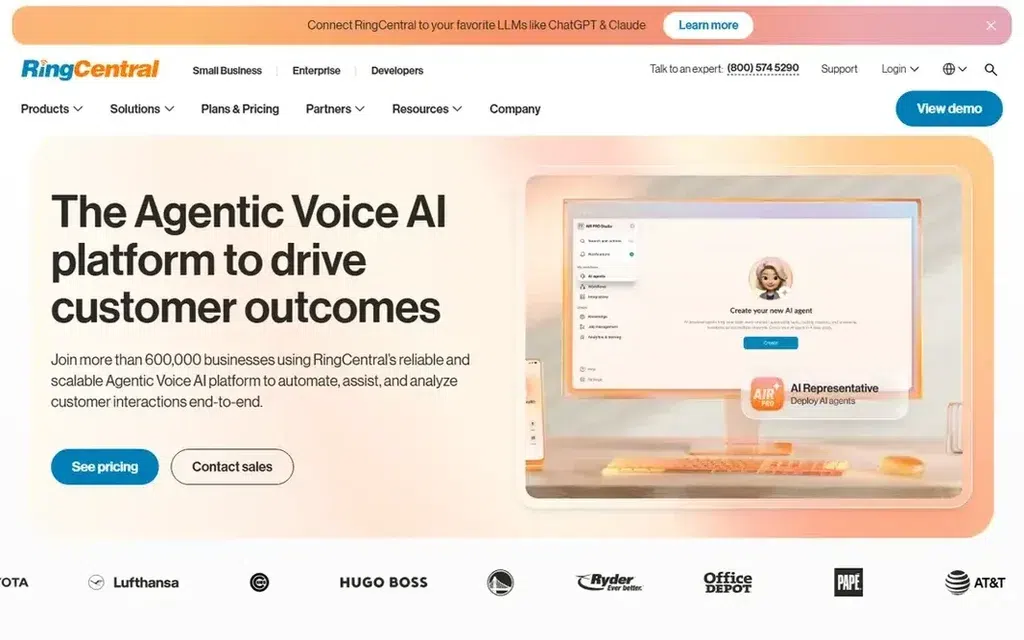
Where RingCentral MVP fits: AI-enhanced voice and team collaboration. RingCentral MVP is a cloud-based phone system that comes with AI-powered tools for example AI Receptionist, AI Virtual Assistant, and AI Conversation Expert. It is built to power business voice communications with intelligent automation.
As for the details, the deep feature set may be more than a small firm needs, and advanced AI choices might add complexity. That said, for businesses looking to use AI in client interactions, RingCentral MVP is a capable contender. Price to start with RingCentral MVP: $52 per month. As for free access: Free trial.
Trade-offs to know: May need configuration for advanced AI.
- Scalable for expanding businesses
- Unified voice and messaging
- Feature set can overwhelm small teams
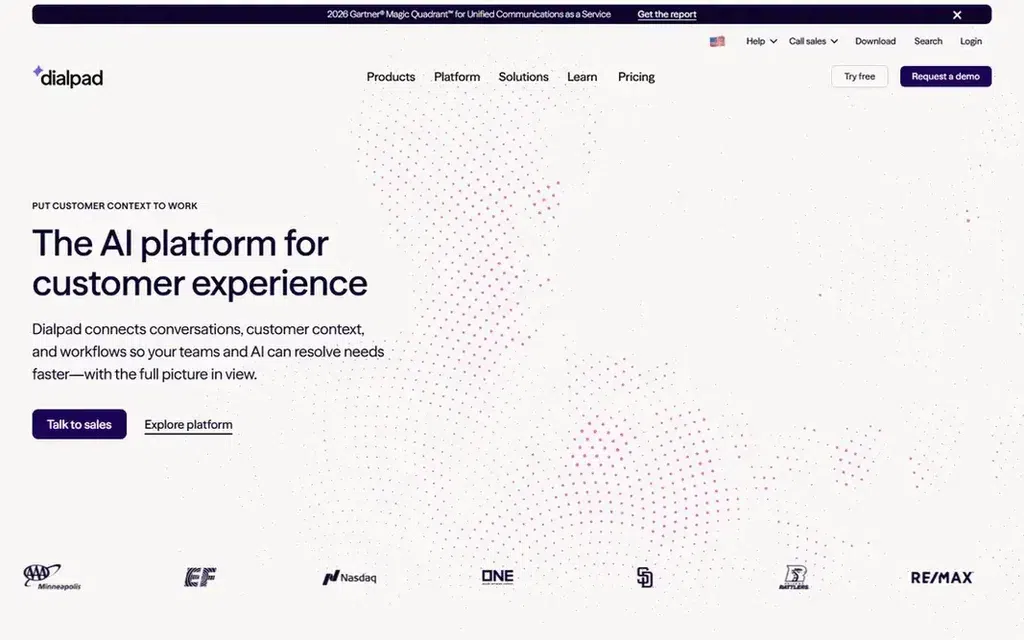
Dialpad targets AI-driven conversation intelligence. It turns customer conversations into intelligence that drives resolution.
Architecture businesses that handle numerous client calls and want to extract insights from conversations could benefit from Dialpad's AI capabilities, which help boost service quality and team performance. The starting price for Dialpad: $15 per user per month. As for free access: Free trial.
Points against: Not centred on traditional phone features.
- AI agents for customer interactions
- Conversation intelligence
- AI features may need training
How the list was put together
LinkVetted used vendor pricing pages and product documentation as the base, then compared plans, free access and documented limits for 5 tools. Prices and plan limits come from vendor pages and can change, so confirm them on the vendor site before you buy. The order reflects how well each tool fits the most common buying scenario for phone system for architects, then price clarity, then free plan access. It is a starting point, not a verdict.
A buyer's checklist
- Confirm the entry price on the vendor page. For Webex Calling and Microsoft Teams Phone that means a quote rather than a fixed price.
- Test the free plan from Webex Calling against your real workload before relying on it.
- Run a trial of RingCentral MVP and Dialpad with real work before paying for a year; your own workflow is the best test.
- Read the limits listed for Webex Calling first: may need Webex ecosystem adoption.
- Check the support hours and onboarding help Webex Calling offers; smaller vendors vary a lot here.
- Check how data leaves Nextiva: formats, limits and whether exports are available on every plan.
FAQ
Can I try these tools before paying?
Often, yes. Webex Calling has a free plan and RingCentral MVP and Dialpad offer a free trial. Use your own data and a real task during the test, and check what the free tier or trial limits before you rely on it.
What features should architects look for in a phone system?
Architects should prioritize steady call quality, client management integration, and scalability. Features like AI receptionists can help run client calls professionally, whereas collaboration tools support team communication.
Can I use these phone systems for remote teams?
Yes, most of these systems are cloud-based and support remote teams. They offer mobile apps and softphones, allowing architects to stay connected from anywhere.
What is the cheapest option for phone system for architects in this list?
On published monthly entry prices, Nextiva is the lowest here at $15 per user per month. Entry price is only part of the cost, because seats, add-ons and billing terms can change the total. Each of the 5 options in this phone system for Architects guide has its own card above with the price, free plan and limits.
Is Webex Calling the right pick for everyone comparing phone system for architects?
No single tool suits every team. Webex Calling comes first because it fits AI-powered collaboration and devices, while Nextiva suits customer experience with integrated phone and AI and Microsoft Teams Phone suits smooth integration with Microsoft Teams. Match the tool to your own size, budget and workflow before deciding.
How important is AI in a phone system for architects?
AI can enhance client experience by automating call handling and supplying insights. Evaluate if AI features like receptionists or conversation intelligence align with your workflow and client expectations.
Sources
- https://www.webex.com
- https://www.nextiva.com
- https://www.microsoft.com/en-us/microsoft-teams/microsoft-teams-phone
- https://www.ringcentral.com
- https://www.dialpad.com