Choosing CRM for Architects in 2026: 5 Options Compared
Comparing the best CRM for architects? 5 contenders, each with entry cost, free tier and best-fit buyer. Plain-spoken summaries throughout. Read before you buy.
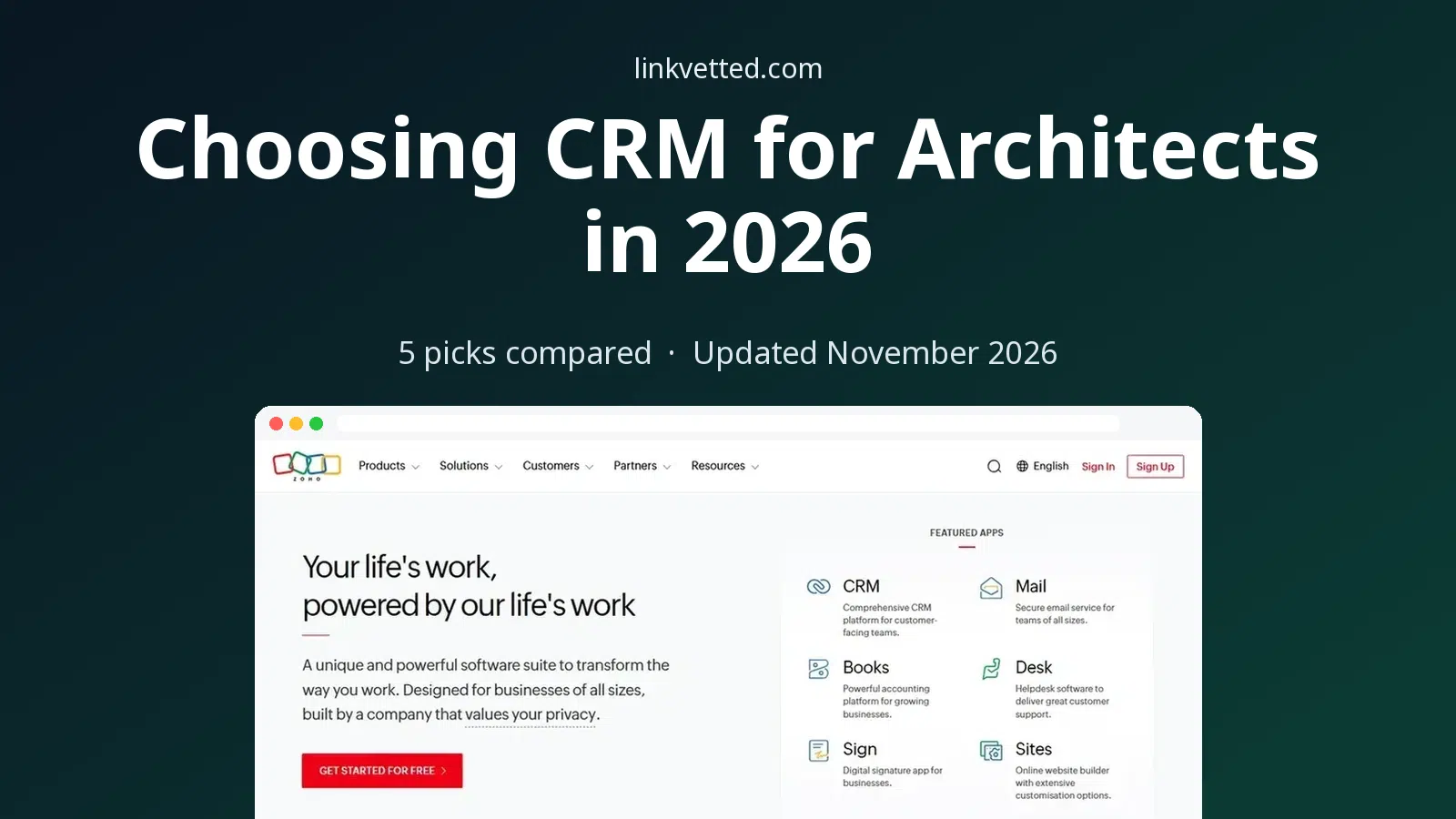
- Editor's choice
 Zoho CRM
Wide sales operations coverage
Starts atPricing on requestVisit zoho.comFull review - Great alternative
 Pipedrive
Visual pipeline and lead management
Starts atPricing on requestVisit pipedrive.comFull review - Also consider
 HubSpot CRM
Approachable contact and deal organization
Starts atPricing on requestVisit hubspot.comFull review
Direct answer
Start with Zoho CRM if you need wide sales operations coverage. Pipedrive fits visual pipeline and lead management; HubSpot CRM fits approachable contact and deal organization. The remaining 2 options are covered below with pricing notes and limits. None of these vendors publish plan prices, so pricing is on request for every option.
TL;DR:
- The list opens with Zoho CRM, aimed at broad sales operations coverage.
- Every tool from Zoho CRM to Salesforce Sales Cloud works by quote, with no list price shown.
- Salesforce Sales Cloud fits scalable sales automation for expanding businesses.
- One limit worth knowing about HubSpot CRM: advanced needs may need extras.
- Zoho CRM, Salesforce Sales Cloud and the 3 others all need a premium plan or a trial, since no free plan is listed.
Last checked November 2026. Pricing on request: vendors did not publish plan prices when this guide was last checked (November 2026), so ask each vendor for a written quote.
Quick comparison
| Tool | Best for | Starts at | Free plan? | |
|---|---|---|---|---|
| Zoho CRM | Wide sales operations coverage | Pricing on request | Not stated | Visit |
| Pipedrive | Visual pipeline and lead management | Pricing on request | Not stated | Visit |
| HubSpot CRM | Approachable contact and deal organization | Pricing on request | Not stated | Visit |
 Monday CRM | Adaptable, visual revenue workflows | Pricing on request | Not stated | Visit |
 Salesforce Sales Cloud | Scalable sales automation for expanding businesses | Pricing on request | Not stated | Visit |
CRM for Architects, one by one
LinkVetted compared 5 CRM for architects. The goal is a practical shortlist: published prices, free plan facts, best-fit use cases and honest limits for every entry.
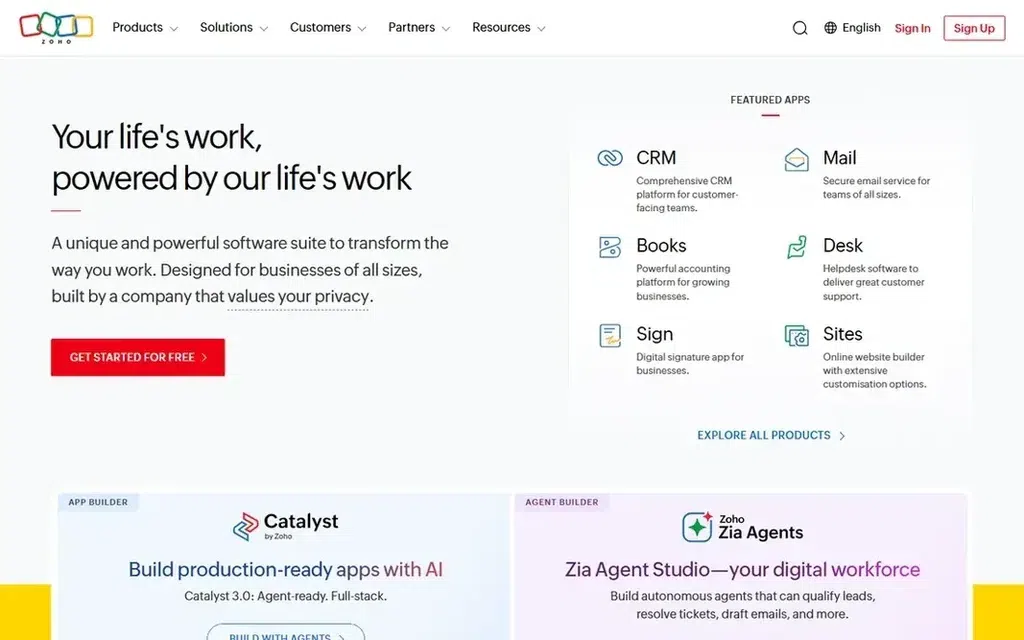
Zoho CRM targets wide sales operations coverage. Zoho CRM is an agentic CRM product that helps teams handle sales operations and close more deals, and it is used by a large base of companies worldwide.
Matching it to architecture-specific workflows takes planning. Zoho CRM shows no starting price here, so confirm the cost on the vendor site. Trial and free access: Not stated.
The main drawbacks: Interface can feel dense.
- Widely adopted by firms
- Runs sales operations end to end
- Needs setup to match firm workflows
Pipedrive targets visual pipeline and lead management. Pipedrive is a sales CRM and pipeline management tool built to help teams get more qualified leads and grow the business. It is straightforward for small teams to pick up.
Trade-offs to know: Narrower scope beyond sales.
Choose it when pipeline clarity is the priority and other systems deal with project work. Businesses with complicated, multi-stakeholder account structures may find its depth restricted. Pipedrive concentrates on sales activity, so project delivery, resourcing and document control sit outside it. This comparison lists no price for Pipedrive; ask the vendor. On free options: Not stated.
- Aimed at qualifying leads
- Pipeline management focus
- Less depth for complicated account structures
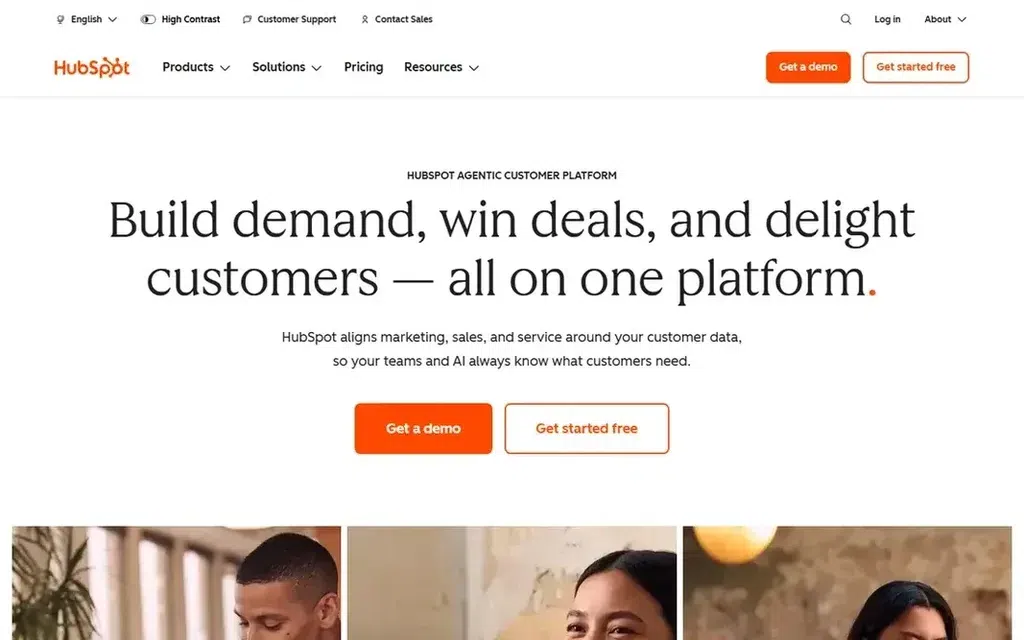
HubSpot CRM works best for approachable contact and deal organization. HubSpot CRM is a contact and deal management product pitched at small companies, with built-in AI to help organize relationships and move opportunities forward. Beyond that, firms needing deep customization or industry-specific fields may prefer a more customizable system.
As for the details, businesses new to CRM software frequently find its structure simple to adopt without a long setup period. More specifically, choose HubSpot when simplicity and fast adoption matter more than specialized project tracking. The product is built around sales pipelines instead of architectural project workflows, so in-depth project phases and drawing revisions live elsewhere. This comparison lists no price for HubSpot CRM; ask the vendor. On free options: Not stated.
Where it is weaker: Less tailored to project-based billing.
- Clean
- Approachable interface
- Advanced needs may need extras
Think of Monday CRM for adaptable, visual revenue workflows. Choose it when adaptability across teams matters most. Businesses needing strict, standardized sales processes may prefer a more opinionated tool.
What Monday CRM does well: AI agents work the pipeline.
Downsides: Needs discipline to keep boards tidy. Also, Monday CRM is an AI-powered revenue execution system for marketing, sales and delivery teams, with AI agents working the pipeline. Its configurability is the central draw. That adaptability can result in inconsistent boards if no one owns the structure, and it is not purpose-built for architectural project management. This comparison lists no price for Monday CRM; ask the vendor. Free options: Not stated.
- Visual and customizable boards
- Sales and delivery teams
- Adaptability can invite sprawl
Salesforce Sales Cloud
Best for: Scalable sales automation for expanding businesses
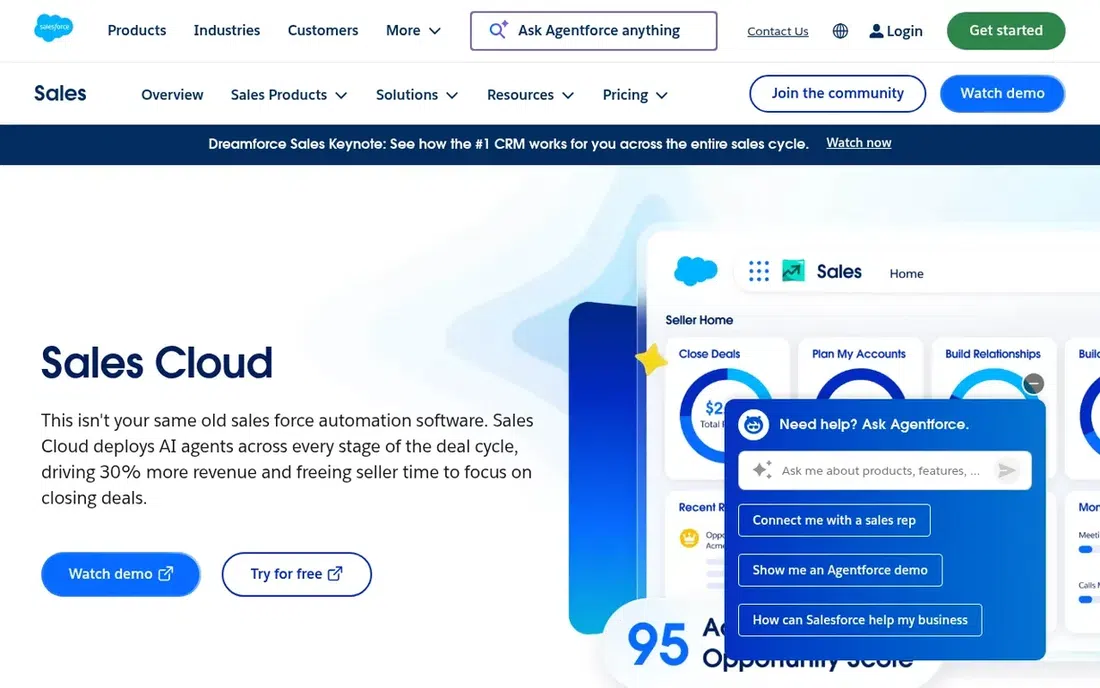
Salesforce Sales Cloud serves scalable sales automation for expanding businesses. Architecture businesses with a dedicated business development team can use it to handle accounts, track opportunities and standardize how proposals and follow-ups are handled across the practice. It scales as the firm layers on offices or staff.
Honest limits: Overkill for very small studios.
Pick something lighter if you need a fast start with minimal setup. The platform rewards teams that can invest time in configuration and administration, and smaller studios may find that effort disproportionate. Salesforce Sales Cloud does not show a starting price in this comparison, so check the vendor site for current pricing. Free options: Not stated.
- Accessible from anywhere
- Solid sales force automation
- Configuration can be complicated
What went into this list
Before you commit
- Request quotes from Zoho CRM, Salesforce Sales Cloud and the others; the list shows no fixed prices.
- Read the limits listed for Zoho CRM first: interface can feel dense.
- Check how data leaves Monday CRM: formats, limits and whether exports are available on every plan.
- Test the integrations you rely on with Pipedrive before committing; some connectors sit on upper tiers.
- Price HubSpot CRM for your actual team size; headline prices rarely include add-ons or overage.
FAQ
How are the tools for CRM for architects ordered?
Zoho CRM sits first and Salesforce Sales Cloud last because the order follows typical fit for CRM for architects, then price clarity and free access. It is a judgement call, so read each profile for fit and limits.
Is Zoho CRM the right pick for everyone comparing CRM for architects?
No single tool suits every team. Zoho CRM comes first because it fits broad sales operations coverage, while Pipedrive suits visual pipeline and lead management and HubSpot CRM suits approachable contact and deal organization. Match the tool to your own size, budget and workflow before deciding.
Can a general sales CRM manage architecture project workflows?
General sales CRMs manage client relationships and opportunity tracking well, but in-depth project phases, resourcing and drawing control typically stay in separate project systems. Choose a CRM for the business development side and link it to your delivery tools where possible.
Do these tools publish their prices?
No. None of the tools, from Zoho CRM to Salesforce Sales Cloud, shows a fixed starting price here, so budget time for quotes.
Can I try these tools before paying?
Not by default. None of the tools, from Zoho CRM to Salesforce Sales Cloud, lists a free plan or a free trial here, so ask each vendor for a demo before committing.
Sources
- https://www.zoho.com/crm
- https://www.pipedrive.com
- https://www.hubspot.com/products/crm
- https://monday.com/crm
- https://www.salesforce.com/sales/cloud