6 Platform to Create Docs for AI Worth Shortlisting in 2026
6 tools for the best platform to create docs for AI, compared on pricing, free plans and best-fit use. Each listing flags where it falls short. Quick to scan.

- Editor's choice
 ReadMe
Interactive API reference documentation
Starts atSee websiteVisit readme.comFull review - Great alternative
 Helpjuice
Support-focused knowledge base software
Starts atSee websiteVisit helpjuice.comFull review - Also consider
 GitBook
Docs made for humans and AI agents
Starts at$65 per site per monthVisit gitbook.comFull review
Direct answer
For interactive API reference documentation, ReadMe is where this list starts. Listed starting prices: GitBook from $65 per site per month and Notion from $10 per member per month. Helpjuice is the stronger choice for support-focused knowledge base software, while GitBook suits docs made for humans and AI agents. The full list of 6 tools follows, with prices and free plan facts.
TL;DR:
- Top of the list is ReadMe, which targets interactive API reference documentation.
- Notion is the lowest-priced starter here at $10 per member per month.
- One limit worth knowing about ReadMe: narrower scope for general docs.
- A free plan is available from 2 of the 6 tools: GitBook, Notion.
Last checked November 2026. Prices and plan details were read from the vendors' own pages in November 2026; vendors change plans often, so confirm the current price on the vendor site before you buy.
Quick comparison
| Tool | Best for | Starts at | Free plan? | |
|---|---|---|---|---|
| ReadMe | Interactive API reference documentation | See website | Not stated | Visit |
| Helpjuice | Support-focused knowledge base software | See website | Free trial | Visit |
| GitBook | Docs made for humans and AI agents | $65 per site per month | Yes | Visit |
 Docusaurus | Code-first, self-managed documentation sites | See website | Not stated | Visit |
 Confluence | Team workspaces with AI drafting | See website | Not stated | Visit |
 Notion | Adaptable AI workspace for docs and agents | $10 per member per month | Yes | Visit |
Every option for platform to create docs for AI explained
Short on time? The summary and table above give the quick view of 6 tools for platform to create docs for AI, and the profiles that follow give the detail behind each entry.
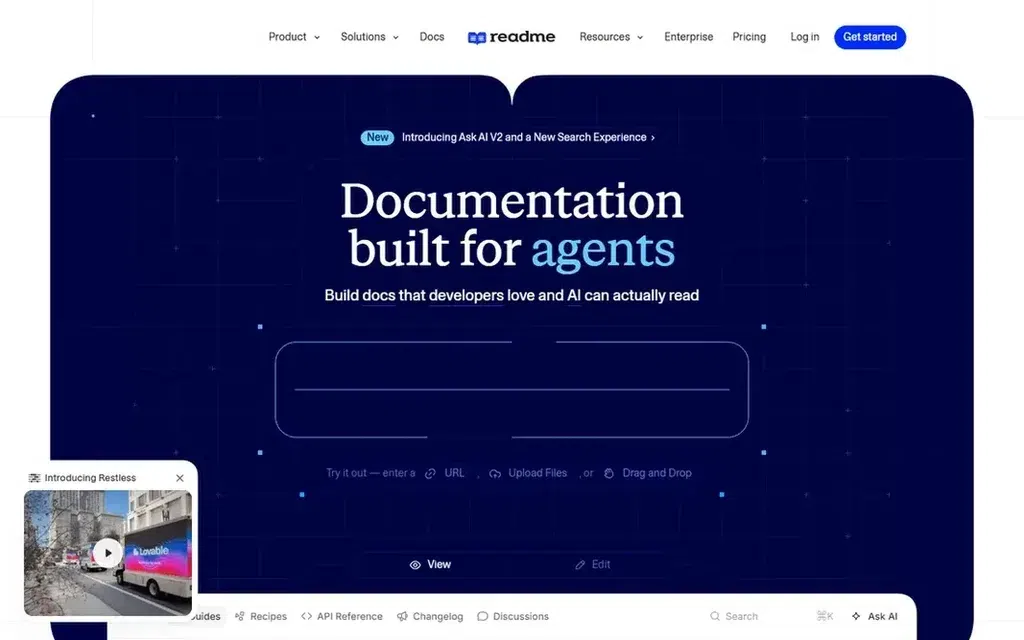
ReadMe is built with interactive API reference documentation in mind. Its homepage emphasizes creating beautiful, interactive API documentation that developers enjoy using, which makes it a natural fit for firms shipping APIs and developer tools. If your documentation is largely general knowledge instead of API detail, a wider product like Confluence or Notion may fit better.
What to check first: Less suited to internal knowledge bases.
In practice, the focus on API reference means ReadMe is less oriented toward wide internal wikis or marketing content. In practice, teams that want reference pages where readers can explore endpoints and understand integration steps will find the product aligned with that goal. ReadMe does not show a starting price in this comparison, so check the vendor site for current pricing. Free options: Not stated.
- Developer-friendly pages
- Decent fit for developer-facing products
- Narrower scope for general docs
In short, Helpjuice is for support-focused knowledge base software. Evaluate how its search and AI features match your needs by checking the vendor site, since the homepage summary is high level.
Limits to weigh: AI depth should be verified on vendor site.
Helpjuice is less oriented toward API reference or code-adjacent documentation, so developer-facing teams may prefer ReadMe or Docusaurus. Helpjuice is knowledge base software positioned around simplifying support and boosting productivity. No starting price is listed for Helpjuice here; confirm pricing on the vendor site. Trial and free access: Free trial.
- Knowledge base orientation
- Established in the help desk space
- Less emphasis on API documentation
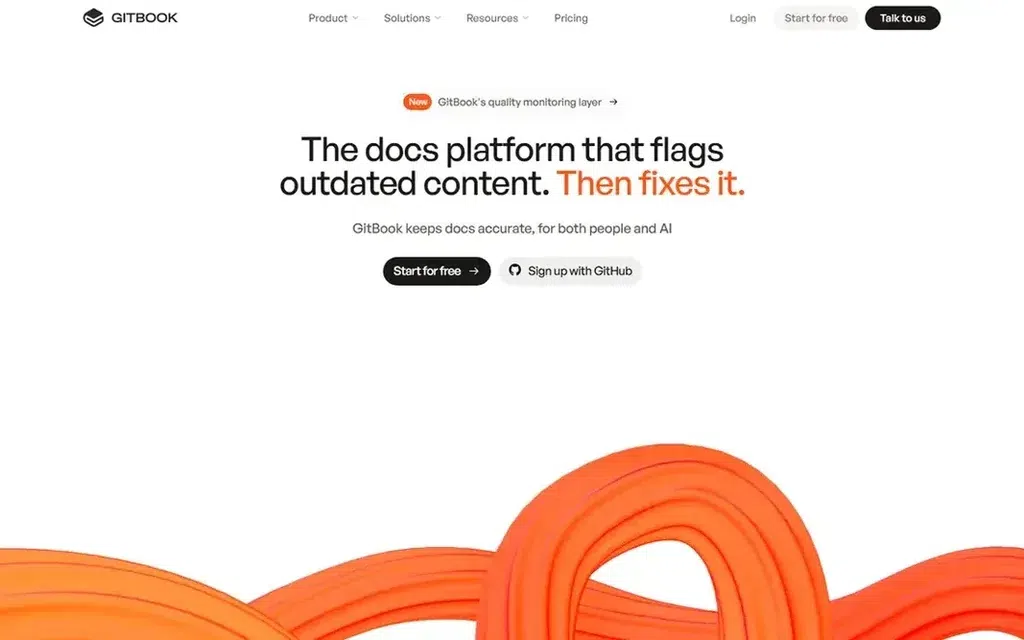
GitBook was built for docs aimed at humans and AI agents. Its built-in MCP links your documentation to AI agents, and the GitBook Agent works to keep content accurate. As for the details, check the vendor site for current capabilities and limits before committing.
Since GitBook is a hosted product, teams that require full control over the build pipeline or want to self-host may prefer a generator like Docusaurus. It also leans toward product documentation instead of long-form internal wikis. Entry price for GitBook: $65 per site per month. GitBook offers a free plan.
Points against: Pricing details need checking on the vendor site.
- Built-in MCP connects docs to AI agents
- GitBook Agent helps keep content accurate
- Less control over the underlying build
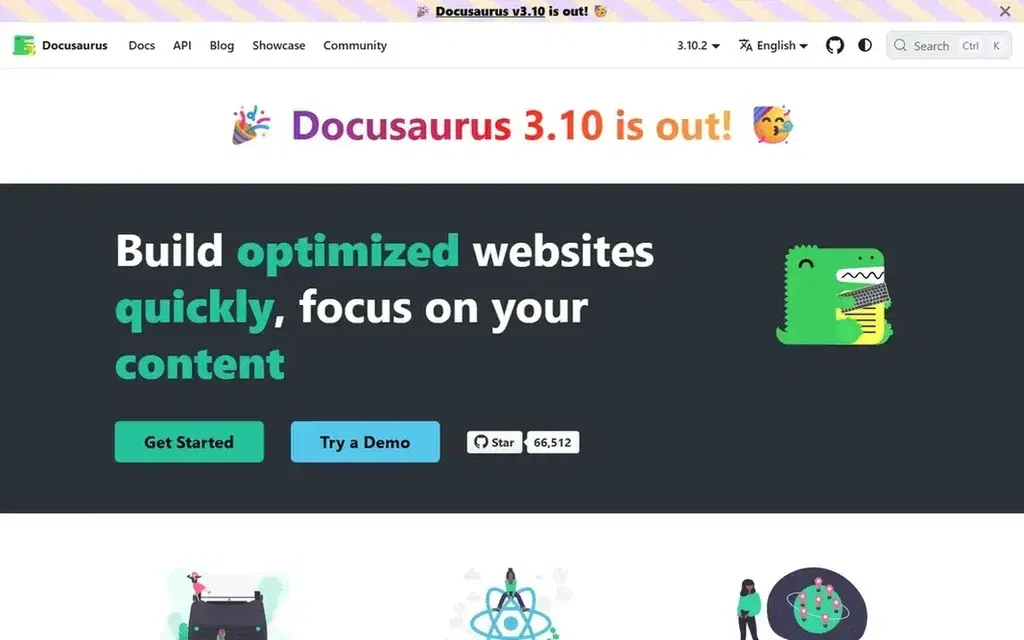
Docusaurus was built for code-first, self-managed documentation sites. Teams without engineering support may find a hosted platform quicker to launch.
Choose Docusaurus when control and portability matter more than out-of-the-box AI features. No starting price is listed for Docusaurus here; confirm pricing on the vendor site. On free options: Not stated.
Points against: Needs technical setup and maintenance.
- React-based site generator
- Full control over build and hosting
- No built-in AI agent features described
Confluence makes the most sense for team workspaces with AI drafting. Confluence is described as an AI workspace for knowledge and collaboration, where teams build and share knowledge and use AI to draft, summarize and find answers. Worth adding: consider Notion for a lighter all-in-one workspace, and confirm current AI capabilities on the vendor site.
Beyond that, small teams with a single doc set may find it heavier than needed. Beyond that, Confluence is primarily an internal collaboration space, so publishing refined public documentation or API references may need extra tooling. Confluence shows no starting price here, so confirm the cost on the vendor site. Trial and free access: Not stated.
The main drawbacks: Can feel heavy for small doc sets.
- AI drafting
- Familiar team workspace model
- Public documentation needs additional setup
In short, Notion is for adaptable AI workspace for docs and agents. Notion describes itself as the AI workspace that works for you, with custom agents, search across connected apps and automation of busywork.
Downsides: Structure is user-defined, not enforced.
Teams needing strict API reference formatting may prefer ReadMe, whereas those wanting a dedicated docs system may lean toward GitBook. Also, verify current AI features on the vendor site. On cost, Notion starts like this: $10 per member per month. Free access exists with Notion.
- Adaptable pages and databases
- Automation for routine work
- Public docs need deliberate setup
What went into this list
A buyer's checklist
- Ask ReadMe, Helpjuice, Docusaurus and Confluence for a written quote, since no starting price is shown.
- Look at free plan limits closely: GitBook and Notion have one, and the caps decide whether it is usable for real work.
- Use real work to test the free trial from Helpjuice, rather than a demo project.
- Read the limits listed for ReadMe first: narrower scope for general docs.
- Look at which plan of Helpjuice unlocks the features you need; entry tiers are often cut down.
- Ask GitBook about contract length, onboarding fees and user minimums before you sign.
FAQ
Which choice is a good match for API documentation?
ReadMe comes first here and is built for interactive API reference documentation. Buyers with other needs may prefer Helpjuice (for support-focused knowledge base software) or GitBook (for docs aimed at humans and AI agents). Compare costs and limits first.
Is ReadMe the right pick for everyone comparing platform to create docs for AI?
No single tool suits every team. ReadMe comes first because it fits interactive API reference documentation, while Helpjuice suits support-focused knowledge base software and GitBook suits docs built for humans and AI agents. Match the tool to your own size, budget and workflow before deciding.
Do these tools publish their prices?
Not all of them. ReadMe, Helpjuice, Docusaurus and Confluence publish no starting price, so expect a quote request for those. The rest, GitBook included, show a starting price, though seats and billing terms still change the final cost.
Can I try these tools before paying?
Often, yes. GitBook and Notion have a free plan and Helpjuice offers a free trial. Use your own data and a real task during the test, and check what the free tier or trial limits before you rely on it.
What is the cheapest option for platform to create docs for AI in this list?
On published monthly entry prices, Notion is the lowest here at $10 per member per month. Entry price is only part of the cost, because seats, add-ons and billing terms can change the total. Each of the 6 options in this platform to create docs for AI guide has its own card above with the price, free plan and limits.
Sources
- https://readme.com
- https://helpjuice.com
- https://www.gitbook.com
- https://docusaurus.io
- https://www.atlassian.com/software/confluence
- https://www.notion.so