Platform for Centralizing Team Work in 2026: The 5 Best Options Side by Side
Best platform for centralizing team work in 2026: 5 tools with starting prices, free plans and limits. Caveats come with every verdict. Quick to scan.
- Editor's choice
 Monday.com
Visual workspace for executing work
Starts at$9 per seat per monthVisit monday.comFull review - Great alternative
 Asana
Structured work and project management
Starts at$10.99 per user per monthVisit asana.comFull review - Also consider
 ClickUp
All-in-one tasks, docs, goals and chat
Starts at$9 per user a monthVisit clickup.comFull review
Direct answer
Our first pick is Monday.com, best for visual workspace for executing work. Listed starting prices: Monday.com from $9 per seat per month, Asana from $10.99 per user per month and ClickUp from $9 per user a month. Asana fits structured work and project management; ClickUp fits all-in-one tasks, docs, goals and chat. The remaining 2 options are covered below with prices and limits.
TL;DR:
- Number one here is Monday.com, a fit for visual workspace for executing work.
- For chat, meetings and files in one hub, Microsoft Teams is worth a look.
- A free plan is available from 3 of the 5 tools: Monday.com, Asana, ClickUp.
- The cheapest monthly starting price in the list is $9 per seat per month, offered by Monday.com.
Last checked November 2026. Prices and plan details were read from the vendors' own pages in November 2026; vendors change plans often, so confirm the current price on the vendor site before you buy.
Quick comparison
| Tool | Best for | Starts at | Free plan? | |
|---|---|---|---|---|
| Monday.com | Visual workspace for executing work | $9 per seat per month | Yes | Visit |
| Asana | Structured work and project management | $10.99 per user per month | Yes | Visit |
| ClickUp | All-in-one tasks, docs, goals and chat | $9 per user a month | Yes | Visit |
| Atlassian Confluence | Shared knowledge and team documentation | See website | Not stated | Visit |
 Microsoft Teams | Chat, meetings and files in one hub | See website | Not stated | Visit |
The best platform for centralizing team work
This LinkVetted guide covers 5 options for platform for centralizing team work. Each profile lists a starting price, free plan details, strengths and drawbacks, so you can drop poor fits quickly.
Monday.com was built for visual workspace for executing work. Monday.com markets itself as an AI workspace for people and agents, where teams execute, handle and operate together to drive business results.
The adaptability means teams have to make setup choices early, and it is not built as a long-form knowledge base. Beyond that, organizations that chiefly want documentation and shared notes may prefer a wiki-style tool, whereas teams centred on tracking and executing work frequently find monday.com a decent central hub. On cost, Monday.com starts like this: $9 per seat per month. A free plan is available with Monday.com.
The main drawbacks: Breadth can mean setup decisions.
- Workspace merges people and AI agents
- Designed for executing and managing work
- Not a knowledge-first wiki
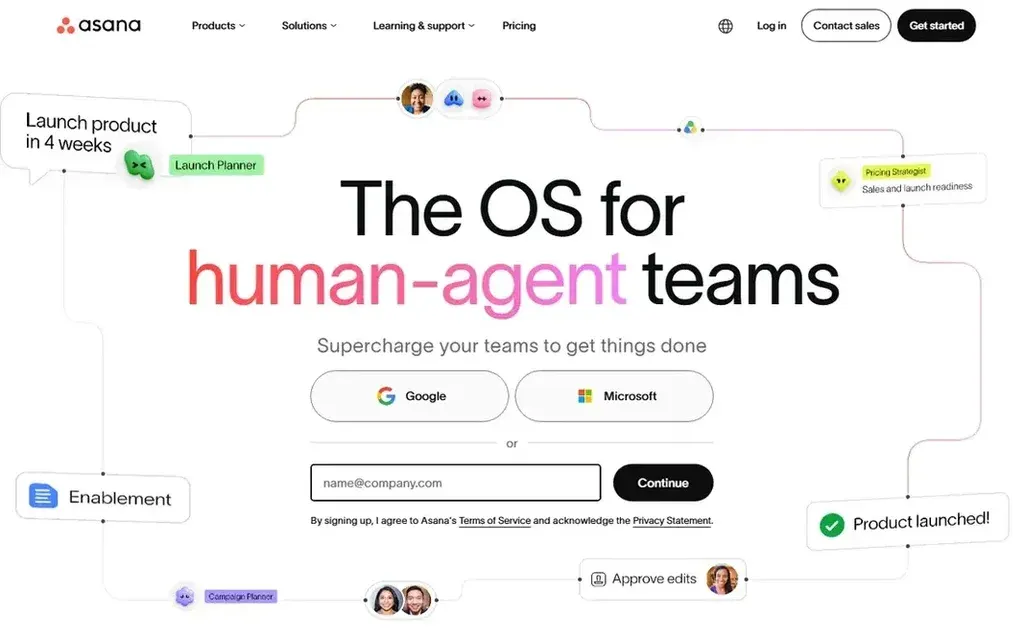
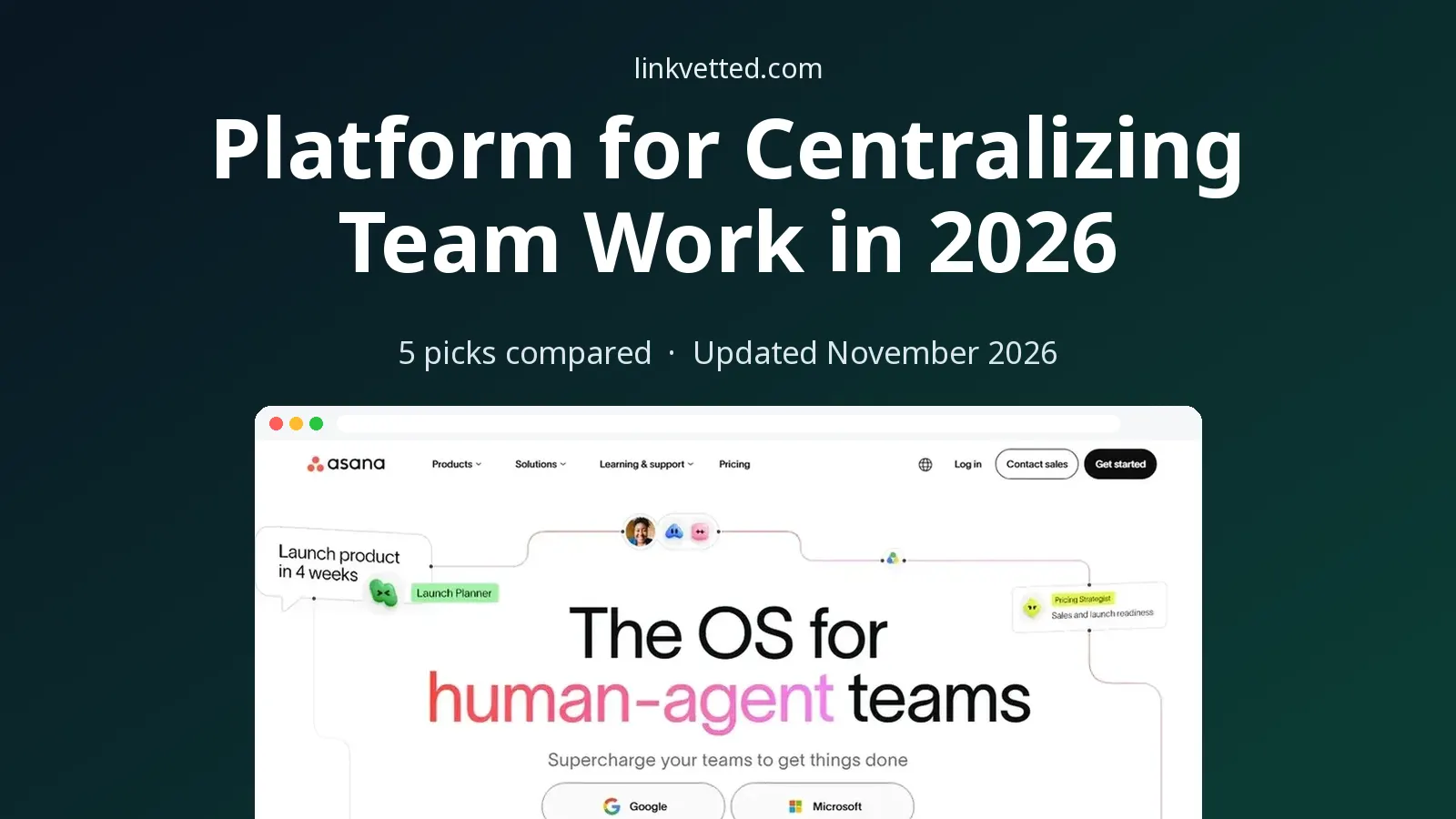
In short, Asana is for structured work and project management. It is pitched at teams that want visibility into who is doing what and when, with workflows and automation supporting repeatable processes. Worth adding: Asana is not primarily a messaging or document hub.
So teams that centralize around chat or wikis may find it incomplete on its own. More specifically, if your primary need is knowledge capture or live conversation, a different system may fit better, whereas planning-heavy groups tend to benefit from Asana's structure. Asana starts at: $10.99 per user per month. Free access exists with Asana.
The main drawbacks: Document knowledge sharing is secondary.
- Plan and execute critical workflows together
- Automation for recurring work
- Less of a chat-first experience
Choose ClickUp for all-in-one tasks, docs, goals and chat. ClickUp describes itself as the everything app for work, handling tasks, docs, goals and chat with a stated mission to make the world more productive. It is built to consolidate multiple separate tools into one place, which appeals to teams tired of switching between apps.
More specifically, the broad feature set can feel overwhelming at first. Teams have to plan their setup instead of adopt everything at once. As for the details, organizations with narrow needs may prefer a more straightforward specialist tool, whereas teams that want to replace multiple apps commonly find ClickUp's breadth handy. ClickUp pricing: $9 per user per month. A free plan is available with ClickUp.
What to check first: Breadth can feel overwhelming. What ClickUp does well: Aims to consolidate separate work tools.
- Wide coverage for numerous team functions
- Tasks, docs
- Configuration takes planning
Atlassian Confluence
Best for: Shared knowledge and team documentation
Atlassian Confluence makes the most sense for shared knowledge and team documentation. It is geared toward organizations that want a durable home for documentation, decisions and reference material.
Where it falls short: Not a chat or meeting hub.
Confluence is knowledge-first, so it does not replace messaging or meeting tools, and expanding page collections need governance to stay findable. No starting price is listed for Atlassian Confluence here; confirm pricing on the vendor site. Trial and free access: Not stated.
What users get: AI drafting.
- Designed for creating and sharing knowledge
- Supports project knowledge flow
- Page sprawl needs governance
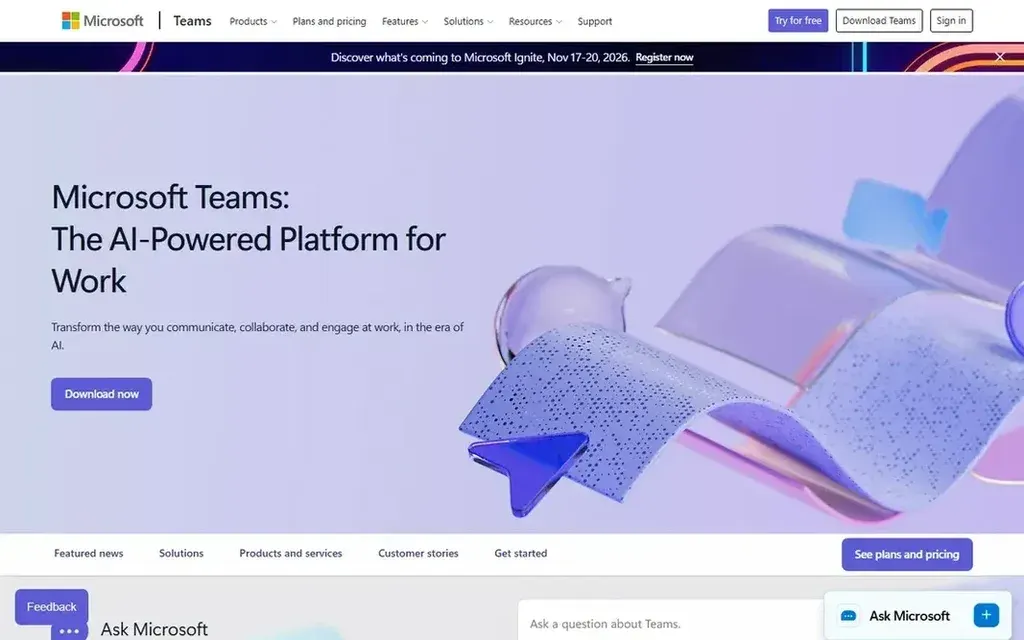
Microsoft Teams is aimed squarely at chat, meetings and files in one hub. It is built to help people link naturally and stay organized, which makes it a natural fit for organizations that already work inside the Microsoft environment and want conversations, meetings and shared documents under one roof.
Where Microsoft Teams stands out: Suits organizations already using Microsoft tools.
What to check first: Can feel heavy for small teams.
From a buyer's view, Teams that primarily want a light chat hub or a dedicated planning tool may prefer a more focused choice, whereas bigger organizations frequently gain from consolidating communication and files in one place. This comparison lists no price for Microsoft Teams; ask the vendor. Trial and free access: Not stated.
- Meetings and calling in one app
- Chat
- Feature depth varies by configuration
Selection criteria
Before you commit
- Ask Atlassian Confluence and Microsoft Teams for a written quote, since no starting price is shown.
- Read the fine print on the free plans from Monday.com, Asana and ClickUp; seat, project and feature caps differ.
- Read the limits listed for Monday.com first: breadth can mean setup decisions.
- Add up seats, add-ons and usage charges for Asana before comparing it with cheaper entries.
- Ask ClickUp about contract length, onboarding fees and user minimums before you sign.
FAQ
How should a team evaluate these systems before committing?
Confirm integration with your existing tools, review admin controls, and test search across messages, files and pages. Also, always verify current features on the vendor site before deciding.
How are the tools for platform for centralizing team work ordered?
The order follows typical fit for platform for centralizing team work, with Monday.com first and Microsoft Teams last, then price clarity and free access. It is editorial judgement, not a score, so another team could rank the tools differently.
Which options for platform for centralizing team work have a free plan?
Monday.com, Asana and ClickUp offer a free plan in this list. Free plans usually cap users, projects or features, so check the limits on the vendor page.
Do these tools publish their prices?
Not all of them. Atlassian Confluence and Microsoft Teams publish no starting price, so expect a quote request for those. The rest, Monday.com included, show a starting price, though seats and billing terms still change the final cost.
Is Monday.com the right pick for everyone comparing platform for centralizing team work?
No single tool suits every team. Monday.com comes first because it fits visual workspace for executing work, while Asana suits structured work and project management and ClickUp suits all-in-one tasks, docs, goals and chat. Match the tool to your own size, budget and workflow before deciding.
Sources
- https://monday.com
- https://asana.com
- https://clickup.com
- https://www.atlassian.com/software/confluence
- https://www.microsoft.com/en-us/microsoft-teams/group-chat-software