Top 5 Picture Restoration Software for 2026 (Prices and Free Plans)
Compare 5 picks for the best picture restoration software, with prices, free plans and who each fits. Hidden costs and gaps are flagged. Quick to scan.
- Editor's choiceACDSee Photo Studio
Editing plus photo management
Starts atSee websiteVisit acdsee.comFull review - Great alternative
 Topaz Photo AI
Sharpening, denoising and upscaling
Starts at$19 per monthVisit topazlabs.comFull review - Also consider
 Adobe Photoshop
Deep manual retouching and repair
Starts atSee websiteVisit adobe.comFull review
Direct answer
If you need editing plus photo management, ACDSee Photo Studio is the first tool to look at here. Listed starting prices: Topaz Photo AI from $19 per month and ON1 Photo RAW from $49.99. Topaz Photo AI is the stronger choice for Sharpening, denoising and upscaling, while Adobe Photoshop suits deep manual retouching and repair. All 5 tools are compared below on price, free plan and limits.
TL;DR:
- Number one here is ACDSee Photo Studio, a fit for editing plus photo management.
- Skylum Luminar Neo is the one to check for straightforward AI-assisted photo enhancement.
- For the cheapest start, look at Topaz Photo AI: $19 per month.
- Check the limits for ACDSee Photo Studio before you commit: restoration depth varies by product.
- ACDSee Photo Studio, Skylum Luminar Neo and the 3 others all need a premium plan or a trial, since no free plan is listed.
Last checked November 2026. Prices and plan details were read from the vendors' own pages in November 2026; vendors change plans often, so confirm the current price on the vendor site before you buy.
Quick comparison
| Tool | Best for | Starts at | Free plan? | |
|---|---|---|---|---|
| ACDSee Photo Studio | Editing plus photo management | See website | Not stated | Visit |
| Topaz Photo AI | Sharpening, denoising and upscaling | $19 per month | Not stated | Visit |
| Adobe Photoshop | Deep manual retouching and repair | See website | Not stated | Visit |
 ON1 Photo RAW | All-in-one raw editing and organization | $49.99 | Free trial | Visit |
| Skylum Luminar Neo | Straightforward AI-assisted photo enhancement | See website | No | Visit |
Picture Restoration Software profiles
LinkVetted compared 5 tools for picture restoration software. The goal is a practical shortlist: published prices, free plan facts, best-fit use cases and honest limits for every entry.
ACDSee Photo Studio
Best for: Editing plus photo management
ACDSee Photo Studio serves editing plus photo management. If you only need repair tools, a focused editor may be more straightforward.
For everyday use, restoration capability relies on which product in the lineup you use. The range of choices can be confusing to compare. No starting price is listed for ACDSee Photo Studio here; confirm pricing on the vendor site. On free options: Not stated.
Points against: Interface can feel busy.
- Editing and digital asset management together
- Wide product lineup
- Restoration depth varies by product
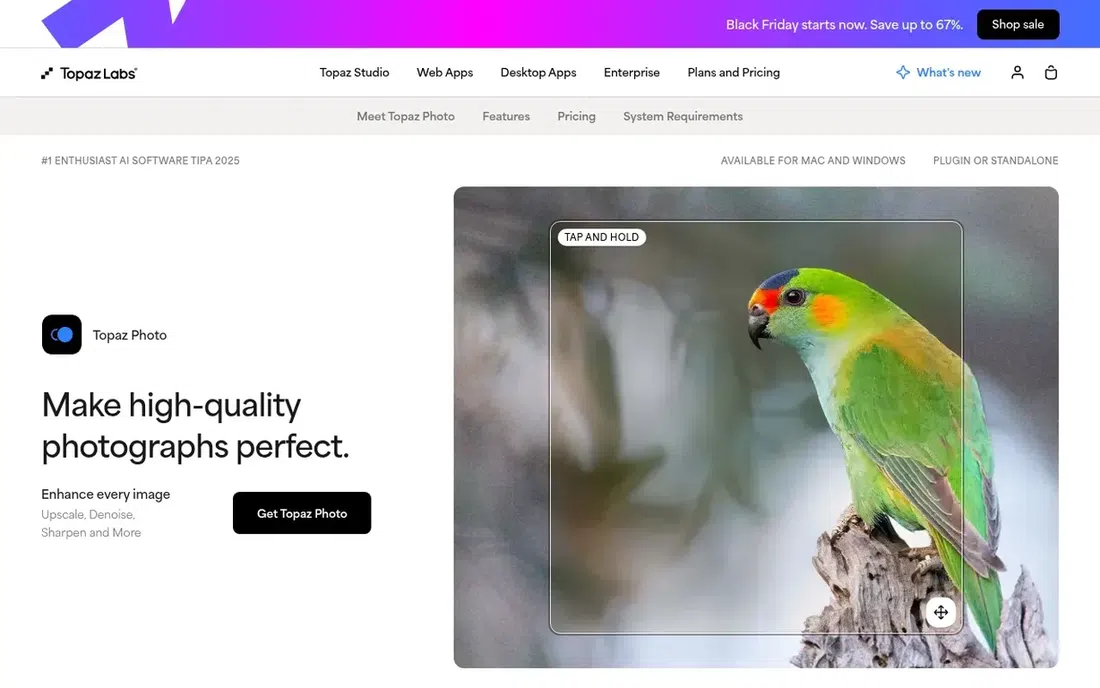
For Sharpening, denoising and upscaling, Topaz Photo AI is a natural candidate. Topaz Photo AI concentrates on improving image quality through sharpening, denoising, unblurring and upscaling, which helps when restored photos are soft, noisy or small.
It is not made for patching tears, cloning scratches or layered compositing, so structural repairs need a different tool. Topaz Photo AI pricing: $19 per month. Free plan details: Not stated.
Drawbacks to consider: Limited manual retouching tools.
- Straightforward enhancement workflow
- AI sharpening and denoising
- Not a full layered editor
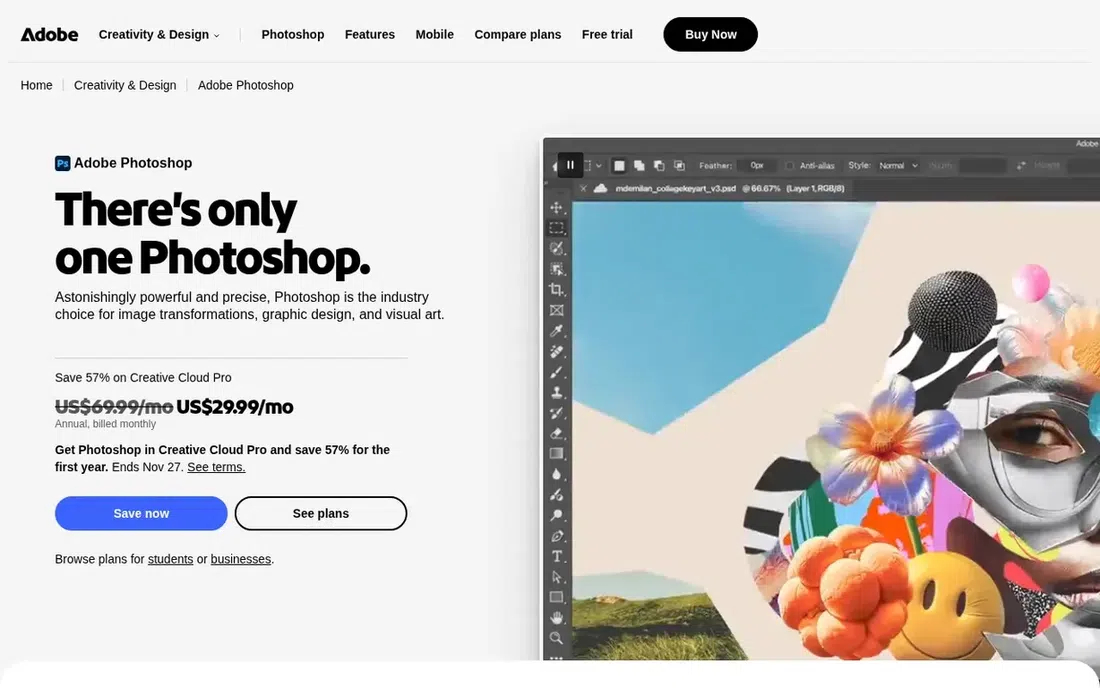
Adobe Photoshop works best for deep manual retouching and repair. The depth includes complexity, and the subscription model may not suit occasional users. Those who want guided, automatic enhancement may prefer a more straightforward AI-driven editor, whereas Photoshop remains the choice when every repair needs a manual touch.
Beyond that, Adobe Photoshop is the reference editor for practical picture restoration, offering healing brushes, cloning, layer masks and precise color control for repairing tears, scratches and fading. Its online and mobile apps extend editing beyond the desktop. Adobe Photoshop shows no starting price here, so confirm the cost on the vendor site. Trial and free access: Not stated.
The main drawbacks: Subscription-based access.
- Non-destructive editing
- Deep healing and cloning tools
- Steep ramp-up time for beginners
ON1 Photo RAW works best for all-in-one raw editing and organization. It suits photographers who want a single workspace for managing and enhancing scanned or digital images.
In daily use, the one-time purchase approach appeals to users who prefer to avoid continuing commitments. The starting price for ON1 Photo RAW: $49.99. Free access: Free trial.
Trade-offs to know: Can feel dense for new users.
- Editing
- Organizing and processing together
- Restoration tools are less specialized
Skylum Luminar Neo
Best for: Straightforward AI-assisted photo enhancement
Where Skylum Luminar Neo fits: simple AI-assisted photo enhancement. If your restoration work demands precise cloning and layered corrections, a more advanced editor is the better choice. On top of that, manual repair of tears, scratches and missing detail is restricted compared to full retouching suites.
Drawbacks to consider: Fewer advanced retouching controls.
For restoration, it helps with fast enhancement of faded or soft images without a steep ramp-up time. Also, Luminar Neo is a photo editor for PC and Mac that uses AI to ease adjustments and creative edits. No starting price is listed for Skylum Luminar Neo here; confirm pricing on the vendor site. No free plan comes with Skylum Luminar Neo.
- Approachable interface for beginners
- AI tools that ease edits
- Less manual precision for repairs
How these tools were picked
Each tool was reviewed on what its vendor publishes: price, plan limits, core features and stated drawbacks. We did not run hands-on tests. Treat prices as a snapshot: vendors change plans often, so check the vendor site for the figure that applies today. Tools are placed by general fit for picture restoration software, with price clarity and free access as tie-breakers. A different team can reasonably rank them differently.
Questions to settle before buying
- Get a written quote from ACDSee Photo Studio, Adobe Photoshop and Skylum Luminar Neo; the list shows no starting price for them.
- Use real work to test the free trial from ON1 Photo RAW, rather than a demo project.
- Before choosing ACDSee Photo Studio, weigh its main limit: restoration depth varies by product.
- Look at the help docs and support options for Adobe Photoshop before you commit.
- Make sure Topaz Photo AI lets you export your data in a format another tool can read.
FAQ
Which software is best for repairing torn or scratched photos?
Start with ACDSee Photo Studio if you need editing plus photo management. Topaz Photo AI is the better match for Sharpening, denoising and upscaling, and Adobe Photoshop for deep manual retouching and repair. The best choice depends on budget, team size and workflow.
What is the cheapest option for picture restoration software in this list?
On published monthly entry prices, Topaz Photo AI is the lowest here at $19 per month. Entry price is only part of the cost, because seats, add-ons and billing terms can change the total. For the full picture, the cards above cover all 5 entries of this picture Restoration software list, including price, free plan and limits.
How are the tools for picture restoration software ordered?
ACDSee Photo Studio sits first and Skylum Luminar Neo last because the order follows typical fit for picture restoration software, then price clarity and free access. It is a judgement call, so read each profile for fit and limits.
Is ACDSee Photo Studio the right pick for everyone comparing picture restoration software?
No single tool suits every team. ACDSee Photo Studio comes first because it fits editing plus photo management, while Topaz Photo AI suits Sharpening, denoising and upscaling and Adobe Photoshop suits deep manual retouching and repair. Match the tool to your own size, budget and workflow before deciding.
Do these tools publish their prices?
Not all of them. ACDSee Photo Studio, Adobe Photoshop and Skylum Luminar Neo publish no starting price, so expect a quote request for those. The rest, Topaz Photo AI included, show a starting price, though seats and billing terms still change the final cost.
Sources
- https://www.acdsee.com
- https://www.topazlabs.com/topaz-photo-ai
- https://www.adobe.com/products/photoshop.html
- https://www.on1.com/products/photo-raw
- https://skylum.com/luminar