Best Photo Editing Software with Batch Processing in 2026: Prices, Free Plans and 6 Picks
6 tools for the best photo editing software with batch processing, compared on pricing, free plans and best-fit use. Real limits included. Numbers first.
- Editor's choice
 Capture One
Precise RAW batch processing
Starts atSee websiteVisit captureone.comFull review - Great alternative
 Affinity Photo
Budget-friendly batch editing
Starts atSee websiteVisit affinity.serif.comFull review - Also consider
 ON1 Photo RAW
All-in-one raw editing with batch
Starts at$49.99Visit on1.comFull review
Direct answer
This list puts Capture One first for precise RAW batch processing. Listed starting prices: ON1 Photo RAW from $49.99. Affinity Photo fits low-cost batch editing; ON1 Photo RAW fits all-in-one raw editing with batch. Prices, free plans and limits for all 6 tools follow.
TL;DR:
- Number one here is Capture One, a fit for precise RAW batch processing.
- Adobe Photoshop suits advanced editing with batch actions.
- Pricing for Capture One, Affinity Photo, ACDSee Photo Studio and others is quote-based, which adds a sales step before you can compare cost.
- Neither Capture One nor Adobe Photoshop, nor any of the other 4 tools, has a permanent free plan; trials and quotes are the norm.
Last checked November 2026. Prices and plan details were read from the vendors' own pages in November 2026; vendors change plans often, so confirm the current price on the vendor site before you buy.
Quick comparison
| Tool | Best for | Starts at | Free plan? | |
|---|---|---|---|---|
| Capture One | Precise RAW batch processing | See website | Not stated | Visit |
| Affinity Photo | Budget-friendly batch editing | See website | Not stated | Visit |
| ON1 Photo RAW | All-in-one raw editing with batch | $49.99 | Free trial | Visit |
| ACDSee Photo Studio | Digital asset management with batch | See website | Not stated | Visit |
 Adobe Lightroom | Efficient batch editing and organization | See website | Not stated | Visit |
 Adobe Photoshop | Advanced editing with batch actions | See website | Not stated | Visit |
The full photo editing software with batch processing list
Short on time? The summary and table above give the quick view of 6 tools for photo editing software with batch processing, and the profiles that follow give the detail behind each entry.
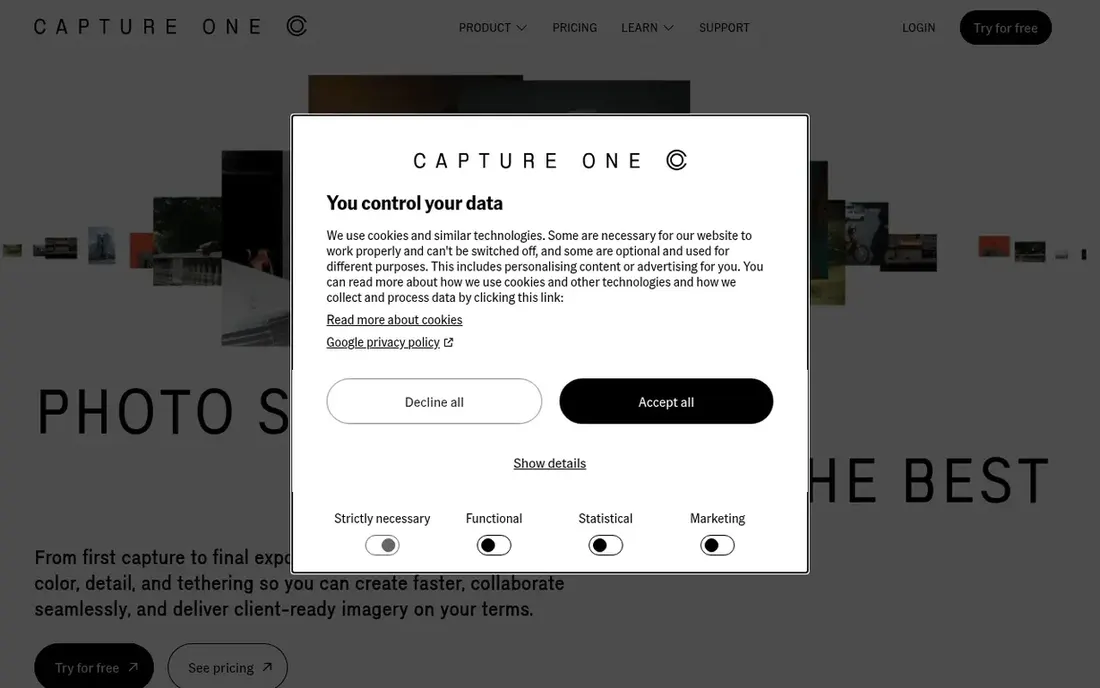
Capture One serves precise RAW batch processing. Capture One is a professional photo editing software favored by photographers who demand precision and control. It provides advanced batch processing capabilities, including applying adjustments across several RAW files and efficient tethering.
The software is especially suited for studio and high-volume workflows where color accuracy and detail are critical. Worth adding: for a more low-cost alternative with batch features, consider Affinity Photo or PaintShop Pro. More specifically, Capture One's complexity and cost may be overkill for casual users. Capture One does not show a starting price in this comparison, so check the vendor site for current pricing. Free plan details: Not stated.
Drawbacks to consider: Higher ramp-up time.
- Tethering support
- Feature-rich batch tools
- Pricey for some
Affinity Photo is built with low-cost batch editing in mind. Affinity Photo is a feature-rich photo editor that supplies professional-level features without a subscription.
It is well-suited for budget-conscious photographers who require advanced editing capabilities. Affinity Photo does not show a starting price in this comparison, so check the vendor site for current pricing. As for free access: Not stated.
The main drawbacks: Restricted ecosystem.
- Professional-grade tools
- Batch processing support
- Steeper ramp-up time
Choose ON1 Photo RAW for all-in-one raw editing with batch. ON1 Photo RAW is an all-in-one raw photo editor that merges editing, organizing, and batch processing.
Batch processing is integrated, allowing users to apply edits to several photos efficiently. What you pay to start with ON1 Photo RAW: $49.99. Free options: Free trial.
Points against: Occasional performance issues.
- One-time purchase
- Batch processing included
- Less external integration
ACDSee Photo Studio
Best for: Digital asset management with batch
Choose ACDSee Photo Studio for digital asset management with batch. ACDSee's editing capabilities are not as deep as those in Photoshop or Capture One, so it may not suffice for advanced retouching.
Where it is weaker: Windows-centric.
For everyday use, ACDSee Photo Studio is a photo editing and management software that excels in digital asset management. It comes with batch processing features for editing several images at once, making it right for users who require to organize and process large photo libraries. Pricing for ACDSee Photo Studio is not stated here, so ask the vendor for current figures. Free access: Not stated.
- Solid DAM features
- Approachable interface
- Less advanced editing
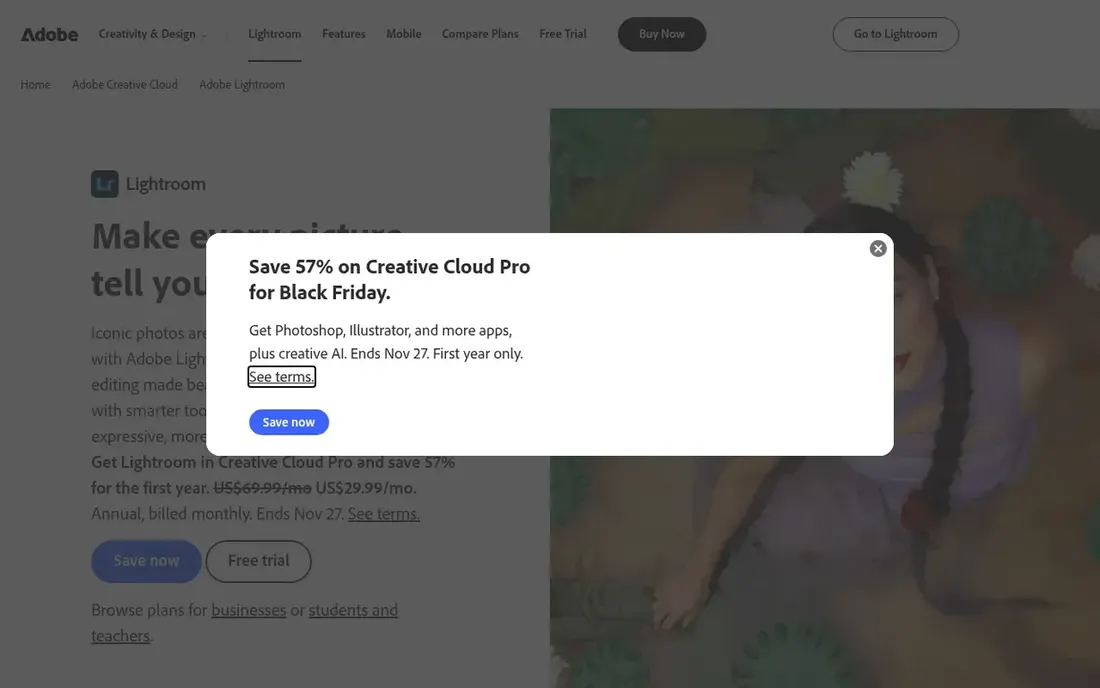
In short, Adobe Lightroom is for efficient batch editing and organization. Its batch processing features let you apply edits across several photos rapidly, with sync and copy settings.
The main drawbacks: Restricted advanced compositing.
Adobe Lightroom does not show a starting price in this comparison, so check the vendor site for current pricing. Free options: Not stated.
- Cloud integration
- Solid organizational tools
- Subscription-based
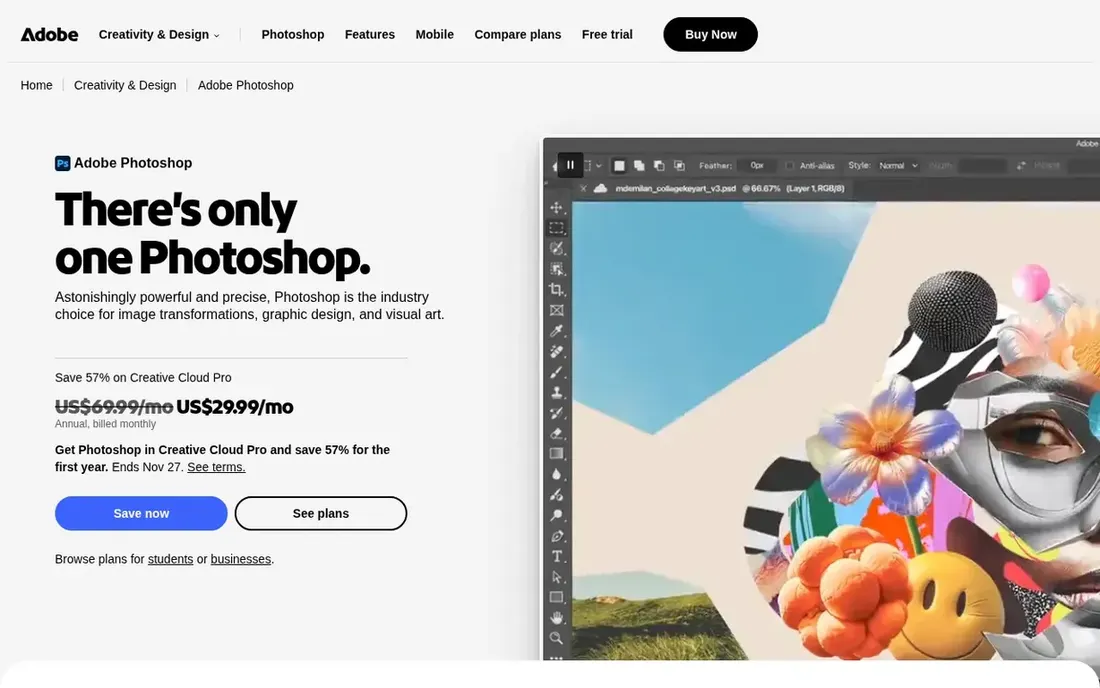
Pick Adobe Photoshop if this describes you: advanced editing with batch actions. Adobe Photoshop is a thorough image editor known for its advanced manipulation and design features. This makes it a good match for professionals who require fine-grained control over each image and are comfortable with a complicated interface.
That said, Photoshop's batch processing is less simplified than dedicated workflow tools, and the subscription model may deter some. In practice, for more straightforward batch edits, consider Lightroom or ON1 Photo RAW, which offer more easy-to-learn batch workflows. Adobe Photoshop does not show a starting price in this comparison, so check the vendor site for current pricing. Trial and free access: Not stated.
Watch-outs: Steep ramp-up time.
- Integration with Lightroom
- Batch processing via actions
- Subscription required
How we built this list
The comparison looks at four things: starting price, free access, how well the feature set matches photo editing software with batch processing, and the main limit of each tool. Treat prices as a snapshot: vendors change plans often, so check the vendor site for the figure that applies today. The order reflects how well each tool fits the most common buying scenario for photo editing software with batch processing, then price clarity, then free plan access. It is a starting point, not a verdict.
Pre-purchase checklist
- Confirm the entry price on the vendor page. For Capture One, Affinity Photo, ACDSee Photo Studio and others that means a quote rather than a fixed price.
- Use real work to test the free trial from ON1 Photo RAW, rather than a demo project.
- Before choosing Capture One, weigh its main limit: higher learning curve.
- List the apps you already depend on and check that Adobe Photoshop supports each one on the plan you would buy.
- Compare total cost, not headline price: for Affinity Photo, add extra seats, add-ons and any usage-based charges.
FAQ
How are the tools for photo editing software with batch processing ordered?
Capture One sits first and Adobe Photoshop last because the order follows typical fit for photo editing software with batch processing, then price clarity and free access. It is a judgement call, so read each profile for fit and limits.
What is batch processing in photo editing?
Batch processing permits you to apply edits, like adjustments or filters, to several photos at once. This saves time when working with large sets of images, particularly for repetitive tasks like resizing or color correction.
Does any tool for photo editing software with batch processing here have a free plan?
No tool in this list, Capture One and Adobe Photoshop included, has a permanent free plan. ON1 Photo RAW offer a trial. Trials and quotes are the usual route, so plan a short evaluation period.
Can I try these tools before paying?
Often, yes. ON1 Photo RAW offers a free trial. Use your own data and a real task during the test, and check what the free tier or trial limits before you rely on it. For the full picture, the cards above cover all 6 entries of this photo editing software with batch processing list, including price, free plan and limits.
Do these tools publish their prices?
Not all of them. Capture One, Affinity Photo, ACDSee Photo Studio and others publish no starting price, so expect a quote request for those. The rest, ON1 Photo RAW included, show a starting price, though seats and billing terms still change the final cost.
Sources
- https://www.captureone.com
- https://affinity.serif.com/en-us/photo
- https://www.on1.com/products/photo-raw
- https://www.acdsee.com
- https://www.adobe.com/products/photoshop-lightroom.html
- https://www.adobe.com/products/photoshop.html