Best Photo Editing App for Removing Things (2026): 6 Picks Checked on Vendor Pages
Need the best photo editing app for removing things? We compare 6 tools on cost, free access and who each suits. Short verdicts, no fluff. Pick by budget.
- Editor's choice
 Topaz Photo AI
Sharpening and enhancing after removal
Starts at$19 per monthVisit topazlabs.comFull review - Great alternativeAcdSee Photo Studio
Editing plus photo organization
Starts atSee websiteVisit acdsee.comFull review - Also considerSkylum Luminar Neo
AI-assisted cleanup for casual editors
Starts atSee websiteVisit skylum.comFull review
Direct answer
Start with Topaz Photo AI if you need sharpening and enhancing after removal. Listed starting prices: Topaz Photo AI from $19 per month and ON1 Photo RAW from $49.99. For a different need, AcdSee Photo Studio covers editing plus photo organization and Skylum Luminar Neo covers AI-assisted cleanup for casual editors. Prices, free plans and limits for all 6 tools follow.
TL;DR:
- Topaz Photo AI sits first on this list: sharpening and enhancing after removal.
- For low-cost all-around editing and cleanup, Corel PaintShop Pro is worth a look.
- Skylum Luminar Neo comes with a trade-off: less manual precision control.
- Topaz Photo AI is the lowest-priced starter here at $19 per month.
Last checked November 2026. Prices and plan details were read from the vendors' own pages in November 2026; vendors change plans often, so confirm the current price on the vendor site before you buy.
Quick comparison
| Tool | Best for | Starts at | Free plan? | |
|---|---|---|---|---|
| Topaz Photo AI | Sharpening and enhancing after removal | $19 per month | Not stated | Visit |
| AcdSee Photo Studio | Editing plus photo organization | See website | Not stated | Visit |
| Skylum Luminar Neo | AI-assisted cleanup for casual editors | See website | No | Visit |
 Adobe Photoshop | Advanced content-aware object removal | See website | Not stated | Visit |
 ON1 Photo RAW | All-in-one raw editing without subscription | $49.99 | Free trial | Visit |
 Corel PaintShop Pro | Budget-friendly all-around editing and cleanup | See website | Not stated | Visit |
The best photo editing app for removing things
Short on time? The summary and table above give the quick view of 6 photo editing app for removing things, and the profiles that follow give the detail behind each entry.
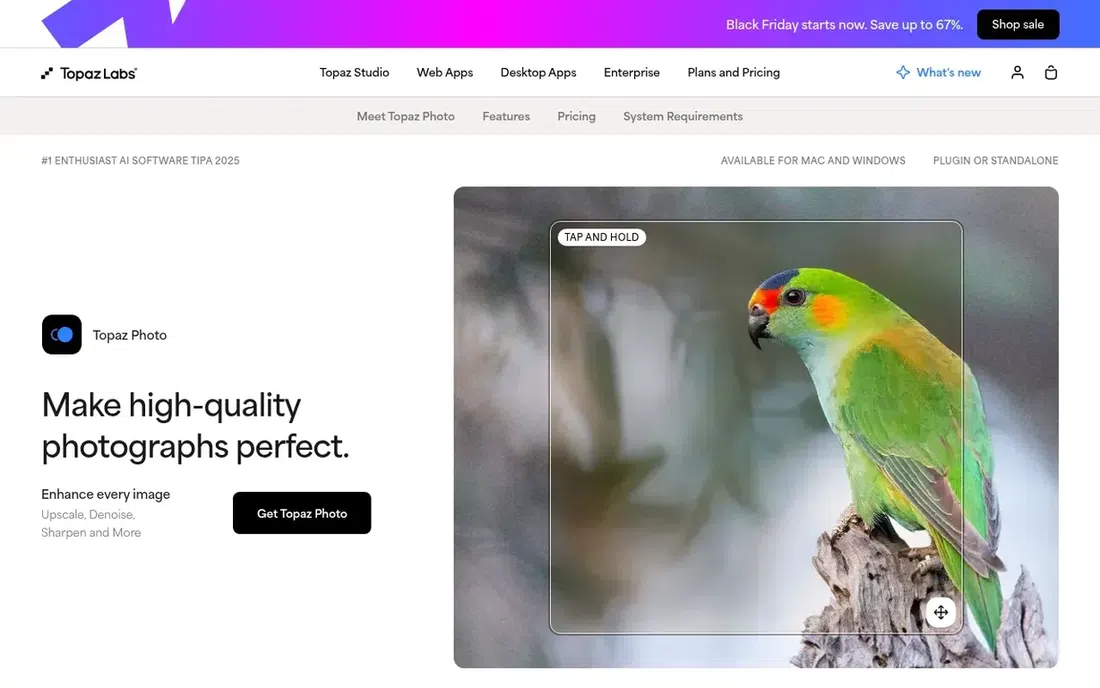
Topaz Photo AI is a good fit for sharpening and enhancing after removal. Choose Topaz Photo AI when enhancement and detail recovery are the primary goals. Users seeking an all-in-one editor for removal and retouching should look elsewhere.
From a buyer's view, Topaz Photo AI centers on sharpening, denoising, unblurring and upscaling images with technology geared toward improving photo quality. It is not a layered editing suite, so object removal itself is not its core purpose. On cost, Topaz Photo AI starts like this: $19 per month. Trial and free access: Not stated.
Points against: Narrower editing scope.
- Focus on sharpen and denoise
- Upscaling for in-depth images
- Not a full layering editor
AcdSee Photo Studio
Best for: Editing plus photo organization
AcdSee Photo Studio targets editing plus photo organization. Pick it when organizing an expanding photo library matters as much as editing.
What to check first: Interface can feel dated.
The combined editing and management approach can feel heavy if you only need fast object removal. This comparison lists no price for AcdSee Photo Studio; ask the vendor. As for free access: Not stated.
- Raw photo editing
- Layered editing support
- Windows-focused heritage
Skylum Luminar Neo
Best for: AI-assisted cleanup for casual editors

Where Skylum Luminar Neo fits: AI-assisted cleanup for casual editors. It runs on PC and Mac and focuses on guided results instead of manual layer work.
Downsides: Less manual precision control.
Worth adding: pick a layered editor instead if precise, repeatable removal is the priority. Skylum Luminar Neo shows no starting price here, so confirm the cost on the vendor site. There is no free plan with Skylum Luminar Neo.
- Straightforward
- AI-driven editing workflow
- Smaller advanced toolset

Adobe Photoshop targets advanced content-aware object removal. Adobe Photoshop is the long-standing reference for in-depth image editing. Its content-aware fill and generative tools make it a capable choice for removing objects from busy scenes.
Choose Photoshop when precise, repeatable removal work matters more than simplicity. From a buyer's view, casual users who only occasionally remove an object may find lighter AI-driven editors quicker to learn. On top of that, the homepage flags fast ways to build custom scenes and combine images online or on mobile. No starting price is listed for Adobe Photoshop here; confirm pricing on the vendor site. As for free access: Not stated.
Where it is weaker: Subscription-based model.
- Mature content-aware fill tools
- Desktop and mobile access
- Steep ramp-up time
ON1 Photo RAW is built with all-in-one raw editing without subscription in mind. Choose ON1 Photo RAW when you want raw workflow and editing consolidated in one place. The all-in-one depth can feel dense for newcomers, and the interface takes time to learn.
Beyond that, ON1 Photo RAW is an AI-powered raw photo editor that merges editing, organizing and processing in one application. Its one-time purchase model appeals to photographers who prefer to avoid continuing commitments. What you pay to start with ON1 Photo RAW: $49.99. As for free access: Free trial.
Where it falls short: Feature set can overwhelm.
- One-time purchase model
- Raw editing and organization
- Denser interface for beginners
Corel PaintShop Pro serves budget-friendly all-around editing and cleanup. The official site provides product information, updates, tutorials and videos to help users learn. Choose PaintShop Pro when wide everyday editing at modest cost is the goal.
Professionals needing intricate layered removal may outgrow it. From a buyer's view, Corel PaintShop Pro is a photo editing package that bundles many different editing, retouching and cleanup tools. Corel PaintShop Pro does not show a starting price in this comparison, so check the vendor site for current pricing. Free access: Not stated.
Drawbacks to consider: Less refined than top-tier editors.
- Removal and retouch tools
- Tutorials and learning resources
- Windows-only system
How we chose
For each of the 6 tools we noted price, free plan or trial, fit for photo editing app for removing things and the main limit, using vendor pages and documentation. Treat prices as a snapshot: vendors change plans often, so check the vendor site for the figure that applies today. The ranking is editorial: typical fit first, then clear pricing, then free access. If your needs are unusual, read the profiles rather than relying on position.
Pre-purchase checklist
- Ask AcdSee Photo Studio, Skylum Luminar Neo, Adobe Photoshop and Corel PaintShop Pro for a written quote, since no starting price is shown.
- Use real work to test the free trial from ON1 Photo RAW, rather than a demo project.
- Read the limits listed for Topaz Photo AI first: not a full layering editor.
- Ask whether Skylum Luminar Neo integrates with your current software, and whether that comes standard or as an add-on.
- Look at the help docs and support options for Corel PaintShop Pro before you commit.
FAQ
Can I try these tools before paying?
Often, yes. ON1 Photo RAW offers a free trial. Use your own data and a real task during the test, and check what the free tier or trial limits before you rely on it. For the full picture, the cards above cover all 6 entries of this photo editing app for Removing things list, including price, free plan and limits.
Does any tool for photo editing app for removing things here have a free plan?
No tool in this list, Topaz Photo AI and Corel PaintShop Pro included, has a permanent free plan. ON1 Photo RAW offer a trial. Trials and quotes are the usual route, so plan a short evaluation period.
Is Topaz Photo AI the right pick for everyone comparing photo editing app for removing things?
No single tool suits every team. Topaz Photo AI comes first because it fits sharpening and enhancing after removal, while AcdSee Photo Studio suits editing plus photo organization and Skylum Luminar Neo suits AI-assisted cleanup for casual editors. Match the tool to your own size, budget and workflow before deciding.
How are the photo editing app for removing things ordered?
Topaz Photo AI sits first and Corel PaintShop Pro last because the order follows typical fit for photo editing app for removing things, then price clarity and free access. It is a judgement call, so read each profile for fit and limits.
Which app is a good match for removing people from photos?
Topaz Photo AI is the pick this page puts first, mainly for sharpening and enhancing after removal. If your situation differs, AcdSee Photo Studio suits editing plus photo organization, and Skylum Luminar Neo suits AI-assisted cleanup for casual editors. Compare price and limits before you decide.
Sources
- https://www.topazlabs.com/topaz-photo-ai
- https://www.acdsee.com/en/products/photo-studio-ultimate
- https://skylum.com/luminar
- https://www.adobe.com/products/photoshop.html
- https://www.on1.com/products/photo-raw
- https://www.paintshoppro.com