Best Photo Editing Software No Subscription in 2026: Prices, Free Plans and 5 Picks
Weighing the best photo editing software no subscription? We lined up 5 products by cost, free access and fit. Plain-spoken summaries throughout. Decide faster.
- Editor's choiceACDSee Photo Studio Ultimate
Editing plus digital asset management
Starts atSee websiteVisit acdsee.comFull review - Great alternative
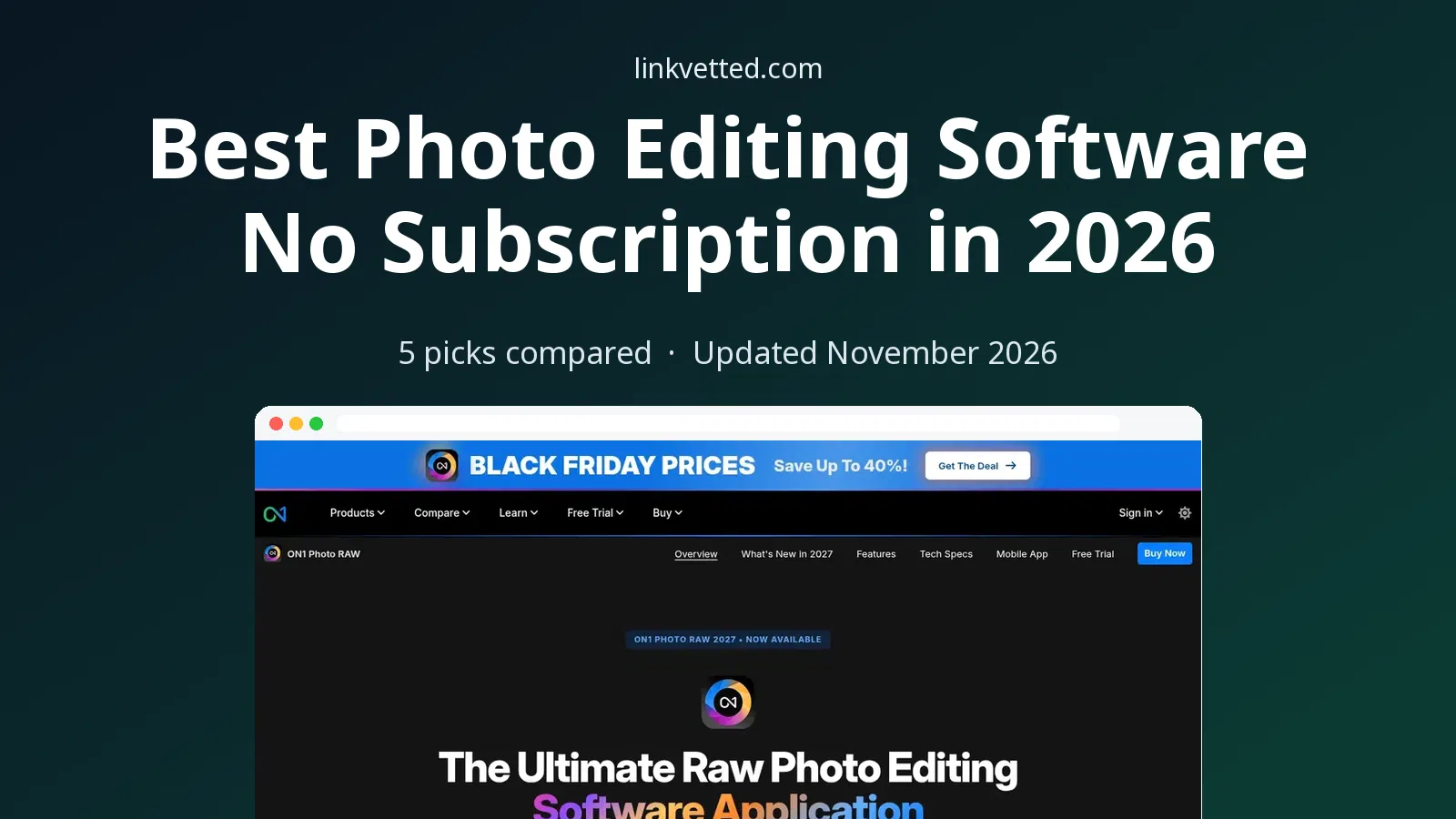
 ON1 Photo RAW
All-in-one raw editing and organizing
Starts at$49.99Visit on1.comFull review - Also consider
 Luminar Neo
AI-assisted creative edits
Starts atSee websiteVisit skylum.comFull review
Direct answer
If you need editing plus digital asset management, ACDSee Photo Studio Ultimate is the first tool to look at here. Listed starting prices: ON1 Photo RAW from $49.99 and Topaz Photo AI from $19 per month. ON1 Photo RAW fits all-in-one raw editing and organizing; Luminar Neo fits AI-assisted creative edits. The other 2 tools in the list cover narrower or pricier cases.
TL;DR:
- ACDSee Photo Studio Ultimate sits first on this list: editing plus digital asset management.
- ACDSee Photo Studio Ultimate, Affinity Photo and the 3 others all need a premium plan or a trial, since no free plan is listed.
- Starting prices begin at $19 per month with Topaz Photo AI.
- Affinity Photo is the one to check for full professional editing bought outright.
- Check the limits for Luminar Neo before you commit: less manual control in places.
Last checked November 2026. Prices and plan details were read from the vendors' own pages in November 2026; vendors change plans often, so confirm the current price on the vendor site before you buy.
Quick comparison
| Tool | Best for | Starts at | Free plan? | |
|---|---|---|---|---|
| ACDSee Photo Studio Ultimate | Editing plus digital asset management | See website | Not stated | Visit |
| ON1 Photo RAW | All-in-one raw editing and organizing | $49.99 | Free trial | Visit |
| Luminar Neo | AI-assisted creative edits | See website | No | Visit |
 Topaz Photo AI | Sharpen, denoise and upscale | $19 per month | Not stated | Visit |
 Affinity Photo | Full professional editing bought outright | See website | Not stated | Visit |
Tool-by-tool breakdown
This LinkVetted guide covers 5 options for photo editing software no subscription. Each profile lists a starting price, free plan details, strengths and drawbacks, so you can drop poor fits quickly.
ACDSee Photo Studio Ultimate
Best for: Editing plus digital asset management
ACDSee Photo Studio Ultimate is aimed squarely at editing plus digital asset management. The vendor pairs layered editing and RAW processing with digital asset management, so cataloging, keywording and developing live in one place.
Beyond that, if you edit a handful of images at a time and keep files in folders, a lighter editor may be simpler. On top of that, the breadth of features makes the interface feel busy, and new users need time to find their way around. Check the vendor site for ACDSee Photo Studio Ultimate pricing; none is listed in this comparison. Free access: Not stated.
Where it falls short: Windows-centric audience.
- Layered editing and RAW support
- Manages large photo collections
- Feature set can feel busy
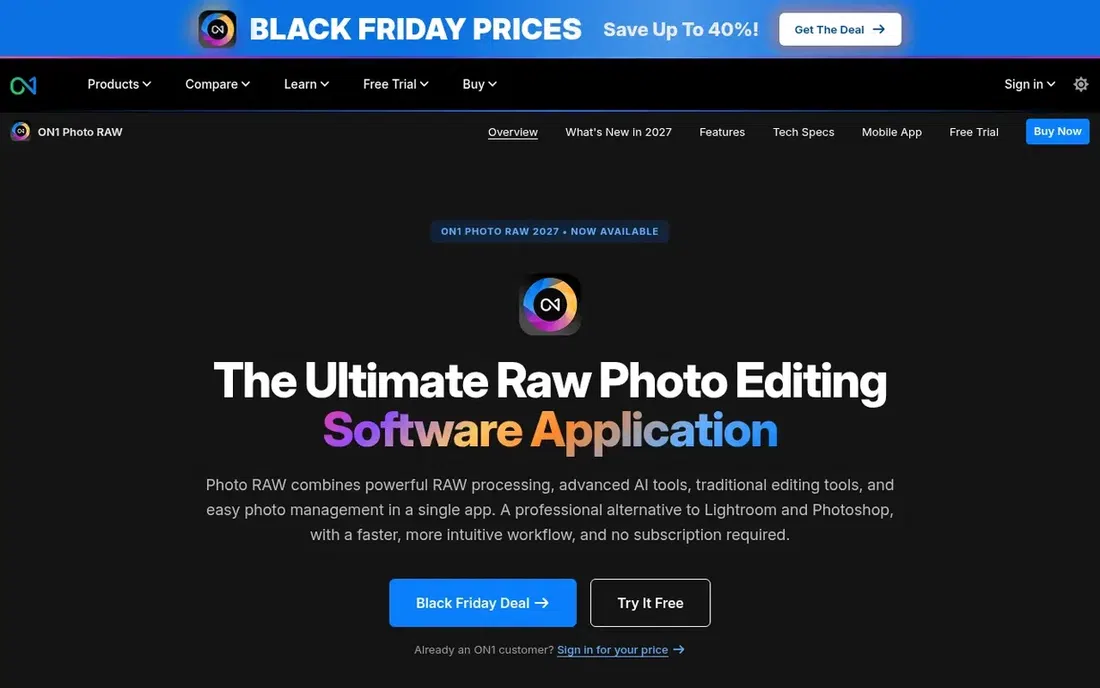
ON1 Photo RAW targets all-in-one raw editing and organizing. It suits photographers who want one home for browsing, developing and finishing images instead of stitching multiple apps together.
The interface also rewards patience during the first sessions. The starting price for ON1 Photo RAW: $49.99. Free access: Free trial.
What to check first: Effects can overwhelm subtle edits.
- Effects and browsing together
- Sold as a one-time purchase
- Interface takes time to learn
In short, Luminar Neo is for AI-assisted creative edits. AI-driven tools can leave less room for precise manual adjustment, and heavy effects may look artificial if pushed.
Photographers who require exact color and tonal control may prefer a traditional RAW editor. Check the vendor site for Luminar Neo pricing; none is listed in this comparison. Luminar Neo does not include a free plan.
The main drawbacks: Less manual control in places.
- Visual interface
- Creative looks and effects
- Heavy effects can look artificial
Choose Topaz Photo AI for Sharpen, denoise and upscale. Pick a full editor if you need one program to manage the entire workflow.
What Topaz Photo AI does well: Sharpen.
Honest limits: Best paired with another editor.
Results on enhancement vary by image, and heavy correction can look unnatural. Starting cost for Topaz Photo AI: $19 per month. Trial and free access: Not stated.
- Targeted image enhancement
- Handy for hard records
- Not a full editing suite
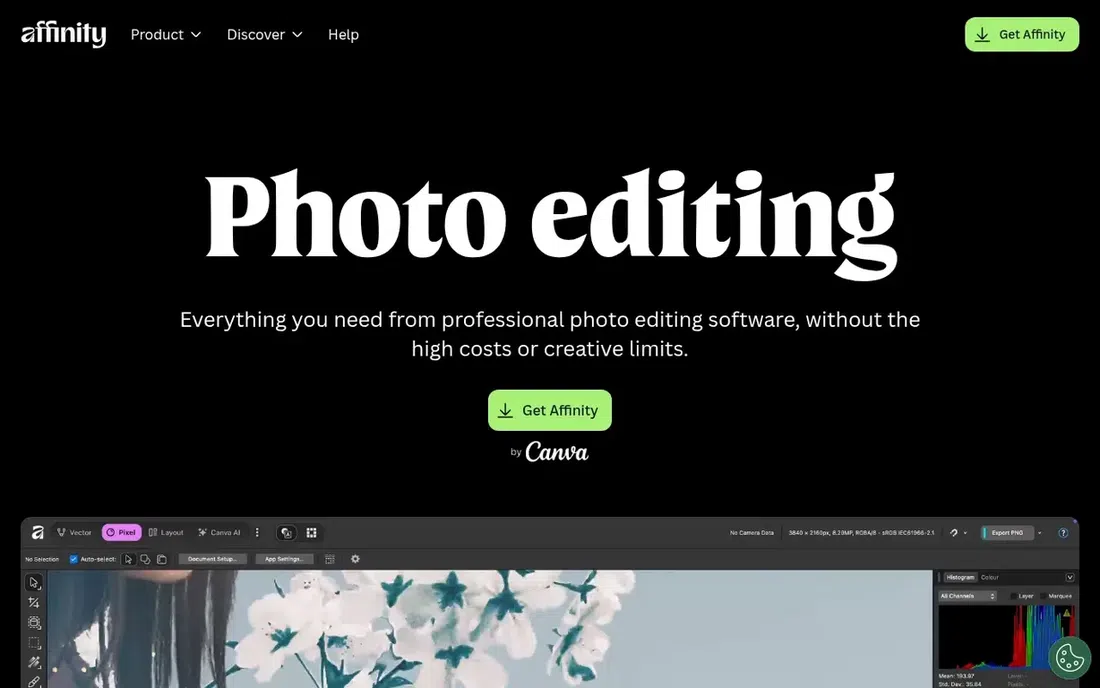
Affinity Photo serves full professional editing bought outright. Affinity Photo is a layer-based professional editor for retouching, compositing and RAW development in one workspace.
Drawbacks to consider: Dense interface for beginners.
Its vendor markets it as a capable, precise alternative to heavyweight editors without a subscription. Pick something else if you primarily want guided, one-click enhancements or a library-first workflow. Pricing for Affinity Photo is not stated here, so ask the vendor for current figures. Free access: Not stated.
- Precise retouching and selection tools
- Wide layer-based editing toolset
- No built-in photo library
How we compared the tools
Pricing pages, product documentation and feature lists were the main sources, and every entry carries at least one honest drawback. Seat minimums, billing terms and add-ons can move the real cost, so the starting prices here are a guide and not a quote. The order reflects how well each tool fits the most common buying scenario for photo editing software no subscription, then price clarity, then free plan access. It is a starting point, not a verdict.
What to check before you buy
- Ask ACDSee Photo Studio Ultimate, Luminar Neo and Affinity Photo for a written quote, since no starting price is shown.
- Run a trial of ON1 Photo RAW with real work before paying for a year; your own workflow is the best test.
- Before choosing ACDSee Photo Studio Ultimate, weigh its main limit: feature set can feel busy.
- Check whether the features you need in Luminar Neo sit on the entry plan or only on higher tiers.
- Ask whether Affinity Photo integrates with your current software, and whether that comes standard or as an add-on.
FAQ
Is ACDSee Photo Studio Ultimate the right pick for everyone comparing photo editing software no subscription?
No single tool suits every team. ACDSee Photo Studio Ultimate comes first because it fits editing plus digital asset management, while ON1 Photo RAW suits all-in-one raw editing and organizing and Luminar Neo suits AI-assisted creative edits. Match the tool to your own size, budget and workflow before deciding.
What is the cheapest option for photo editing software no subscription in this list?
On published monthly entry prices, Topaz Photo AI is the lowest here at $19 per month. Entry price is only part of the cost, because seats, add-ons and billing terms can change the total. All 5 picks in this photo editing software no subscription comparison list a starting price, free plan details and the main limits on their cards above.
How are the tools for photo editing software no subscription ordered?
The order follows typical fit for photo editing software no subscription, with ACDSee Photo Studio Ultimate first and Affinity Photo last, then price clarity and free access. It is editorial judgement, not a score, so another team could rank the tools differently.
Which editor is a good match for RAW files?
ACDSee Photo Studio Ultimate comes first here and is built for editing plus digital asset management. Buyers with other needs may prefer ON1 Photo RAW (for all-in-one raw editing and organizing) or Luminar Neo (for AI-assisted creative edits). Compare costs and limits first.
Can I try these tools before paying?
Often, yes. ON1 Photo RAW offers a free trial. Use your own data and a real task during the test, and check what the free tier or trial limits before you rely on it. For the full picture, the cards above cover all 5 entries of this photo editing software no subscription list, including price, free plan and limits.
Do I need a separate organizer?
ON1 Photo RAW and ACDSee Photo Studio Ultimate bundle browsing and asset management, whereas Affinity Photo and Topaz Photo AI focus on editing and expect you to organize files elsewhere.
Sources
- https://www.acdsee.com/en/products/photo-studio-ultimate
- https://www.on1.com/products/photo-raw
- https://skylum.com/luminar
- https://www.topazlabs.com/topaz-photo-ai
- https://affinity.serif.com/en-us/photo