Best Photo Editing Software for Marketing Teams in 2026: Prices, Free Plans and 5 Picks
5 best photo editing software for marketing teams, compared on pricing, free plans and best-fit use. Read the caveats before you buy. Pick with confidence.
- Editor's choiceSkylum Luminar Neo
AI-assisted fast edits
Starts atPricing on requestVisit skylum.comFull review - Great alternativeACDSee Photo Studio
Editing plus digital asset management
Starts atPricing on requestVisit acdsee.comFull review - Also consider
 Capture One
RAW precision and tethered shoots
Starts atPricing on requestVisit captureone.comFull review
Direct answer
For AI-assisted fast edits, Skylum Luminar Neo is where this list starts. ACDSee Photo Studio is better for editing plus digital asset management, and Capture One is better for RAW precision and tethered shoots. All 5 tools are compared below on fit, free plan and limits. None of these vendors publish plan prices, so pricing is on request for every option.
TL;DR:
- Top of the list is Skylum Luminar Neo, which targets AI-assisted fast edits.
- Skylum Luminar Neo, Adobe Photoshop and the 3 others all need a premium plan or a trial, since no free plan is listed.
- The main caution on ACDSee Photo Studio: interface can feel dense.
- Skylum Luminar Neo, Adobe Photoshop and the 3 others all sell by quote; expect sales conversations before you see a price.
Last checked November 2026. Pricing on request: vendors did not publish plan prices when this guide was last checked (November 2026), so ask each vendor for a written quote.
Quick comparison
| Tool | Best for | Starts at | Free plan? | |
|---|---|---|---|---|
| Skylum Luminar Neo | AI-assisted fast edits | Pricing on request | No | Visit |
| ACDSee Photo Studio | Editing plus digital asset management | Pricing on request | Not stated | Visit |
| Capture One | RAW precision and tethered shoots | Pricing on request | Not stated | Visit |
 Adobe Lightroom | Photo organizing and batch edits | Pricing on request | Not stated | Visit |
 Adobe Photoshop | Advanced retouching and compositing | Pricing on request | Not stated | Visit |
Photo Editing Software for Marketing Teams, one by one
If you are comparing photo editing software for marketing teams, this page covers 5 tools in one place: what each is best for, what it costs to start, whether it has a free plan, and the main limit to know about.
Skylum Luminar Neo
Best for: AI-assisted fast edits
In short, Skylum Luminar Neo is for AI-assisted fast edits. Luminar Neo is a photo editor for PC and Mac that uses AI to ease typical editing tasks, pitched at users who want refined results without deep technical work. On top of that, marketing teams handling fast image cleanups or creative enhancements can benefit from its guided approach.
Limits to weigh: Fewer manual controls than pro editors.
It is not a design or layout tool. Choose it when speed and AI assistance matter more than full manual control. Skylum Luminar Neo shows no starting price here, so confirm the cost on the vendor site. Skylum Luminar Neo does not include a free plan.
- Approachable for less technical users
- AI tools ease typical edits
- Not aimed at layout design
ACDSee Photo Studio
Best for: Editing plus digital asset management
For editing plus digital asset management, ACDSee Photo Studio is a natural candidate. ACDSee Photo Studio merges photo editing with photo management and digital asset management, and its lineup also includes video editing.
Where it falls short: Interface can feel dense.
As for the details, marketing teams with expanding media libraries may appreciate having organization and editing in one place. Also, teams with straightforward needs may find it more than required. Check the vendor site for ACDSee Photo Studio pricing; none is listed in this comparison. Free options: Not stated.
- Merges editing with photo management
- Also spans video and asset organization
- Less known for advanced compositing
Where Capture One fits: RAW precision and tethered shoots. Capture One is professional photo editing software designed for photographers who want precision and control, with advanced editing tools, RAW handling and tethering. Marketing teams producing studio product photography will value the tethering and color workflow.
Honest limits: Can be complex for casual users.
From a buyer's view, Capture One is photographer-centric, so general graphic design and layout work sit outside its focus. Casual users may find the interface dense. Capture One does not show a starting price in this comparison, so check the vendor site for current pricing. Free options: Not stated.
- In-depth control over edits
- Tethering support for studio work
- Pitched at photographers, not general design
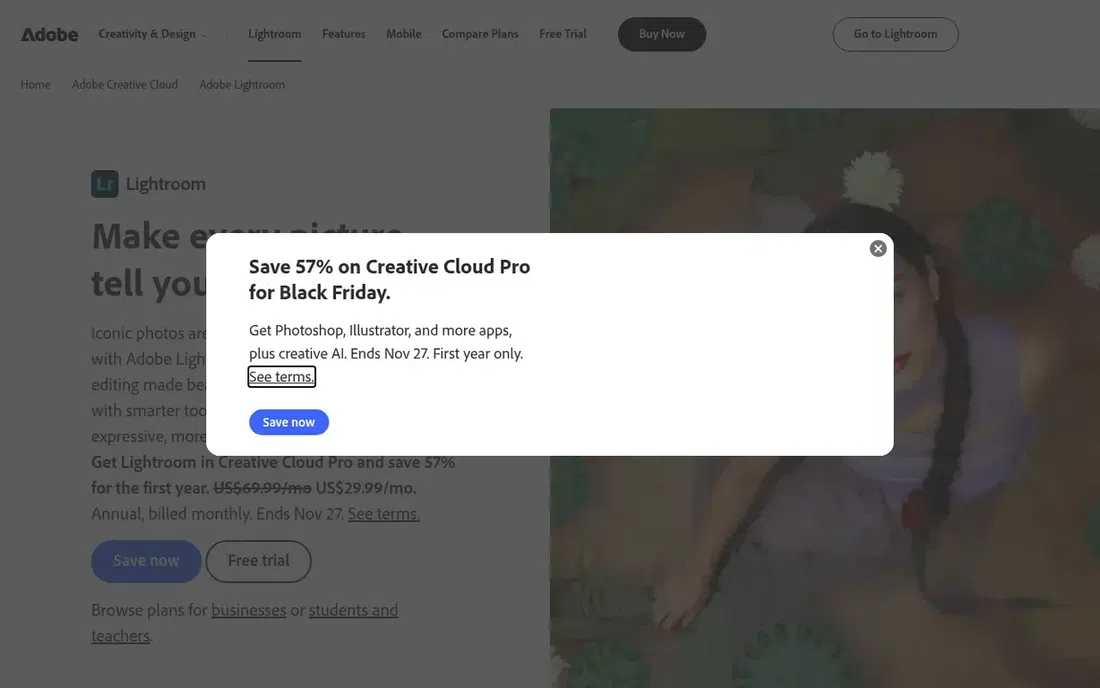
Adobe Lightroom works best for Photo organizing and batch edits. Adobe Lightroom centres on editing and organizing photos, with tools for color, tone and catalog management across desktop, web and mobile.
Where Adobe Lightroom stands out: Edits sync across desktop.
No starting price is listed for Adobe Lightroom here; confirm pricing on the vendor site. On free options: Not stated. Drawbacks to consider: Restricted for complicated compositing.
- Capable library and organizing tools
- Web and mobile
- Not a layout or graphic design tool
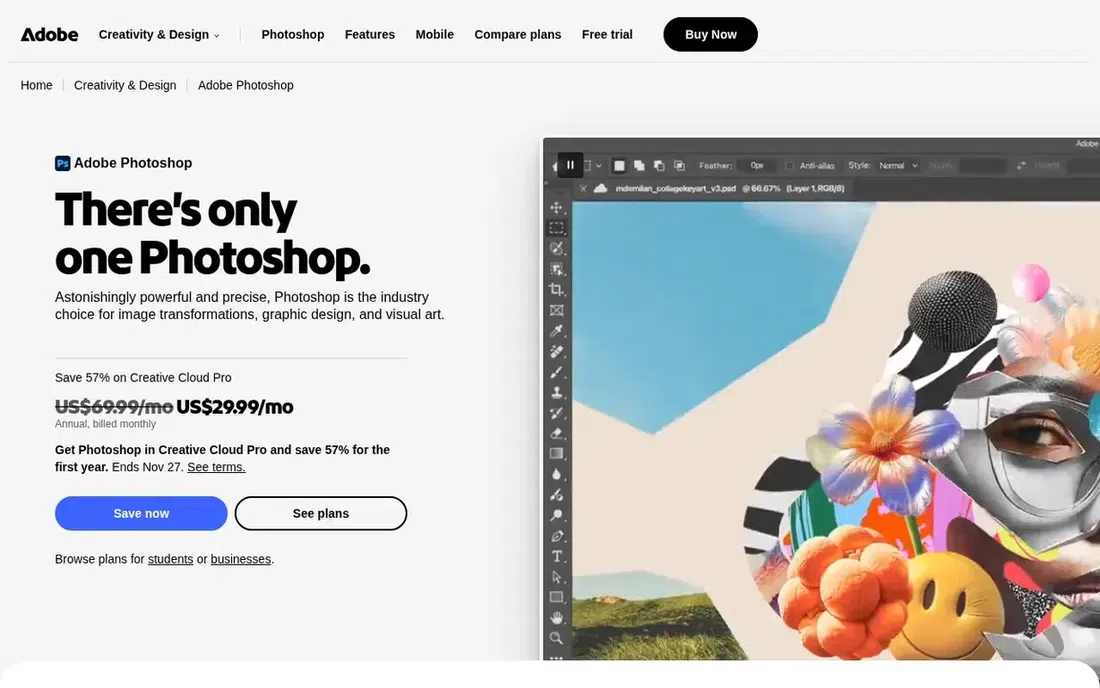
Where Adobe Photoshop fits: advanced retouching and compositing. Adobe Photoshop is the long-standing standard for image editing, offering compositing, retouching and design features across desktop, web and mobile. More specifically, Photoshop can feel heavy for straightforward social posts, and new users need time to learn its layers and tools.
Where it falls short: Ramp-up time for beginners.
Strengths: Capable fit for design-heavy campaign assets. Marketing teams that build layered campaign visuals, product mockups or complicated edits will find the toolset wide enough to handle most requests. In practice, teams without design support may prefer a template-driven tool. Worth adding: choose Photoshop when edit quality and control outweigh speed and simplicity. Pricing for Adobe Photoshop is not stated here, so ask the vendor for current figures. As for free access: Not stated.
- Works online
- Deep editing and compositing tools
- Heavier than fast social tools
How the list was put together
For each of the 5 tools we noted price, free plan or trial, fit for photo editing software for marketing teams and the main limit, using vendor pages and documentation. Plan names, prices and limits change often. Treat the figures here as a starting point and verify them with the vendor. Tools are placed by general fit for photo editing software for marketing teams, with price clarity and free access as tie-breakers. A different team can reasonably rank them differently.
What to check before you buy
- Ask each vendor, from Skylum Luminar Neo to Adobe Photoshop, for a written quote; none of them publishes a starting price.
- Read the limits listed for Skylum Luminar Neo first: fewer manual controls than pro editors.
- Check whether Adobe Photoshop bills monthly or annually, and what cancelling early costs.
- Ask Adobe Lightroom which support channels and response times come with the plan you would buy.
- Total up the real monthly cost of Skylum Luminar Neo, including add-ons, extra users and usage-based fees.
FAQ
Does any tool for photo editing software for marketing teams here have a free plan?
A permanent free plan is not offered by Skylum Luminar Neo, Adobe Photoshop or the other tools here. Plan a short evaluation period instead.
Do these tools publish their prices?
No. None of the tools, from Skylum Luminar Neo to Adobe Photoshop, shows a fixed starting price here, so budget time for quotes.
Is Skylum Luminar Neo the right pick for everyone comparing photo editing software for marketing teams?
No single tool suits every team. Skylum Luminar Neo comes first because it fits AI-assisted quick edits, while ACDSee Photo Studio suits editing plus digital asset management and Capture One suits RAW precision and tethered shoots. Match the tool to your own size, budget and workflow before deciding.
Can I try these tools before paying?
Not by default. None of the tools, from Skylum Luminar Neo to Adobe Photoshop, lists a free plan or a free trial here, so ask each vendor for a demo before committing.
Sources
- https://skylum.com/luminar
- https://www.acdsee.com
- https://www.captureone.com
- https://www.adobe.com/products/photoshop-lightroom.html
- https://www.adobe.com/products/photoshop.html