Best Phishing Simulation Tools for Enterprises (2026): 6 Picks Checked on Vendor Pages
Best Phishing simulation tools for enterprises: 6 contenders ranked by fit, with entry costs and free tiers. Short, factual notes on every option. Easy to scan.
- Editor's choiceBarracuda Security Awareness Training
Enterprises already using Barracuda
Starts atSee websiteVisit barracuda.comFull review - Great alternative
 Hoxhunt
Adaptive human risk management
Starts atSee websiteVisit hoxhunt.comFull review - Also considerMimecast Awareness Training
Awareness inside email security
Starts atSee websiteVisit mimecast.comFull review
Direct answer
Start with Barracuda Security Awareness Training if you need enterprises already using Barracuda. Listed starting prices: KnowBe4 from $5.30 per seat a month. Hoxhunt is the stronger choice for adaptive human risk management, while Mimecast Awareness Training suits Awareness inside email security. The full list of 6 tools follows, with prices and free plan facts.
TL;DR:
- The list opens with Barracuda Security Awareness Training, aimed at enterprises already using Barracuda.
- Proofpoint Security Awareness fits risk-based automatic training.
- KnowBe4 has the lowest monthly starting price in this list: $5.30 per seat per month.
- Neither Barracuda Security Awareness Training nor Proofpoint Security Awareness, nor any of the other 4 tools, has a permanent free plan; trials and quotes are the norm.
- What to know about KnowBe4 first: breadth can mean a complicated rollout.
Last checked November 2026. Prices and plan details were read from the vendors' own pages in November 2026; vendors change plans often, so confirm the current price on the vendor site before you buy.
Quick comparison
| Tool | Best for | Starts at | Free plan? | |
|---|---|---|---|---|
| Barracuda Security Awareness Training | Enterprises already using Barracuda | See website | Free trial | Visit |
| Hoxhunt | Adaptive human risk management | See website | Not stated | Visit |
| Mimecast Awareness Training | Awareness inside email security | See website | Not stated | Visit |
 KnowBe4 | All-in-one awareness and simulation | $5.30 per seat a month | Not stated | Visit |
| Cofense Phishing Defense Center | Detection plus expert response | See website | Not stated | Visit |
| Proofpoint Security Awareness | Risk-based automatic training | See website | Not stated | Visit |
Our 6 Phishing simulation tools for enterprises
Short on time? The summary and table above give the quick view of 6 Phishing simulation tools for enterprises, and the profiles that follow give the detail behind each entry.
Barracuda Security Awareness Training
Best for: Enterprises already using Barracuda
Barracuda Security Awareness Training is built with enterprises already using Barracuda in mind. Barracuda Security Awareness Training is offered within a portfolio handling email protection, application protection, network security and data protection. Also, as part of a broad catalog, the training offering is less specialized than dedicated phishing simulation systems.
Honest limits: Awareness is a smaller piece of the catalog.
Beyond that, teams wanting deep simulation customization may need to look elsewhere. It makes the most sense when Barracuda is already your security standard. The appeal is consolidation across security functions instead of a simulation-only product. This comparison lists no price for Barracuda Security Awareness Training; ask the vendor. Free access: Free trial.
- Fits consolidated vendor relationships
- Suits a wide security portfolio
- Less specialized than dedicated simulation vendors
Hoxhunt works best for adaptive human risk management. Hoxhunt describes itself as a human risk management product that automates adaptive phishing training, security awareness training and email incident response to measurably cut employee cyber risk across the enterprise.
What to check first: Narrower product scope than full suites.
On top of that, enterprises concentrated on measurable risk reduction will find the positioning relevant. Hoxhunt does not show a starting price in this comparison, so check the vendor site for current pricing. Free access: Not stated.
- Adaptive phishing training
- Automatic email incident response
- Needs engagement to display results
Mimecast Awareness Training
Best for: Awareness inside email security
Mimecast Awareness Training is built with Awareness inside email security in mind. Organizations already relying on Mimecast for email security can extend naturally into training.
Honest limits: Full benefit relies on wider product adoption.
More specifically, consider a dedicated simulation vendor if training is your sole focus. No starting price is listed for Mimecast Awareness Training here; confirm pricing on the vendor site. As for free access: Not stated.
- Spans data protection and governance
- Part of a wide email security system
- Awareness is one part of a bigger suite
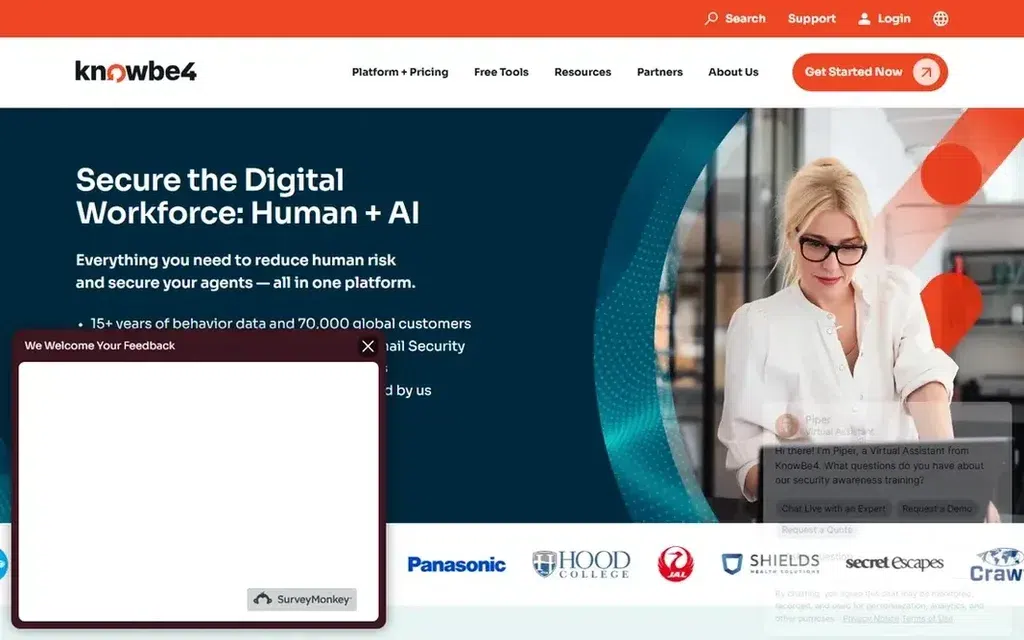
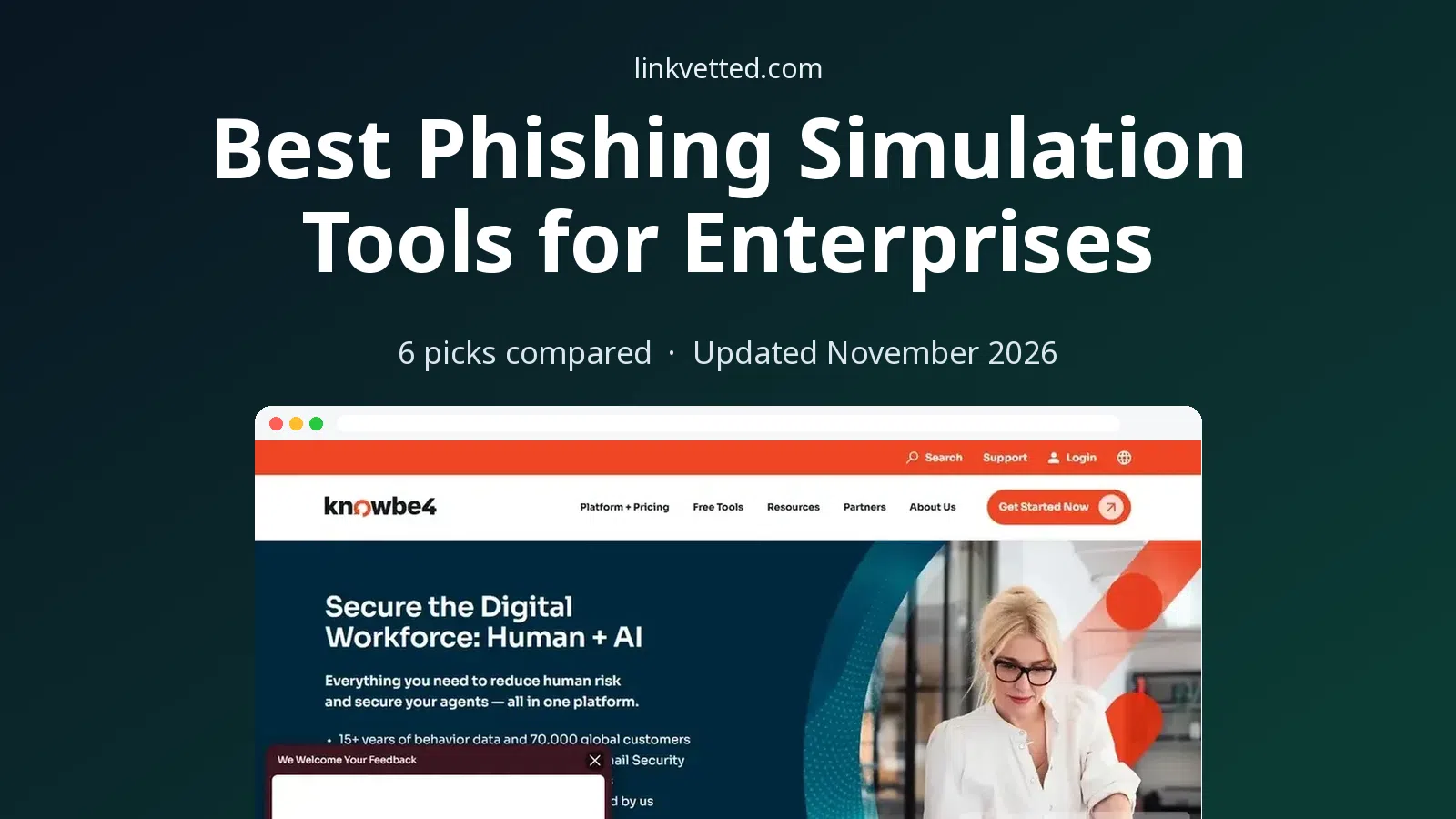
Where KnowBe4 fits: all-in-one awareness and simulation. KnowBe4 presents itself as a system to cut human risk and secure a digital workforce, bringing security awareness training, email security and agent security together.
From a buyer's view, teams that only need occasional simulated phishing emails may find the wider suite more than they need. In practice, for enterprises that want phishing simulation to sit inside a wider awareness program, this consolidation is appealing. Starting cost for KnowBe4: $5.30 per seat per month. As for free access: Not stated.
Best features of KnowBe4: Fits large security awareness programs.
Trade-offs to know: Full value relies on using several modules.
- Wide human risk system
- Simulation and email security
- Breadth can mean a complicated rollout
Cofense Phishing Defense Center
Best for: Detection plus expert response
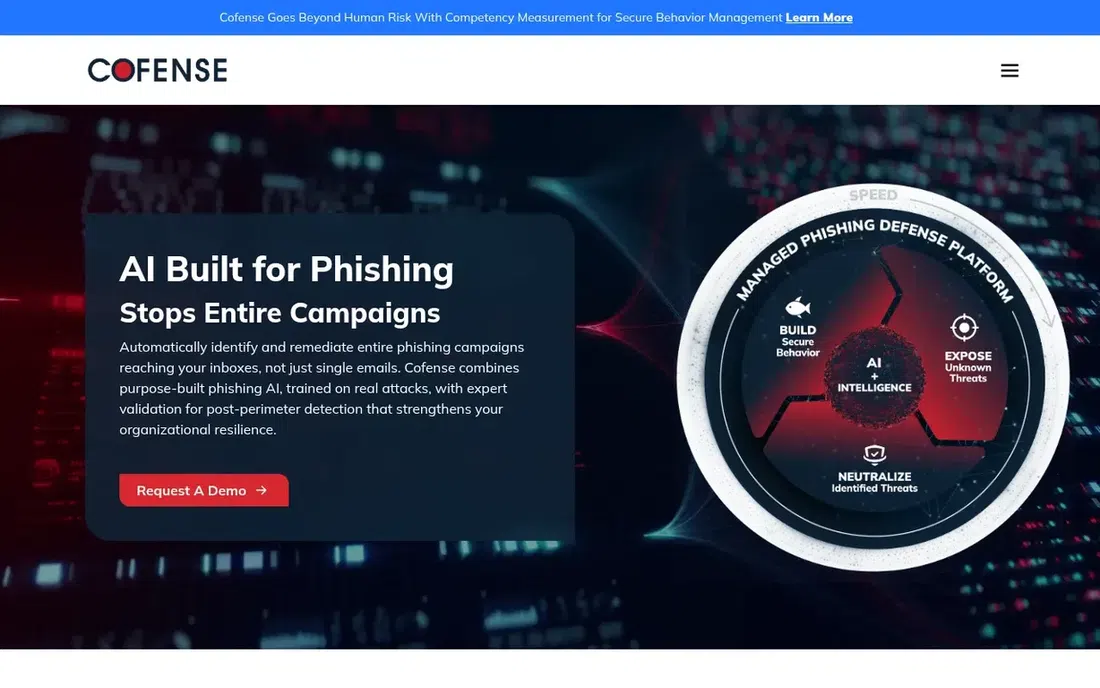
Cofense Phishing Defense Center is designed for detection plus expert response. Security operations teams that want simulation connected to live threat intelligence will find the approach relevant. Pick it when phishing response capability matters as much as training.
As for the details, since detection and response are central, the product may overlap with email security tools you already run. Teams seeking a straightforward simulation and training product could find it heavier than needed. Cofense Phishing Defense Center shows no starting price here, so confirm the cost on the vendor site. As for free access: Not stated.
Limits to weigh: Detection focus may overlap with existing email security.
- Live training tied to threats
- AI detection with human insight
- Response services add operational complexity
Proofpoint Security Awareness
Best for: Risk-based automatic training
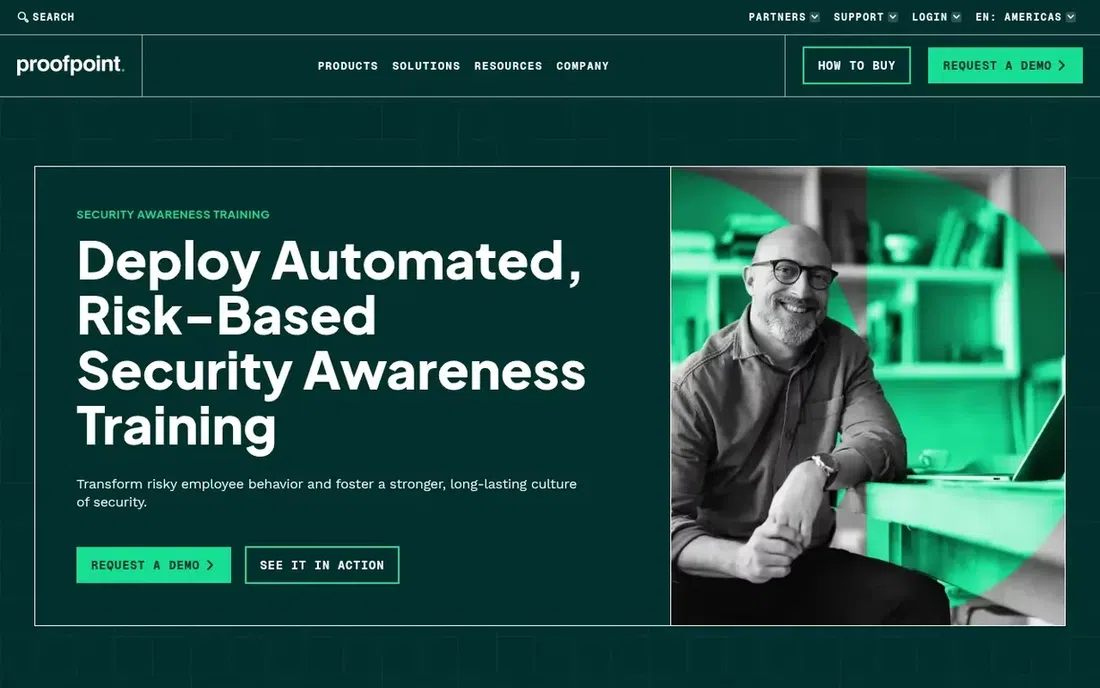
Choose Proofpoint Security Awareness for risk-based automatic training. As for the details, Security teams already working with Proofpoint products will find the integration story particularly relevant.
Also, choose it when personalized, automatic training is the priority. The risk-based automation depends on decent data and configuration, so administrators should expect tuning work. No starting price is listed for Proofpoint Security Awareness here; confirm pricing on the vendor site. Free options: Not stated.
Watch-outs: Best value within the wider Proofpoint ecosystem.
- Turns real attacks into lessons
- Personalized education approach
- Needs tuning to target the right users
How the list was put together
Before you commit
- Confirm the entry price on the vendor page. For Barracuda Security Awareness Training, Hoxhunt, Mimecast Awareness Training and others that means a quote rather than a fixed price.
- Take the trial from Barracuda Security Awareness Training and push a live task through it before you pay.
- Before choosing Barracuda Security Awareness Training, weigh its main limit: Awareness is a smaller piece of the catalog.
- Check the integration list for Mimecast Awareness Training against the tools you run today, and note which ones need a higher plan.
- Get the contract term, renewal terms and any onboarding fees from Cofense Phishing Defense Center in writing.
FAQ
Do these tools publish their prices?
Not all of them. Barracuda Security Awareness Training, Hoxhunt, Mimecast Awareness Training and others publish no starting price, so expect a quote request for those. The rest, KnowBe4 included, show a starting price, though seats and billing terms still change the final cost.
Is Barracuda Security Awareness Training the right pick for everyone comparing Phishing simulation tools for enterprises?
No single tool suits every team. Barracuda Security Awareness Training comes first because it fits enterprises already using Barracuda, while Hoxhunt suits adaptive human risk management and Mimecast Awareness Training suits Awareness inside email security. Match the tool to your own size, budget and workflow before deciding.
What should enterprises look for in a phishing simulation tool?
Look for realistic and configurable scenarios, clear reporting on user behavior, and training that follows a failed simulation. Integration with your email security and identity systems also matters for large deployments.
How are the tools for Phishing simulation tools for enterprises ordered?
The order follows typical fit for Phishing simulation tools for enterprises, with Barracuda Security Awareness Training first and Proofpoint Security Awareness last, then price clarity and free access. It is editorial judgement, not a score, so another team could rank the tools differently.
What is the cheapest option for Phishing simulation tools for enterprises in this list?
On published monthly entry prices, KnowBe4 is the lowest here at $5.30 per seat per month. Entry price is only part of the cost, because seats, add-ons and billing terms can change the total. Prices, free plan details and limits for all 6 tools in this Phishing simulation tools for enterprises roundup sit on the individual cards above.
Sources
- https://www.barracuda.com
- https://hoxhunt.com
- https://www.mimecast.com
- https://www.knowbe4.com
- https://cofense.com
- https://www.proofpoint.com/us/products/security-awareness-training