Best Ping Identity Alternatives in 2026: 8 Tools Compared
Compare ping identity alternatives: 8 identity tools for workforce SSO, customer login and MFA, with pricing, free tiers and honest limits in 2026 today.

- Editor's choice
 Okta
Workforce SSO at scale
Starts at$2 per user per monthVisit okta.comFull review - Great alternative
 Microsoft Entra ID
Microsoft 365 shops
Starts at$6 per user per monthVisit microsoft.comFull review - Also consider
 Auth0
Customer-facing login
Starts at$35 per monthVisit auth0.comFull review
TL;DR:
- Ping Identity serves large and hybrid estates with complex federation, so the best swap depends on whether you need workforce SSO, customer login or both.
- Okta is the strongest workforce pick, Auth0 is the strongest developer pick for customer login, and Microsoft Entra ID is the obvious pick for Microsoft 365 shops.
- Duo and JumpCloud offer useful free tiers for small teams, while Keycloak suits teams that want open-source self-hosting.
- Identity is security-critical, so test MFA, single sign-on and lifecycle workflows with real users before you migrate.
Quick comparison
| Tool | Best for | Starts at | Free plan? | |
|---|---|---|---|---|
| Okta | Workforce SSO at scale | $2 per user per month | Free trial | Visit |
| Microsoft Entra ID | Microsoft 365 shops | $6 per user per month | Yes | Visit |
| Auth0 | Customer-facing login | $35 per month | Yes | Visit |
 OneLogin | Mid-market simplicity | $4 per user per month | Free trial | Visit |
 JumpCloud | Cloud directory for small teams | See website | Yes | Visit |
 Duo | Fast MFA rollout | $3 per user per month | Yes | Visit |
 Keycloak | Open-source self-hosting | Free | Yes | Visit |
 FusionAuth | Developer-friendly CIAM | $37 per month | Yes | Visit |
The best Ping Identity alternatives
Ping Identity is known for enterprise workforce and customer identity, with strong federation for hybrid and complex estates. The tools below cover that ground with different strengths, from workforce SSO to customer login and open-source control.
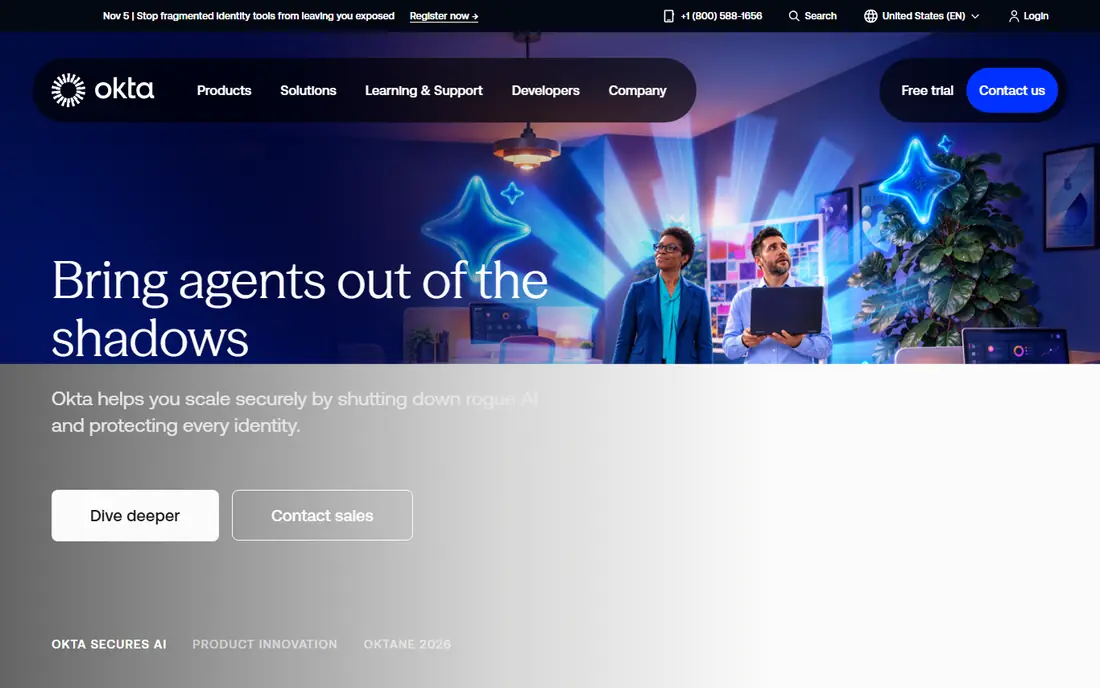
Okta fits mid-size and large teams that need single sign-on, multi-factor authentication and user lifecycle management across many apps. Its catalog covers thousands of apps, and its lifecycle tools automate joining, moving and leaving workflows, which cuts manual account work. That breadth is why Okta is often the first workforce identity shortlist. Our pick for most workforce teams leaving Ping is Okta, because its SSO and lifecycle depth are proven at scale.
The catch is cost and complexity. Higher tiers add features at higher per-user prices, and a large rollout needs careful planning for groups, policies and integrations. Smaller teams may find Okta more than they need. For a team with many apps and users, Okta is a strong, well-supported swap.
- Broad app catalog
- Strong lifecycle management
- Mature admin tools
- Pricing rises with features
- Setup needs planning at scale
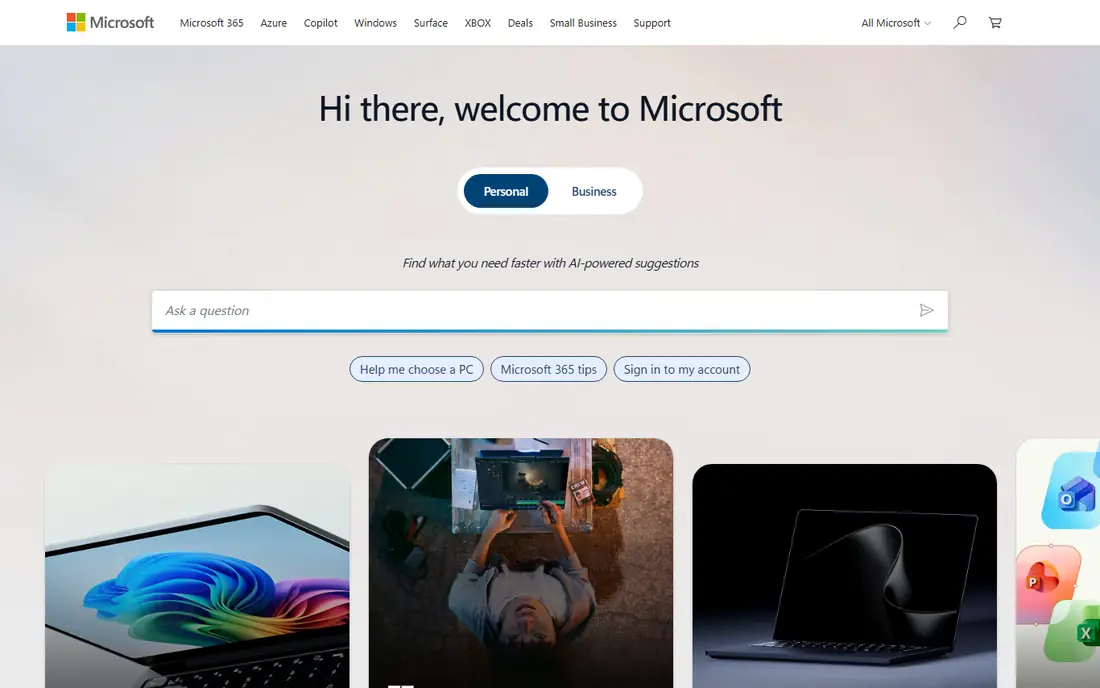
Microsoft Entra ID, formerly Azure Active Directory, suits organizations already running Microsoft 365, Azure and Windows. It provides single sign-on, MFA and conditional access that work natively with Microsoft apps, and its free tier covers basic SSO and MFA for many small teams. That native integration is the main reason Microsoft shops pick it over a third-party identity tool.
The limit is ecosystem fit. Teams that run mainly Google Workspace or a mixed stack may find a vendor-neutral tool easier. Advanced features such as identity protection sit in higher-priced P1 and P2 plans. If Microsoft is your core platform, Entra ID is the obvious, cost-effective choice.
- Deep Microsoft 365 integration
- Free tier for basic SSO
- Strong conditional access
- Best inside Microsoft ecosystem
- Advanced tiers cost more

Auth0 fits product teams that need customer login in their own web and mobile apps. It offers universal login, social login, passwordless options and enterprise federation, with SDKs across major frameworks. The free tier for up to 25,000 monthly active users makes it easy to start, and its developer docs are a real strength. Our pick for most customer-facing apps is Auth0.
The trade-off is B2B pricing. Business-to-business features and higher volumes raise the bill quickly, and deep customization can make migration harder later. For a consumer or small-business app, Auth0 is excellent. For a complex B2B SaaS with many enterprise customers, compare the full B2B price before you commit.
- Developer-friendly
- Free tier up to 25,000 monthly active users
- Many SDKs
- B2B pricing rises sharply
- Vendor lock-in risk if deeply customized
OneLogin suits mid-market companies that want SSO and MFA without enterprise complexity. Its admin experience is simpler than Ping or Okta at large scale, and it covers the common workforce apps well. For a team that wants a clean, understandable identity platform, OneLogin is a practical choice.
The weakness is ecosystem size. It does not match Okta for app catalog depth or advanced lifecycle features, and pricing is bundle-based rather than fully modular. If your app list is standard and your team is mid-size, OneLogin offers good value. If you need deep lifecycle automation, Okta may fit better.
- Simple admin experience
- Good app catalog
- Solid MFA and SSO
- Smaller ecosystem than Okta
- Pricing is bundle-based
JumpCloud fits small teams that want to replace on-premises Active Directory with a cloud directory. It combines user identity, device management, SSO and MFA, and its free tier covers up to 10 users and 10 devices. That combination is useful for teams with Windows, macOS and Linux devices and no on-premises server.
The limit is enterprise depth. JumpCloud does not match Ping for complex federation or large-enterprise identity workflows. For a small, cross-platform team, it is a strong, affordable swap. For a large regulated estate, an enterprise platform will fit better.
- Cloud directory plus device management
- Free tier up to 10 users
- Cross-platform
- Less enterprise federation depth
- Pricing varies by bundle
Duo by Cisco suits teams whose first priority is strong multi-factor authentication across apps and VPNs. It is known for a simple enrollment flow and push-based approvals that users actually complete. The free tier for up to 10 users makes it easy to test with a small team. For a fast MFA win, Duo is hard to beat.
The trade-off is scope. Duo is primarily an MFA and access tool, not a full workforce identity platform with deep lifecycle management. Teams that need full SSO and lifecycle automation should pair Duo with a directory or identity platform, or choose Okta or Entra ID instead.
- Very easy MFA setup
- Free tier up to 10 users
- Broad app support
- Primarily MFA, not a full identity platform
- SSO needs higher plans
Keycloak suits teams that want open-source identity with full control and no per-user fees. It supports single sign-on, social login, MFA and standard protocols such as SAML and OpenID Connect, and it can run on your own servers or cloud. For a team with identity expertise and strict hosting needs, Keycloak offers freedom that commercial platforms do not.
The catch is operations. You are responsible for hosting, patching, scaling and security, and that work needs skilled staff. Commercial support is available through vendors, but the base product is community-supported. If you have the skills and want control, Keycloak is excellent. If you want a managed service, a commercial platform will be easier.
- Free open-source
- Full control over hosting
- Strong standards support
- You run and patch it
- Needs skilled staff
- Support is community-based unless paid
FusionAuth fits developers and small product teams that want customer identity with control over login flows and data. It offers a free community edition for self-hosting, plus paid cloud plans, with APIs for registration, login, MFA and multi-tenant use. That flexibility appeals to teams that want Auth0-style features without Auth0 pricing at small scale.
The weakness is ecosystem size. It does not match Auth0 for app integrations, docs depth or community size, and enterprise features sit in paid plans. For a small product team that wants control and a clear price floor, FusionAuth is a strong alternative. For a large customer base, compare Auth0 and FusionAuth on total cost and support.
- Free community edition
- Flexible login flows
- Clear developer APIs
- Smaller ecosystem than Auth0
- Enterprise features are paid
How we picked these
We compared official feature pages, pricing pages and public reviews for identity tools that cover Ping's main jobs: workforce SSO, customer login, MFA and federation. We favored tools still actively sold in 2026, with clear pricing or a free tier, and we used See website where pricing is bundle-based or quote-based rather than inventing a number.
What to check before you switch
Map your identity jobs first: workforce SSO, customer login, partner federation or all three. A tool that excels at workforce SSO may be weak for customer login, and the reverse is also true. Check MFA methods your users can actually use, because a strong policy that users bypass is worse than a simpler one they follow.
Test migration with a pilot group
Move a small pilot group first, including remote workers, mobile users and users with hardware keys if you use them. Watch login success, MFA friction and help-desk tickets for two weeks. That pilot catches policy and integration gaps before they affect the whole company.
Plan lifecycle and deprovisioning
Joining and leaving workflows matter as much as login. Confirm how the new tool creates, moves and disables accounts, and how quickly access is removed when someone leaves. A fast, reliable deprovisioning flow is a core security control, not an admin detail.
FAQ
What is the best Ping Identity alternative for workforce SSO?
Okta is the strongest workforce pick for most teams, with broad SSO and lifecycle management. Microsoft Entra ID is the best pick for Microsoft 365 shops, and OneLogin suits mid-market teams that want simpler administration.
What is the best Ping Identity alternative for customer login?
Auth0 is the strongest developer pick for customer-facing login, with a free tier and many SDKs. FusionAuth is a good lower-cost alternative for small product teams that want more control over hosting and login flows.
Is there a free Ping Identity alternative?
Keycloak is free open-source software for self-hosting, and Duo, JumpCloud, Auth0 and Microsoft Entra ID offer free tiers for small teams or limited use. Free tiers cover basic SSO and MFA, while advanced features need paid plans.
Is Ping Identity the same as PingOne?
PingOne is Ping Identity's cloud identity platform, covering workforce and customer identity. PingFederate is its federation server for on-premises and hybrid use. Alternatives in this list cover both cloud and hybrid needs, but check federation depth if you run hybrid estates.
How hard is it to migrate from Ping Identity?
Migration effort depends on app count, federation complexity and custom policies. A small SSO estate can move in weeks, while a large hybrid estate with custom federation may take months. Pilot with a small group, map every app and policy, and keep the old system running until the new one passes real login tests.