The 5 Best Permit Tracking Software for Municipal Building Departments in 2026, Ranked
Best permit tracking software for municipal building departments in 2026: 5 contenders with entry costs and free tiers. Real limits included. Details below.
- Editor's choiceCloudpermit
Simplified community development and public works
Starts atPricing on requestVisit cloudpermit.comFull review - Great alternative
 Granicus
Citizen experience and engagement product
Starts atPricing on requestVisit granicus.comFull review - Also considerClariti
Unified team communication and relationship management
Starts atPricing on requestVisit clariti.appFull review
Direct answer
Cloudpermit comes first here, mainly for simplified community development and public works. Look at Granicus for citizen experience and engagement system, and at Clariti for unified team communication and relationship management. The remaining 2 options are covered below with pricing notes and limits. None of these vendors publish plan prices, so pricing is on request for every option.
TL;DR:
- Cloudpermit takes the first slot, best suited to simplified community development and public works.
- No starting price is shown for any of the 5 tools, Cloudpermit and Accela included, so plan time for sales calls.
- None of the 5 tools, from Cloudpermit to Accela, has a free plan, so budget for a subscription or use a trial.
- For thorough government operations and citizen engagement, Accela is worth a look.
- One limit worth knowing about Cloudpermit: may need training for full adoption.
Last checked November 2026. Pricing on request: vendors did not publish plan prices when this guide was last checked (November 2026), so ask each vendor for a written quote.
Quick comparison
| Tool | Best for | Starts at | Free plan? | |
|---|---|---|---|---|
| Cloudpermit | Simplified community development and public works | Pricing on request | Not stated | Visit |
| Granicus | Citizen experience and engagement product | Pricing on request | Not stated | Visit |
| Clariti | Unified team communication and relationship management | Pricing on request | Not stated | Visit |
| MaintStar | Asset and maintenance management for municipalities | Pricing on request | Not stated | Visit |
| Accela | Thorough government operations and citizen engagement | Pricing on request | Not stated | Visit |
Permit Tracking Software for Municipal Building Departments profiles
LinkVetted compared 5 permit tracking software for municipal building departments. The goal is a practical shortlist: published prices, free plan facts, best-fit use cases and honest limits for every entry.
Cloudpermit
Best for: Simplified community development and public works
Cloudpermit is designed for simplified community development and public works. Its system supports community development and public works processes, including permit tracking for building departments. It is a solid fit for agencies seeking a contemporary, approachable system to boost service times.
Worth adding: Cloudpermit may have a narrower focus on community development, potentially lacking some enterprise-level features for large-scale operations. Departments needing broad customization or integration with other municipal systems might have to look elsewhere. Cloudpermit does not show a starting price in this comparison, so check the vendor site for current pricing. Free access: Not stated.
The main drawbacks: May need training for full adoption.
- Modern local government features
- Focus on community development
- Restricted scope beyond permitting
For citizen experience and engagement system, Granicus is a natural candidate. Granicus gives you a Citizen Experience Platform that transforms how governments serve their communities. Consider a focused permitting tool if citizen engagement is not a primary concern.
The main drawbacks: Not exclusively for permit tracking.
Whereas not a dedicated permit tracking system, it can complement municipal building departments by improving digital communication and citizen engagement around permits and services. Granicus is not designed as a standalone permit tracking option, so departments will likely have to integrate it with specialized permitting software. It may add complexity if you only need core permit management. This comparison lists no price for Granicus; ask the vendor. Free plan details: Not stated.
- Links government organizations
- Wide product for service delivery
- May need integration with permitting tools
Clariti
Best for: Unified team communication and relationship management
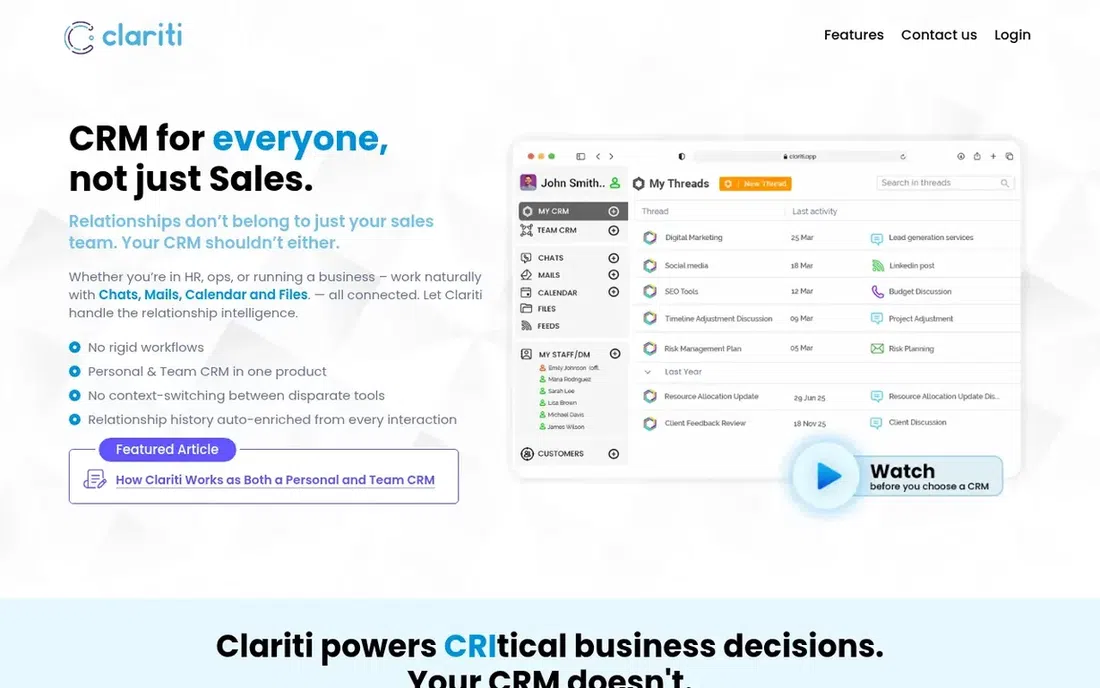
Think of Clariti for unified team communication and relationship management. For municipal building departments, it can serve as a central hub for communication and document management around permit applications. More specifically, choose a dedicated permitting system if those functions are core requirements.
In daily use, Clariti is not purpose-built for permit tracking, so departments may have to integrate it with specialized permitting software or adapt workflows. It lacks built-in inspection scheduling or code enforcement features. This comparison lists no price for Clariti; ask the vendor. Free access: Not stated.
What to check first: May require integration for permit workflows.
- Brings together chats, emails, files
- Cuts context switching
- Not a dedicated permitting system
MaintStar
Best for: Asset and maintenance management for municipalities
MaintStar was built for asset and maintenance management for municipalities. MaintStar is not purpose-built for permit tracking, so it may lack features like application intake or online permitting portals. For everyday use, consider a dedicated permitting product if permit processing is the primary requirement.
Departments seeking a complete permitting option may have to pair it with specialized software. As for the details, for building departments, it can support permit-related inspections and maintenance activities when integrated with other systems. No starting price is listed for MaintStar here; confirm pricing on the vendor site. On free options: Not stated.
Watch-outs: Not a dedicated permitting system.
- Helps track assets and work orders
- Supports public works and maintenance
- May need integration for permit tracking
Accela
Best for: Thorough government operations and citizen engagement
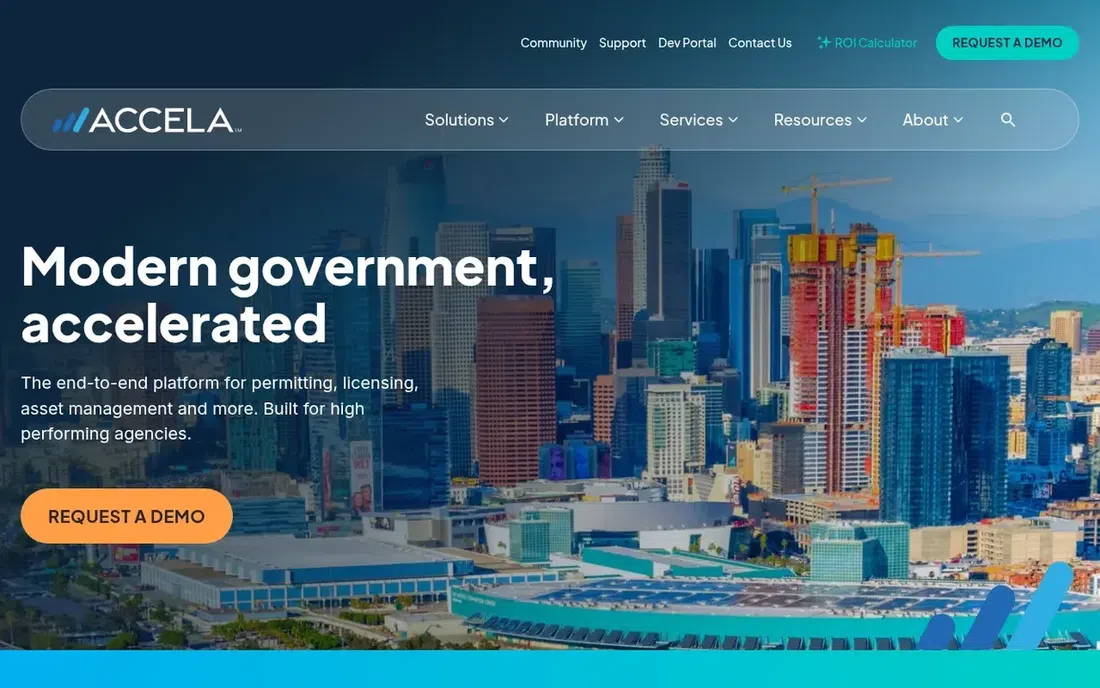
Accela is a good fit for comprehensive government operations and citizen engagement. Accela may involve significant setup and configuration to align with specific departmental processes.
Limits to weigh: May need configuration for specific departments.
The software aims to simplify processes and support digital service delivery for agencies of varying sizes. This comparison lists no price for Accela; ask the vendor. As for free access: Not stated.
- Enhances government efficiency
- Boosts citizen engagement
- Potentially complicated for small teams
How we chose
LinkVetted looked at what each vendor publishes: pricing, plan limits, feature coverage for permit tracking software for municipal building departments and stated drawbacks. No hands-on testing is claimed. Where a vendor does not publish a price, the entry says quote. Where a price depends on seats or billing term, the entry says so. Order on the page follows fit for the typical buyer first, then price transparency and free access. Your own requirements should decide the final pick.
Pre-purchase checklist
- Ask each vendor, from Cloudpermit to Accela, for a written quote; none of them publishes a starting price.
- Before choosing Cloudpermit, weigh its main limit: may need training for full adoption.
- The entry price of Clariti is only the starting point; model the full cost with seats and extras.
- Involve the people who will use MaintStar daily; a short pilot beats a long feature checklist.
- Before you load data into Accela, check what an export looks like and who can run it.
FAQ
How does Accela compare to Tyler Technologies for permit tracking?
Accela emphasizes cloud-based options for broader government operations, whereas Tyler Technologies supplies a suite specifically for permitting and licensing. The choice may rely on existing systems and specific departmental needs.
Is Cloudpermit the right pick for everyone comparing permit tracking software for municipal building departments?
No single tool suits every team. Cloudpermit comes first because it fits simplified community development and public works, while Granicus suits citizen experience and engagement platform and Clariti suits unified team communication and relationship management. Match the tool to your own size, budget and workflow before deciding.
How are the tools for permit tracking software for municipal building departments ordered?
Cloudpermit sits first and Accela last because the order follows typical fit for permit tracking software for municipal building departments, then price clarity and free access. It is a judgement call, so read each profile for fit and limits.
Does any tool for permit tracking software for municipal building departments here have a free plan?
A permanent free plan is not offered by Cloudpermit, Accela or the other tools here. Plan a short evaluation period instead.
Can Clariti be used as a standalone permit tracking system?
Clariti is a CRM that brings together communication and files, but it is not a dedicated permit tracking system. It can complement permit workflows by centralizing interactions, but departments will likely need specialized software for core permitting functions.
Can I try these tools before paying?
Not by default. None of the tools, from Cloudpermit to Accela, lists a free plan or a free trial here, so ask each vendor for a demo before committing.
Sources
- https://cloudpermit.com
- https://granicus.com
- https://www.clariti.app
- https://www.maintstar.com
- https://www.accela.com