Best Password Manager for Therapists in 2026: Prices, Free Plans and 5 Picks
Weighing the best password manager for therapists? We lined up 5 products by cost, free access and fit. Honest caveats for every entry. Pick by budget.
- Editor's choice
 Bitwarden
Open-source choice for solo therapists
Starts at$1.65 a monthVisit bitwarden.comFull review - Great alternative
 Dashlane
Credential security across a business
Starts at$4 per user a monthVisit dashlane.comFull review - Also considerKeePassXC
Completely offline local storage
Starts atSee websiteVisit keepassxc.orgFull review
Direct answer
Our first pick is Bitwarden, best for open-source choice for solo therapists. Listed starting prices: Bitwarden from $1.65 a month, Dashlane from $4 per user a month and Proton Pass from $2.49 per month. Look at Dashlane for credential security across a business, and at KeePassXC for completely offline local storage. The remaining 2 options are covered below with prices and limits.
TL;DR:
- Top of the list is Bitwarden, which targets open-source option for solo therapists.
- 2 of 5 tools offer a free plan: Bitwarden, Proton Pass.
- What to know about KeePassXC first: no built-in cloud sync.
- The lowest published monthly entry price here is $1.65 per month, from Bitwarden.
- For balanced security and controlled sharing, 1Password is worth a look.
Last checked November 2026. Prices and plan details were read from the vendors' own pages in November 2026; vendors change plans often, so confirm the current price on the vendor site before you buy.
Quick comparison
| Tool | Best for | Starts at | Free plan? | |
|---|---|---|---|---|
| Bitwarden | Open-source choice for solo therapists | $1.65 a month | Yes | Visit |
| Dashlane | Credential security across a business | $4 per user a month | Free trial | Visit |
| KeePassXC | Completely offline local storage | See website | Not stated | Visit |
 Proton Pass | Privacy-first logins and email aliases | $2.49 per month | Yes | Visit |
 1Password | Balanced security and controlled sharing | See website | Not stated | Visit |
Tool-by-tool breakdown
Short on time? The summary and table above give the quick view of 5 password manager for therapists, and the profiles that follow give the detail behind each entry.
Bitwarden serves open-source choice for solo therapists. Bitwarden is an open-source password manager for individuals, teams, and enterprises, storing passwords, passkeys, and secrets with sharing built in. It is a practical choice for clinicians who want a dependable manager without lots of ceremony.
From a buyer's view, pick Bitwarden when openness and adaptability matter more than polish. The interface leans practical instead of elegant, and team administration features can feel technical for someone without an IT background. Starting cost for Bitwarden: $1.65 per month. Bitwarden has a free plan.
The main drawbacks: Interface is functional instead of refined.
- Works for individuals and teams
- Handles passwords, passkeys, secrets
- Advanced administration layers on complexity
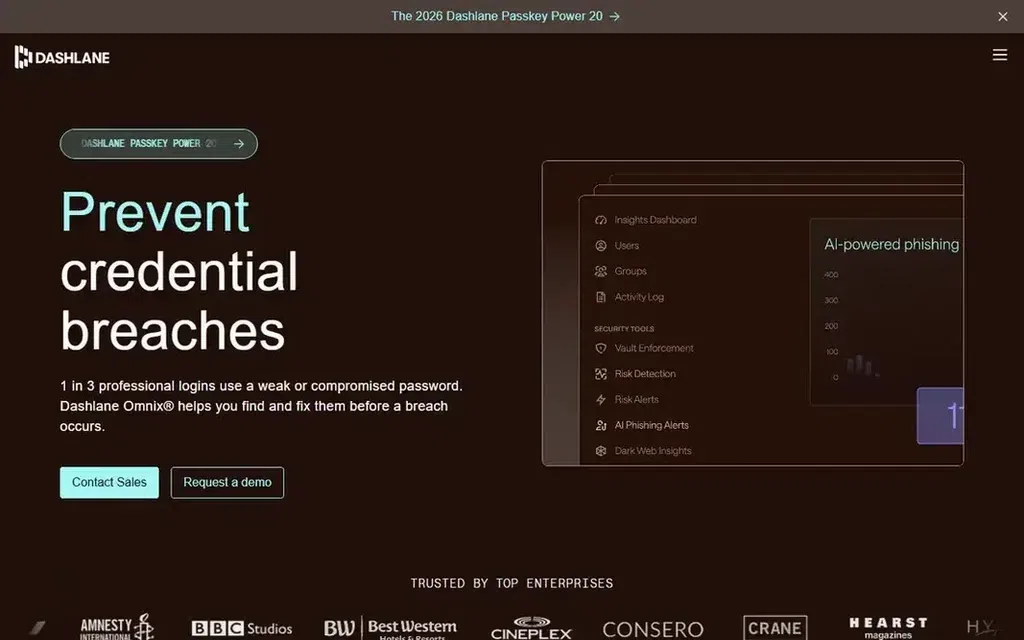
Dashlane makes the most sense for credential security across a business. Dashlane presents itself as a password manager and credential protection product for enterprises, firms, and individuals. In practice, the enterprise positioning means a solo therapist may pay for structure they do not use.
Limits to weigh: Enterprise framing may overwhelm solo users.
Its value grows with team size, so a one-person office should weigh whether a lighter tool fits better. Beyond that, consider it when staff access and oversight matter more than simplicity. What you pay to start with Dashlane: $4 per user per month. Free options: Free trial.
Reasons to shortlist it: Focus on credential protection.
- Clean
- Guided setup
- Fewer reasons to choose it for one person
KeePassXC
Best for: Completely offline local storage
In short, KeePassXC is for completely offline local storage. KeePassXC is a password manager that keeps your database on your own device rather than in a vendor cloud. Choose KeePassXC only if you are prepared to handle backups carefully.
Beyond that, for therapists who want clinical and billing credentials to stay entirely under local control, that model is appealing, and the open-source code can be inspected. Losing the database file without a backup is a real risk. KeePassXC shows no starting price here, so confirm the cost on the vendor site. Trial and free access: Not stated.
What to check first: Needs manual backup discipline.
- Keeps the database locally
- Open-source and free of cloud dependency
- No built-in cloud sync
Proton Pass works best for privacy-first logins and email aliases. Proton Pass keeps, shares, and syncs passwords, passkeys, and email aliases across devices, built on open-source software from a company known for privacy-focused services. For everyday use, some conveniences work best if you already use other Proton services.
It remains a solid pick for privacy-minded therapists who value aliases and open source. Email aliases are particularly relevant for therapists who want to keep a professional contact address separate from personal accounts or avoid exposing a primary email when signing up for portals. The starting price for Proton Pass: $2.49 per month. A free plan is available with Proton Pass.
Where it is weaker: Newer to password management than some rivals.
- Syncs across devices
- Open-source design
- Advanced features tie into the wider Proton ecosystem
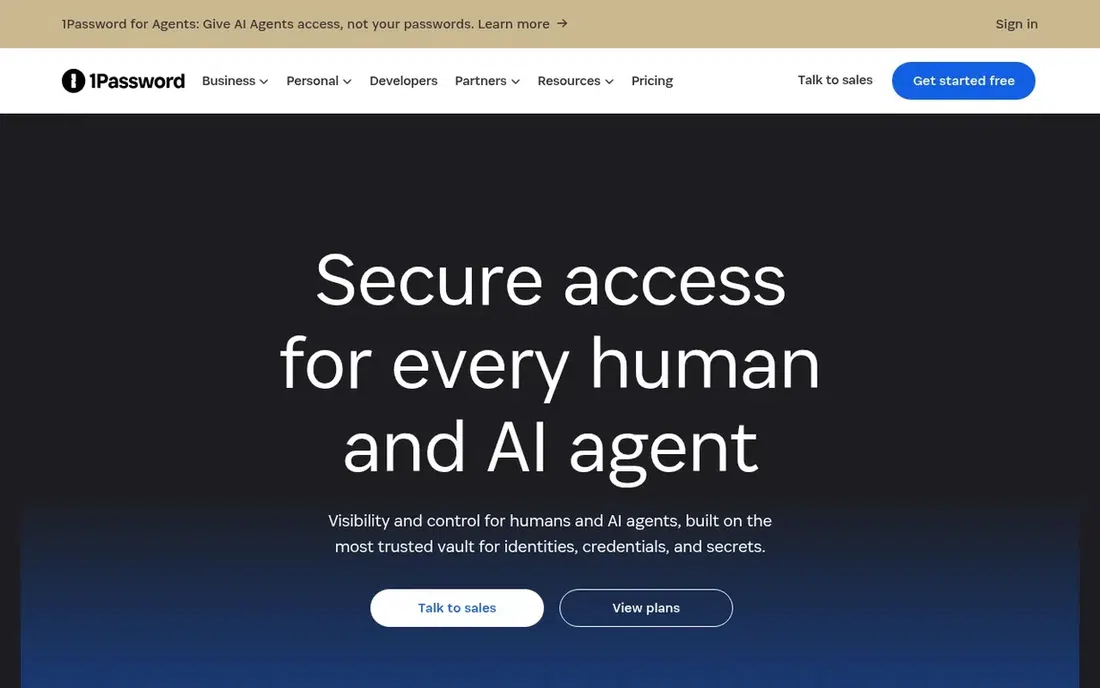
1Password is built with balanced security and controlled sharing in mind. For a therapist, that means separate vaults for clinical portals, billing systems, and personal accounts, plus the choice to share only what an assistant or office manager truly needs.
Trade-offs to know: Setup takes some initial organizing.
Also, if you run a very small practice and prefer minimal setup, a more straightforward manager may suit you better. 1Password shows no starting price here, so confirm the cost on the vendor site. Free options: Not stated.
- Built-in secrets and access management
- Separate vaults for work and personal logins
- More features than a solo practice needs
What went into this list
The comparison looks at four things: starting price, free access, how well the feature set matches password manager for therapists, and the main limit of each tool. Treat prices as a snapshot: vendors change plans often, so check the vendor site for the figure that applies today. The sequence is a judgement call: typical use case first, then pricing transparency, then free access. Use the profiles to check fit.
What to confirm before you sign up
- Confirm the entry price on the vendor page. For KeePassXC and 1Password that means a quote rather than a fixed price.
- Read the fine print on the free plans from Bitwarden and Proton Pass; seat, project and feature caps differ.
- Run a trial of Dashlane with real work before paying for a year; your own workflow is the best test.
- Before choosing Bitwarden, weigh its main limit: interface is functional instead of refined.
- Verify that exporting from Dashlane is possible on your plan and covers all your records.
- Confirm that 1Password connects to the apps your team already uses, on the plan you would actually buy.
FAQ
Can I try these tools before paying?
Often, yes. Bitwarden and Proton Pass have a free plan and Dashlane offers a free trial. Use your own data and a real task during the test, and check what the free tier or trial limits before you rely on it.
How are the tools for password manager for therapists ordered?
Bitwarden sits first and 1Password last because the order follows typical fit for password manager for therapists, then price clarity and free access. It is a judgement call, so read each profile for fit and limits.
What is the cheapest option for password manager for therapists in this list?
On published monthly entry prices, Bitwarden is the lowest here at $1.65 per month. Entry price is only part of the cost, because seats, add-ons and billing terms can change the total. Each of the 5 options in this Password manager for therapists guide has its own card above with the price, free plan and limits.
Can a password manager help with email privacy for a therapy practice?
Some managers bundle email alias features that let you register for portals without exposing your primary address. Proton Pass is notable for this.
Should therapists use a cloud-based or offline password manager?
Cloud-based managers make it simpler to sync across devices and share with staff, whereas offline tools like KeePassXC keep everything local. The right choice depends on whether you need multi-device access and sharing or prefer strict local control.
Is Bitwarden the right pick for everyone comparing password manager for therapists?
No single tool suits every team. Bitwarden comes first because it fits open-source option for solo therapists, while Dashlane suits credential security across a business and KeePassXC suits fully offline local storage. Match the tool to your own size, budget and workflow before deciding.
Sources
- https://bitwarden.com
- https://www.dashlane.com
- https://keepassxc.org
- https://proton.me/pass
- https://1password.com