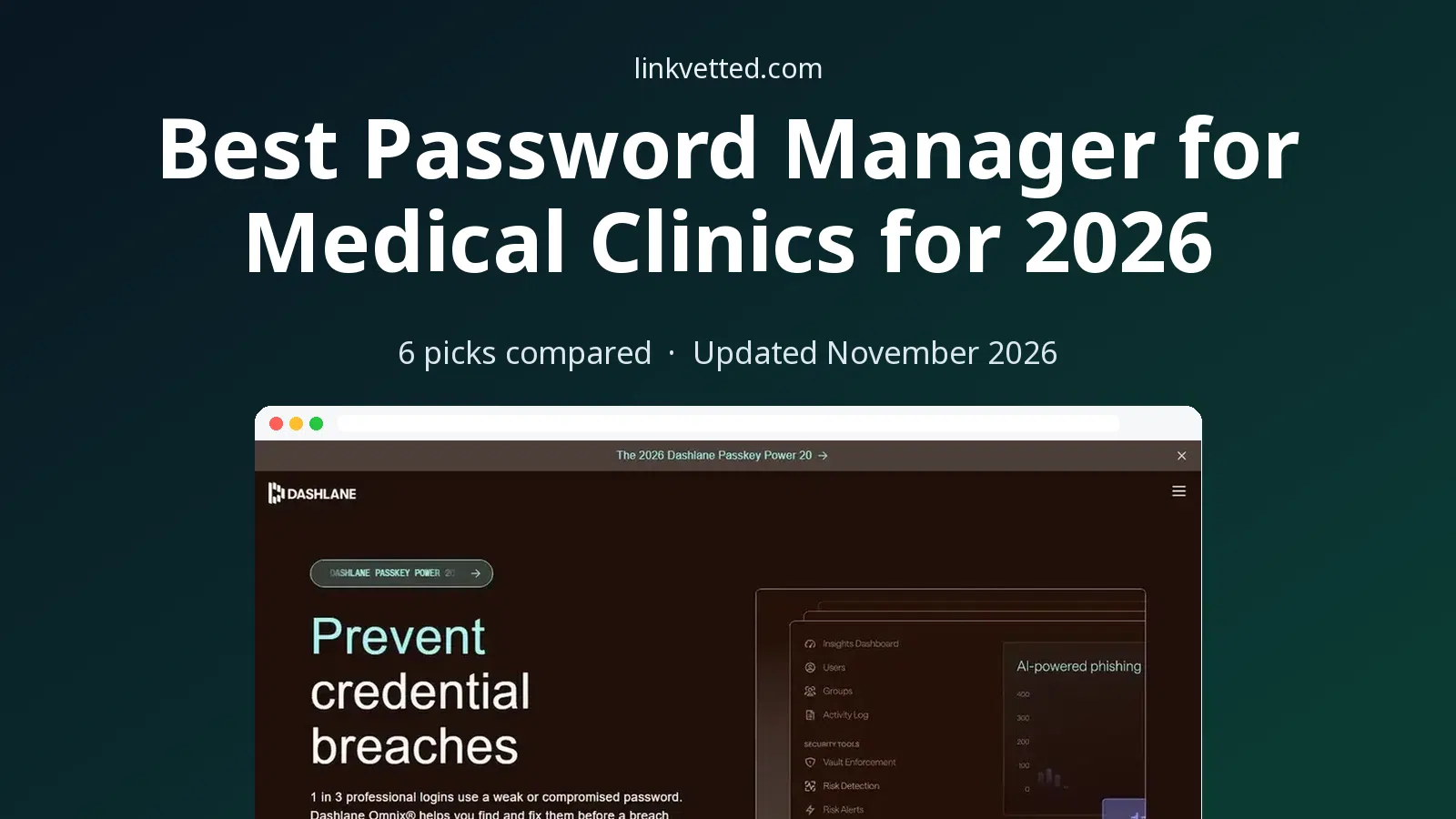
Best Password Manager for Medical Clinics for 2026: Our 6 Vetted Picks
Best Password manager for medical clinics: 6 tools compared on price, free plans and fit. Costs and caveats sit beside each pick. Budget notes included.
- Editor's choice
 Proton Pass
Privacy-minded clinics wanting open source
Starts at$2.49 per monthVisit proton.meFull review - Great alternative
 Dashlane
Clinics centred on credential protection
Starts at$4 per user a monthVisit dashlane.comFull review - Also considerManageEngine Password Manager Pro
On-premise enterprise credential management
Starts atSee websiteVisit manageengine.comFull review
Direct answer
Proton Pass is the first pick on this list for privacy-minded clinics wanting open source. Listed starting prices: Proton Pass from $2.49 per month, Dashlane from $4 per user a month and Bitwarden from $1.65 a month. If your case is different, Dashlane suits clinics focused on credential protection and ManageEngine Password Manager Pro suits on-premise enterprise credential management. The remaining 3 options are covered below with prices and limits.
TL;DR:
- Proton Pass takes the first slot, best suited to privacy-minded clinics wanting open source.
- Starting prices begin at $1.65 per month with Bitwarden.
- Keeper suits clinics needing privileged access control.
- Free plans exist at 2 of 6 tools (Proton Pass, Bitwarden).
- A fair warning about Bitwarden: self-hosting needs technical staff.
Last checked November 2026. Prices and plan details were read from the vendors' own pages in November 2026; vendors change plans often, so confirm the current price on the vendor site before you buy.
Quick comparison
| Tool | Best for | Starts at | Free plan? | |
|---|---|---|---|---|
| Proton Pass | Privacy-minded clinics wanting open source | $2.49 per month | Yes | Visit |
| Dashlane | Clinics centred on credential protection | $4 per user a month | Free trial | Visit |
| ManageEngine Password Manager Pro | On-premise enterprise credential management | See website | Not stated | Visit |
 Bitwarden | Clinics preferring open source and self-hosting | $1.65 a month | Yes | Visit |
 1Password | Clinics wanting passwords plus access control | See website | Not stated | Visit |
 Keeper | Clinics needing privileged access control | See website | Free trial | Visit |
The 6 tools in detail
If you are comparing Password manager for medical clinics, this page covers 6 tools in one place: what each is best for, what it costs to start, whether it has a free plan, and the main limit to know about.
Proton Pass is designed for privacy-minded clinics wanting open source. Proton Pass keeps, shares, and syncs passwords, passkeys, email aliases, and more across devices, and it is open source.
In practice, Proton Pass is oriented toward individual and team password management instead of deep enterprise administration or privileged access controls. For a clinic, email aliases can cut exposure of staff addresses, and cross-device sync supports shared workstations and mobile access. Starting cost for Proton Pass: $2.49 per month. Free access exists with Proton Pass.
Watch-outs: Fewer privileged access features.
- Syncs across any device
- Open source password manager
- Less enterprise administration depth
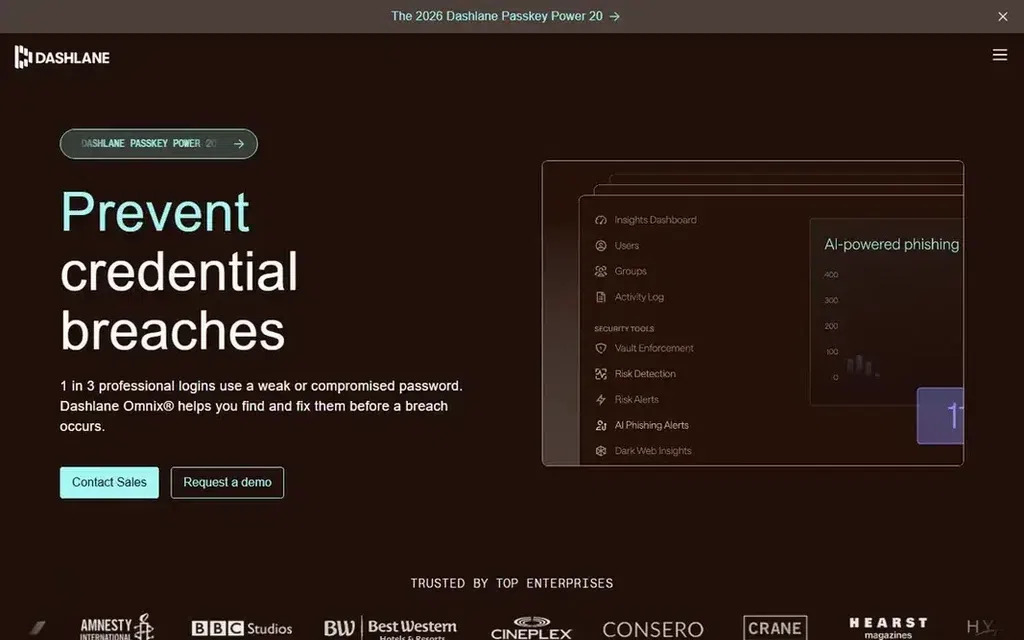
Dashlane serves clinics centred on credential protection. A clinic can use it to store and share staff logins to scheduling, billing, and records systems whereas keeping credential protection central. Its messaging centers on safeguarding credentials instead of broader IT controls, which keeps the focus narrow.
Trade-offs to know: Restricted on-premise choices.
More specifically, Dashlane presents itself as a password management and credential security system for enterprises, firms, and individuals. From a buyer's view, clinics that need on-premise hosting should look at ManageEngine instead. Dashlane starts at: $4 per user per month. Free access: Free trial.
- Suited to businesses and enterprises
- Credential security focus
- Enterprise orientation may feel heavy for small clinics
ManageEngine Password Manager Pro
Best for: On-premise enterprise credential management
ManageEngine Password Manager Pro serves on-premise enterprise credential management. ManageEngine Password Manager Pro is a secure, on-premise enterprise password and credentials management product.
Where it is weaker: On-premise hosting needs IT resources.
Worth adding: clinics that must keep credential data inside their own infrastructure, or that run shared administrative accounts for servers and network devices, can use it to centralize control. Check the vendor site for ManageEngine Password Manager Pro pricing; none is listed in this comparison. Free plan details: Not stated.
- Centralized control of shared accounts
- On-premise deployment
- Enterprise scope may overwhelm small clinics
Pick Bitwarden if this describes you: clinics preferring open source and self-hosting. Bitwarden is an open source password manager for individuals, teams, and enterprises that keeps and shares passwords, passkeys, and secrets.
Also, running a self-hosted deployment needs technical expertise and continuing maintenance, which many clinics lack in house. As for the details, choose Bitwarden when open source transparency or self-hosting is a deciding factor. Bitwarden pricing: $1.65 per month. Free access exists with Bitwarden.
Trade-offs to know: Self-hosting needs technical staff.
- Supports individuals, teams, enterprises
- Keeps passwords, passkeys, secrets
- Advanced enterprise controls need setup
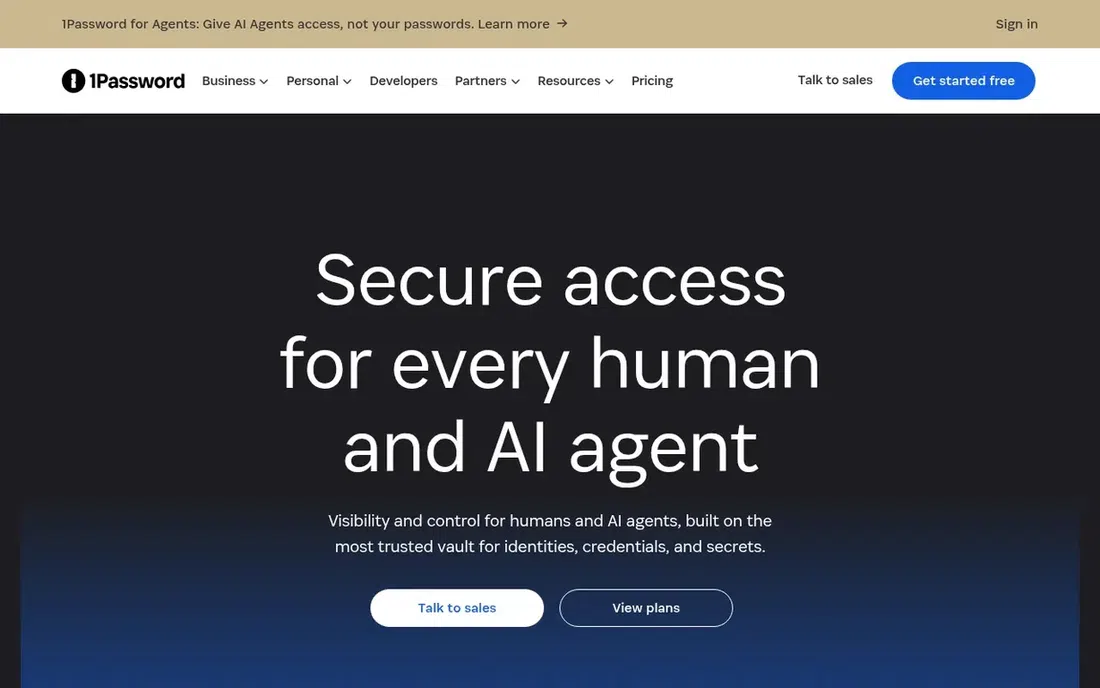
For clinics wanting passwords plus access control, 1Password is a natural candidate. 1Password is a password manager that also handles secrets and access management, positioning itself for teams that require to protect logins and control which apps people can reach. Also, the broader access and secrets features can be more than a small clinic needs, and setup takes some planning.
In practice, for a medical clinic, that means front-desk staff, nurses, and administrators can share credentials securely whereas managers keep visibility. It is pitched as simple to adopt for expanding teams and to scale into bigger organizations. No starting price is listed for 1Password here; confirm pricing on the vendor site. Trial and free access: Not stated.
Points against: Not an on-premise product.
- Merges password and secrets management
- Scales from small teams to enterprise
- Advanced admin features add complexity
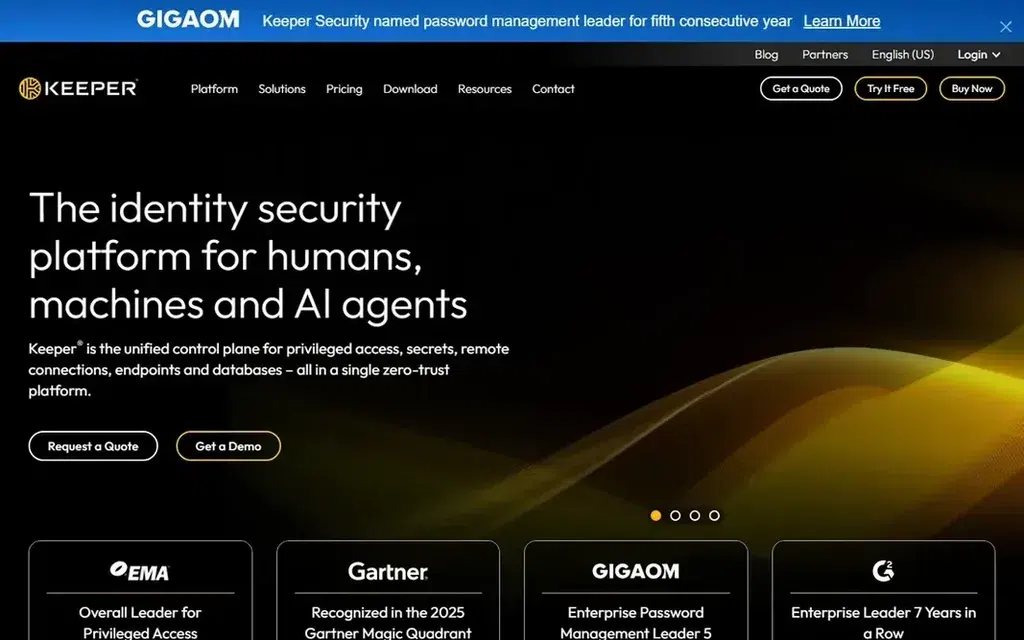
In short, Keeper is for clinics needing privileged access control. Choose Keeper when privileged access and a zero-trust posture matter more than a light vault. In daily use, budget time for configuration and administration.
Limits to weigh: More moving parts to configure.
From a buyer's view, Keeper describes itself as an identity security system and unified control plane for privileged access, secrets, remote connections, endpoints, and databases within a zero-trust model. More specifically, the product reaches well beyond passwords, so a small clinic without dedicated IT may find it heavier than necessary. Check the vendor site for Keeper pricing; none is listed in this comparison. Free access: Free trial.
- Zero-trust security framing
- Spans secrets
- Wide product may exceed entry-level password needs
How the list was put together
LinkVetted used vendor pricing pages and product documentation as the base, then compared plans, free access and documented limits for 6 tools. Where a vendor does not publish a price, the entry says quote. Where a price depends on seats or billing term, the entry says so. The order reflects how well each tool fits the most common buying scenario for Password manager for medical clinics, then price clarity, then free plan access. It is a starting point, not a verdict.
A buyer's checklist
- Ask ManageEngine Password Manager Pro, 1Password and Keeper for a written quote, since no starting price is shown.
- Look at free plan limits closely: Proton Pass and Bitwarden have one, and the caps decide whether it is usable for real work.
- Run a trial of Dashlane and Keeper with real work before paying for a year; your own workflow is the best test.
- Before choosing Proton Pass, weigh its main limit: less enterprise administration depth.
- The entry price of Dashlane is only the starting point; model the full cost with seats and extras.
- Find out what support Proton Pass includes on your plan, and whether onboarding help costs extra.
FAQ
How are the tools for Password manager for medical clinics ordered?
Proton Pass sits first and Keeper last because the order follows typical fit for Password manager for medical clinics, then price clarity and free access. It is a judgement call, so read each profile for fit and limits.
Do these tools publish their prices?
Not all of them. ManageEngine Password Manager Pro, 1Password and Keeper publish no starting price, so expect a quote request for those. The rest, Proton Pass included, show a starting price, though seats and billing terms still change the final cost.
What is the cheapest option for Password manager for medical clinics in this list?
On published monthly entry prices, Bitwarden is the lowest here at $1.65 per month. Entry price is only part of the cost, because seats, add-ons and billing terms can change the total. Prices, free plan details and limits for all 6 tools in this Password manager for medical clinics roundup sit on the individual cards above.
Can I try these tools before paying?
Often, yes. Proton Pass and Bitwarden have a free plan and Dashlane and Keeper offer a free trial. Use your own data and a real task during the test, and check what the free tier or trial limits before you rely on it.
What should a clinic check before buying a password manager?
Confirm access controls, audit visibility, sharing rules, and how onboarding and offboarding work. Ask for compliance documentation relevant to healthcare before committing.
Sources
- https://proton.me/pass
- https://www.dashlane.com
- https://www.manageengine.com/products/passwordmanagerpro
- https://bitwarden.com
- https://1password.com
- https://www.keepersecurity.com