Best Patient Portal Software in 2026: 8 Tools Compared
Compare the best patient portal software for scheduling, messaging, records and payments, with 8 portals for clinics and large health systems in 2026.
- Editor's choice
 Epic MyChart
Large hospitals and health systems
Starts atSee websiteVisit epic.comFull review - Great alternative
 athenahealth
Independent practices
Starts atSee websiteVisit athenahealth.comFull review - Also consider
 eClinicalWorks
Practices needing billing depth
Starts at$449 per provider per monthVisit eclinicalworks.comFull review
TL;DR:
- The best patient portal software lets patients schedule, message staff, view results, pay bills and share records without calling the office.
- Epic MyChart suits large hospitals and health systems, while athenahealth and eClinicalWorks suit independent practices.
- DrChrono, ChARM Health and Tebra suit smaller practices that want a simpler portal tied to scheduling and billing.
- Oracle Health and NextGen suit larger groups that need enterprise records, population tools and multi site control.
- Check HIPAA safeguards, patient adoption, mobile access and EHR integration before you choose, since a portal only helps if patients use it.
Quick comparison
| Tool | Best for | Starts at | Free plan? | |
|---|---|---|---|---|
| Epic MyChart | Large hospitals and health systems | See website | No | Visit |
| athenahealth | Independent practices | See website | No | Visit |
| eClinicalWorks | Practices needing billing depth | $449 per provider per month | No | Visit |
 Oracle Health | Large enterprise health groups | See website | No | Visit |
 DrChrono | Small practices on Apple devices | See website | Free trial | Visit |
 ChARM Health | Low cost small practices | See website | Yes | Visit |
 Tebra | Small practices needing marketing | See website | No | Visit |
 NextGen Healthcare | Multi specialty groups | See website | No | Visit |
The best patient portal software
We compared eight patient portals that are tied to electronic health records or practice systems. Here are the options that fit different practice sizes.

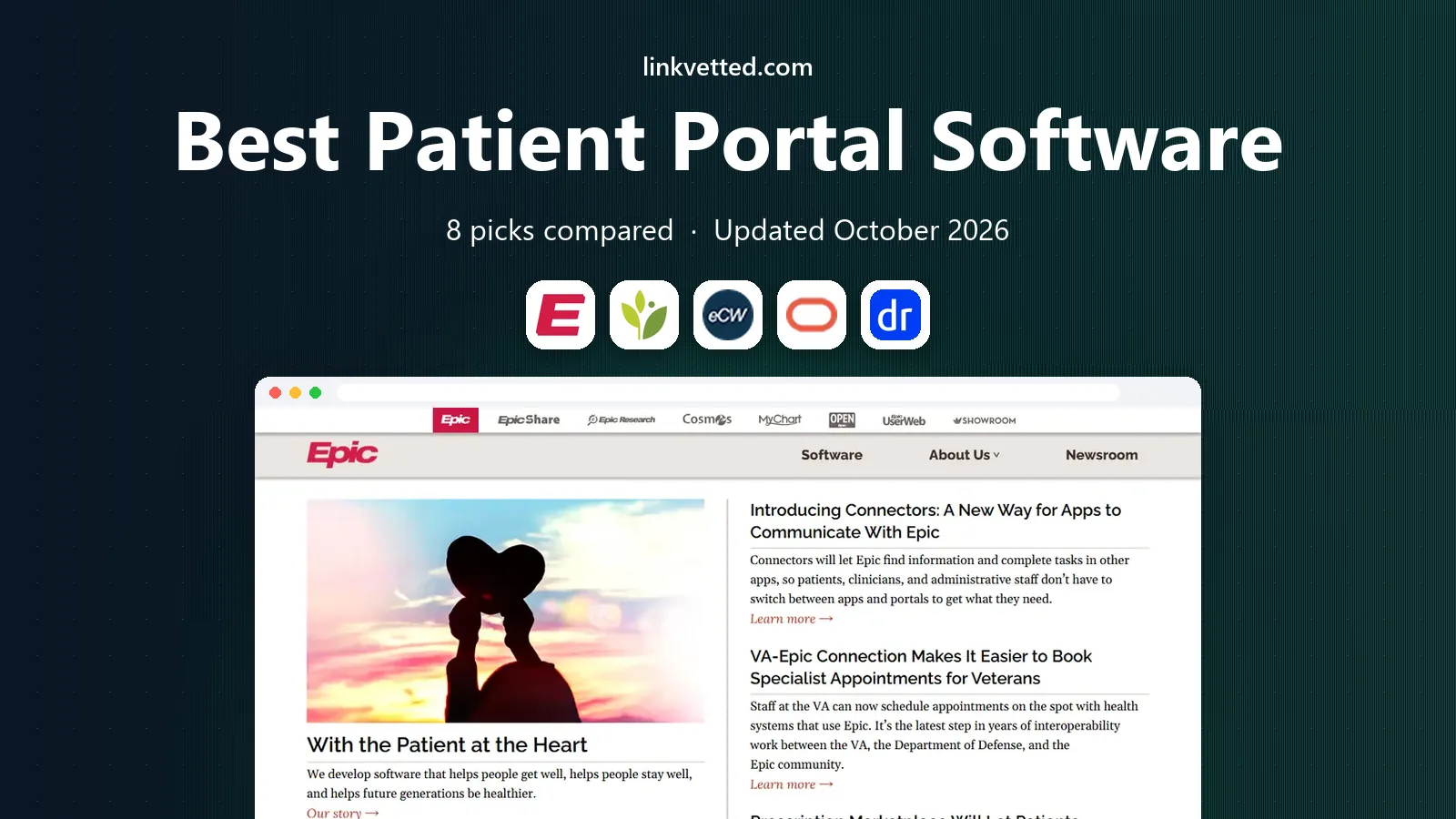
Epic MyChart is the patient portal for health systems that run Epic, and it is used by millions of patients in the United States. Patients can schedule appointments, message care teams, view lab results and visit notes, request refills, pay bills and join video visits from a phone or computer. Record sharing tools let patients share data with other providers, which helps when care spans several clinics.
The limit is access. A small independent clinic cannot buy MyChart on its own; it must be part of an Epic system or a hosted Epic arrangement. That makes MyChart a system choice, not a standalone portal purchase. For patients of large hospitals, it is the most complete portal experience in this list, and for health systems, it is a major reason to stay on Epic.
- Widely used by large health systems
- Scheduling, messaging, results, billing and video visits in one portal
- Strong record sharing
- Available only through an Epic health system
- Smaller clinics cannot buy MyChart alone
athenahealth offers a patient portal as part of athenaOne, which combines electronic health records, practice management and revenue cycle tools. Patients can schedule online, message staff, view results, pay bills and complete intake forms, while staff work from the same record for charting and billing. That tight link reduces duplicate entry and keeps scheduling, clinical and financial work in sync.
Pricing is quote based, so practices need a sales conversation to compare costs, and some users report uneven support response times. Still, athenahealth is known for a gentler learning curve than larger enterprise systems, which helps small and mid size practices adopt a portal quickly. For an independent practice that wants one vendor for records, portal and billing, athenahealth is a strong fit.
- Patient portal tied to scheduling, billing and charting
- AthenaPatient mobile app
- Marketplace integrations
- Pricing is quote based
- Support quality varies by account

eClinicalWorks pairs a patient portal with a full electronic health record and strong billing tools. Patients can book online, message the practice, view records and join telehealth visits, while staff benefit from batch claims, coding checks and AI tools that help with notes and document matching. That billing depth matters for practices where claim accuracy and payment speed drive cash flow.
The entry price of $449 per provider per month is higher than many small practice tools, and new staff face a learning curve because the system covers so much. Practices with ten or more providers should also expect implementation fees in some cases. For a practice that wants portal, records and billing depth in one system and can invest in training, eClinicalWorks is a solid choice.
- Patient portal with scheduling, messaging and telehealth
- Strong revenue cycle and coding tools
- AI documentation aids
- Higher entry price
- Learning curve for new staff
Oracle Health, formerly Cerner, provides a patient portal as part of a large enterprise health record system used by hospitals and health groups. Patients can access records, schedule, message teams and manage bills, while health systems gain population health, analytics and multi site tools. Interoperability links help share records across organizations, which is important for large networks.
The trade off is scale. Oracle Health pricing and implementation suit large organizations, not a small clinic looking for a simple portal. Setup is a major project with training and change management. For a large health group that needs enterprise records and a portal at scale, Oracle Health remains a major option alongside Epic.
- Enterprise EHR with patient portal and population tools
- Large hospital and health system deployments
- Broad interoperability
- Enterprise pricing and implementation
- Complex for small practices
DrChrono is an electronic health record and practice platform with a patient portal that suits small practices, especially those that use Apple devices. Patients can schedule, message staff, view records and pay bills, while clinicians can chart, prescribe and manage billing from an iPad or iPhone. Customizable templates help specialty practices shape notes and intake forms to their workflow.
The experience is strongest on Apple devices, so teams that prefer Android or Windows should test the web and mobile apps carefully. Pricing also varies by plan and add ons, so get a full quote for the portal, billing and telehealth features you need. For a small, Apple friendly practice that wants a modern portal without enterprise weight, DrChrono is a good fit.
- Patient portal with scheduling, messaging and billing
- Strong iPad and iPhone apps
- Customizable templates
- Apple focused experience
- Pricing varies by plan and add ons
ChARM Health is a low cost electronic health record with a patient portal that suits new and small practices. Patients can schedule, message staff, view records and join telehealth visits, while staff get scheduling, billing and charting in one system. A free option and fast onboarding help a new practice start without a large upfront cost, and the interface is easy to learn for daily use.
The weaknesses are reporting depth and integrations, which some users find thinner or harder to configure than larger systems. Practices with complex billing or analytics needs may outgrow ChARM Health sooner. For a small practice that wants an affordable portal, telehealth and basic records with a quick start, ChARM Health offers clear value.
- Low cost entry with a free option
- Patient portal with scheduling, messaging and telehealth
- Fast onboarding
- Reporting is thinner than larger EHRs
- Integrations can be harder to set up
Tebra, formed from Kareo and PatientPop, combines practice management, billing and patient experience tools, including a patient portal. Patients can schedule online, complete intake, message staff and pay bills, while practices gain tools for online presence, reviews and patient growth. That combination suits small practices that need both a portal and help attracting new patients.
Pricing is quote based, so practices should ask for the full cost of portal, billing and growth tools together. Portal depth also varies by plan, so check which features are included before comparing with athenahealth or eClinicalWorks. For a small practice that wants scheduling, billing and patient growth in one vendor relationship, Tebra is a practical choice.
- Patient portal tied to scheduling and billing
- Practice growth and review tools
- Kareo billing heritage
- Pricing is quote based
- Portal depth varies by plan
NextGen Healthcare offers a patient portal as part of an electronic health record built for ambulatory and multi specialty groups. Patients can schedule, message care teams, view results and manage bills, while practices use specialty templates, population health tools and analytics to manage care across sites. That multi specialty depth suits groups with several service lines in one system.
Implementation and training take time, and pricing is quote based, so groups should plan a rollout with vendor support. Smaller single specialty practices may find a simpler system faster to adopt. For a multi specialty group that needs a portal, records and population tools in one platform, NextGen Healthcare is a dependable enterprise leaning option.
- Patient portal with scheduling, messaging and records
- Multi specialty templates and workflows
- Population and analytics tools
- Pricing is quote based
- Implementation and training take time
How we picked these
We compared official feature pages, pricing pages and public user reviews for patient portals that are actively offered in 2026 and tied to a real health record or practice system. We checked for online scheduling, secure messaging, result access, refill requests, bill payment, telehealth and mobile access, plus HIPAA safeguards and EHR integration. We favored portals that fit hospitals, independent practices and small clinics, and we used See website where a vendor does not publish a clear starting price.
What to check before you buy patient portal software
Start with patient use, not staff features. Ask patients to schedule, message and pay in a demo, and check that the mobile app works well on the phones your patients actually use. A portal that staff love but patients avoid will not cut phone calls or no shows. Also check language access, accessibility and proxy access for caregivers, since those details affect real adoption.
Next, check integration and security. Confirm that the portal shares data cleanly with your health record, scheduling and billing systems, and that audit logs, access controls and encryption meet HIPAA requirements for your organization. Ask about downtime handling, data export and what happens to patient access if you change vendors. Those answers matter more than a long feature list.
Finally, plan adoption. Train front desk staff to enroll patients at check in, add portal links to appointment reminders and bills, and track enrollment, message volume and online scheduling rates each month. Set a simple goal, such as a share of appointments booked online, and review it with staff. A portal succeeds when patients use it for routine tasks and staff can focus on care instead of phone tag.
FAQ
What is the best patient portal software for a small clinic?
athenahealth, DrChrono and ChARM Health all suit small clinics, with ChARM Health offering the lowest entry cost. Choose athenahealth for a full records and billing system, DrChrono for an Apple friendly workflow, and ChARM Health for a fast, low cost start with telehealth included.
What patient portal software has the best reviews?
Epic MyChart is widely used and well regarded by patients of large health systems, while athenahealth and eClinicalWorks receive strong reviews from independent practices for portal and billing integration. Reviews vary by practice size, so compare portals that fit your EHR and workflow rather than chasing a single rating.
What is the top patient portal software for hospitals?
Epic MyChart and Oracle Health lead for hospitals, since both are tied to enterprise health records used by large systems. MyChart suits Epic hospitals, while Oracle Health suits groups on Oracle systems. A hospital portal choice usually follows the health record choice, not the other way around.
Can patients schedule and pay through a portal?
Yes, most portals in this list support online scheduling, secure messaging, result viewing and bill payment. Check that scheduling rules match your practice, such as visit types, locations and insurance checks, and that payment tools connect to your billing system without manual rework.
Is patient portal software HIPAA compliant?
Reputable vendors build HIPAA safeguards such as encryption, access controls and audit logs into their portals, but compliance also depends on how your practice configures and uses the system. Ask vendors for security documentation, review access roles, and train staff on messaging and record sharing rules.
How do we get patients to use a portal?
Enroll patients at check in, link the portal in reminders and bills, and show patients one useful task first, such as viewing results or booking online. Track enrollment and online scheduling each month, and ask front desk staff what questions patients raise most, so you can fix those friction points quickly.