Best Paperless Office Software for Small Firms for 2026: Our 6 Vetted Picks
Searching for the best paperless office software for small firms? Here are 6 options with prices and free plans. Real limits included. Checked this month.
- Editor's choice
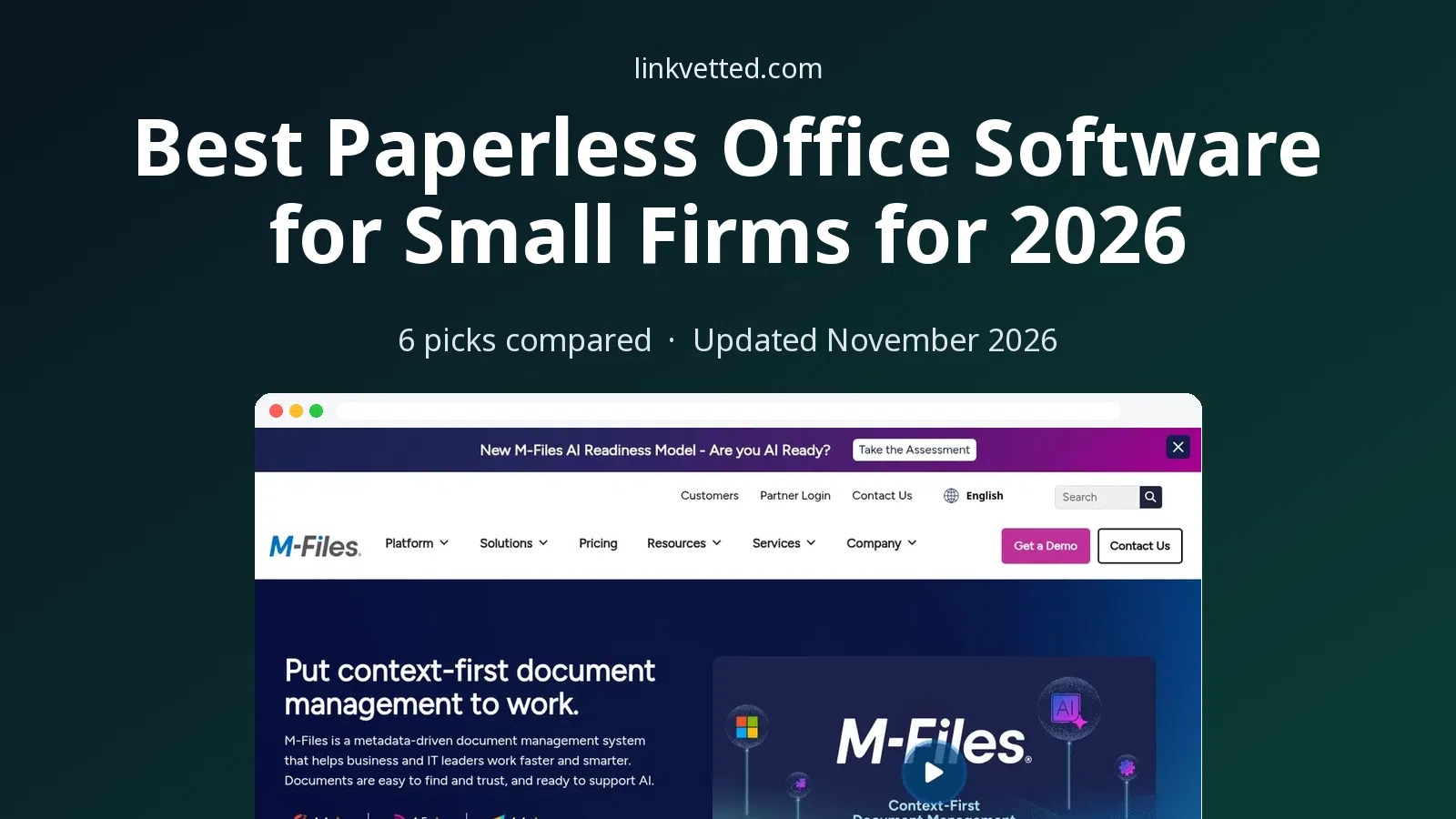
 M-Files
Organizing documents in context
Starts at€65 per seat a monthVisit m-files.comFull review - Great alternative
 Laserfiche
Document management with forms and analytics
Starts at$42 per user a monthVisit laserfiche.comFull review - Also consider
 Evernote
Capturing notes and to-do lists
Starts atSee websiteVisit evernote.comFull review
Direct answer
M-Files leads the list, best for organizing documents in context. Listed starting prices: M-Files from €65 per seat a month and Laserfiche from $42 per user a month. Laserfiche is better for document management with forms and analytics, and Evernote is better for capturing notes and to-do lists. All 6 tools are compared below on price, free plan and limits.
TL;DR:
- M-Files takes the first slot, best suited to organizing documents in context.
- Evernote stands alone as the one tool in this list with a free plan.
- One limit worth knowing about Evernote: not a full document management system.
- DocuWare fits document management with workflow automation.
- The lowest published monthly entry price here is $42 per user per month, from Laserfiche.
Last checked November 2026. Prices and plan details were read from the vendors' own pages in November 2026; vendors change plans often, so confirm the current price on the vendor site before you buy.
Quick comparison
| Tool | Best for | Starts at | Free plan? | |
|---|---|---|---|---|
| M-Files | Organizing documents in context | €65 per seat a month | Not stated | Visit |
| Laserfiche | Document management with forms and analytics | $42 per user a month | Not stated | Visit |
| Evernote | Capturing notes and to-do lists | See website | Yes | Visit |
 Dropbox Business | Cloud storage and file sharing | See website | Not stated | Visit |
 Microsoft SharePoint | Collaboration inside Microsoft 365 | See website | Not stated | Visit |
 DocuWare | Document management with workflow automation | See website | Not stated | Visit |
Every option for paperless office software for small firms explained
LinkVetted put together this guide to paperless office software for small firms for readers who want a clear shortlist without reading every vendor page. It compares 6 tools on starting price, free plans, who each one suits and where each one falls short.
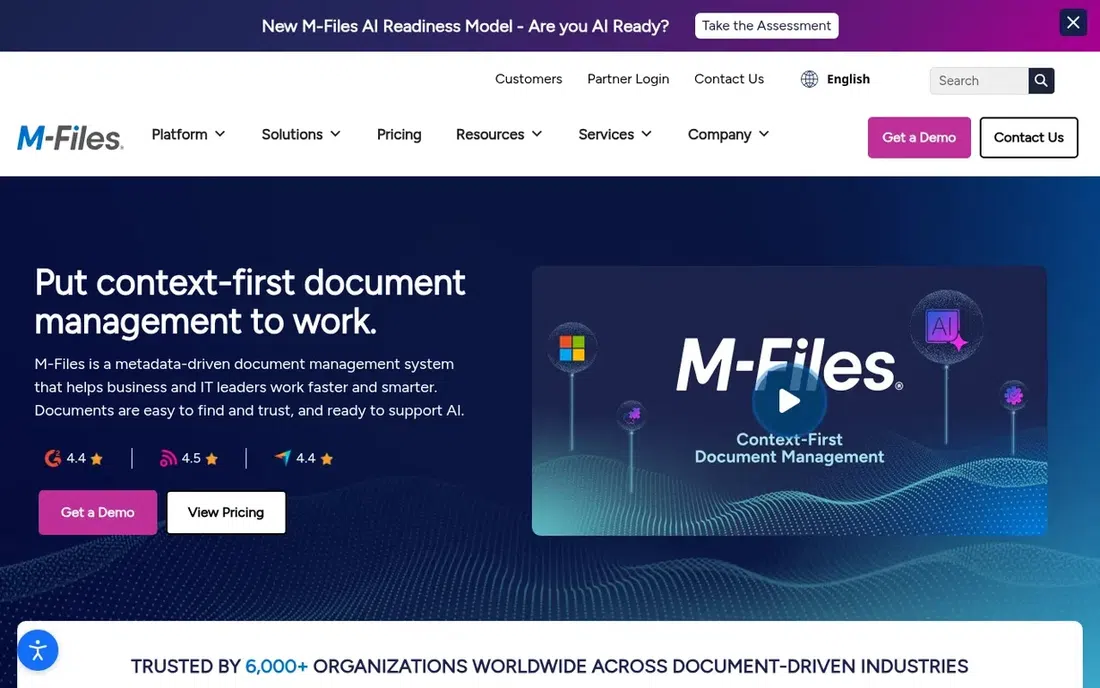
In short, M-Files is for organizing documents in context. Small businesses that want to find documents by what they relate to, automate workflows and cut risk may find this approach handy.
Beyond that, since the system centers on metadata and context, staff have to learn a different way of filing, and setup takes planning. M-Files starts at: €65 per seat per month. Free plan details: Not stated.
Where it is weaker: Context-based model takes adjustment.
- AI-powered document management
- Organizes documents in context instead of folders
- Configuration for workflows

Laserfiche makes the most sense for document management with forms and analytics. Laserfiche combines AI-powered document management with process automation, electronic forms, workflows and analytics.
Where it is weaker: Wide feature set needs planning.
From a buyer's view, if your paperless goal is chiefly scanning and storing files, a more straightforward document tool or cloud storage service may be enough. Laserfiche starts at: $42 per user per month. Free access: Not stated.
- Analytics for process visibility
- Document management with process automation
- Can be more than straightforward filing needs
Think of Evernote for capturing notes and to-do lists. Use it alongside a dedicated document system when the priority is structured records instead of notes.
Evernote is not a document management system, so it is a poor fit for governed file storage, retention rules or approval workflows. For a small firm, it can support the paperless habit by keeping meeting notes, checklists and reference material in a searchable place instead of on paper. Evernote does not show a starting price in this comparison, so check the vendor site for current pricing. Evernote offers a free plan.
Where Evernote stands out: projects and to-do lists.
Watch-outs: Restricted for structured filing.
- Handy for personal and small-team notes
- Helps prioritize what matters
- Not a full document management system
Dropbox Business is designed for cloud storage and file sharing. Dropbox Business goes beyond storage with products for cloud storage and sharing, eSignature, document tracking and backup. More specifically, choose it when straightforward sharing and storage matter most, and add a document management tool as processes grow.
Dropbox Business is not a full document management system, so retention rules, metadata and approval workflows are restricted compared with dedicated products. More specifically, small businesses that want a straightforward way to keep files off paper and share them with clients or colleagues can use it as the base of a paperless setup without a heavy implementation. Pricing for Dropbox Business is not stated here, so ask the vendor for current figures. As for free access: Not stated.
What to check first: Filing discipline rests with users.
- ESignature and document tracking
- Backup support
- Light on document workflow control
Microsoft SharePoint targets collaboration inside Microsoft 365. Small firms already working in Microsoft 365 can store and govern documents in one place, which makes it a natural paperless hub when the team is comfortable in that ecosystem. In daily use, SharePoint rewards planning: without clear structure and governance, sites and libraries can become messy.
The main drawbacks: Needs governance to stay organized.
For everyday use, Microsoft SharePoint gives you collaborative content management and secure file sharing, powering collaboration, communication, automation and AI experiences across Microsoft 365. Beyond that, a firm outside the Microsoft 365 environment, or one that wants a dedicated document management system with built-in workflows, may look at other choices first. This comparison lists no price for Microsoft SharePoint; ask the vendor. Free plan details: Not stated.
- Collaboration and secure file sharing
- Content management and governance
- Relies on Microsoft 365 setup
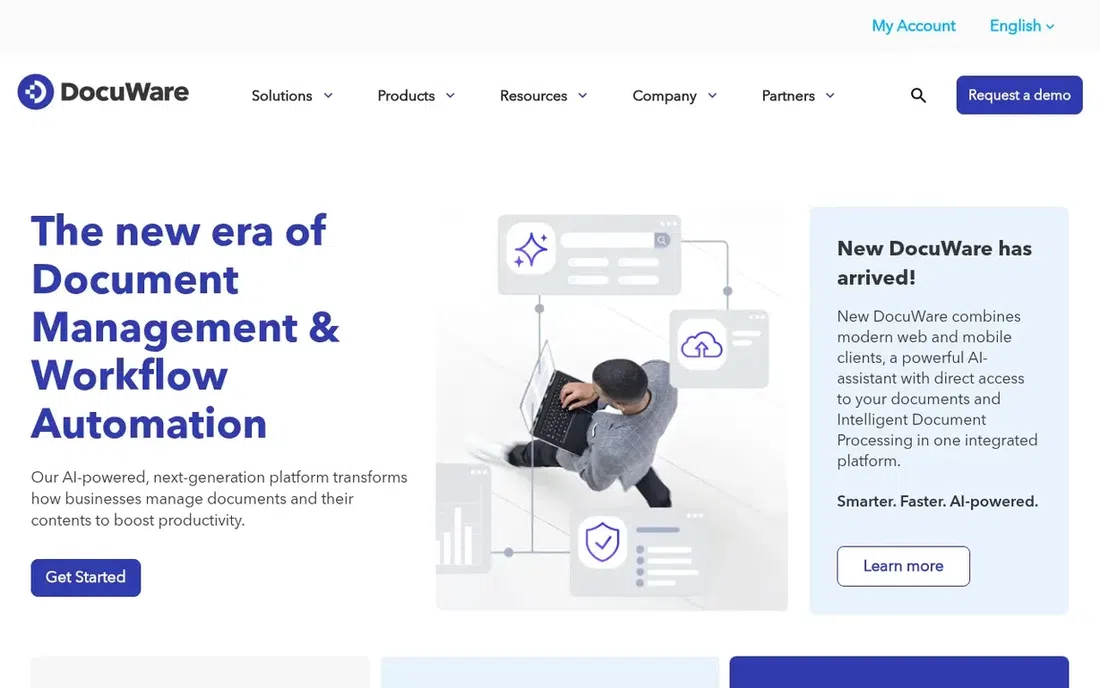
For document management with workflow automation, DocuWare is a natural candidate. The workflow focus means more configuration than a straightforward storage tool. So a firm with entry-level filing needs may find it heavier than necessary.
DocuWare is document management software built around workflow automation, which makes it a fit for small businesses that want to capture documents and move them through defined approval or processing steps. As for the details, consider a lighter choice if you primarily want shared folders and file sharing instead of automatic document processes. From a buyer's view, teams that deal with recurring paperwork, for example invoices or client files, can benefit from routing documents electronically instead of printing and filing them by hand. DocuWare shows no starting price here, so confirm the cost on the vendor site. Trial and free access: Not stated.
Points against: May be more than a very small firm needs.
- Supports structured paperless processes
- Built to boost document processing
- Setup effort for workflows
How we chose
LinkVetted looked at what each vendor publishes: pricing, plan limits, feature coverage for paperless office software for small firms and stated drawbacks. No hands-on testing is claimed. Seat minimums, billing terms and add-ons can move the real cost, so the starting prices here are a guide and not a quote. Position on the page reflects fit for a typical buyer first, with price clarity and free access breaking ties. Treat it as a guide, not a ruling.
What to confirm before you sign up
- Get a written quote from Evernote, Dropbox Business, Microsoft SharePoint and DocuWare; the list shows no starting price for them.
- Test the free plan from Evernote against your real workload before relying on it.
- Before choosing M-Files, weigh its main limit: context-based model takes adjustment.
- Confirm the exact Evernote plan that includes your must-have features.
- Involve the people who will use M-Files daily; a short pilot beats a long feature checklist.
FAQ
How are the tools for paperless office software for small firms ordered?
The order follows typical fit for paperless office software for small firms, with M-Files first and DocuWare last, then price clarity and free access. It is editorial judgement, not a score, so another team could rank the tools differently.
How should a small firm plan a paperless rollout?
Start with the document types that cause the most paper handling, then confirm how the chosen tool records, keeps and routes them.
Can note taking tools replace document management?
Evernote is handy for notes, checklists and reference material, but it is not designed for governed document storage or approval workflows. Most businesses use it alongside a document system instead of rather than one.
Which options for paperless office software for small firms have a free plan?
Evernote is the only tool in this list with a free plan. Free plans usually cap users, projects or features, so check the limits on the vendor page.
What is the cheapest option for paperless office software for small firms in this list?
On published monthly entry prices, Laserfiche is the lowest here at $42 per user per month. Entry price is only part of the cost, because seats, add-ons and billing terms can change the total. For the full picture, the cards above cover all 6 entries of this paperless office software for small firms list, including price, free plan and limits.
Is M-Files the right pick for everyone comparing paperless office software for small firms?
No single tool suits every team. M-Files comes first because it fits organizing documents in context, while Laserfiche suits document management with forms and analytics and Evernote suits capturing notes and to-do lists. Match the tool to your own size, budget and workflow before deciding.
Sources
- https://www.m-files.com
- https://www.laserfiche.com
- https://evernote.com
- https://www.dropbox.com/business
- https://www.microsoft.com/en-us/microsoft-365/sharepoint/collaboration
- https://start.docuware.com