5 Pandadoc Alternatives Worth Switching To in 2026
Need the best pandadoc alternatives for esignatures? We compare 5 tools on cost, free access and who each suits. With pricing notes and limits. Plain facts.
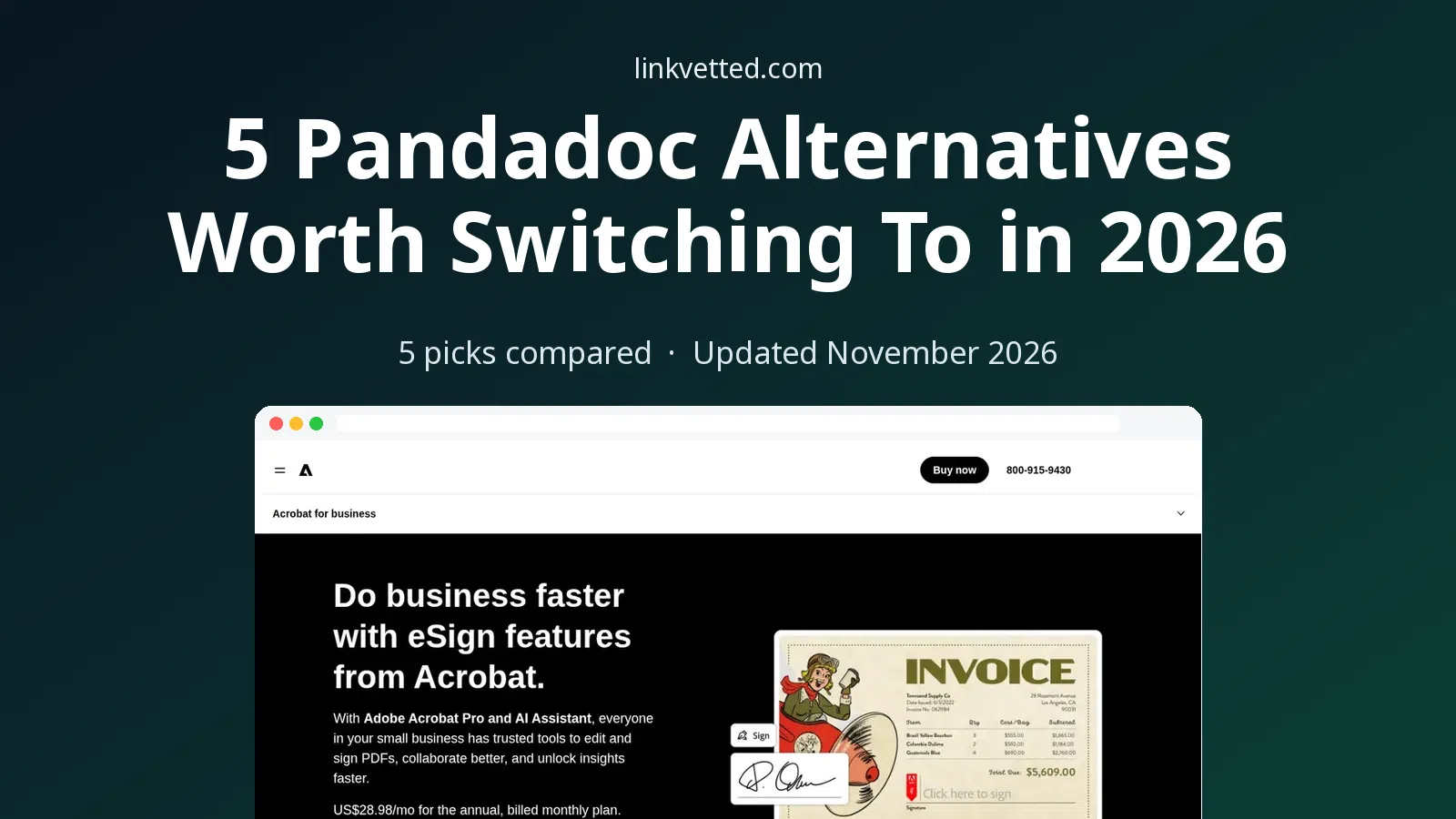
- Editor's choice
 Adobe Acrobat Sign
Adobe ecosystem integration and digital payments
Starts atSee websiteVisit adobe.comFull review - Great alternative
 Foxit eSign
Straightforward PDF and Word eSigning
Starts atSee websiteVisit foxit.comFull review - Also consider
 SignNow
Custom eSignature workflows on any device
Starts atSee websiteVisit signnow.comFull review
Direct answer
Adobe Acrobat Sign comes first here, mainly for Adobe ecosystem integration and digital payments. Listed starting prices: DocuSign from $45 per user per month and Dropbox Sign from $15 USD / mo. Foxit eSign fits straightforward PDF and Word eSigning; SignNow fits custom eSignature workflows on any device. The remaining 2 options are covered below with prices and limits.
TL;DR:
- Number one here is Adobe Acrobat Sign, a fit for Adobe ecosystem integration and digital payments.
- Starting prices begin at $45 per user per month with DocuSign.
- The main caution on SignNow: advanced customization may need setup time.
- Dropbox Sign fits straightforward and quick eSignature workflows.
- Neither Adobe Acrobat Sign nor Dropbox Sign, nor any of the other 3 tools, has a permanent free plan; trials and quotes are the norm.
Last checked November 2026. Prices and plan details were read from the vendors' own pages in November 2026; vendors change plans often, so confirm the current price on the vendor site before you buy.
Quick comparison
| Tool | Best for | Starts at | Free plan? | |
|---|---|---|---|---|
| Adobe Acrobat Sign | Adobe ecosystem integration and digital payments | See website | Not stated | Visit |
| Foxit eSign | Straightforward PDF and Word eSigning | See website | Not stated | Visit |
| SignNow | Custom eSignature workflows on any device | See website | Not stated | Visit |
 DocuSign | Thorough agreement management system | $45 per user per month | Not stated | Visit |
 Dropbox Sign | Straightforward and quick eSignature workflows | $15 USD / mo | Free trial | Visit |
The full pandadoc alternatives for esignatures list
LinkVetted put together this guide to pandadoc alternatives for esignatures for readers who want a clear shortlist without reading every vendor page. It compares 5 tools on starting price, free plans, who each one suits and where each one falls short.
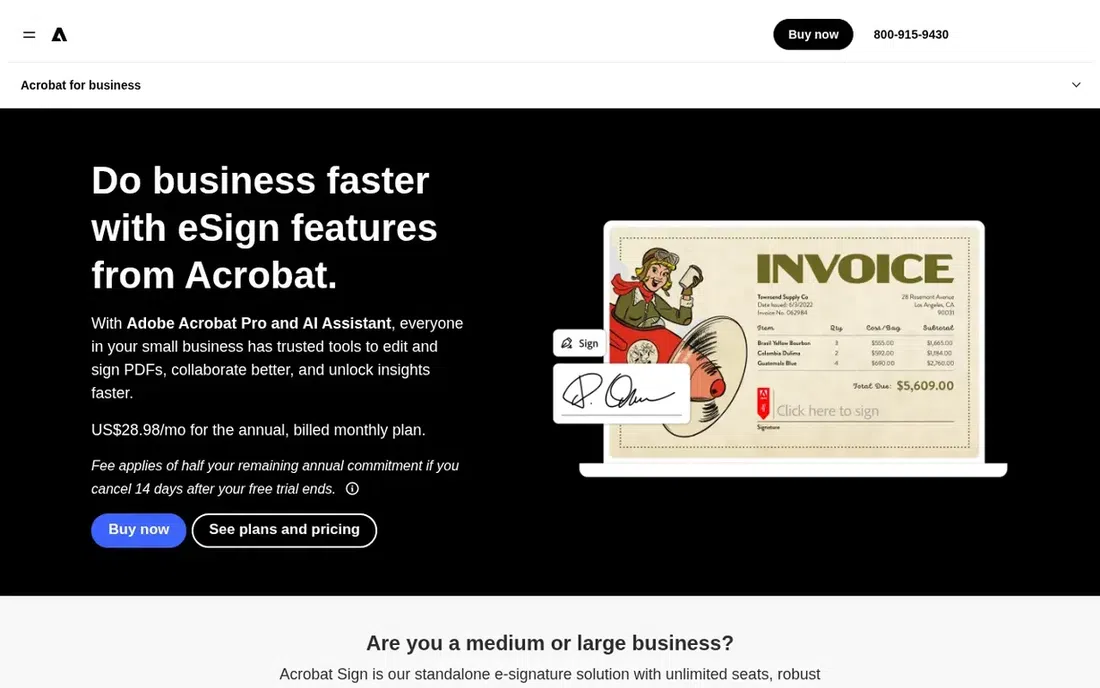
Adobe Acrobat Sign is designed for Adobe ecosystem integration and digital payments. It is aimed at firms that already use Adobe products and want to extend document workflows with electronic signatures.
Honest limits: Could be complicated for entry-level signing needs.
For teams not invested in Adobe's ecosystem, the integration benefits may be less relevant, and the tool could feel heavy for simple signing tasks. Adobe Acrobat Sign does not show a starting price in this comparison, so check the vendor site for current pricing. Free access: Not stated.
- Lets electronic signatures on websites
- Supports collecting digital payments
- May be tied to Adobe ecosystem for full value
For straightforward PDF and Word eSigning, Foxit eSign is a natural candidate. Consider a more thorough option when your signing processes become more complicated.
For everyday use, if you need advanced workflow automation or deep integrations, Foxit eSign may not offer the same depth as bigger systems. Pricing for Foxit eSign is not stated here, so ask the vendor for current figures. Free options: Not stated.
Trade-offs to know: May lack advanced agreement management.
- Supports PDF and Word documents
- Simple sending and receiving of signatures
- Restricted customization for complicated workflows
SignNow targets custom eSignature workflows on any device. SignNow, part of airSlate, offers legally binding eSignatures with a focus on configurable workflows.
Where it is weaker: Feature set could be more than needed for occasional signing.
It permits users to sign documents anytime, anywhere, on any device. For everyday use, if your needs are restricted to entry-level eSignatures, a more straightforward tool could reduce overhead. SignNow does not show a starting price in this comparison, so check the vendor site for current pricing. As for free access: Not stated.
- Legally binding signatures
- Configurable eSignature workflows
- Advanced customization may need setup time
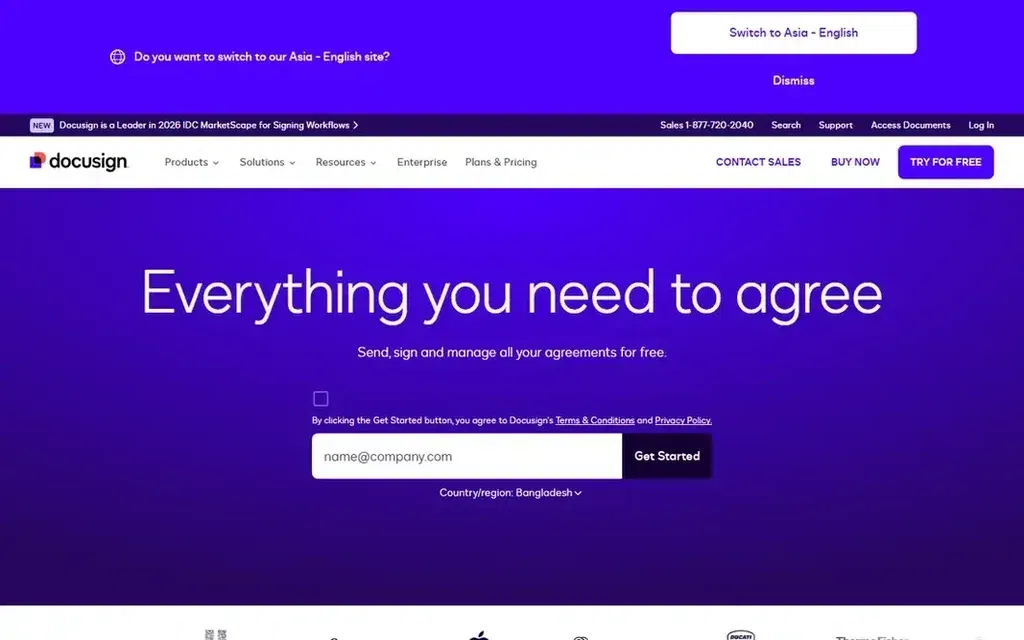
Think of DocuSign for full agreement management platform. DocuSign presents itself as a leading electronic signature and intelligent agreement management product. It lets users to create, commit to, and run agreements in one place, with electronic signing available.
If you primarily need entry-level eSignature functionality without agreement management, a simpler alternative may be more appropriate. For individuals or small teams with straightforward signing needs, DocuSign's broad feature set might feel overwhelming. DocuSign starts at: $45 per user per month. Free plan details: Not stated.
Reasons to shortlist it: managing agreements; committing to.
Where it is weaker: Feature depth could need a ramp-up time.
- Supports creating
- Broad eSignature and agreement management features
- May be more complicated than needed for straightforward signing
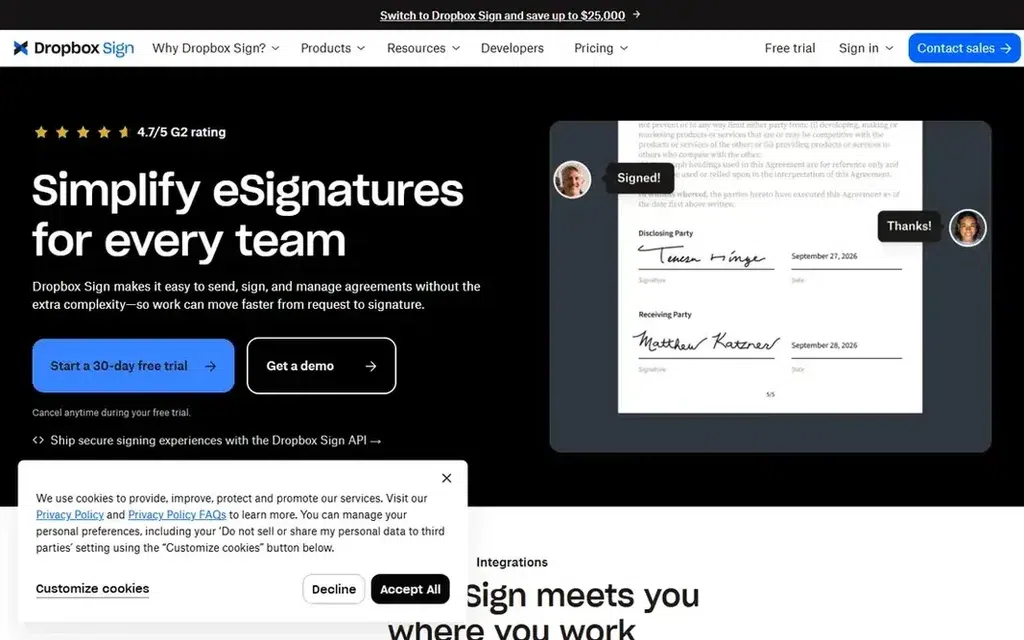
Dropbox Sign is built with straightforward and quick eSignature workflows in mind. Dropbox Sign, formerly HelloSign, centres on making electronic signatures easy to send, receive, and run. It emphasizes legally binding signatures and a user-friendly experience.
This tool is well-suited for small to midsize companies or individuals who require a dependable, no-fuss eSignature option without deep configuration. Consider a more feature-rich system when your processes demand deep automation or customization. Dropbox Sign cost at the entry level: $15 USD / mo. Free plan details: Free trial.
Drawbacks to consider: Restricted customization compared with enterprise tools.
- Straightforward user experience
- Legally binding electronic signatures
- May lack advanced agreement management features
How we built this list
What to confirm before you sign up
- Confirm the entry price on the vendor page. For Adobe Acrobat Sign, Foxit eSign and SignNow that means a quote rather than a fixed price.
- Run a trial of Dropbox Sign with real work before paying for a year; your own workflow is the best test.
- Before choosing Adobe Acrobat Sign, weigh its main limit: may be tied to Adobe ecosystem for full value.
- A short pilot of SignNow with your real workflow tells you more than a feature table.
- Map your must-have features to a specific Adobe Acrobat Sign plan before you compare prices.
FAQ
Do these tools publish their prices?
Not all of them. Adobe Acrobat Sign, Foxit eSign and SignNow publish no starting price, so expect a quote request for those. The rest, DocuSign included, show a starting price, though seats and billing terms still change the final cost.
Is Adobe Acrobat Sign the right pick for everyone comparing pandadoc alternatives for esignatures?
No single tool suits every team. Adobe Acrobat Sign comes first because it fits Adobe ecosystem integration and digital payments, while Foxit eSign suits straightforward PDF and Word eSigning and SignNow suits custom eSignature workflows on any device. Match the tool to your own size, budget and workflow before deciding.
Can I use these eSignature tools on mobile devices?
Plenty of eSignature systems, including SignNow and Foxit eSign, support signing on mobile devices and across several systems. As for the details, check each vendor's documentation for specific mobile app availability and functionality. Most modern tools offer responsive web access or dedicated apps.
Does any tool for pandadoc alternatives for esignatures here have a free plan?
A permanent free plan is not offered by Adobe Acrobat Sign, Dropbox Sign or the other tools here. Dropbox Sign offer a trial. Plan a short evaluation period instead.
Can I try these tools before paying?
Often, yes. Dropbox Sign offers a free trial. Use your own data and a real task during the test, and check what the free tier or trial limits before you rely on it. Prices, free plan details and limits for all 5 tools in this Pandadoc alternatives for Esignatures roundup sit on the individual cards above.
Sources
- https://www.adobe.com/sign.html
- https://www.foxit.com/esign
- https://www.signnow.com
- https://www.docusign.com
- https://www.hellosign.com