Page Caching Plugin for WooCommerce in 2026: The 6 Best Options Side by Side
Weighing the best page caching plugin for WooCommerce? We lined up 6 products by cost, free access and fit. Caveats come with every verdict. Jump to the table.

- Editor's choice
 WP Super Cache
Straightforward static HTML caching
Starts atSee websiteVisit wordpress.orgFull review - Great alternative
 W3 Total Cache
In-depth caching control
Starts at$1.67 a monthVisit boldgrid.comFull review - Also considerNitroPack
All-in-one performance service
Starts at$7.00 per monthVisit nitropack.ioFull review
Direct answer
WP Super Cache leads the list, best for straightforward static HTML caching. Listed starting prices: W3 Total Cache from $1.67 a month, NitroPack from $7.00 per month and FlyingPress from $41.30 first year after trial, then $59 a year. For a different need, W3 Total Cache covers in-depth caching control and NitroPack covers all-in-one performance service. The full list of 6 tools follows, with prices and free plan facts.
TL;DR:
- Top of the list is WP Super Cache, which targets simple static HTML caching.
- Free plans exist at 2 of 6 tools (W3 Total Cache, NitroPack).
- Cache Enabler fits light caching with KeyCDN.
- The lowest published monthly entry price here is $1.67 per month, from W3 Total Cache.
Last checked November 2026. Prices and plan details were read from the vendors' own pages in November 2026; vendors change plans often, so confirm the current price on the vendor site before you buy.
Quick comparison
| Tool | Best for | Starts at | Free plan? | |
|---|---|---|---|---|
| WP Super Cache | Straightforward static HTML caching | See website | Not stated | Visit |
| W3 Total Cache | In-depth caching control | $1.67 a month | Yes | Visit |
| NitroPack | All-in-one performance service | $7.00 per month | Yes | Visit |
 WP Rocket | Fast setup for WooCommerce keeps | See website | Free trial | Visit |
 FlyingPress | Automatic optimization for WordPress | $41.30 first year after trial, then $59 a year | Free trial | Visit |
| Cache Enabler | Light caching with KeyCDN | See website | Not stated | Visit |
Our 6 picks for page caching plugin for WooCommerce
Choosing page caching plugin for WooCommerce usually comes down to price, fit and limits. This LinkVetted guide sets 6 tools side by side on those three points, with the facts kept short and checkable.
WP Super Cache makes the most sense for straightforward static HTML caching. WP Super Cache is a very quick caching engine for WordPress that produces static HTML files. It is a straightforward and effective option for entry-level caching needs, making it a reasonable choice for WooCommerce keeps that want a light plugin without numerous extras.
Drawbacks to consider: Fewer advanced features.
Beyond that, WP Super Cache focuses primarily on page caching and may lack some of the advanced optimization features found in other plugins. Beyond that, for keeps that require more thorough performance enhancements, consider WP Rocket or NitroPack. WP Super Cache does not show a starting price in this comparison, so check the vendor site for current pricing. Free plan details: Not stated.
- Widely used
- Straightforward to use
- Restricted WooCommerce-specific optimizations
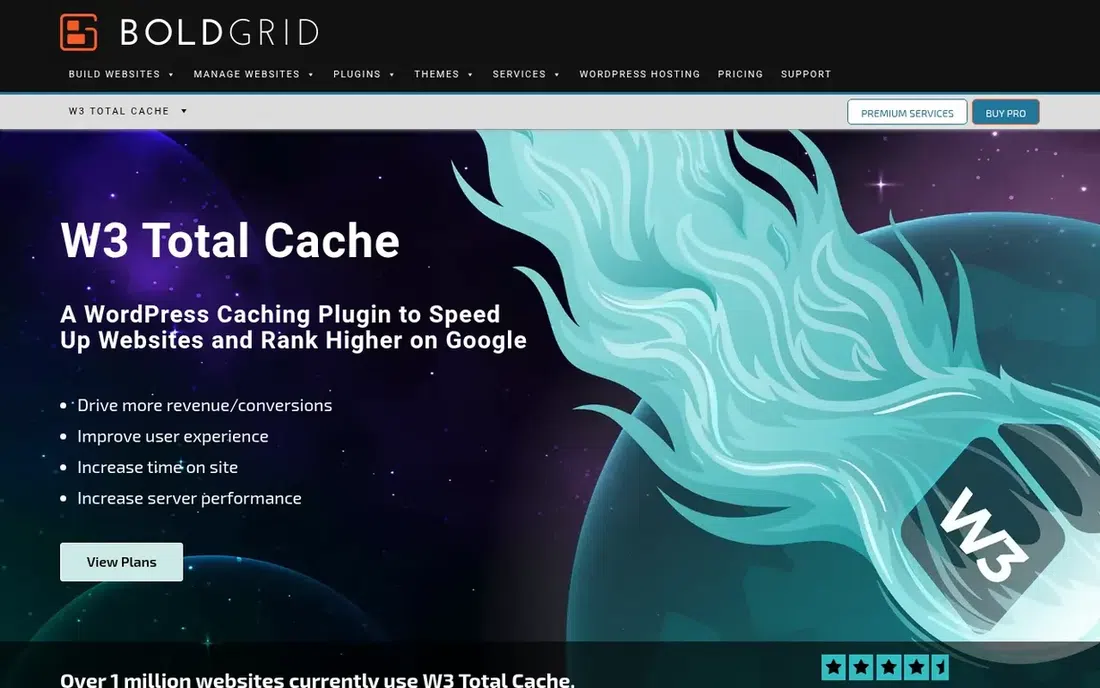
In short, W3 Total Cache is for in-depth caching control. It gives you a broad set of caching choices, making it a good match for WooCommerce store owners who want in-depth control over how their site is cached.
It may need more time to tune for optimal WooCommerce performance. On cost, W3 Total Cache starts like this: $1.67 per month. W3 Total Cache has a free plan.
Limits to weigh: Can be complicated for beginners.
- Free version available
- Broad configuration choices
- Steeper ramp-up time
NitroPack
Best for: All-in-one performance service

Pick NitroPack if this describes you: all-in-one performance service. It is a hosted option that takes care of caching and extra optimizations, making it right for WooCommerce store owners who want a managed service instead of a self-configured plugin.
For everyday use, since NitroPack is a hosted service, it needs a continuing subscription and may offer less granular control over caching rules compared with some plugins. NitroPack cost at the entry level: $7.00 per month. NitroPack includes a free tier.
Where it is weaker: Subscription-based.
- Hosted service model
- Merges caching with other optimizations
- Less control over individual settings

In short, WP Rocket is for fast setup for WooCommerce stores. WP Rocket is a commercial product, so it needs a premium license. It may also offer fewer advanced controls than some developer-focused caching plugins.
WP Rocket is a caching plugin for WordPress that accelerates your site on activation. It is aimed at users who want immediate performance improvements without configuring complicated settings, making it a solid fit for WooCommerce store owners who prefer a straightforward setup. Pricing for WP Rocket is not stated here, so ask the vendor for current figures. As for free access: Free trial.
Where it is weaker: Needs a premium license.
- Activates caching at once
- Well integrated with WooCommerce
- Less granular control than some alternatives
FlyingPress is a good fit for automatic optimization for WordPress. It is meant to work on autopilot, making it a good match for WooCommerce store owners who want a quick site without spending time on manual configuration.
Price to start with FlyingPress: $41.30 first year after trial, then $59 per year. Free access: Free trial.
Where it is weaker: Less control over individual settings.
- Approachable
- Automatic caching and optimization
- Premium plugin
Cache Enabler
Best for: Light caching with KeyCDN
Cache Enabler is built with light caching with KeyCDN in mind. Cache Enabler gives you restricted features beyond entry-level caching, so it may not be sufficient for keeps that require deep optimization.
For everyday use, Cache Enabler is a light caching plugin that builds static HTML files and keeps them on your web server. This comparison lists no price for Cache Enabler; ask the vendor. As for free access: Not stated.
Points against: Minimal features beyond caching.
- Light and quick
- Produces static HTML files
- Needs KeyCDN for full benefits
Selection criteria
We compared the tools on published pricing, free plan or trial availability, feature coverage for page caching plugin for WooCommerce, and the limits each vendor documents. Figures are shown as the vendors publish them. Billing terms, seat minimums and add-ons can change the real cost. The sequence is a judgement call: typical use case first, then pricing transparency, then free access. Use the profiles to check fit.
Before you commit
- Ask WP Super Cache, WP Rocket and Cache Enabler for a written quote, since no starting price is shown.
- Check what the free option really includes: W3 Total Cache and NitroPack offer a free plan, and usage caps differ.
- Use real work to test the free trial from WP Rocket and FlyingPress, rather than a demo project.
- Read the limits listed for WP Super Cache first: fewer advanced features.
- Confirm minimum seats and billing terms with FlyingPress before you commit to an annual plan.
- Find out what support W3 Total Cache includes on your plan, and whether onboarding help costs extra.
FAQ
Which options for page caching plugin for WooCommerce have a free plan?
W3 Total Cache and NitroPack offer a free plan in this list. Free plans usually cap users, projects or features, so check the limits on the vendor page. Several others offer a trial instead.
Is WP Super Cache the right pick for everyone comparing page caching plugin for WooCommerce?
No single tool suits every team. WP Super Cache comes first because it fits simple static HTML caching, while W3 Total Cache suits detailed caching control and NitroPack suits all-in-one performance service. Match the tool to your own size, budget and workflow before deciding.
What should I look for in a WooCommerce caching plugin?
A decent WooCommerce caching plugin should manage dynamic content like carts and checkouts without caching them incorrectly. Simplicity and dependable support are also important.
What is the cheapest option for page caching plugin for WooCommerce in this list?
On published monthly entry prices, W3 Total Cache is the lowest here at $1.67 per month. Entry price is only part of the cost, because seats, add-ons and billing terms can change the total. All 6 picks in this page caching plugin for WooCommerce comparison list a starting price, free plan details and the main limits on their cards above.
Do these tools publish their prices?
Not all of them. WP Super Cache, WP Rocket and Cache Enabler publish no starting price, so expect a quote request for those. The rest, W3 Total Cache included, show a starting price, though seats and billing terms still change the final cost.
Sources
- https://wordpress.org/plugins/wp-super-cache
- https://www.boldgrid.com/w3-total-cache
- https://nitropack.io
- https://wp-rocket.me
- https://flyingpress.com
- https://www.keycdn.com/support/wordpress-cache-enabler-plugin