Switching From WooCommerce Venue Sharing? 5 Alternatives for 2026
Weighing woocommerce venue sharing alternatives plugins? We lined up 5 products by cost, free access and fit. Each tool is judged on the same checks. No hype.
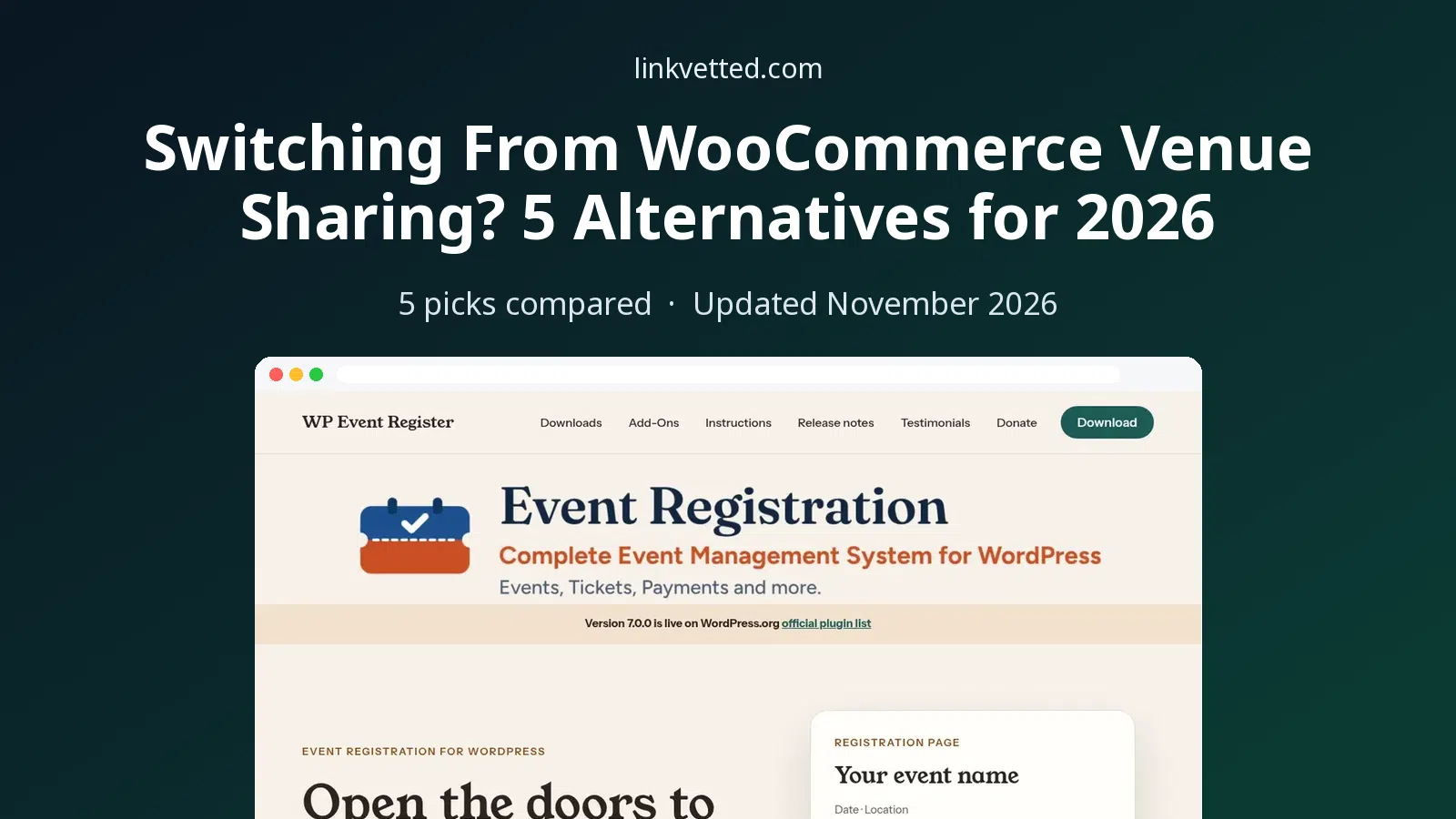
- Editor's choiceTickera
Zero-fee custom ticketing
Starts at$149 a yearVisit tickera.comFull review - Great alternativeWP Event Manager
Event listings and management
Starts atSee websiteVisit wpeventmanager.comFull review - Also considerEvent Tickets Plus
WooCommerce ticketing and RSVPs
Starts atSee websiteVisit theeventscalendar.comFull review
Direct answer
Our first pick is Tickera, best for zero-fee custom ticketing. Listed starting prices: Tickera from $149 a year, Events Manager from $89 a year and Event Espresso from $129 a year. For a different need, WP Event Manager covers Event listings and management and Event Tickets Plus covers WooCommerce ticketing and RSVPs. Details, prices and limits for the rest of the 5 tools are below.
TL;DR:
- Top of the list is Tickera, which targets zero-fee custom ticketing.
- No starting price is published for WP Event Manager and Event Tickets Plus; expect a quote.
- Before buying Events Manager, weigh this: Pro version needed for payments.
- For complete event registration and ticketing, Event Espresso is worth a look.
Last checked November 2026. Prices and plan details were read from the vendors' own pages in November 2026; vendors change plans often, so confirm the current price on the vendor site before you buy.
Quick comparison
| Tool | Best for | Starts at | Free plan? | |
|---|---|---|---|---|
| Tickera | Zero-fee custom ticketing | $149 a year | No | Visit |
| WP Event Manager | Event listings and management | See website | Not stated | Visit |
| Event Tickets Plus | WooCommerce ticketing and RSVPs | See website | Not stated | Visit |
| Events Manager | Free event calendars and bookings | $89 a year | Not stated | Visit |
| Event Espresso | Complete event registration and ticketing | $129 a year | Yes | Visit |
Every option for woocommerce venue sharing alternatives plugins explained
Choosing woocommerce venue sharing alternatives plugins usually comes down to price, fit and limits. This LinkVetted guide sets 5 tools side by side on those three points, with the facts kept short and checkable.
Tickera
Best for: Zero-fee custom ticketing
Tickera serves zero-fee custom ticketing. Tickera is a WordPress event ticketing plugin that lets you design custom tickets with QR codes and sell them through your own checkout. It emphasizes no per-ticket fees and keeping all revenue, making it attractive for venues that want to maximize earnings.
Where it falls short: Needs WordPress.
What Tickera does well: No per-ticket fees.
It contains scanning for check-in. For everyday use, Whereas Tickera manages ticketing well, it may lack some event management features like calendars or registrations, which might require extra plugins. It is best for venues centred on ticketing and willing to integrate other tools for a complete option. Entry price for Tickera: $149 per year. No free plan comes with Tickera.
- Custom ticket design
- QR code scanning
- May need extra plugins for full event management
WP Event Manager
Best for: Event listings and management
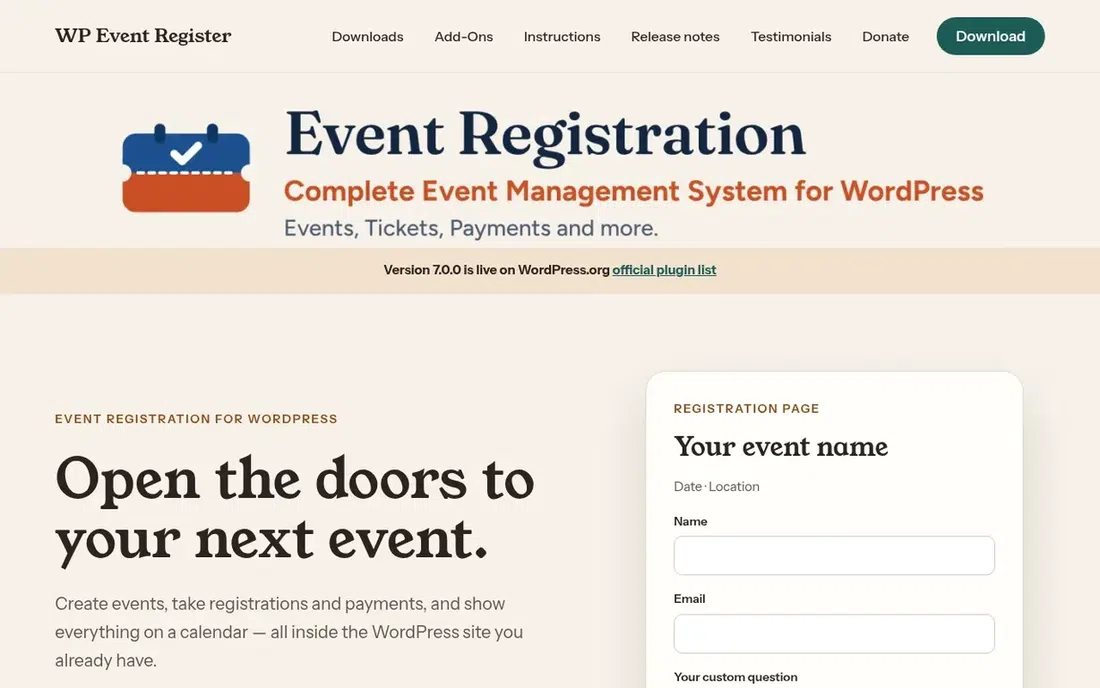
Think of WP Event Manager for Event listings and management. WP Event Manager is a WordPress plugin for managing event listings and calendars. It permits users to submit events and offers calendar displays, making it right for venues that host several events and need a centralized listing.
The core plugin has restricted ticketing capabilities, so you may need extra extras for selling tickets. It is not a full ticketing option from day one. Worth adding: if you need advanced ticketing, consider other plugins. Check the vendor site for WP Event Manager pricing; none is listed in this comparison. Free access: Not stated.
The main drawbacks: Restricted ticketing features.
- Calendar display
- User roles
- Needs extras for advanced needs
Event Tickets Plus
Best for: WooCommerce ticketing and RSVPs
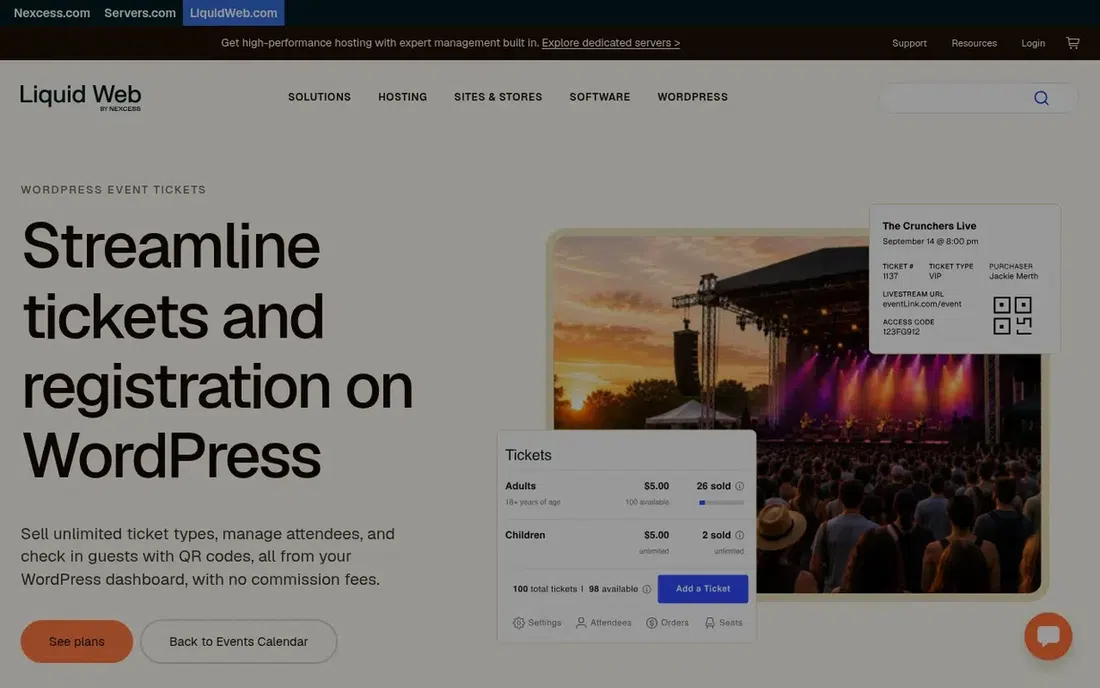
Event Tickets Plus makes the most sense for WooCommerce ticketing and RSVPs. Event Tickets Plus is a WordPress plugin for managing ticketing and RSVPs, with a focus on WooCommerce integration.
Honest limits: Restricted to WordPress.
Even so, it needs The Events Calendar plugin to function, which may add complexity. Event Tickets Plus does not show a starting price in this comparison, so check the vendor site for current pricing. Free access: Not stated.
- WooCommerce integration
- Custom registration fields
- Needs The Events Calendar
Events Manager
Best for: Free event calendars and bookings
Events Manager is a good fit for free event calendars and bookings. If you need advanced features, consider other plugins or the pro version.
What to check first: Pro version needed for payments.
The pro version layers on payments, custom forms, coupons, and check-in. As for the details, the free version has restricted support. Events Manager pricing: $89 per year. Free options: Not stated.
- Custom forms
- Bookings and tickets
- Restricted support at no cost version
Event Espresso
Best for: Complete event registration and ticketing
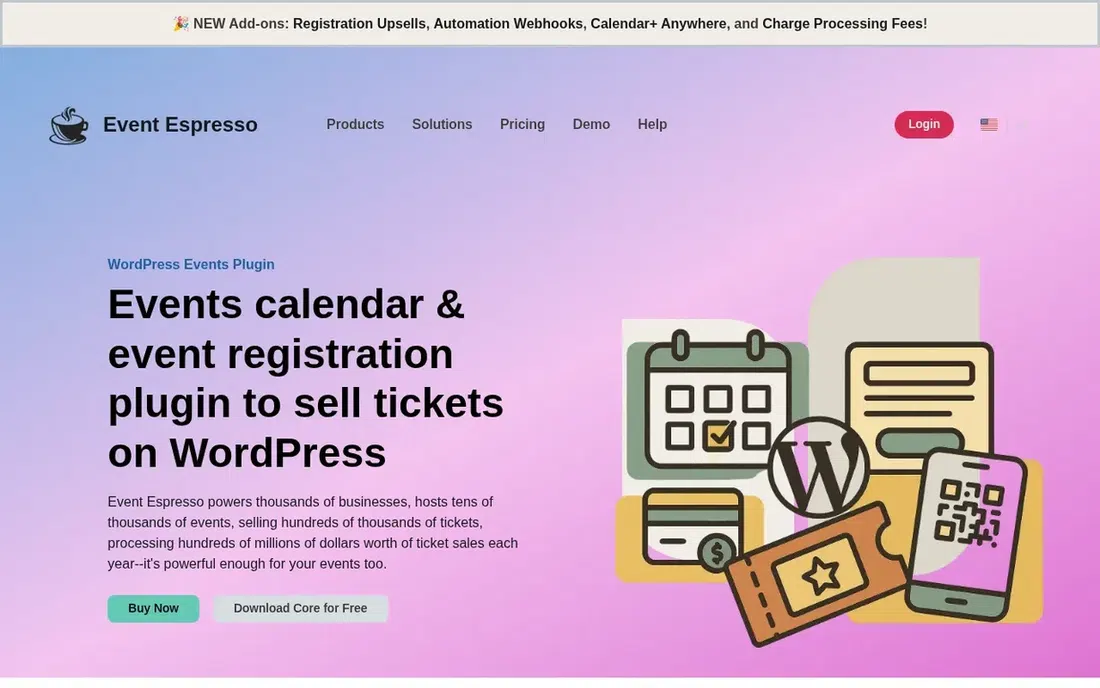
Event Espresso works best for complete event registration and ticketing. Event Espresso is a comprehensive WordPress plugin for event calendars, registration, and ticket sales. In practice, the plugin's broad feature set might be overwhelming for small venues or those new to event management.
It also needs WordPress, so it is not a good match for other systems. If you need a more straightforward option, other plugins may be more appropriate. Price to start with Event Espresso: $129 per year. Event Espresso offers a free plan.
The main drawbacks: May be complicated for beginners.
- Full event calendar
- Ticket scanning
- Needs WordPress
Our selection method
Questions to settle before buying
- Get a written quote from WP Event Manager and Event Tickets Plus; the list shows no starting price for them.
- Test the free plan from Event Espresso against your real workload before relying on it.
- Before choosing Tickera, weigh its main limit: needs WordPress.
- Before rolling out Tickera, verify the integrations your workflow depends on.
- Find out what support Event Tickets Plus includes on your plan, and whether onboarding help costs extra.
FAQ
Which woocommerce venue sharing alternatives plugins have a free plan?
Event Espresso is the only tool in this list with a free plan. Free plans usually cap users, projects or features, so check the limits on the vendor page.
Is Tickera the right pick for everyone comparing woocommerce venue sharing alternatives plugins?
No single tool suits every team. Tickera comes first because it fits zero-fee custom ticketing, while WP Event Manager suits Event listings and management and Event Tickets Plus suits WooCommerce ticketing and RSVPs. Match the tool to your own size, budget and workflow before deciding.
Do these plugins need WooCommerce?
Not all plugins need WooCommerce. Event Tickets Plus plugs into WooCommerce but can work without it for RSVPs. Others like Tickera and Event Espresso have their own payment systems, so WooCommerce is optional.
Do these tools publish their prices?
Not all of them. WP Event Manager and Event Tickets Plus publish no starting price, so expect a quote request for those. The rest, Tickera included, show a starting price, though seats and billing terms still change the final cost.
Can I sell tickets without per-ticket fees?
Tickera is built to let you sell tickets through your own checkout with no per-ticket fees, allowing you to keep all revenue. Other plugins may also offer fee-free choices, but you should verify with each vendor.
Can I try these tools before paying?
Often, yes. Event Espresso has a free plan. Use your own data and a real task during the test, and check what the free tier or trial limits before you rely on it.
Sources
- https://tickera.com
- https://wpeventmanager.com
- https://theeventscalendar.com/products/wordpress-event-tickets
- https://wp-events-plugin.com
- https://eventespresso.com