Platform to Build an Online Store in 2026: The 6 Best Options Side by Side
6 tools for the best platform to build an online store, compared on pricing, free plans and best-fit use. Verdicts stay brief and factual. See which fits.
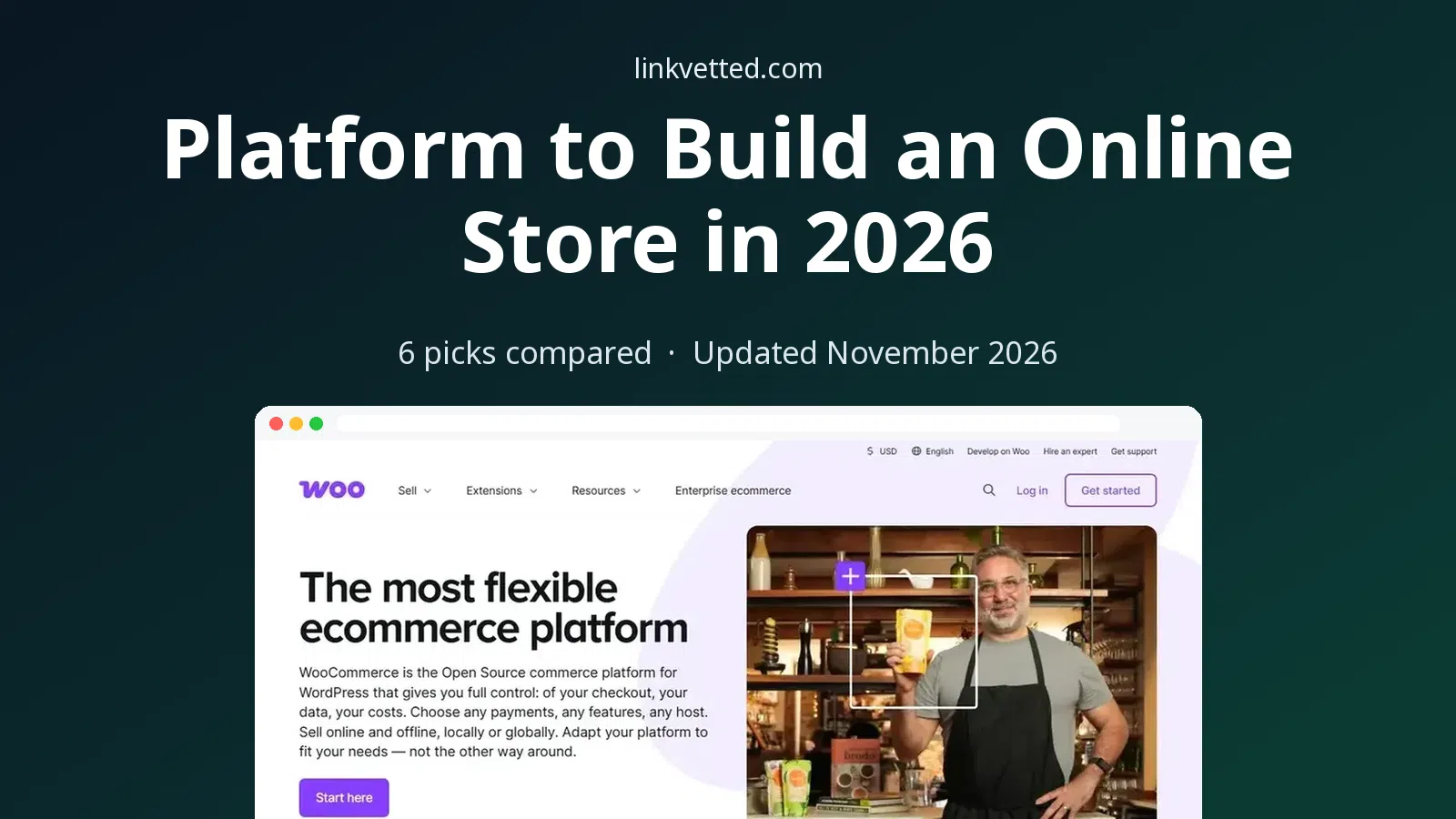
- Editor's choice
 WooCommerce
Open-source adaptability for developers
Starts at$29 a monthVisit woocommerce.comFull review - Great alternative
 Adobe Commerce
Enterprise B2B and B2C options
Starts atSee websiteVisit business.adobe.comFull review - Also consider
 Squarespace Commerce
Design-focused keeps with templates
Starts atSee websiteVisit squarespace.comFull review
Direct answer
For open-source adaptability for developers, WooCommerce is where this list starts. Listed starting prices: WooCommerce from $29 a month and Shopify from $19 a month. Alternatives: Adobe Commerce for enterprise B2B and B2C options, and Squarespace Commerce for design-focused keeps with templates. All 6 tools are compared below on price, free plan and limits.
TL;DR:
- WooCommerce takes the first slot, best suited to open-source adaptability for developers.
- Check the limits for BigCommerce before you commit: can be complicated for beginners.
- The cheapest monthly starting price in the list is $19 per month, offered by Shopify.
- For all-in-one commerce for most companies, Shopify is worth a look.
Last checked November 2026. Prices and plan details were read from the vendors' own pages in November 2026; vendors change plans often, so confirm the current price on the vendor site before you buy.
Quick comparison
| Tool | Best for | Starts at | Free plan? | |
|---|---|---|---|---|
| WooCommerce | Open-source adaptability for developers | $29 a month | Not stated | Visit |
| Adobe Commerce | Enterprise B2B and B2C options | See website | Not stated | Visit |
| Squarespace Commerce | Design-focused keeps with templates | See website | Not stated | Visit |
 BigCommerce | Scalable commerce for expanding brands | See website | Not stated | Visit |
 Wix eCommerce | All-in-one ecommerce with simple setup | See website | Not stated | Visit |
 Shopify | All-in-one commerce for most companies | $19 a month | Free trial | Visit |
Platform to Build an Online Store compared in detail
This LinkVetted guide covers 6 options for platform to build an online store. Each profile lists a starting price, free plan details, strengths and drawbacks, so you can drop poor fits quickly.
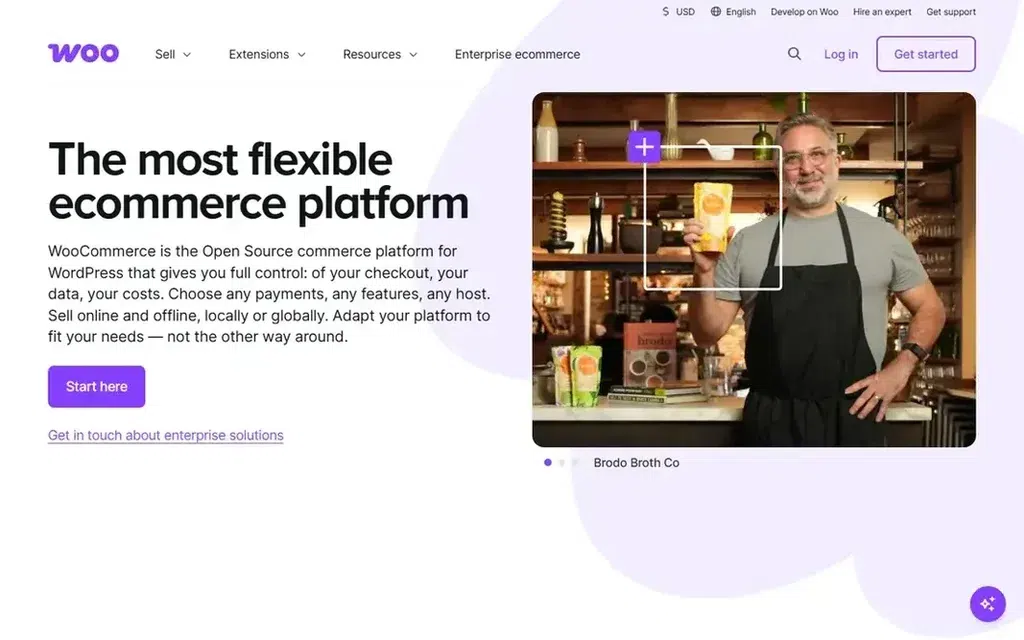
WooCommerce targets open-source adaptability for developers. It gives you full control over the store's design and functionality, making it well suited to developers and companies that want a tailored option. If you prefer a hands-off approach, consider Shopify or Squarespace Commerce.
Points against: Needs technical knowledge.
In practice, being open-source, it can be extended with numerous plugins and integrations. Even so, WooCommerce needs more technical expertise to set up and maintain compared with hosted options. The starting price for WooCommerce: $29 per month. As for free access: Not stated.
- Large community support
- Open-source product
- Have to handle hosting and security
Think of Adobe Commerce for enterprise B2B and B2C options. The system supports complicated catalogs, multi-site setups, and advanced personalization. It may be overkill for small or medium-sized firms.
Trade-offs to know: Needs dedicated development team.
On top of that, Adobe Commerce (Magento) is an AI-powered composable ecommerce system for B2B and B2C, delivering personalized experiences at global scale. It is built for enterprise firms that require a highly configurable and scalable option. This comparison lists no price for Adobe Commerce; ask the vendor. On free options: Not stated.
- Global scale
- AI-powered composable product
- High complexity
Squarespace Commerce is aimed squarely at design-focused keeps with templates. With its capable product and template selection, you can start your online store rapidly.
Limits to weigh: Less adaptable for advanced customization.
Beyond that, if you need broad customization, WooCommerce or Adobe Commerce could be better suits. Check the vendor site for Squarespace Commerce pricing; none is listed in this comparison. Free access: Not stated.
- Beautiful templates
- All-in-one system
- Restricted external integrations

BigCommerce is built with scalable commerce for expanding brands in mind. BigCommerce is aimed at momentum, offering a scalable foundation to power modern buying experiences across brands, regions, and channels. It is aimed at firms that are expanding and need a system that can deal with increased complexity.
Where it is weaker: Restricted customization without coding.
This makes it right for mid-market and enterprise firms looking to expand their online presence. If you prefer a more straightforward setup, Shopify or Wix eCommerce might be more appropriate. No starting price is listed for BigCommerce here; confirm pricing on the vendor site. Free access: Not stated.
- Supports several channels
- Modern buying experiences
- Can be complicated for beginners
Wix eCommerce works best for all-in-one ecommerce with simple setup. Wix eCommerce is an all-in-one ecommerce system that lets you to build a completely configurable online store and upgrade to start selling everywhere. It is approachable and comes with a drag-and-drop builder, making it accessible for beginners and small companies looking to establish an online presence rapidly.
Watch-outs: Restricted scalability for large catalogs.
Whereas Wix eCommerce is simple to use, it may not be right for companies with very large product catalogs or complicated requirements. If you need more scalability, consider BigCommerce or Shopify. No starting price is listed for Wix eCommerce here; confirm pricing on the vendor site. Free options: Not stated.
- All-in-one product
- Sell everywhere
- Apps can slow down site

For all-in-one commerce for most firms, Shopify is a natural candidate. Shopify is an all-in-one commerce system meant to help companies build and grow rapidly. It contains AI-powered tools and features to run several aspects of your business, from sales to operations.
Where it is weaker: Less adaptable for deep customization.
This makes it a good fit for entrepreneurs and small to medium-sized companies that want a unified option without needing to piece together several systems. Even so, Shopify may not be the best choice for companies that need broad customization or want to avoid transaction fees. If you need complete control over your store's code or prefer an open-source option, consider WooCommerce or BigCommerce instead. Shopify cost at the entry level: $19 per month. Free access: Free trial.
- AI-powered tools
- Run every part of your business
- Transaction fees on some plans
What went into this list
We compared the tools on published pricing, free plan or trial availability, feature coverage for platform to build an online store, and the limits each vendor documents. Prices and plan limits come from vendor pages and can change, so confirm them on the vendor site before you buy. Order on the page follows fit for the typical buyer first, then price transparency and free access. Your own requirements should decide the final pick.
Things to verify first
- Ask Adobe Commerce, Squarespace Commerce, BigCommerce and Wix eCommerce for a written quote, since no starting price is shown.
- Run a trial of Shopify with real work before paying for a year; your own workflow is the best test.
- Read the limits listed for WooCommerce first: needs technical knowledge.
- A short pilot of BigCommerce with your real workflow tells you more than a feature table.
- Add up seats, add-ons and usage charges for WooCommerce before comparing it with cheaper entries.
FAQ
What should I consider when choosing a platform?
Consider your budget, technical expertise, expected growth, and required features like payment choices, integrations, and scalability. More specifically, reading vendor documentation and comparing features can help you make an informed decision.
Does any tool for platform to build an online store here have a free plan?
A permanent free plan is not offered by WooCommerce, Shopify or the other tools here. Shopify offer a trial. Plan a short evaluation period instead.
What is the best system to build an online store for beginners?
The first pick on this list is WooCommerce, because it suits open-source adaptability for developers. Adobe Commerce is better for enterprise B2B and B2C options, and Squarespace Commerce for design-focused keeps with templates. Check price and limits against your own needs before choosing.
Which platform is a good match for a large enterprise store?
Start with WooCommerce if you need open-source adaptability for developers. Adobe Commerce is the better match for enterprise B2B and B2C options, and Squarespace Commerce for design-focused keeps with templates. The best choice depends on budget, team size and workflow.
How are the tools for platform to build an online store ordered?
WooCommerce sits first and Shopify last because the order follows typical fit for platform to build an online store, then price clarity and free access. It is a judgement call, so read each profile for fit and limits.
What is the cheapest option for platform to build an online store in this list?
On published monthly entry prices, Shopify is the lowest here at $19 per month. Entry price is only part of the cost, because seats, add-ons and billing terms can change the total. Each of the 6 options in this platform to build an online store guide has its own card above with the price, free plan and limits.
Sources
- https://woocommerce.com
- https://business.adobe.com/products/magento/magento-commerce.html
- https://www.squarespace.com/ecommerce
- https://www.bigcommerce.com
- https://www.wix.com/ecommerce
- https://www.shopify.com