Best Outreach Email Template Tools in 2026: 6 Tools Compared
A practical 2026 guide to the best outreach email template tools for link building and digital PR, compared from vendor docs and public sources.
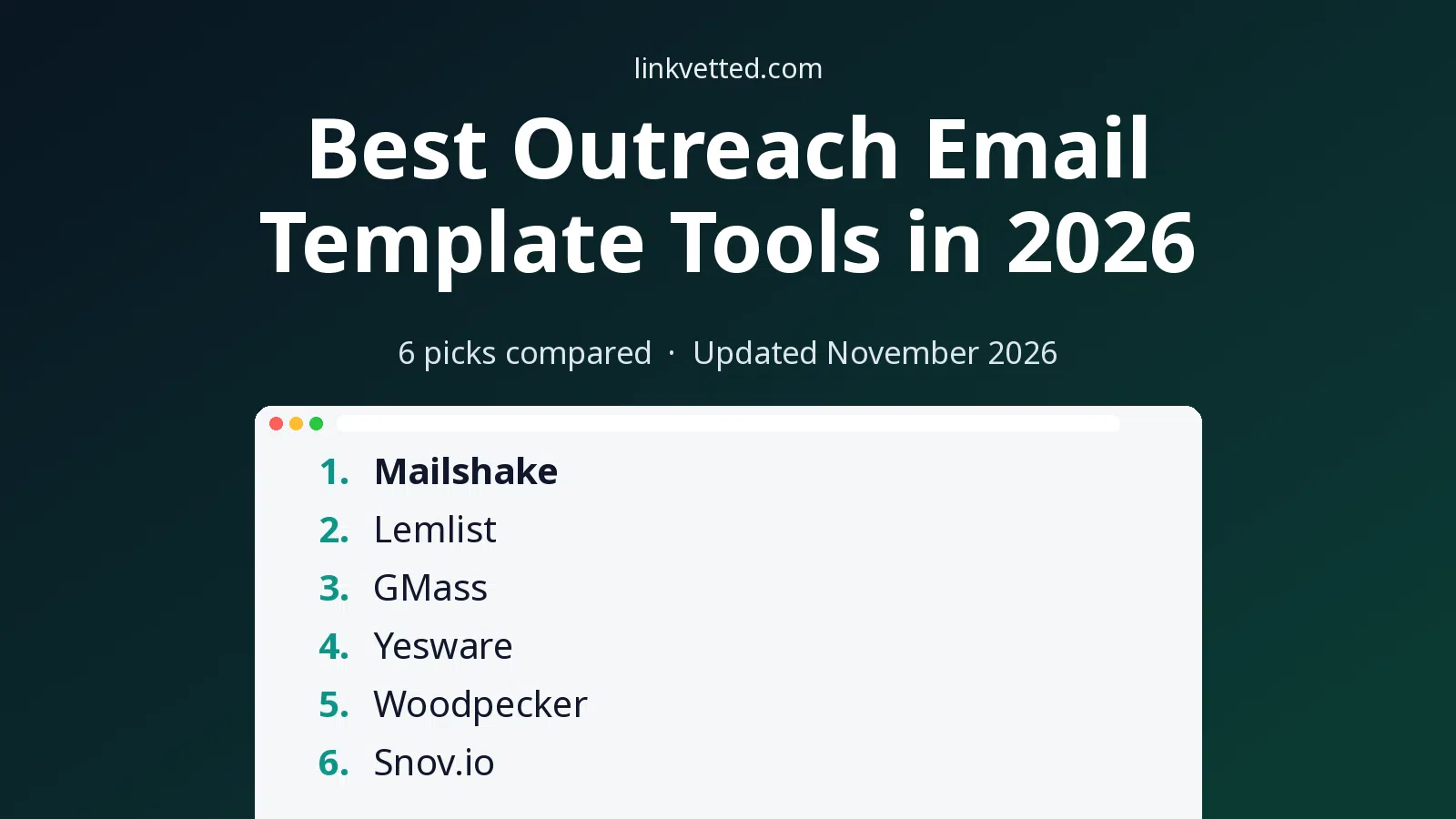
- Editor's choice
 Mailshake
Small agencies running link outreach
Starts atSee websiteVisit mailshake.comFull review - Great alternative
 Lemlist
Teams wanting data-driven personalisation
Starts atSee websiteVisit lemlist.comFull review - Also considerGMass
Gmail users sending templated outreach
Starts atSee websiteVisit gmass.coFull review
Direct answer
My top pick is Mailshake, because it combines template management, sequences and follow-ups in one place that a small agency can run without extra setup. For teams that want templates tied closely to prospect data, Lemlist is the stronger fit. If you already work inside Gmail and want something lighter, GMass keeps template sending close to your inbox. I compared these from vendor documentation and public sources, not hands-on tests.
TL;DR:
- Template tools matter most when they store reusable copy, merge fields and follow-up steps in one place.
- Personalisation fields and spam-safe sending settings usually decide whether a template tool is worth it.
- Some tools are full outreach platforms, while others are simple email extensions, so match the tool to your workflow.
- Deliverability features and inbox rotation are worth checking before you commit to any tool.
- Always confirm current features and plan limits on the vendor site, since details change.
Last checked November 2026. Plan prices are not quoted in this guide because they change often; see each vendor's own pricing page for current figures before you buy.
Quick comparison
| Tool | Best for | Starts at | Free plan? | |
|---|---|---|---|---|
| Mailshake | Small agencies running link outreach | See website | No free plan | Visit |
| Lemlist | Teams wanting data-driven personalisation | See website | Free trial | Visit |
| GMass | Gmail users sending templated outreach | See website | Free plan | Visit |
 Yesware | Sales-style follow-up in the inbox | See website | Free trial | Visit |
 Woodpecker | Agencies needing follow-up automation | See website | Free trial | Visit |
 Snov.io | Teams wanting templates plus prospecting | See website | Free plan | Visit |
The best outreach email template tools compared
I put this list together from vendor documentation and public sources, and I did not run hands-on tests of each tool. My focus was on how each one handles reusable templates, merge fields, follow-ups and the practical limits a small agency hits. Treat the notes as a starting point for your own trial.
Mailshake is an outreach platform built around email campaigns. You write a template once, add merge fields for names, sites or topics, and reuse it across campaigns. For link building and digital PR, that means you can keep a set of proven pitches and adjust them per vertical instead of rewriting from scratch. It suits small agencies that send regular outreach and want structure.
The template side is tied to sequences, so a first email, a follow-up and a final nudge can all live in one campaign. You can pause, edit and reuse templates, which helps when you test different angles for the same prospect list. Reporting shows how each step performs, so you can see which template gets replies.
The main limit is that it is a paid platform with no free plan, and the feature set is larger than someone sending a handful of emails a week needs. If you only want to save a few snippets inside Gmail, a lighter extension may be enough.
- Template library with merge fields
- built-in sequences and follow-ups
- deliverability and warm-up guidance
- No free plan
- can be more than a solo sender needs
Lemlist is an outreach platform that leans on personalisation. Templates can include dynamic fields and custom variables, so the same base email reads differently for each prospect. For link outreach, that helps when you pitch a specific page or angle and want the message to reflect the prospect's site rather than a generic greeting.
Templates sit inside sequences that can include email and other steps, and you can manage variants to test wording. The tool also covers deliverability checks and campaign reporting, which matters when you send at volume and need to spot problems early.
The trade-off is setup time. You need to plan fields and sequences before sending, and the platform is aimed at teams rather than one-off senders. If you want a simple template saver, this is more than you need.
- Personalisation fields and dynamic content
- multichannel sequences
- template and campaign management
- More setup than a basic tool
- pricing scales with team size
GMass
Best for: Gmail users sending templated outreach
GMass is a Gmail extension that adds campaign sending and templates to your existing inbox. You write an email in Gmail, save it as a template, add merge fields from a Google Sheet, and send it as a campaign. For a small agency already working in Gmail, that keeps outreach close to where you read replies.
The template features cover personalisation, scheduling and follow-ups, and you can reuse saved templates across campaigns. Because it lives in Gmail, there is little new interface to learn, which helps when you want to move fast on a new link building push.
The clear limit is the Gmail dependency. If your team uses Outlook or a shared outreach platform, GMass is not the right fit. It also suits simpler campaigns better than complex, multi-step sequences.
- Works inside Gmail
- templates with merge fields
- simple campaign and follow-up setup
- Tied to Gmail accounts
- less suited to complex multichannel flows
Yesware is an email productivity tool for Gmail and Outlook. It lets you save templates, insert them with a few clicks, add merge fields, and track opens and replies. For outreach, that means you can keep a library of pitches and follow-ups without leaving your email client.
The template sharing side is useful for a small team: one person can write a tested pitch and others can reuse it. Follow-up reminders help you keep a sequence moving when replies are slow, which is common in link building and digital PR.
The limitation is that Yesware is built around the inbox rather than a standalone campaign platform. If you need heavy automation or multichannel sequences, you will likely outgrow it. Check plan details on the site before deciding.
- Templates inside Gmail and Outlook
- tracking and follow-up reminders
- team template sharing
- Best value only for inbox-based teams
- advanced features sit on higher plans
Woodpecker is an outreach tool focused on automated follow-ups. You build a sequence, add templates for each step, and the tool sends them in order until a prospect replies. For link outreach, that structure helps you run a consistent pitch and follow-up process without manual reminders.
Templates support merge fields and variants, so you can test subject lines and opening lines. Inbox rotation lets a team spread sending across several mailboxes, which is useful when volume grows. Reporting shows reply and bounce rates per step.
The main drawback is the setup. Sequences take planning, and the interface assumes you want automation rather than one-off sends. If you send occasional pitches, a simpler tool will be faster.
- Template and sequence management
- automatic follow-ups
- inbox rotation for sending
- Learning curve for sequence setup
- may be heavy for occasional senders
Snov.io combines outreach templates with prospecting tools. You can find and verify prospect emails, then run campaigns with saved templates and follow-ups. For link building, that means one place to build a list and pitch it, which saves moving data between tools.
The template editor supports merge fields and sequences, and campaigns report on opens, clicks and replies. Because prospecting and outreach sit together, it suits teams that start from a blank list rather than an existing CRM.
The downside is breadth. The tool covers a lot, and some useful features sit on higher plans, so check what you actually need. If you already have a clean prospect list, a dedicated template tool may be simpler.
- Template and campaign tools
- prospect search and verification
- email tracking
- Broad feature set can feel spread out
- some features need higher plans
How I chose
I compared these tools from vendor documentation and public sources, including feature pages and help docs. I did not run hands-on tests, so my notes describe what each vendor says the product does and how that maps to common outreach workflows. I looked at template handling, merge fields, follow-ups, deliverability features and the practical limits a small agency would notice.
I also weighed fit rather than a single ranking. A solo sender working in Gmail has different needs from a team running multichannel sequences, so the list includes both full platforms and lighter inbox tools. Where a tool had clear limits, such as a Gmail dependency or a steeper setup, I noted them so you can skip tools that do not match your process.
What to check before you buy
- Confirm how templates are stored and whether you can share them across a team.
- Check which merge fields and custom variables the tool supports for personalisation.
- Look at follow-up and sequence options, including how replies stop a sequence.
- Review deliverability features such as inbox rotation, warm-up guidance and bounce handling.
- Check whether the tool works with your email provider, especially Gmail or Outlook.
- Read the current plan limits on the vendor site, since features and caps change.
FAQ
What is an outreach email template tool?
It is software that stores reusable email copy with merge fields, then helps you send it as part of a campaign. Many tools also handle follow-ups, tracking and reporting. For link building and digital PR, the goal is to keep pitches consistent while still personalising each message for the prospect.
Do I need a paid tool for outreach templates?
Not always. If you send a small number of pitches from Gmail, a free plan or a simple extension may be enough. Paid tools make more sense when you send regularly, need team template sharing, or want automated follow-ups and reporting. Match the tool to your volume and workflow.
Can these tools guarantee replies or links?
No. Templates help you write and send consistent outreach, but replies depend on your offer, targeting and timing. No tool can promise links or rankings. Use templates to save time and test angles, and treat results as something you measure rather than guarantee.
How do merge fields help with link outreach?
Merge fields pull prospect details, such as a name, site or page title, into a template. That lets one base email read as personal for each recipient. It saves rewriting while keeping the message relevant, which matters when you pitch a specific page or angle.
Are template tools safe for my sender reputation?
That depends on how you use them. Tools with warm-up guidance, inbox rotation and bounce handling can help you send more carefully. But sending to poor lists or ignoring bounces can still hurt reputation. Check each vendor's deliverability features and follow their sending guidance.
Sources
- https://mailshake.com
- https://lemlist.com
- https://www.gmass.co
- https://www.yesware.com
- https://woodpecker.co
- https://snov.io
Related guides
- Best AI Email Template Builder Software in 2026: Prices, Free Plans and 6 Picks
- Best Email Template Builder for No-Code Marketers in 2026: 6 Tools Compared
- The 5 Best Cold Outreach Services in USA in 2026, Ranked
- Event Cold Outreach Email Software for Promoters in 2026: The 5 Best Options Side by Side