6 Best Email Outreach Tools for PR for 2026, Vetted and Compared
A practical guide to the best email outreach tools for PR, compared from vendor documentation and public sources, with limits and buying checks.
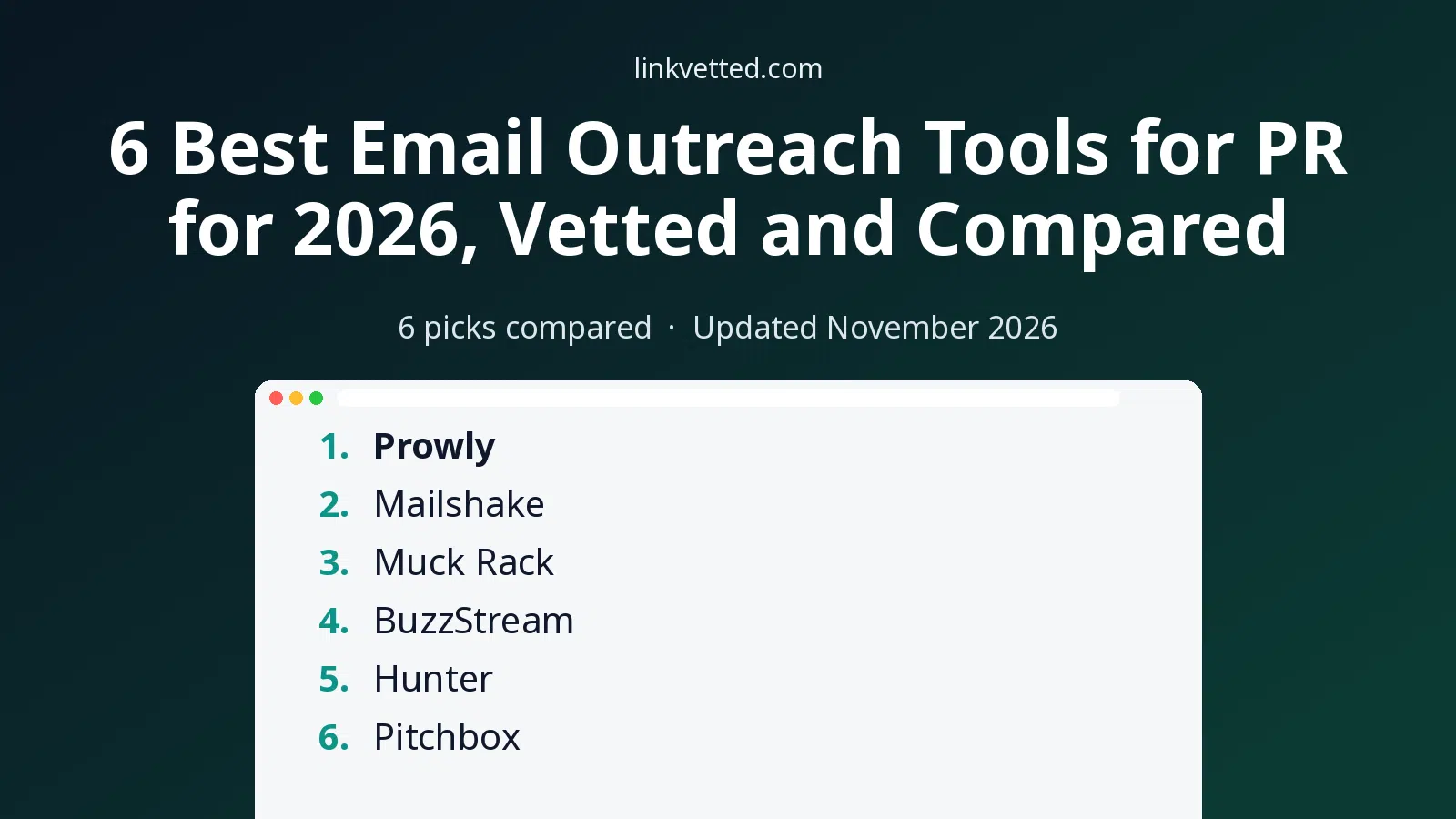
- Editor's choice
 Prowly
All-in-one PR workspace
Starts atSee websiteVisit prowly.comFull review - Great alternative
 Mailshake
Simple Gmail-based pitch sending
Starts atSee websiteVisit mailshake.comFull review - Also consider
 Muck Rack
Media monitoring plus outreach
Starts atSee websiteVisit muckrack.comFull review
Direct answer
My top pick is Prowly, because it is built around PR workflows like media lists, press releases and campaign reporting rather than cold sales email. For teams that already work inside Gmail, Mailshake is a sensible second choice. If you need a large media database alongside the sending tool, Muck Rack is the better fit. Each one suits a different kind of PR work, so read the limits before you decide.
TL;DR:
- PR outreach differs from sales outreach because you usually email a small list of journalists repeatedly, so contact history and media lists matter as much as sending speed.
- Prowly combines a media database, press release publishing and email campaigns in one place, which reduces the number of tools a PR team has to manage.
- Mailshake is a straightforward email sending and follow-up tool that works well if your media list already lives in a spreadsheet.
- Muck Rack is strongest when monitoring, journalist profiles and reporting are part of the job, not just sending pitches.
- Every tool here is priced on a quote or tiered plan, so confirm current terms on the vendor site before you commit.
Last checked November 2026. Plan prices are not quoted in this guide because they change often; see each vendor's own pricing page for current figures before you buy.
Quick comparison
| Tool | Best for | Starts at | Free plan? | |
|---|---|---|---|---|
| Prowly | All-in-one PR workspace | See website | Free trial | Visit |
| Mailshake | Simple Gmail-based pitch sending | See website | Free trial | Visit |
| Muck Rack | Media monitoring plus outreach | See website | No free plan | Visit |
 BuzzStream | Relationship tracking for outreach | See website | Free trial | Visit |
 Hunter | Finding and verifying email addresses | See website | Free plan | Visit |
 Pitchbox | Agency outreach at volume | See website | No free plan | Visit |
The best email outreach tools for PR compared
I put this list together by reading vendor documentation, help centres and public product pages, and by checking how each tool fits typical PR tasks. I did not run hands-on tests, and I am not quoting client results. The notes below describe what each vendor says it does and where the limits usually appear.
Prowly is a PR platform rather than a pure email sender. It brings together a media contact database, a newsroom for publishing releases, and email campaigns with tracking. That combination suits in-house PR teams and agencies that send regular pitches to journalists and want the contact list, the release and the results in one place.
For PR outreach, the useful part is how contacts and campaigns connect. You can build a media list, segment it, send a pitch, and then see who opened or clicked, which helps you decide who to follow up with. Because the newsroom and the email tool share the same contacts, you avoid exporting lists between systems.
The limit is scale and budget. If you send a handful of pitches a month from your own inbox, Prowly is more platform than you need. Check the plan limits on contacts and sends before you commit.
- Media database included
- press release publishing
- campaign reporting
- Team-oriented pricing
- can be more than a solo user needs
Mailshake is an email outreach tool that plugs into your Gmail or Google Workspace account. You import a list, write a sequence with follow-ups, and send from your own address. For PR people who already keep media contacts in a spreadsheet, that is a short path from list to pitch.
The PR use case is follow-up discipline. Journalists are busy, and a polite second email often matters more than the first. Mailshake lets you set a sequence, pause it when someone replies, and track opens and clicks. You can also run separate campaigns for different beats or regions.
Skip it if you need journalist profiles, monitoring or a newsroom. Mailshake sends email well but does not tell you who to contact. You bring the list.
- Works from Gmail
- easy follow-up sequences
- straightforward reporting
- No built-in media database
- basic contact management
Muck Rack is a PR software platform centred on a database of journalists and media outlets. It covers contact search, media monitoring, coverage tracking and reporting. Teams use it when they need to know what is being written about their sector as well as who to pitch.
For email outreach, Muck Rack helps you build targeted media lists from journalist profiles and then manage pitches and coverage in the same system. The monitoring side is the differentiator: you can follow outlets and topics and use that context to write a more relevant pitch.
The main limit is cost and complexity. Small teams or solo consultants often find it is more than they need. Confirm what is included in each plan on the vendor site.
- Large journalist database
- monitoring and alerts
- reporting features
- Higher cost
- overkill for small teams
BuzzStream is an outreach CRM. It stores contact details, notes, conversation history and the status of each outreach conversation. It is used by link builders and digital PR teams who contact the same people repeatedly and need to remember what was said last time.
For PR, the value is memory. If you pitch a journalist in March and again in September, BuzzStream shows the earlier thread, the response and any notes your colleague added. That reduces awkward repeat pitches and helps a small team stay coordinated.
It is not a media database and it will not find journalists for you. The interface also takes some getting used to. It suits teams that already have lists and want better tracking.
- Contact and relationship history
- outreach CRM built in
- team collaboration
- Dated interface in places
- learning curve for new users
Hunter is a contact discovery tool. You enter a company domain and it returns publicly available email addresses and patterns, plus a verification check on individual addresses. It is a common first step before any outreach campaign.
In PR work, Hunter helps when you know the outlet but not the right address. You can search a publication's domain, find likely editorial contacts and verify them before adding them to your list. That cuts down on bounces, which protects your sending reputation.
Hunter does not send campaigns or track replies, so it is a companion tool rather than a full outreach platform. Accuracy depends on the domain, so always verify before sending.
- Domain search for contacts
- email verification
- works alongside other tools
- Not a campaign sender
- data accuracy varies by domain
Pitchbox is an outreach platform aimed at agencies and SEO teams. It combines prospecting, email automation, follow-ups and reporting, with features for managing multiple clients and team members. It is designed for teams that run many campaigns at once.
For PR teams inside an agency, the appeal is the workflow: find prospects, assign them to a campaign, send a sequence and track responses across clients. If your PR work sits next to link building or digital PR, having both in one system can reduce tool switching.
The downside is fit. Pitchbox is built around SEO-style outreach, so a pure media relations team may find parts of it irrelevant. There is no free plan, so evaluate it against your actual campaign volume.
- Campaign automation
- prospecting workflow
- team and client management
- Built around SEO outreach
- no free plan
How I chose
I started from vendor documentation and public product pages, then checked each tool against the tasks that show up in PR outreach: building a media list, sending a pitch, following up, tracking replies and reporting. I also looked at where each tool stops, because a sending tool, a contact finder and a monitoring platform solve different problems. I did not run hands-on tests, and I have not included client results or performance claims.
The second filter was fit for different team sizes. A solo consultant needs a low-friction sender and a clean list. An in-house team needs shared contacts and reporting. An agency needs client separation and volume handling. I kept tools that are currently operating and have a clear public homepage, and I left out anything I could not verify. Prices change often, so I point you to the vendor for current terms rather than quoting figures.
What to check before you buy
- Confirm how contacts are stored and whether you can export them if you leave the platform.
- Check whether the tool sends from your own inbox or from its own servers, since that affects deliverability and reply handling.
- Ask how the tool handles replies and bounces, and whether it pauses sequences automatically.
- Look at the plan limits on contacts, sends and team seats, not just the headline tier.
- Check whether a media database is included or whether you need a separate contact source.
- Confirm data protection terms, especially if you store journalist contact details in the tool.
FAQ
Do PR teams need a separate outreach tool from a sales team?
Not always, but the workflows differ. Sales tools optimise for volume and sequences, while PR work often involves smaller lists, repeat contact and coverage tracking. A tool with contact history and media list features usually fits PR better than a pure cold email sender.
Can I run PR outreach from Gmail without a paid tool?
Yes, for small lists. A spreadsheet and Gmail work fine at low volume. Paid tools help when you need follow-up sequences, shared contact history or reporting across a team. Start simple and add a tool when the manual work becomes the bottleneck.
Is a media database required?
No. Many teams build lists manually from outlet websites and bylines. A database saves time when you need to search by beat or outlet at scale. If your list is small and stable, a contact finder plus a spreadsheet may be enough.
How do I avoid damaging my sending reputation?
Send to verified addresses, keep volumes reasonable, personalise pitches and stop sequences when someone replies or asks not to be contacted. Bounces and spam complaints hurt reputation, so clean your list before each campaign and check verification results.
What is the difference between digital PR outreach and link building outreach?
They overlap but aim at different outcomes. Digital PR pitches stories to journalists for coverage, while link building outreach asks site owners for links. Some tools serve both, but check whether the features match your goal before buying.
Sources
- https://prowly.com
- https://mailshake.com
- https://muckrack.com
- https://www.buzzstream.com
- https://hunter.io
- https://pitchbox.com