5 Outreach Automation Tools for Agencies Worth Shortlisting in 2026
A practical look at the best outreach automation tools for agencies in 2026, compared from vendor documentation and public sources for link building and digital PR.
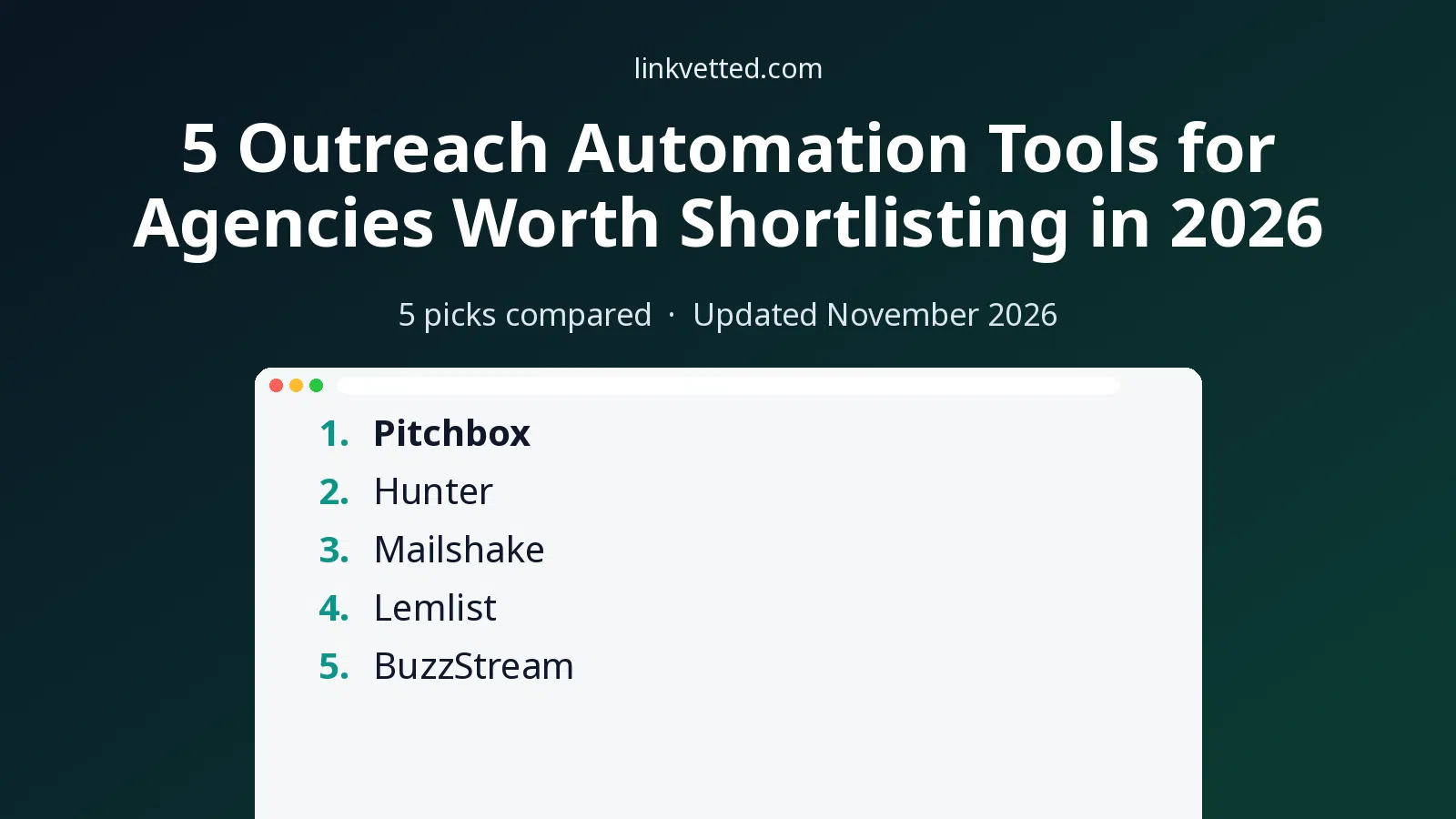
- Editor's choice
 Pitchbox
Agencies with many client campaigns
Starts atSee websiteVisit pitchbox.comFull review - Great alternative
 Hunter
Finding and verifying prospect emails
Starts atSee websiteVisit hunter.ioFull review - Also consider
 Mailshake
Email sequencing and campaign management
Starts atSee websiteVisit mailshake.comFull review
Direct answer
For most agencies, Pitchbox is the strongest starting point because it is built around team workflows, client campaigns and reporting. Hunter fits teams that want prospecting and verification in one place, while Mailshake suits agencies that mainly need reliable email sequencing and simple campaign management. I compared these tools from vendor documentation and public sources, so treat this as a shortlist to evaluate rather than a test report.
TL;DR:
- Agencies usually need shared inboxes, multiple client campaigns and clear activity reporting, not just a bulk email sender.
- Prospecting data and email sequencing are often separate jobs, so many teams combine two tools rather than forcing one to do everything.
- Deliverability settings, sending limits and reply handling matter more for agencies than long feature lists.
- Client-facing reporting and campaign separation are the features that decide whether a tool survives in a busy agency.
- Check each vendor's current documentation for limits and integrations, because plans and features change.
Last checked November 2026. Plan prices are not quoted in this guide because they change often; see each vendor's own pricing page for current figures before you buy.
Quick comparison
| Tool | Best for | Starts at | Free plan? | |
|---|---|---|---|---|
| Pitchbox | Agencies with many client campaigns | See website | Not stated | Visit |
| Hunter | Finding and verifying prospect emails | See website | Free plan | Visit |
| Mailshake | Email sequencing and campaign management | See website | Free trial | Visit |
 Lemlist | Personalised multichannel outreach | See website | Free trial | Visit |
 BuzzStream | Link building and relationship tracking | See website | Free trial | Visit |
The best outreach automation tools for agencies compared
I put this list together from vendor documentation, public product pages and help centre articles. I did not run hands-on tests, and I am not claiming client results or benchmark data. The aim is to help you shortlist tools that fit agency workflows, then check the details yourself before you commit.
Pitchbox is an outreach and link building platform aimed at agencies and in-house teams that run repeatable campaigns. It brings prospecting, email sequences, follow-ups and reporting into one place, with a structure that assumes several people work on the same campaigns. For an agency juggling multiple clients, that structure is often the main reason to look at it.
In practice, Pitchbox helps with the parts of outreach that break down at scale: assigning prospects, keeping client campaigns apart, and showing what was sent and what came back. If your team currently runs outreach from shared inboxes and spreadsheets, the appeal is having one record of each campaign that a colleague can pick up.
The limits are mostly about commitment. Because pricing is not listed publicly, you need a sales conversation to judge fit and budget. Smaller agencies with one or two campaigns may find a simpler email tool enough, and should skip this if they do not need client-level reporting.
- Built for agency and team workflows
- campaign and client separation
- reporting for stakeholders
- Pricing is not public
- can be more than a small agency needs
Hunter is best known for finding and verifying email addresses from company domains. For agencies, it is often the first step in outreach: build a list of target sites or companies, find the right contact, verify the address, then move the list into a sequencing tool. It is not a full outreach platform, and it does not pretend to be.
Where Hunter helps with outreach automation is at the front of the workflow. You can search by domain, check whether an address is likely to deliver, and export clean lists. That reduces the manual work that usually sits between research and the first email, and it gives a team a shared source for contact data.
The limit is that Hunter stops short of running campaigns. If you need sequences, reply tracking and client reporting in one place, you will still need another tool. Agencies that only need clean prospect data will get the most from it.
- Strong email finding and verification
- simple domain search
- useful for building prospect lists
- Outreach features are lighter than dedicated senders
- not a full campaign manager
Mailshake is an email outreach tool built around sequences, templates and reply handling. It suits agencies that already have prospect lists and want a reliable way to send personalised emails at volume without losing track of replies. The workflow is familiar: import contacts, build a sequence, set follow-ups, then manage responses.
For agency use, the useful parts are campaign organisation and the ability to keep different clients' outreach separate. Mailshake also supports lead management so replies do not get lost in a shared inbox. That matters when several people send outreach for different accounts and need a clear handover.
The main limitation is data. Mailshake is a sender, not a prospecting database, so you need another source for contacts. Agencies that want one tool to find prospects and send email may prefer an all-in-one platform. Teams with existing lists will find it easier to adopt.
- Clear email sequence builder
- reply and lead management
- straightforward campaign setup
- Less built-in prospect data
- advanced agency reporting may need add-ons
Lemlist is an outreach platform focused on personalised sequences across email and other channels. Agencies use it when generic templates are not enough and campaigns need custom fields, images or follow-up steps that feel specific to each prospect. It is built for teams that want control over how each message looks and reads.
For agency workflows, Lemlist helps by letting you build repeatable sequences that still allow personalisation, and by giving each campaign its own structure. That can be useful for digital PR and link building outreach where the first line often decides whether you get a reply. Team controls help keep campaigns organised.
The trade-off is complexity. Lemlist has a lot of options, and a small team may not need all of them. Pricing also tends to scale with usage, so heavy sending across many clients needs a careful check against the vendor's current plans before you commit.
- Personalisation options in sequences
- multichannel steps
- team and campaign controls
- Feature set can be heavy for small teams
- pricing scales with usage
BuzzStream is a long-running outreach and link building tool that puts relationship history at the centre. For agencies, that is useful when the same publishers and editors come up across campaigns: you can see who contacted them, what was sent and what happened. It is closer to a CRM for outreach than a pure email sender.
The way it helps with agency outreach is by keeping research, contact records and campaign activity together. You can build prospect lists, send outreach, and track responses without losing the history that makes the next campaign easier. For link building teams, that continuity is the main selling point.
The limits are mostly about feel and automation. Some teams find the interface dated compared with newer tools, and the automation is not as deep as dedicated sequencing platforms. Agencies that want heavy personalisation at volume may pair it with a sender rather than rely on it alone.
- Built around link building workflows
- contact and relationship history
- outreach and research in one place
- Interface can feel dated
- automation is less advanced than newer senders
How I chose
I built this list from vendor documentation, public product pages and help centre material, not from hands-on testing. I looked for tools that agencies can actually run across multiple clients: campaign separation, team access, reply handling and some form of reporting. I also checked whether each tool is currently operating and has an official homepage, and I left out anything I could not confirm.
The second filter was fit rather than feature count. Some tools are strong at finding prospects, others at sending sequences, and a few try to do both. I noted the main drawback for each because agency budgets and workflows vary, and a tool that suits a five-person link building team may be wrong for a solo consultant. Prices, plans and limits change, so the table points you to each vendor rather than quoting figures that may be out of date.
What to check before you buy
- Confirm how many client campaigns and sending inboxes the plan allows, since agency work multiplies both.
- Check whether the tool supports shared team access and clear campaign separation for each client.
- Ask how replies are handled and whether they can be assigned to the right person without manual forwarding.
- Review deliverability guidance, sending limits and warm-up options before you move client domains onto the tool.
- Check integrations with your CRM, reporting stack and any prospecting data source you already use.
- Request a trial or demo with your own campaign structure, and confirm current pricing and contract terms in writing.
FAQ
What are outreach automation tools used for in agencies?
They handle prospect lists, email sequences, follow-ups and reply tracking so a team can run link building or digital PR campaigns without manual sending. Agencies use them to keep client campaigns separate, assign work across staff and report on activity. The tool does not replace research or personalisation; it removes repetitive admin around them.
Do I need a separate prospecting tool if I use an email sender?
Often yes. Many email senders assume you already have contacts, while prospecting tools focus on finding and verifying them. Some platforms combine both, but the data side is usually weaker or priced separately. Agencies with existing lists can start with a sender; teams building lists from scratch should check the data features first.
How do agencies manage deliverability across many client campaigns?
The usual approach is to separate sending domains or inboxes per client, follow the vendor's guidance on volume and warm-up, and keep lists clean. Check what the tool offers for bounce handling and suppression lists. Deliverability depends on list quality and sending behaviour as much as on the software, so document your process.
Can these tools handle digital PR outreach as well as link building?
Several can. Tools built around sequences and personalisation work for journalist and editor outreach, while link building platforms add relationship history that suits publisher contact. The right choice depends on whether you need deep contact records or fast personalised sending. Check templates, reply handling and reporting against how your PR team works.
Is a free plan enough for an agency?
Rarely for ongoing client work. Free plans and trials are useful for checking the interface and workflow, but agency needs usually include multiple campaigns, team seats and reporting that paid plans cover. Confirm what the trial includes and whether data or sending limits apply before you build a process around it.
Sources
- https://pitchbox.com
- https://hunter.io
- https://mailshake.com
- https://lemlist.com
- https://www.buzzstream.com