5 Online Form Builder for Small Teams Worth Shortlisting in 2026
Best online form builder for small teams, compared. 5 tools with published prices, free plans and limits. Short verdicts, no fluff. Reviewed in November 2026.
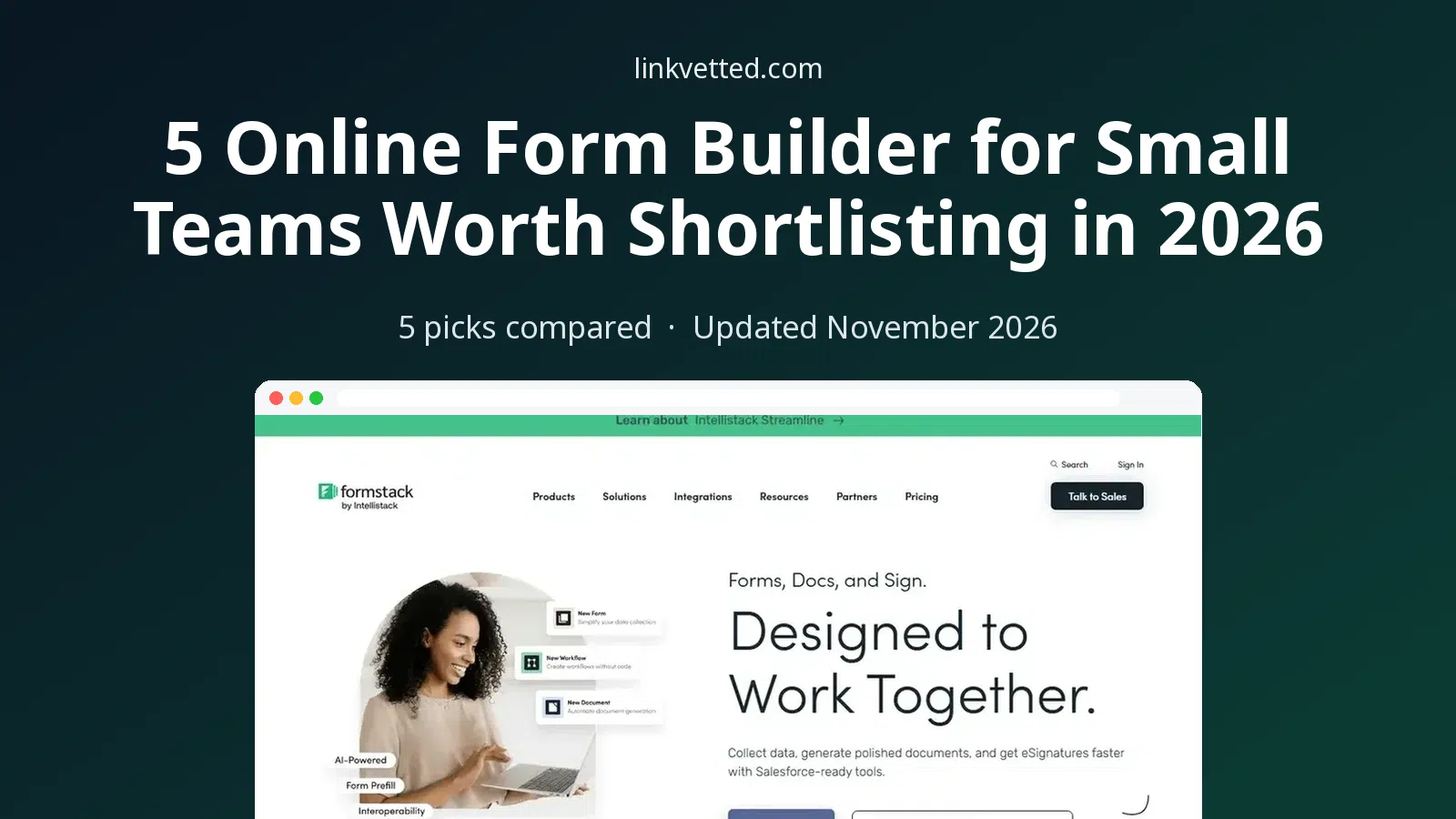
- Editor's choice
 Formstack
Forms with documents and e-signatures
Starts at$83 a monthVisit formstack.comFull review - Great alternative
 Typeform
Conversational surveys and lead capture
Starts atSee websiteVisit typeform.comFull review - Also consider
 Jotform
General forms and surveys
Starts at$34 a monthVisit jotform.comFull review
Direct answer
For Forms with documents and e-signatures, Formstack is where this list starts. Listed starting prices: Formstack from $83 a month, Jotform from $34 a month and Gravity Forms from $59 per year. Look at Typeform for conversational surveys and lead capture, and at Jotform for general forms and surveys. The remaining 2 options are covered below with prices and limits.
TL;DR:
- Top of the list is Formstack, which targets Forms with documents and e-signatures.
- What to know about Typeform first: may be less suited to dense internal forms.
- Cognito Forms suits Forms with approvals and workflows.
- The lowest published monthly entry price here is $24 per month, from Cognito Forms.
- 2 of 5 tools offer a free plan: Jotform, Cognito Forms.
Last checked November 2026. Prices and plan details were read from the vendors' own pages in November 2026; vendors change plans often, so confirm the current price on the vendor site before you buy.
Quick comparison
| Tool | Best for | Starts at | Free plan? | |
|---|---|---|---|---|
| Formstack | Forms with documents and e-signatures | $83 a month | Free trial | Visit |
| Typeform | Conversational surveys and lead capture | See website | Not stated | Visit |
| Jotform | General forms and surveys | $34 a month | Yes | Visit |
| Gravity Forms | Custom WordPress form builds | $59 per year | No | Visit |
 Cognito Forms | Forms with approvals and workflows | $24 per month | Yes | Visit |
The 5 tools in detail
LinkVetted put together this guide to online form builder for small teams for readers who want a clear shortlist without reading every vendor page. It compares 5 tools on starting price, free plans, who each one suits and where each one falls short.
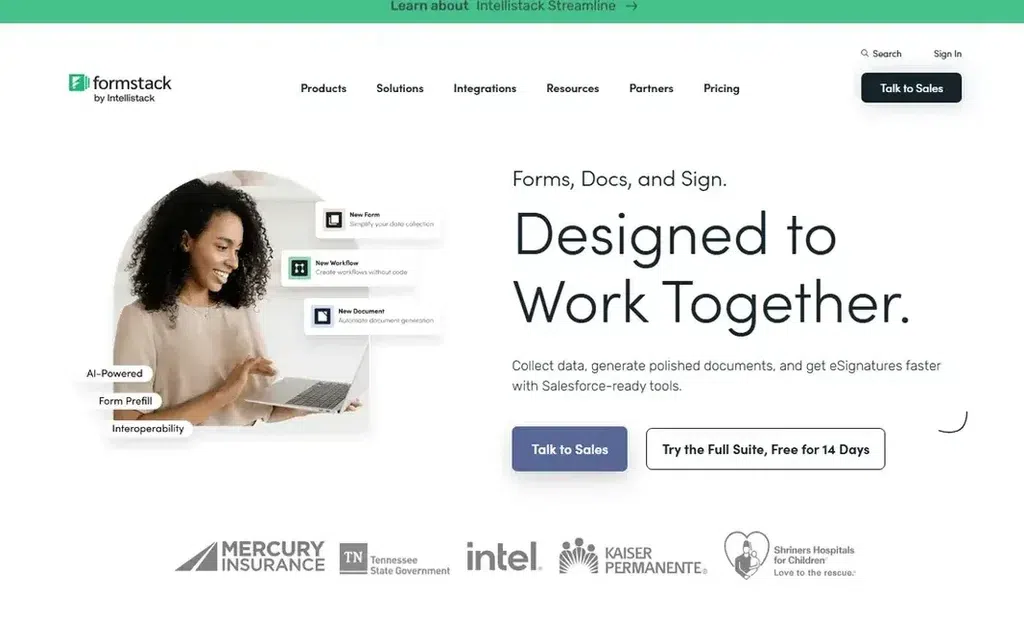
Formstack is a good fit for Forms with documents and e-signatures. Formstack is a system for online forms, document generation, and e-signatures. Its homepage frames the product around secure, easy-to-use forms and simplified workflows.
Where it is weaker: Setup may take more planning.
Choose Formstack when documents, signatures, and workflow steps are central, and verify the specific capabilities on its site. Small teams that require to collect information and then produce documents or signatures in the same flow will find Formstack a natural fit, particularly where process consistency and secure handling are part of the requirement. Formstack cost at the entry level: $83 per month. Free options: Free trial.
- Suited to secure data collection
- Workflow-oriented feature set
- Broader scope than straightforward surveys
In short, Typeform is for conversational surveys and lead capture. Small teams that depend on surveys, lead capture, and a more engaging respondent experience will find Typeform a good fit when the goal is completion and follow-up instead of dense data entry.
On top of that, Typeform is less a strong match for long, complicated internal forms where a traditional layout is simpler to scan. Pick Typeform when respondent experience and follow-up automation matter most, and confirm the workflow features you need on the vendor site. This comparison lists no price for Typeform; ask the vendor. Trial and free access: Not stated.
Drawbacks to consider: Advanced automation needs review.
- AI-assisted form building
- Automatic follow-up workflows
- May be less suited to dense internal forms
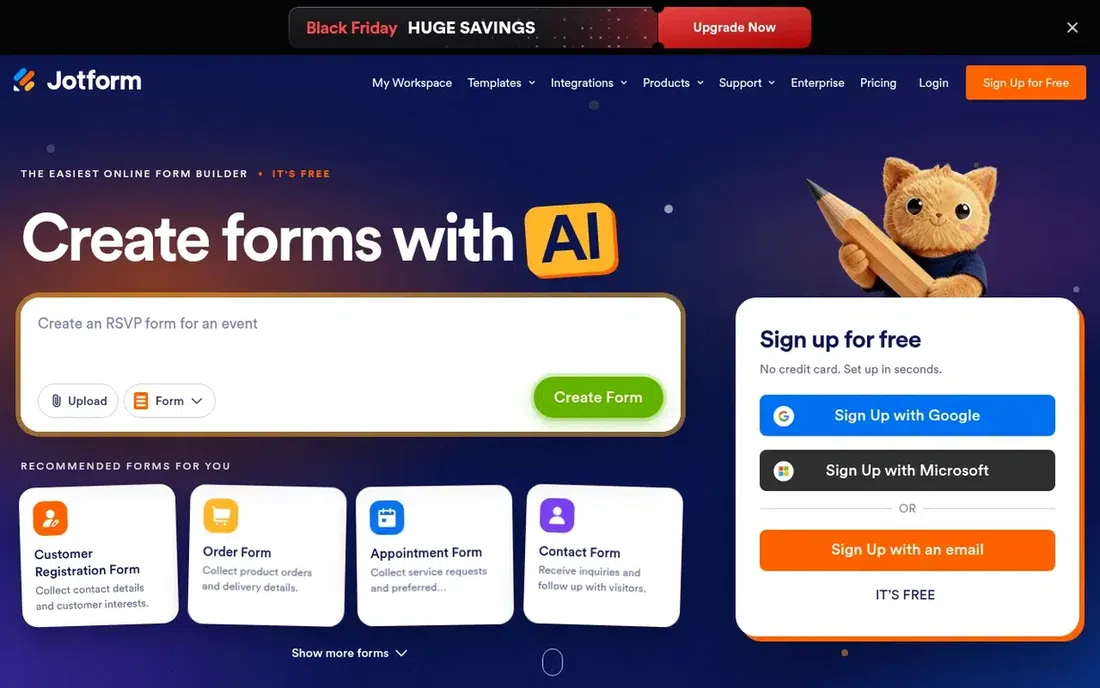
For general forms and surveys, Jotform is a natural candidate. Jotform is an online form builder for creating forms and surveys without code. Its homepage emphasizes speed, letting teams build a form in seconds and share it.
Honest limits: Large form libraries can feel busy.
More specifically, the breadth of choices can mean more setup choices than a minimal team needs. Also, choose Jotform when you want a versatile form and survey builder and can confirm the feature set you need on its site. The starting price for Jotform: $34 per month. Free access exists with Jotform.
- Works for plenty of use cases
- Wide form and survey builder
- Advanced needs may need a premium level
Gravity Forms
Best for: Custom WordPress form builds
For custom WordPress form builds, Gravity Forms is a natural candidate. Small teams with WordPress sites that require tailored forms and want the form layer to stay within their existing site will find Gravity Forms a solid choice, especially when customization matters more than a generic template library.
For everyday use, Gravity Forms is restricted to WordPress, so it is not a fit for teams on other products. What you pay to start with Gravity Forms: $59 per year. Gravity Forms has no free tier.
Honest limits: WordPress-only scope.
- Suits WordPress workflows
- Secure and dependable positioning
- Custom builds can take more setup
Choose Cognito Forms for Forms with approvals and workflows. Cognito Forms is an online form builder with workflow automation. Its homepage describes building forms, collecting data, and automating business workflows with documents, file uploads, signatures, and approvals.
Watch-outs: Workflow setup needs planning.
Choose Cognito Forms when approvals and automatic steps are part of your form process, and confirm the workflow details on its site. In practice, small teams that require forms to move through review or approval steps will find Cognito Forms a practical choice since the workflow features are part of the core product instead of an add-on. If your process is straightforward, a lighter builder can be quicker to adopt. Workflow features take planning to set up well, and teams that only need an entry-level contact or feedback form may not use them. Entry price for Cognito Forms: $24 per month. You can start on Cognito Forms without paying.
- Supports file uploads and signatures
- Workflow automation focus
- May be more than straightforward surveys need
How these tools were picked
LinkVetted used vendor pricing pages and product documentation as the base, then compared plans, free access and documented limits for 5 tools. Figures are shown as the vendors publish them. Billing terms, seat minimums and add-ons can change the real cost. Tools are placed by general fit for online form builder for small teams, with price clarity and free access as tie-breakers. A different team can reasonably rank them differently.
What to check before you buy
- Confirm the entry price on the vendor page. For Typeform that means a quote rather than a fixed price.
- Check what the free option really includes: Jotform and Cognito Forms offer a free plan, and usage caps differ.
- Use real work to test the free trial from Formstack, rather than a demo project.
- Before choosing Formstack, weigh its main limit: broader scope than straightforward surveys.
- Look at which plan of Cognito Forms unlocks the features you need; entry tiers are often cut down.
- The entry price of Gravity Forms is only the starting point; model the full cost with seats and extras.
FAQ
What is the cheapest option for online form builder for small teams in this list?
On published monthly entry prices, Cognito Forms is the lowest here at $24 per month. Entry price is only part of the cost, because seats, add-ons and billing terms can change the total. For the full picture, the cards above cover all 5 entries of this online form builder for small teams list, including price, free plan and limits.
Which options for online form builder for small teams have a free plan?
On this list, Jotform and Cognito Forms include a free plan. Caps on seats, usage or features are common, so test the free plan against your real workload. One other tool offers a trial instead.
Is Formstack the right pick for everyone comparing online form builder for small teams?
No single tool suits every team. Formstack comes first because it fits Forms with documents and e-signatures, while Typeform suits conversational surveys and lead capture and Jotform suits general forms and surveys. Match the tool to your own size, budget and workflow before deciding.
How are the tools for online form builder for small teams ordered?
Formstack sits first and Cognito Forms last because the order follows typical fit for online form builder for small teams, then price clarity and free access. It is a judgement call, so read each profile for fit and limits.
Sources
- https://www.formstack.com
- https://www.typeform.com
- https://www.jotform.com
- https://www.gravityforms.com
- https://www.cognitoforms.com