Best Project Management Tools for Agencies in 2026: 8 Tools Compared
Compare the best project management tools for agencies for client work, time tracking, budgets and billing, with pricing for 2026 buyers in this full guide.

- Editor's choice
 Asana
Campaign planning and approvals
Starts at$10.99 per user per monthVisit asana.comFull review - Great alternative
 monday.com
Visual dashboards and boards
Starts at$9 per seat per monthVisit monday.comFull review - Also consider
 ClickUp
All-in-one workspace on a budget
Starts at$7 per user per monthVisit clickup.comFull review
TL;DR:
- Workamajig and Scoro suit agencies that need projects, budgets, time and billing in one system.
- Teamwork.com suits client-facing agencies that need time tracking, billing and a client portal.
- Asana, monday.com, ClickUp and Wrike suit agencies that mainly need task, approval and dashboard work.
- Productive suits agencies that want project financials without a full enterprise suite.
- Price per seat matters less than who needs a paid seat, including clients and freelancers.
Quick comparison
| Tool | Best for | Starts at | Free plan? | |
|---|---|---|---|---|
| Asana | Campaign planning and approvals | $10.99 per user per month | Yes | Visit |
| monday.com | Visual dashboards and boards | $9 per seat per month | Yes | Visit |
| ClickUp | All-in-one workspace on a budget | $7 per user per month | Yes | Visit |
 Teamwork.com | Client work and billing | $9.99 per user per month | Yes | Visit |
 Wrike | Creative intake and proofing | $10 per user per month | Yes | Visit |
 Workamajig | Agency projects, budgets and billing | See website | No | Visit |
 Scoro | Agency financials and resourcing | See website | No | Visit |
 Productive | Agency project profitability | $10 per user per month | No | Visit |
The best project management tools for agencies
We compared the best project management tools for agencies on client work, time tracking, budgets, billing, approvals and reporting. The best tools for agency project management balance day-to-day task work with the financial view leaders need.

Asana suits agencies that run campaigns and cross-functional projects with clear ownership. List, board, timeline and calendar views help teams plan work, while approvals and forms handle client sign-off. Free guest access on paid plans helps agencies invite clients without buying a seat for every reviewer.
Asana does not generate client invoices on its own, so hours still travel to an accounting tool at month-end. For agencies that already have solid finance software, Asana covers the project side well. For agencies that want billing inside the same tool, Teamwork, Workamajig or Scoro fit better.
- Clear task, timeline and portfolio views
- Workflow automation and approvals
- Free guests on paid plans
- No native invoicing
- Advanced features need higher tiers
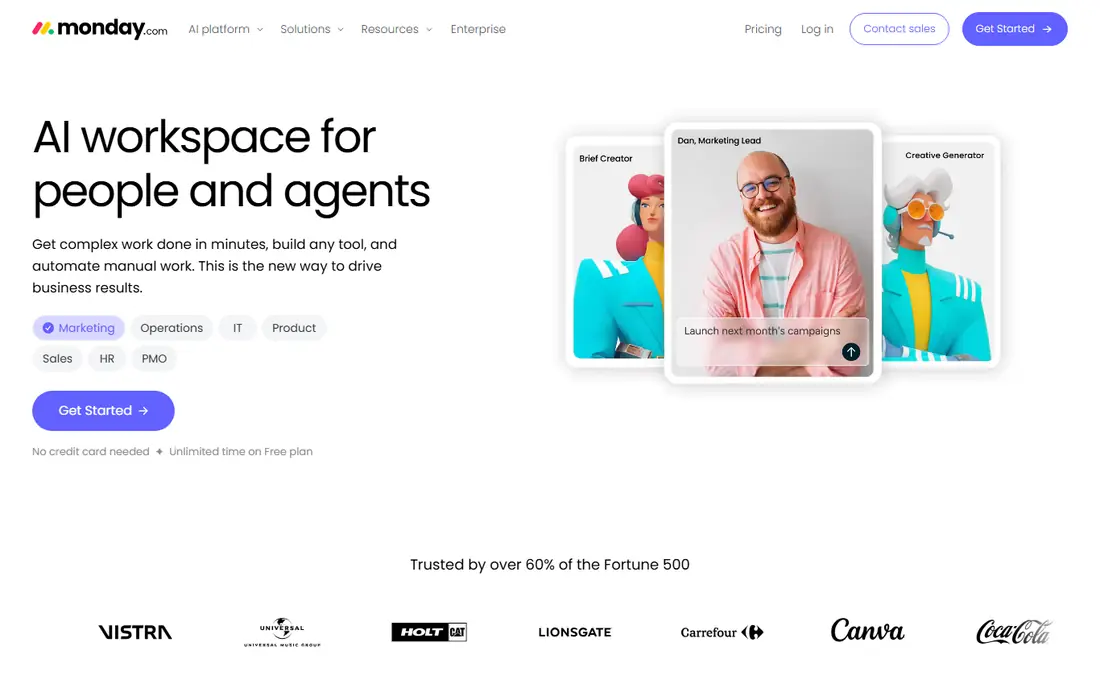
monday.com suits agencies where adoption is the main problem. Boards are colorful and readable, automations are approachable, and clients who just want to watch progress usually understand a board without a tour. Dashboards give managers a fast read on project health across clients.
The pricing details matter. Paid plans start at $9 per seat per month for Basic, with a three-seat minimum, and Standard caps automations at 250 actions per month. Time tracking sits on Pro, and invoicing needs a separate tool. For visual teams with a separate finance process, monday.com works well.
- Visual, color-coded boards
- Approachable automation
- Dashboards for project health
- Three-seat minimum on paid plans
- Time tracking and deeper features need higher tiers
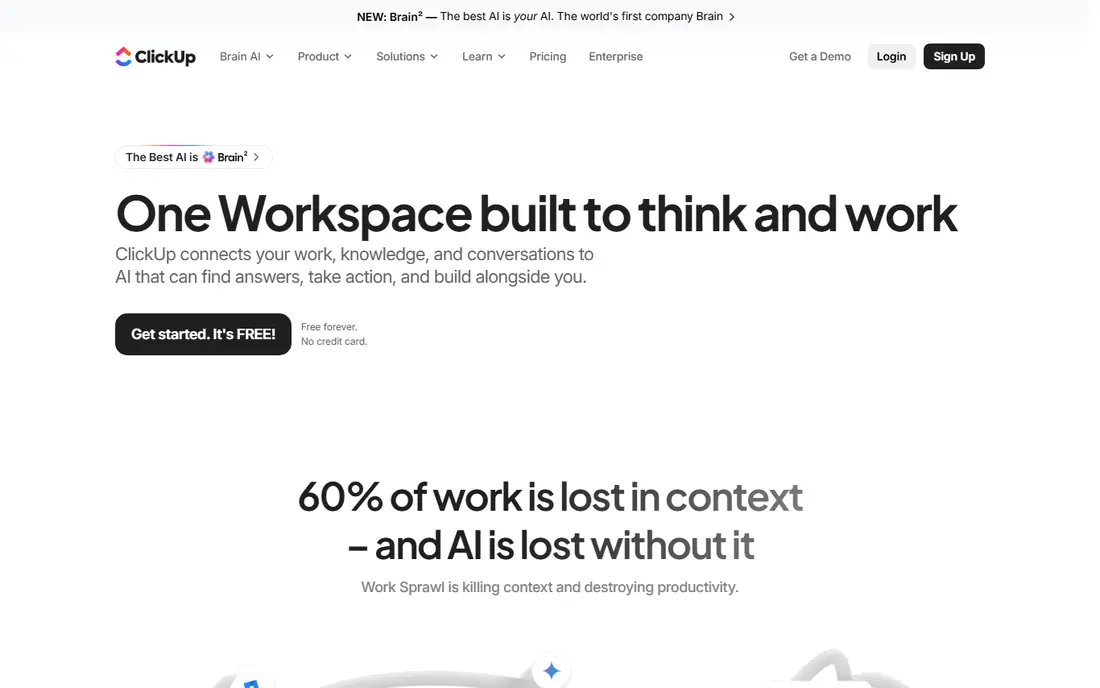
ClickUp suits budget-conscious agencies that want one workspace for tasks, docs, goals and dashboards. Unlimited starts at $7 per user per month billed yearly, with a free plan for testing. That price makes it attractive for small agencies that need many features without enterprise cost.
The breadth is also the drawback. Teams that want a simple tool may find ClickUp complex to set up, and agencies that need strong billing may still need a finance tool. For agencies willing to invest setup time, ClickUp offers broad value.
- Low entry price
- Tasks, docs and dashboards in one place
- Free plan for testing
- Setup can feel complex
- Some teams find the breadth overwhelming
Teamwork.com suits client-facing agencies that need time tracking and billing alongside projects. Basics starts at $9.99 per user per month, with Accelerate at $24.99 per user per month for deeper features. Client views, time logs and invoicing help agencies show work and bill for it in one system.
Higher-tier reporting and resource features cost more, so price the plan you will actually need, not just the entry plan. For agencies that bill by time or project and share progress with clients, Teamwork.com is a strong middle ground.
- Client-facing project views
- Time tracking and billing
- Agency-focused templates
- Advanced reporting needs higher tiers
- Some features sit on Optimize or Enterprise plans
Wrike suits larger creative and marketing teams that need intake, proofing and resource planning. Team starts at $10 per user per month, with Business at $25 per user per month for deeper reporting and resource tools. Proofing helps creative teams collect feedback on assets without long email threads.
Wrike can feel complex to set up, especially for small agencies. For teams that handle many creative requests and need formal approvals, that structure pays off. For simple task tracking, Asana or ClickUp may be faster to adopt.
- Creative request intake
- Proofing and approvals
- Resource planning on higher tiers
- Setup can be complex
- Business features cost $25 per user per month
Workamajig suits agencies and in-house creative groups that need budgets, time tracking and billing in the same system as projects. It is built for agency workflows, with project financials, resource views and client billing that general tools lack. That focus helps leaders see which clients and projects are actually profitable.
Workamajig is priced by quote, with agency plans often starting around $49 per user per month and a ten-user minimum in some listings. Small agencies may find that cost and minimum hard to justify. For larger agencies, the combined project and finance view often replaces several tools.
- Built for agencies and creative studios
- Projects, budgets, time and billing together
- Profitability views
- Pricing by quote
- Minimum user count on agency plans
Scoro suits agencies that want a full work management and financial view, from quoting to invoicing to profitability. It combines project planning, resource scheduling, time tracking and billing, so leaders can see capacity and margin together. That breadth helps agencies that outgrow a task-only tool.
Scoro is priced by quote, and implementation takes planning. Small agencies may prefer Teamwork or Productive for a faster start. For agencies that need quoting, resourcing and financial reporting in one place, Scoro is a strong enterprise-grade pick.
- Projects, resources and financials in one system
- Quoting and invoicing
- Profitability reporting
- Pricing by quote
- Setup is a project for larger teams
Productive suits agencies that want to see project profitability without a full enterprise suite. Essential starts at $10 per user per month, with time tracking, budgets and invoicing for client work. That makes it a practical step up from a task-only tool for agencies that bill by project or retainer.
Productive is less broad than Scoro for very large teams with complex resourcing needs. For small and mid-size agencies, it offers a clear financial view at a lower entry price than Workamajig or Scoro.
- Project budgets and profitability views
- Time tracking and invoicing
- Agency-focused workflows
- Less broad than Scoro for large enterprises
- Some features need higher tiers
How we picked these
We compared official pricing and feature pages, plus public reviews, for tools used by agencies in October 2026. We favored tools with client work features, time tracking, approvals or billing, not general task tools with no agency view. We kept a mix of general, agency-built and financial tools.
How to choose an agency tool
Start with billing. If you bill by time, you need time tracking and invoicing in or beside the tool. If you bill by retainer or project, you need budgets and profitability views more than minute-level tracking. Next, check client access, because free guests, client portals and permission controls change total cost.
Check who needs a paid seat
Price per seat matters less than who needs one. Asana offers free guests on paid plans, while other tools charge for clients or freelancers at higher tiers. Count clients, contractors and reviewers before comparing headline prices, and test the client view with a real client if possible.
Pilot with one client team
Run a pilot with one client team for a month, covering intake, delivery, time, billing and reporting. That pilot reveals whether approvals, proofing and financial views actually work for your workflow, before you migrate every client.
Make utilization and margin visible weekly
Agency leaders need more than task completion to run a healthy business. Review utilization, booked time, project budgets and margin each week, not just at month-end, so over-servicing and under-pricing show up early. Share a simple client profitability view with project leads, and use it to discuss scope, staffing and pricing before a project drifts. Weekly visibility turns project data into decisions, rather than a report that arrives too late to change anything.
FAQ
What is the best project management tool for agencies?
Workamajig and Scoro suit agencies that need projects, budgets and billing together, while Teamwork.com suits client-facing work with time and billing. Asana, monday.com and ClickUp suit agencies that mainly need task and approval work, with finance handled elsewhere.
Do agencies need a special project management tool?
Not always. Small agencies can start with Asana, monday.com or ClickUp, and add finance software separately. Agencies that bill by time or need profitability by client often benefit from an agency-built tool such as Workamajig, Scoro, Productive or Teamwork.com.
How much do agency project management tools cost?
Entry prices range from $7 per user per month for ClickUp Unlimited to $10.99 for Asana Starter, $9 for monday.com Basic and $9.99 for Teamwork.com Basics, with Workamajig and Scoro priced by quote. Higher tiers with proofing, workload views or advanced reporting usually cost $19 to $25 or more per user.
Can clients access agency project tools for free?
It depends on the tool. Asana offers free guests on paid plans, monday.com offers a free plan for up to two users, and other tools vary by tier. Check guest, collaborator and client portal rules before inviting clients, since those rules affect total cost.
What features matter most for agencies?
Client views, time tracking, budgets, billing, approvals and profitability reporting matter most, alongside task views and dashboards. A tool that covers tasks but not billing will leave finance work in spreadsheets, while a tool that covers billing but not approvals may slow creative work.