Best Os Imaging & Deployment Software for 2026: Our 5 Vetted Picks
Weighing the best os imaging & deployment software? We lined up 5 products by cost, free access and fit. Each profile ends with a plain caveat. Compare quickly.
- Editor's choiceFOG Project
Free open-source network cloning
Starts atSee websiteVisit fogproject.orgFull review - Great alternativeSmartDeploy
Teams comparing choices in this category
Starts at$1,100 per yearVisit smartdeploy.comFull review - Also consider
 Acronis Cyber Protect
Integrated backup and imaging
Starts atSee websiteVisit acronis.comFull review
Direct answer
Our first pick is FOG Project, best for free open-source network cloning. Listed starting prices: SmartDeploy from $1,100 per year. SmartDeploy fits teams comparing choices in this category; Acronis Cyber Protect fits integrated backup and imaging. Details, prices and limits for the rest of the 5 tools are below.
TL;DR:
- FOG Project is the opening pick, best for free open-source network cloning.
- Microsoft Deployment Toolkit fits Scripted Windows deployment at no cost.
- FOG Project, Microsoft Deployment Toolkit and the 3 others all need a premium plan or a trial, since no free plan is listed.
- Veeam Backup & Replication comes with a trade-off: Deployment features are secondary.
Last checked November 2026. Prices and plan details were read from the vendors' own pages in November 2026; vendors change plans often, so confirm the current price on the vendor site before you buy.
Quick comparison
| Tool | Best for | Starts at | Free plan? | |
|---|---|---|---|---|
| FOG Project | Free open-source network cloning | See website | Not stated | Visit |
| SmartDeploy | Teams comparing choices in this category | $1,100 per year | Not stated | Visit |
| Acronis Cyber Protect | Integrated backup and imaging | See website | Not stated | Visit |
| Veeam Backup & Replication | Virtual and cloud workload recovery | See website | Free trial | Visit |
| Microsoft Deployment Toolkit | Scripted Windows deployment at no cost | See website | Not stated | Visit |
The best os imaging & deployment software
If you are comparing os imaging & deployment software, this page covers 5 tools in one place: what each is best for, what it costs to start, whether it has a free plan, and the main limit to know about.
FOG Project
Best for: Free open-source network cloning
Where FOG Project fits: free open-source network cloning. FOG Project is a free open-source network computer cloning and management option. It lets IT teams to capture and deploy images over the network, making it a practical choice for schools, labs, and budget-conscious organizations that require entry-level cloning and management without licensing fees.
FOG depends on community support and needs Linux administration skills to set up and maintain. Its feature set is more restricted than commercial deployment suites, notably for driver management and automation. Choose a commercial tool if you need vendor-backed support and advanced provisioning workflows. FOG Project shows no starting price here, so confirm the cost on the vendor site. Trial and free access: Not stated.
The main drawbacks: Needs Linux server administration.
- No cost
- Network-based cloning
- Community-driven support
SmartDeploy
Best for: Teams comparing choices in this category
SmartDeploy works best for teams comparing choices in this category. It comes with driver packs and a straightforward console, making it a solid fit for IT teams that want to deploy a single image across diverse hardware without broad scripting.
What to check first: Restricted to Windows deployment.
The starting price for SmartDeploy: $1,100 per year. Free options: Not stated.
- Straightforward console
- Cuts image maintenance
- Commercial product
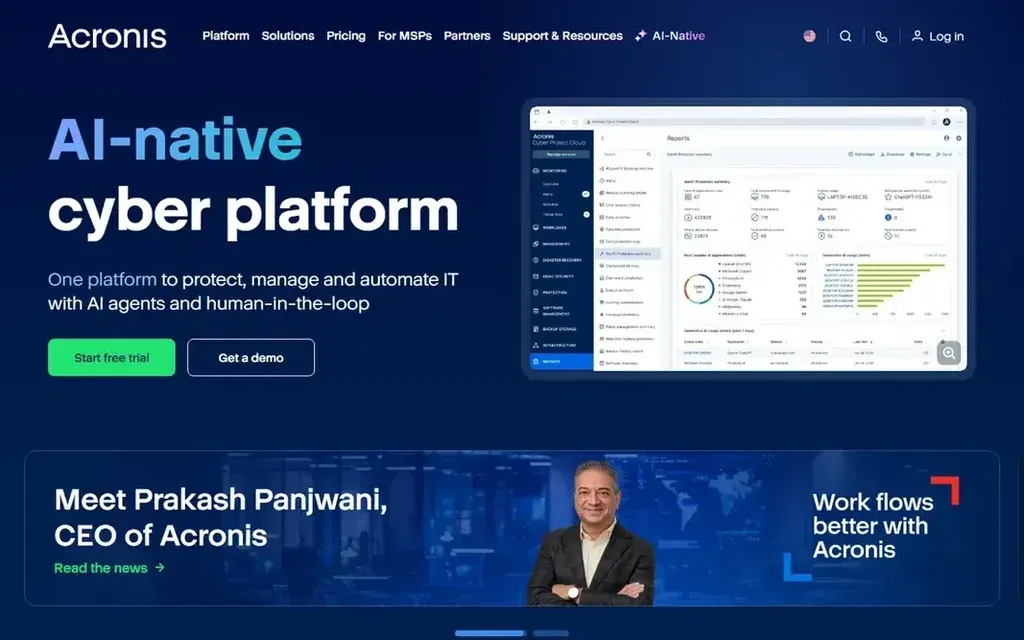
For integrated backup and imaging, Acronis Cyber Protect is a natural candidate. Acronis Cyber Protect is a data protection system that contains disk imaging and recovery capabilities alongside backup and cybersecurity features.
For everyday use, choose a specialized deployment tool if automatic image creation and distribution are your primary needs. This comparison lists no price for Acronis Cyber Protect; ask the vendor. Free access: Not stated.
Limits to weigh: Wide feature set can overwhelm.
- Supports physical and virtual systems
- Merges backup with imaging
- Not a dedicated deployment tool
Veeam Backup & Replication
Best for: Virtual and cloud workload recovery
Veeam Backup & Replication was built for virtual and cloud workload recovery. Veeam Backup & Replication gives secure data protection for workloads on-premises and in the cloud, with backup and instant recovery capabilities.
Watch-outs: Deployment features are secondary.
It is a good fit for organizations that require steady recovery of virtual machines and want imaging-like protection without a separate backup product. Worth adding: Veeam is primarily a backup and replication tool, not an OS deployment product, so it lacks task sequences for bare-metal provisioning. Veeam Backup & Replication does not show a starting price in this comparison, so check the vendor site for current pricing. On free options: Free trial.
- Instant recovery features
- Solid virtual machine support
- Concentrated on backup and replication
Microsoft Deployment Toolkit
Best for: Scripted Windows deployment at no cost
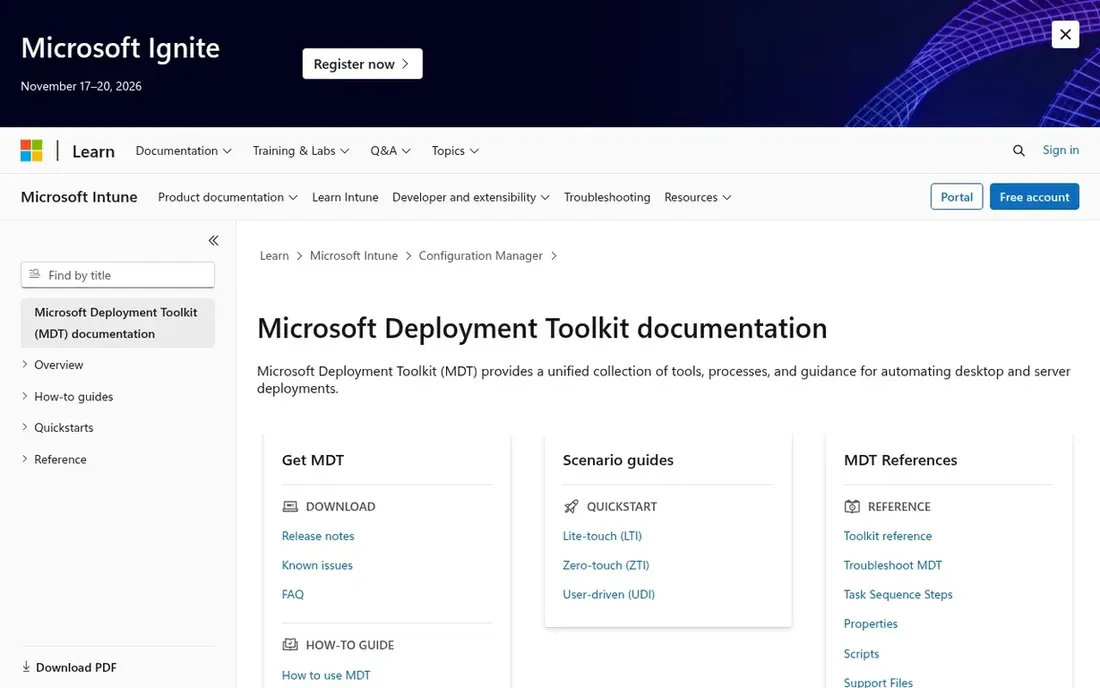
Microsoft Deployment Toolkit targets Scripted Windows deployment at no cost. Microsoft Deployment Toolkit (MDT) is a free collection of tools, processes, and guidance for automating desktop and server deployments. It uses task sequences to script imaging, driver injection, and application installation, making it a solid fit for IT teams comfortable with Windows deployment workflows and looking to standardize builds without licensing costs.
In practice, MDT lacks a modern graphical console and relies on scripts and configuration files, so setup and maintenance demand expertise. It is Windows-centric and not a strong match for mixed-OS fleets. This comparison lists no price for Microsoft Deployment Toolkit; ask the vendor. Free access: Not stated.
Drawbacks to consider: Restricted non-Windows support.
- Connects with Configuration Manager
- Free Microsoft tool
- Needs scripting knowledge
Selection criteria
The comparison looks at four things: starting price, free access, how well the feature set matches os imaging & deployment software, and the main limit of each tool. Plan names, prices and limits change often. Treat the figures here as a starting point and verify them with the vendor. Order on the page follows fit for the typical buyer first, then price transparency and free access. Your own requirements should decide the final pick.
Things to verify first
- Confirm the entry price on the vendor page. For FOG Project, Acronis Cyber Protect, Veeam Backup & Replication and Microsoft Deployment Toolkit that means a quote rather than a fixed price.
- Use real work to test the free trial from Veeam Backup & Replication, rather than a demo project.
- Before choosing FOG Project, weigh its main limit: community-driven support.
- List the apps you already depend on and check that Microsoft Deployment Toolkit supports each one on the plan you would buy.
- Ask FOG Project which support channels and response times come with the plan you would buy.
FAQ
How are the tools for os imaging & deployment software ordered?
FOG Project sits first and Microsoft Deployment Toolkit last because the order follows typical fit for os imaging & deployment software, then price clarity and free access. It is a judgement call, so read each profile for fit and limits.
Is FOG Project the right pick for everyone comparing os imaging & deployment software?
No single tool suits every team. FOG Project comes first because it fits free open-source network cloning, while SmartDeploy suits teams comparing options in this category and Acronis Cyber Protect suits integrated backup and imaging. Match the tool to your own size, budget and workflow before deciding.
Can I try these options before paying?
Often, yes. Veeam Backup & Replication offers a free trial. Use your own data and a real task during the test, and check what the free tier or trial limits before you rely on it.
What is the difference between OS imaging and deployment software?
OS imaging software records a system image that can be replicated to other machines, whereas deployment software automates the process of installing and configuring operating systems across plenty of devices.
Do these tools publish their prices?
Not all of them. FOG Project, Acronis Cyber Protect, Veeam Backup & Replication and Microsoft Deployment Toolkit publish no starting price, so expect a quote request for those. The rest, SmartDeploy included, show a starting price, though seats and billing terms still change the final cost.
Sources
- https://fogproject.org
- https://www.smartdeploy.com
- https://www.acronis.com/en-us/products/cyber-protect
- https://www.veeam.com/vm-backup-recovery-replication-software.html
- https://learn.microsoft.com/en-us/mem/configmgr/mdt