Best Online Time Management Tools in 2026: Prices, Free Plans and 6 Picks
Compare 6 best online time management tools, with prices, free plans and who each fits. Trade-offs are spelled out for each entry. Reviewed in November 2026.
- Editor's choice
 TickTick
Tasks, calendar, and habits together
Starts at$49.99 per yearVisit ticktick.comFull review - Great alternative
 Harvest
Time tracking tied to invoicing
Starts at$9 per seat per monthVisit getharvest.comFull review - Also consider
 RescueTime
Automatic background time tracking
Starts at$7 per monthVisit rescuetime.comFull review
Direct answer
Our first pick is TickTick, best for tasks, calendar, and habits together. Listed starting prices: TickTick from $49.99 per year, Harvest from $9 per seat per month and RescueTime from $7 per month. For a different need, Harvest covers time tracking tied to invoicing and RescueTime covers automatic background time tracking. The remaining 3 options are covered below with prices and limits.
TL;DR:
- The list opens with TickTick, aimed at tasks, calendar, and habits together.
- One limit worth knowing about Harvest: invoicing focus may not suit all teams.
- The cheapest monthly starting price in the list is $5 per month, offered by Todoist.
- Free plans exist at 5 of 6 tools (TickTick, Harvest, Todoist, Clockify, ClickUp).
- For all-in-one work management, ClickUp is worth a look.
Last checked November 2026. Prices and plan details were read from the vendors' own pages in November 2026; vendors change plans often, so confirm the current price on the vendor site before you buy.
Quick comparison
| Tool | Best for | Starts at | Free plan? | |
|---|---|---|---|---|
| TickTick | Tasks, calendar, and habits together | $49.99 per year | Yes | Visit |
| Harvest | Time tracking tied to invoicing | $9 per seat per month | Yes | Visit |
| RescueTime | Automatic background time tracking | $7 per month | Free trial | Visit |
 Todoist | Organizing tasks and to-do lists | $5 per month | Yes | Visit |
 Clockify | Straightforward time tracking and timesheets | See website | Yes | Visit |
 ClickUp | All-in-one work management | $9 per user a month | Yes | Visit |
Our 6 online time management tools
This LinkVetted guide covers 6 online time management tools. Each profile lists a starting price, free plan details, strengths and drawbacks, so you can drop poor fits quickly.
Think of TickTick for tasks, calendar, and habits together. TickTick is a to-do list and calendar app that also spans habits and more.
Its homepage describes an all-in-one productivity app for managing tasks, calendars, and habits with syncing across devices. The range of features can also feel busy if you only want an entry-level list. TickTick starts at: $49.99 per year. You can start on TickTick without paying.
Where it falls short: Lighter reporting than trackers.
- Syncs across devices
- Habit tracking included
- Feature set can feel busy
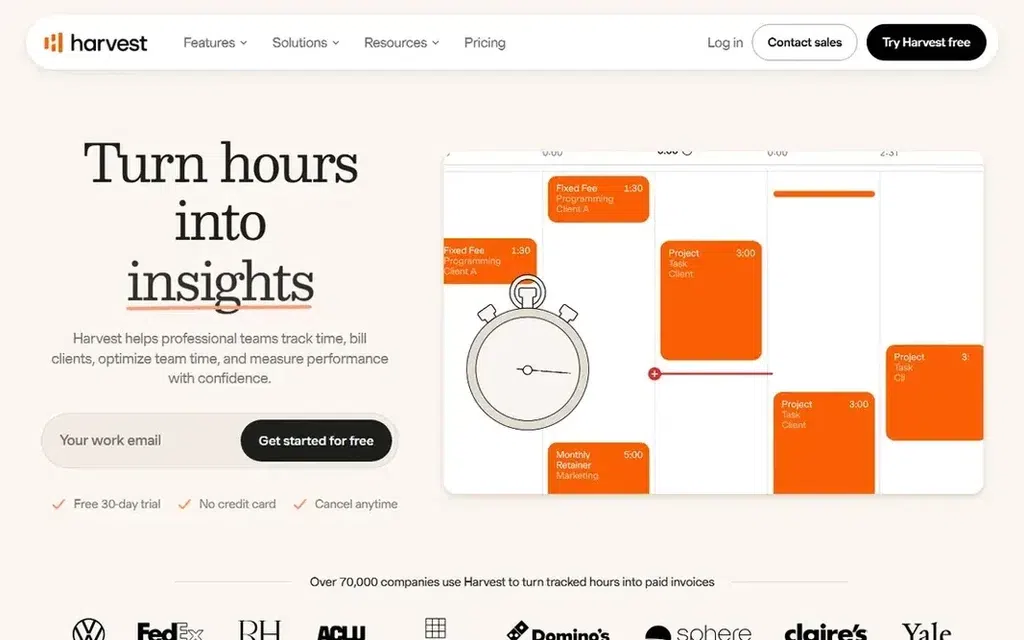
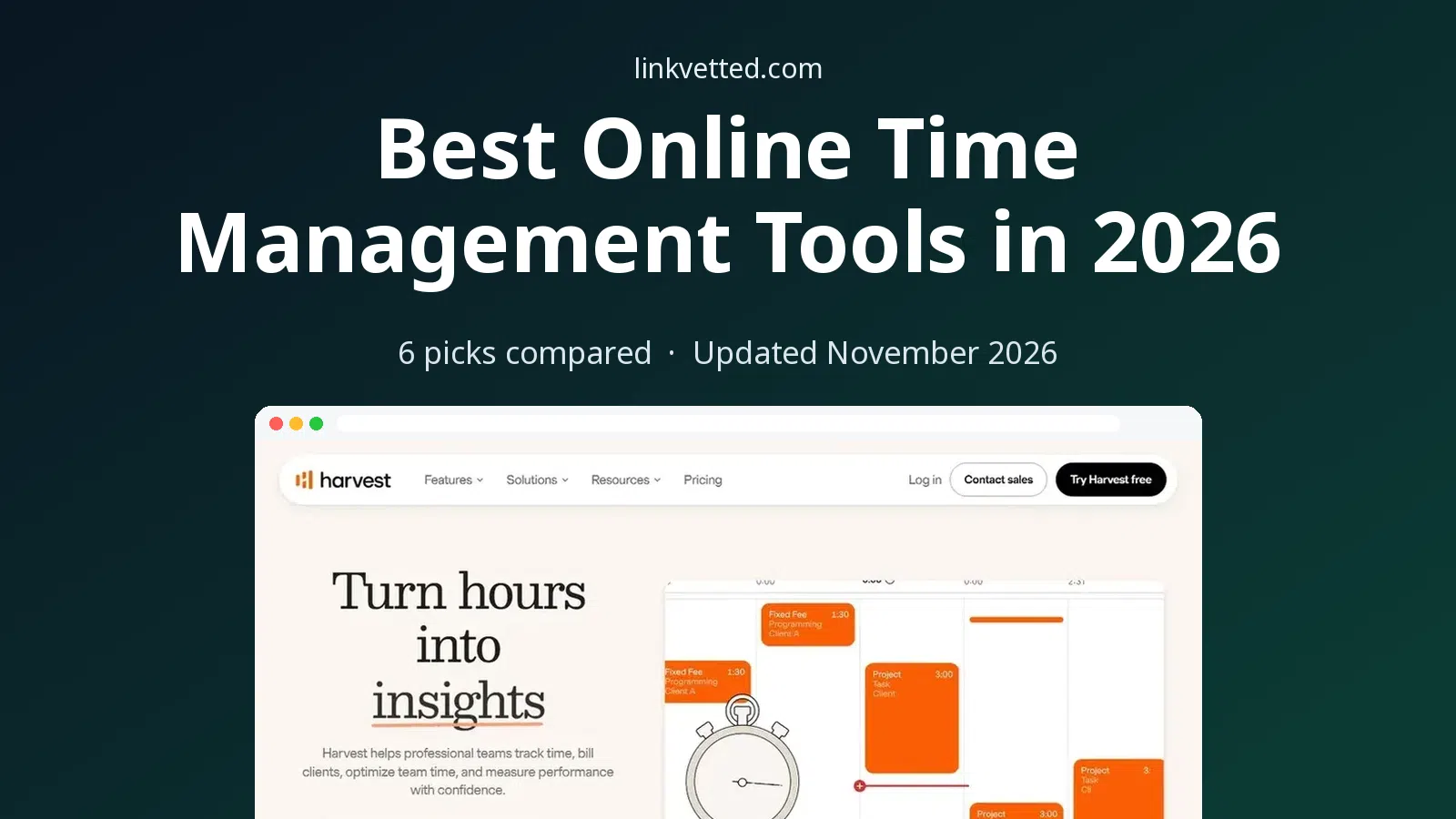
Think of Harvest for time tracking tied to invoicing. Harvest is time tracking and management software with reporting and simplified online invoicing. Its homepage describes powerful yet simple reporting paired with invoicing, which makes it a decent match for consultants, agencies, and service firms that turn tracked hours into client bills.
Limits to weigh: Fewer task-planning features.
The invoicing emphasis means teams that do not bill clients may not use much of the value, and task planning is lighter than in full project suites. Pick Harvest when billable hours and client invoicing drive your workflow. Harvest pricing: $9 per seat per month. A free plan is available with Harvest.
- Simple reporting
- Time tracking with reporting
- Invoicing focus may not suit all teams
For automatic background time tracking, RescueTime is a natural candidate. RescueTime concentrates on automatic time tracking, recording activity in the background rather than relying on a manual timer. Its homepage describes goals, project tracking, time management, and a timesheet app for freelancers, small companies, project management, and employees.
The main drawbacks: Less suited to client billing.
More specifically, because tracking happens automatically, it is less oriented toward client billing and in-depth project invoicing than trackers built around billable hours. Choose RescueTime when awareness of daily habits and focus matters more than billing. RescueTime starts at: $7 per month. As for free access: Free trial.
- Automatic time tracking
- Works without manual timers
- Depends on background monitoring
Todoist targets organizing tasks and to-do lists. Todoist is a to-do list app for organizing work and life. Its homepage frames it as a place to structure tasks, and it fits individuals and teams that want a dependable list system for planning the day and week.
Worth adding: teams that require capacity planning or invoicing should pair it with a tracker. In practice, Todoist does not track hours or produce timesheets. So it is not a fit for billing or in-depth time analysis on its own. If time management for you means deciding what to do next and keeping commitments visible, Todoist provides that structure without the overhead of a full project suite. What you pay to start with Todoist: $5 per month. Free access exists with Todoist.
Points against: No built-in hour tracking.
- Clean to-do list structure
- Works for personal and team tasks
- Not a billing tool
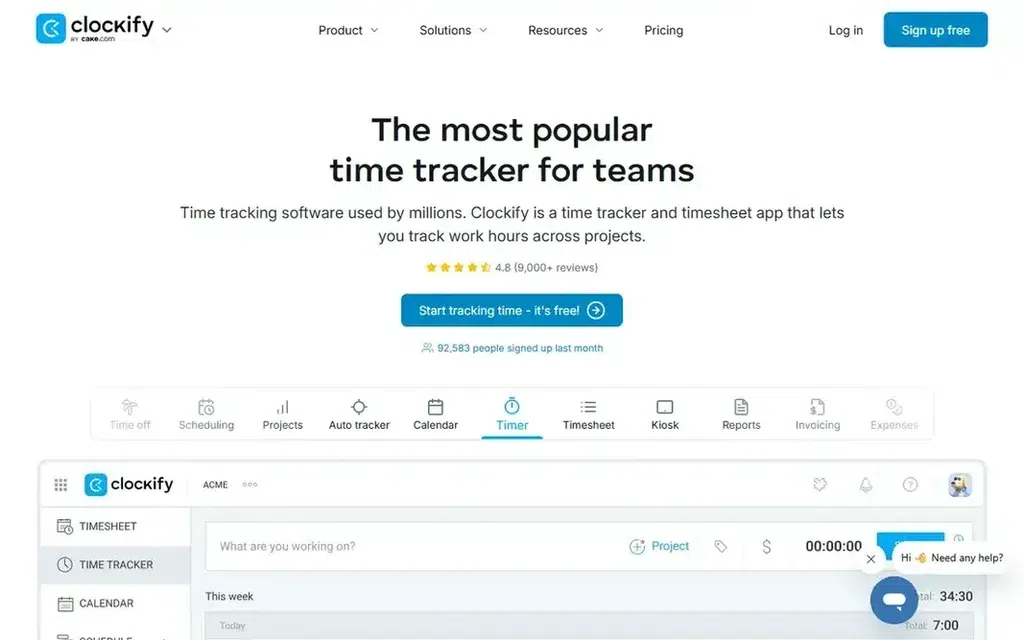
Clockify is built with straightforward time tracking and timesheets in mind. Clockify is a time tracking tool built around a straightforward timer and timesheet app. It lets you log work hours across projects, which makes it a natural fit for freelancers, contractors, and small teams that require a clear record of where time goes.
In daily use, consider a broader work product if scheduling and project management matter as much as the timer. Pick Clockify when accurate hour logging is the priority. Check the vendor site for Clockify pricing; none is listed in this comparison. Free access exists with Clockify.
What to check first: Lighter on task planning.
- Straightforward setup
- Tracks hours across projects
- Advanced reporting may need setup
ClickUp is aimed squarely at all-in-one work management. Its homepage states a mission to make the world more productive. The breadth can make setup and navigation heavier than a focused tracker, and teams that only need a timer may find it excessive.
What to check first: Can be complicated to configure.
For teams that want time management folded into a wider work product, with goals and documents alongside tasks, ClickUp provides one place to coordinate projects and priorities instead of stitching multiple tools together. Beyond that, pick ClickUp when you want tasks, goals, and collaboration unified and are prepared to configure it. Price to start with ClickUp: $9 per user per month. ClickUp includes a free tier.
- Tasks, docs, goals, chat
- Wide work management scope
- Overkill for simple time logging
How we chose
Each tool was reviewed on what its vendor publishes: price, plan limits, core features and stated drawbacks. We did not run hands-on tests. Treat prices as a snapshot: vendors change plans often, so check the vendor site for the figure that applies today. Tools are placed by general fit for online time management tools, with price clarity and free access as tie-breakers. A different team can reasonably rank them differently.
A buyer's checklist
- Get a written quote from Clockify; the list shows no starting price for them.
- Look at free plan limits closely: TickTick, Harvest, Todoist and others have one, and the caps decide whether it is usable for real work.
- Run a trial of RescueTime with real work before paying for a year; your own workflow is the best test.
- Before choosing TickTick, weigh its main limit: lighter reporting than trackers.
- Involve the people who will use RescueTime daily; a short pilot beats a long feature checklist.
- The entry price of Clockify is only the starting point; model the full cost with seats and extras.
FAQ
What is the cheapest option for online time management tools in this list?
On published monthly entry prices, Todoist is the lowest here at $5 per month. Entry price is only part of the cost, because seats, add-ons and billing terms can change the total. All 6 picks in this online time management tools comparison list a starting price, free plan details and the main limits on their cards above.
Is TickTick the right pick for everyone comparing online time management tools?
No single tool suits every team. TickTick comes first because it fits tasks, calendar, and habits together, while Harvest suits time tracking tied to invoicing and RescueTime suits automatic background time tracking. Match the tool to your own size, budget and workflow before deciding.
Do these tools publish their prices?
Not all of them. Clockify publishes no starting price, so expect a quote request for it. The rest, TickTick included, show a starting price, though seats and billing terms still change the final cost.
How are the tools for online time management tools ordered?
The order follows typical fit for online time management tools, with TickTick first and ClickUp last, then price clarity and free access. It is editorial judgement, not a score, so another team could rank the tools differently.
Which tool is a good match for a freelancer who bills clients?
The first pick on this list is TickTick, because it suits tasks, calendar, and habits together. Harvest is better for time tracking tied to invoicing, and RescueTime for automatic background time tracking. Check price and limits against your own needs before choosing.
Can I use a to-do app to run my time?
Yes, if your primary challenge is deciding what to work on and keeping commitments visible. They do not track hours, so pair them with a tracker if you need timesheets.
Sources
- https://ticktick.com
- https://www.getharvest.com
- https://www.rescuetime.com
- https://todoist.com
- https://clockify.me
- https://clickup.com