6 Online Form Builder for Law Firms Worth Shortlisting in 2026
6 best online form builder for law firms, compared on pricing, free plans and best-fit use. Fit and flaws are laid out for each entry. Costs up front.
- Editor's choice
 Jotform
Quick, simple form creation
Starts at$34 per monthVisit jotform.comFull review - Great alternative
 MyCase
Businesses managing cases, clients and payments together
Starts at$50 per user per monthVisit mycase.comFull review - Also consider
 Cognito Forms
Forms with workflow automation
Starts at$24 a monthVisit cognitoforms.comFull review
Direct answer
Jotform leads the list, best for quick, easy form creation. Listed starting prices: Jotform from $34 per month, MyCase from $50 per user per month and Cognito Forms from $24 a month. MyCase is the stronger choice for businesses managing cases, clients and payments together, while Cognito Forms suits Forms with workflow automation. The full list of 6 tools follows, with prices and free plan facts.
TL;DR:
- This list starts with Jotform, which is built for quick, simple form creation.
- Lawmatics fits legal marketing and intake automation.
- Before buying MyCase, weigh this: not a standalone form builder.
- Jotform, Cognito Forms: these are the 2 tools out of 6 that offer a free plan.
- For the cheapest start, look at Cognito Forms: $24 per month.
Last checked November 2026. Prices and plan details were read from the vendors' own pages in November 2026; vendors change plans often, so confirm the current price on the vendor site before you buy.
Quick comparison
| Tool | Best for | Starts at | Free plan? | |
|---|---|---|---|---|
| Jotform | Quick, simple form creation | $34 per month | Yes | Visit |
| MyCase | Businesses managing cases, clients and payments together | $50 per user per month | Free trial | Visit |
| Cognito Forms | Forms with workflow automation | $24 a month | Yes | Visit |
 Smokeball | Law businesses wanting forms within practice management | See website | Not stated | Visit |
 Typeform | Engaging forms with automation | See website | Not stated | Visit |
 Lawmatics | Legal marketing and intake automation | See website | Not stated | Visit |
Online Form Builder for Law Firms compared in detail
If you are comparing online form builder for law firms, this page covers 6 tools in one place: what each is best for, what it costs to start, whether it has a free plan, and the main limit to know about.
Where Jotform fits: quick, simple form creation. Jotform is a free online form builder that lets you build forms and surveys easily.
Points against: Not legal-specific.
In practice, businesses needing forms tightly integrated with legal workflows may prefer Smokeball or MyCase. Worth adding: for law businesses, it can manage client intake, questionnaires, and feedback collection without requiring legal-specific software. Price to start with Jotform: $34 per month. Jotform has a free plan.
- Build forms and surveys easily
- Fast setup
- May need separate case management
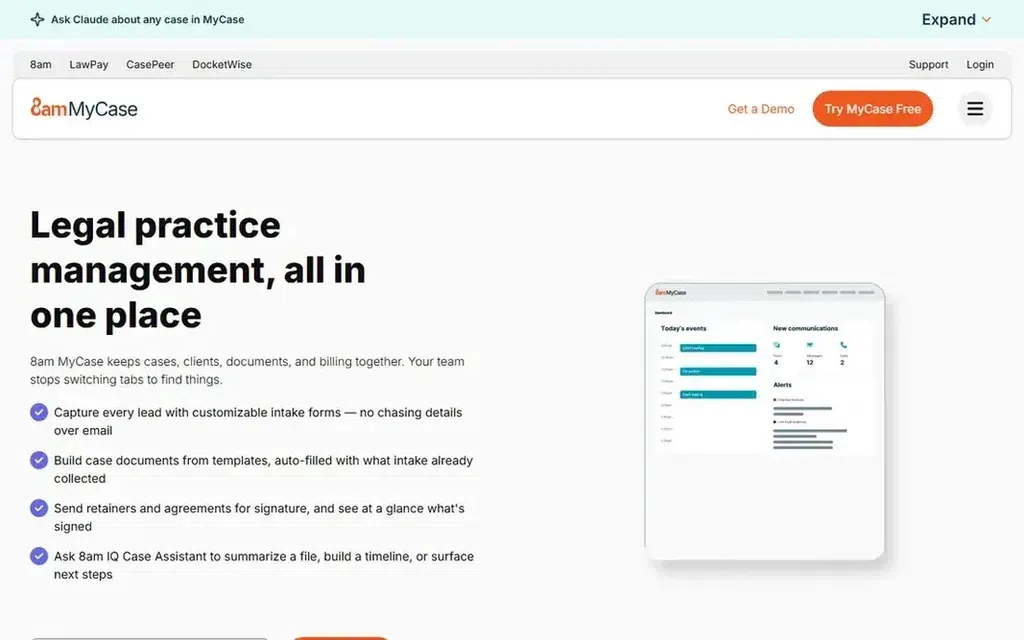
Where MyCase fits: businesses managing cases, clients and payments together. It is also most valuable when a firm adopts it as its practice management system.
Points against: Not a standalone form builder.
Worth adding: consider Lawmatics or a general form builder if your needs are narrower. Price to start with MyCase: $50 per user per month. On free options: Free trial.
- Billing and payments in one place
- Centralized client data
- A good match for businesses adopting full practice management
Pick Cognito Forms if this describes you: Forms with workflow automation. Cognito Forms is a free online form builder with workflow automation that lets you build feature-rich online forms, collect data, and automate business workflows including docs, file uploads, signatures, and approvals.
Where it is weaker: May need integration with case management.
As for the details, confirm on the vendor site how its workflow and security features align with your firm's needs. For everyday use, Cognito Forms is a general-purpose tool and does not bundle legal practice management or trust accounting. On cost, Cognito Forms starts like this: $24 per month. Cognito Forms has a free plan. Main advantages: Build feature-rich online forms.
- Collect data and automate workflows
- File uploads
- Not legal-specific

Smokeball is designed for law businesses wanting forms within practice management. Businesses seeking a light, general-purpose form builder might look at Jotform or Cognito Forms instead.
Check the vendor site for Smokeball pricing; none is listed in this comparison. Free access: Not stated.
Honest limits: May be more than needed for straightforward forms.
- Automatic time tracking
- Document automation
- Centred on legal practice management
Pick Typeform if this describes you: engaging forms with automation. Typeform is a general-purpose tool and does not bundle legal practice management features.
Drawbacks to consider: Not legal-specific.
Typeform is a form builder with AI automation that helps build forms and trigger automatic workflows to enrich leads, follow up, and grow revenue without code. From a buyer's view, consider legal-specific products if your priority is end-to-end case management. Pricing for Typeform is not stated here, so ask the vendor for current figures. Free plan details: Not stated.
- AI-powered form building
- Automatic workflows
- May be overkill for straightforward forms
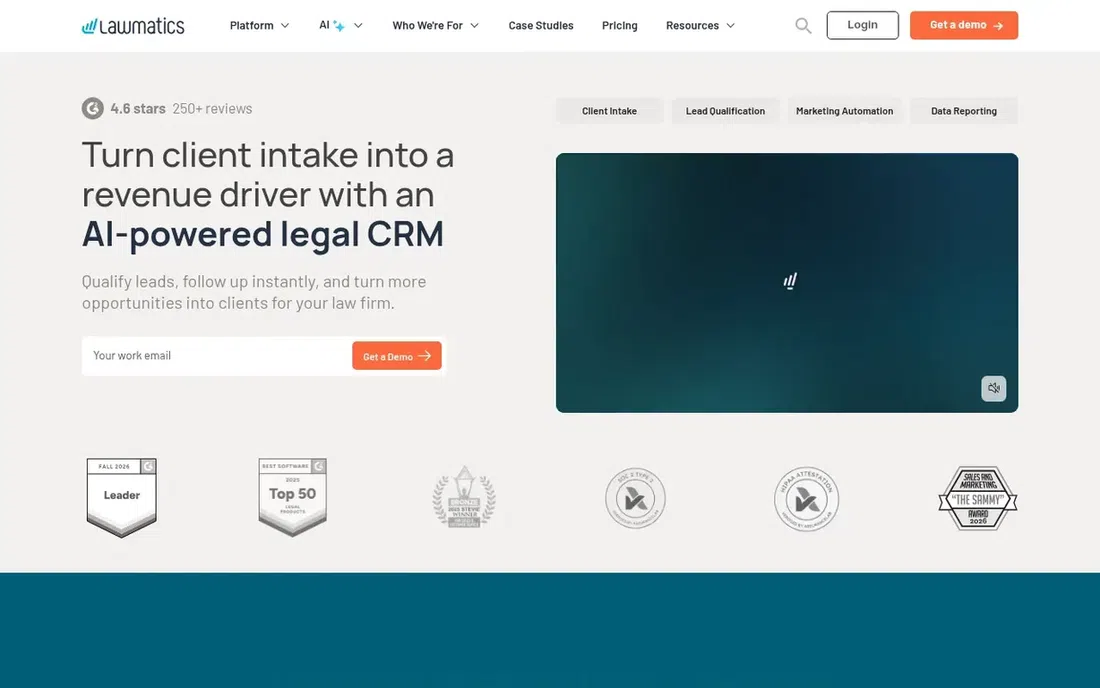
For legal marketing and intake automation, Lawmatics is a natural candidate. As a legal-focused platform, Lawmatics may not offer the same breadth of form design choices as dedicated form builders. Lawmatics is legal software for law businesses and attorneys that aims to increase practice efficiency and revenue.
It is oriented toward client intake and marketing workflows, which frequently involve forms and data collection. Check the vendor site for details on form and intake capabilities. No starting price is listed for Lawmatics here; confirm pricing on the vendor site. On free options: Not stated.
Points against: Not a general-purpose form builder.
- Focus on efficiency and revenue
- Made for law businesses and attorneys
- May need workflow changes
Our selection method
For each of the 6 tools we noted price, free plan or trial, fit for online form builder for law firms and the main limit, using vendor pages and documentation. Seat minimums, billing terms and add-ons can move the real cost, so the starting prices here are a guide and not a quote. Position on the page reflects fit for a typical buyer first, with price clarity and free access breaking ties. Treat it as a guide, not a ruling.
Pre-purchase checklist
- Get a written quote from Smokeball, Typeform and Lawmatics; the list shows no starting price for them.
- Look at free plan limits closely: Jotform and Cognito Forms have one, and the caps decide whether it is usable for real work.
- Use real work to test the free trial from MyCase, rather than a demo project.
- Read the limits listed for Jotform first: not legal-specific.
- Ask whether Jotform integrates with your current software, and whether that comes standard or as an add-on.
- Work out what MyCase costs with your real seat count, add-ons and usage, not just the entry price.
FAQ
Can I try these tools before paying?
Often, yes. Jotform and Cognito Forms have a free plan and MyCase offers a free trial. Use your own data and a real task during the test, and check what the free tier or trial limits before you rely on it.
Which options for online form builder for law firms have a free plan?
Jotform and Cognito Forms offer a free plan in this list. Free plans usually cap users, projects or features, so check the limits on the vendor page. One other tool offers a trial instead.
Do these tools publish their prices?
Not all of them. Smokeball, Typeform and Lawmatics publish no starting price, so expect a quote request for those. The rest, Jotform included, show a starting price, though seats and billing terms still change the final cost.
What is the cheapest option for online form builder for law firms in this list?
On published monthly entry prices, Cognito Forms is the lowest here at $24 per month. Entry price is only part of the cost, because seats, add-ons and billing terms can change the total. All 6 picks in this online form builder for law firms comparison list a starting price, free plan details and the main limits on their cards above.
What should a law firm look for in an online form builder?
Legal-specific products like Smokeball or MyCase may offer tighter workflow connections, whereas general tools like Jotform or Cognito Forms can manage more straightforward needs.
Sources
- https://www.jotform.com
- https://www.mycase.com
- https://www.cognitoforms.com
- https://www.smokeball.com
- https://www.typeform.com
- https://www.lawmatics.com