5 Best Online Course Platforms for University Extensions for 2026, Vetted and Compared
5 best online course platforms for university extensions, compared on pricing, free plans and best-fit use. Read the caveats before you buy. Details below.
- Editor's choiceOpen edX
Open-source system for large-scale delivery
Starts atSee websiteVisit openedx.orgFull review - Great alternative
 D2L Brightspace
Higher ed extensions with analytics needs
Starts atSee websiteVisit d2l.comFull review - Also consider
 Teachable
Selling extension courses and memberships
Starts at$39 a monthVisit teachable.comFull review
Direct answer
If you need Open-source system for large-scale delivery, Open edX is the first tool to look at here. Listed starting prices: Teachable from $39 a month and edX for Business from $150 per user per year. For a different need, D2L Brightspace covers higher ed extensions with analytics needs and Teachable covers selling extension courses and memberships. Details, prices and limits for the rest of the 5 tools are below.
TL;DR:
- Open edX sits first on this list: Open-source system for large-scale delivery.
- A permanent free plan is missing from all 5 tools, Open edX and Canvas LMS included; plan for a trial or a premium start.
- For approachable core LMS for extension teaching, Canvas LMS is worth a look.
- One limit worth knowing about D2L Brightspace: feature set may be complicated for small teams.
- The cheapest monthly starting price in the list is $39 per month, offered by Teachable.
Last checked November 2026. Prices and plan details were read from the vendors' own pages in November 2026; vendors change plans often, so confirm the current price on the vendor site before you buy.
Quick comparison
| Tool | Best for | Starts at | Free plan? | |
|---|---|---|---|---|
| Open edX | Open-source system for large-scale delivery | See website | Not stated | Visit |
| D2L Brightspace | Higher ed extensions with analytics needs | See website | Not stated | Visit |
| Teachable | Selling extension courses and memberships | $39 a month | Free trial | Visit |
| edX for Business | Credential-granting enterprise learning | $150 per user per year | Free trial | Visit |
 Canvas LMS | Approachable core LMS for extension teaching | See website | Not stated | Visit |
The 5 tools in detail
This LinkVetted guide covers 5 online course platforms for university extensions. Each profile lists a starting price, free plan details, strengths and drawbacks, so you can drop poor fits quickly.
Open edX
Best for: Open-source system for large-scale delivery
Open edX serves Open-source platform for large-scale delivery. Open edX is an open-source learning system built to deliver inspiring learning experiences at any scale. On top of that, pick Open edX when your institution has the engineering capacity and wants an open, scalable foundation.
Also, University extension programs with development resources can use it to build custom learning environments and reach large audiences. Its open nature makes it right for institutions that want to avoid vendor lock-in and control their own system. This comparison lists no price for Open edX; ask the vendor. On free options: Not stated.
Where it falls short: Needs technical expertise.
- Flexible deployment choices
- Open-source and scalable
- Not a turnkey hosted option
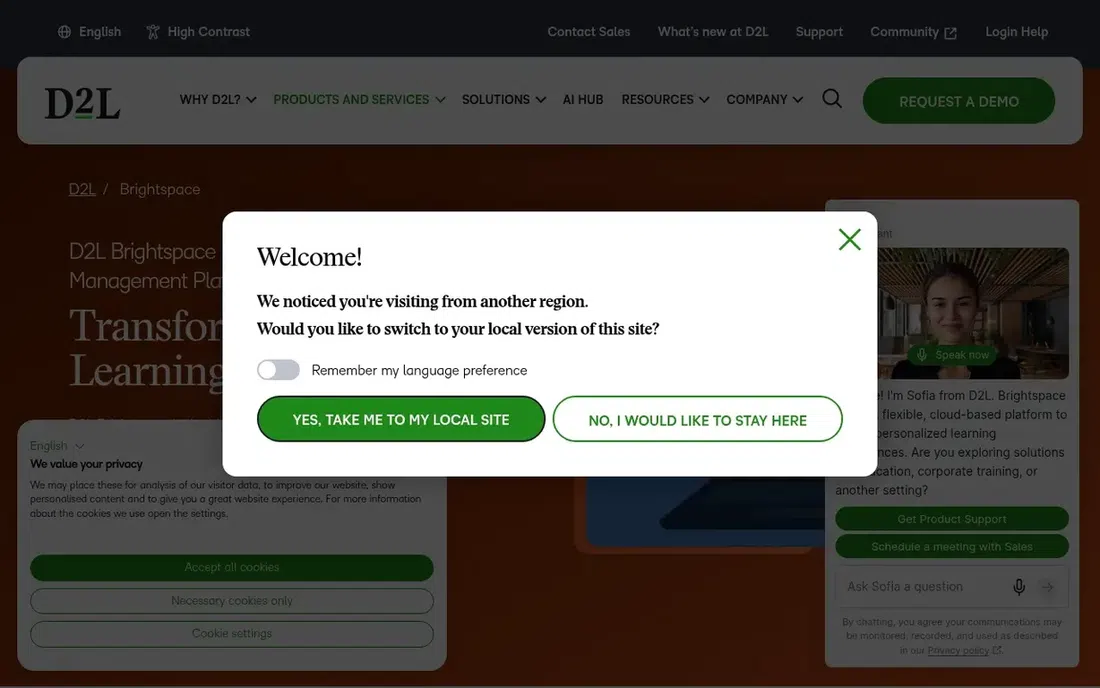
D2L Brightspace targets higher ed extensions with analytics needs. D2L Brightspace is a learning product for higher education, K-12, associations, and business, with D2L Lumi AI, Creator+ authoring, and Performance+ analytics. University extension programs that want built-in authoring and analytics can benefit from these integrated tools.
The platform is built for institutions that require a full-featured LMS across several learner groups. The breadth of features can be complicated for small extension teams without dedicated administrators. D2L Brightspace shows no starting price here, so confirm the cost on the vendor site. Free access: Not stated.
Trade-offs to know: Not focused on direct course sales.
- Performance+ analytics
- D2L Lumi AI features
- Feature set may be complicated for small teams
In short, Teachable is for selling extension courses and memberships. Choose Teachable when selling courses and memberships is the primary goal and deep academic administration is not needed. Also, integration with student information systems may be restricted.
The main drawbacks: Not a full institutional LMS.
From a buyer's view, Teachable is not a full institutional LMS. So it lacks the academic administration features that bigger extension programs may need. Teachable pricing: $39 per month. Free options: Free trial.
- Creator-focused tools
- Made for selling courses and coaching
- Restricted academic administration features
edX for Business
Best for: Credential-granting enterprise learning
edX for Business targets Credential-granting enterprise learning. edX for Business supplies enterprise learning with smart, scalable, and credential-granting learning options.
Traditional extension units concentrated on community enrichment may find it less tailored. Worth adding: University extension units that serve employers or professional audiences can use it to deliver credentialed programs at scale. The starting price for edX for Business: $150 per user per year. As for free access: Free trial.
Drawbacks to consider: Less tailored to traditional extension administration.
- Scalable enterprise focus
- Smart learning features
- Oriented toward business buyers
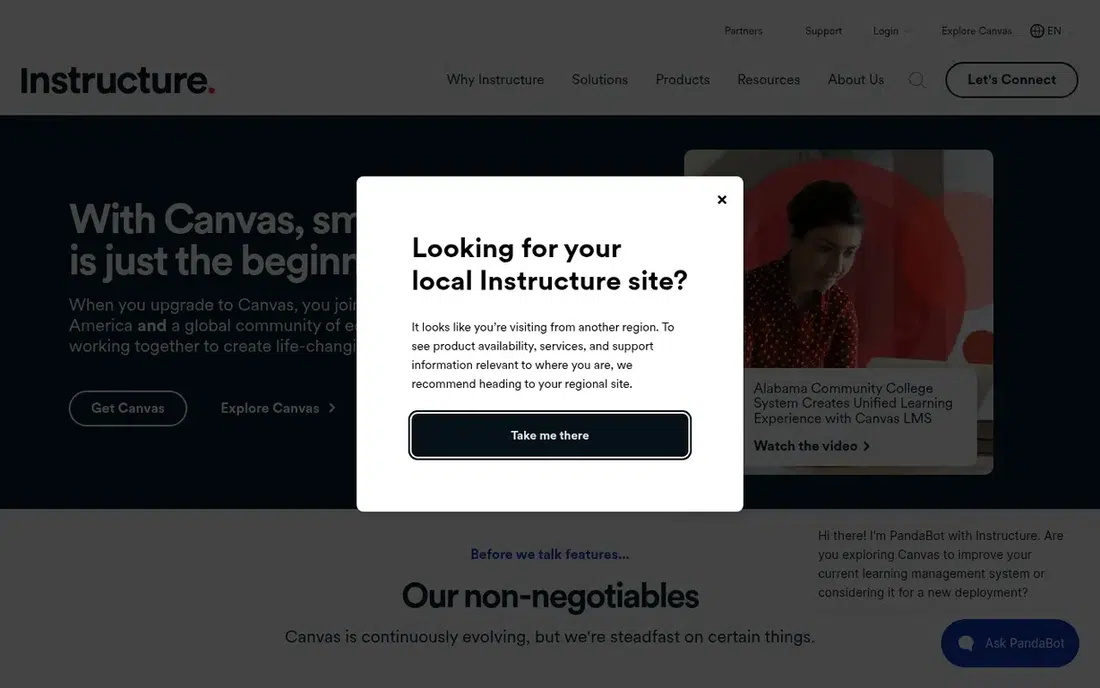
Canvas LMS was built for approachable core LMS for extension teaching. Customization beyond standard features can need technical resources.
Where it falls short: Not made for direct course sales.
On top of that, Canvas is primarily a LMS, so extension teams that require built-in e-commerce or marketing for public course sales may have to pair it with other tools. More specifically, the system supports course organization, communication, and assessment in one place, so instructors can focus on teaching rather than managing multiple tools. Pricing for Canvas LMS is not stated here, so ask the vendor for current figures. As for free access: Not stated.
Reasons to shortlist it: Widely adopted in higher education.
- Solid teaching and learning tools
- Easy-to-learn interface
- Customization may need extras
How the list was put together
Questions to settle before buying
- Confirm the entry price on the vendor page. For Open edX, D2L Brightspace and Canvas LMS that means a quote rather than a fixed price.
- Use real work to test the free trial from Teachable and edX for Business, rather than a demo project.
- Read the limits listed for Open edX first: needs technical expertise.
- Look at which plan of Open edX unlocks the features you need; entry tiers are often cut down.
- Let daily users try Canvas LMS on real work; their feedback beats any feature checklist.
FAQ
Do these tools publish their prices?
Not all of them. Open edX, D2L Brightspace and Canvas LMS publish no starting price, so expect a quote request for those. The rest, Teachable included, show a starting price, though seats and billing terms still change the final cost.
Is Open edX the right pick for everyone comparing online course platforms for university extensions?
No single tool suits every team. Open edX comes first because it fits Open-source platform for large-scale delivery, while D2L Brightspace suits higher ed extensions with analytics needs and Teachable suits selling extension courses and memberships. Match the tool to your own size, budget and workflow before deciding.
How are the tools for online course platforms for university extensions ordered?
The order follows typical fit for online course platforms for university extensions, with Open edX first and Canvas LMS last, then price clarity and free access. It is editorial judgement, not a score, so another team could rank the tools differently.
What should extension teams check before choosing a system?
Confirm integration with your student information system, the level of technical support required, and whether the product supports both credit and noncredit enrollments. Also review authoring tools, analytics, and data export choices.
What is the cheapest option for online course platforms for university extensions in this list?
On published monthly entry prices, Teachable is the lowest here at $39 per month. Entry price is only part of the cost, because seats, add-ons and billing terms can change the total. Prices, free plan details and limits for all 5 tools in this online course platforms for University extensions roundup sit on the individual cards above.
Sources
- https://openedx.org
- https://www.d2l.com/brightspace
- https://teachable.com
- https://business.edx.org
- https://www.instructure.com/canvas