Best Course Creation Platform in 2026: 9 Platforms Compared
We compared the best course creation platforms on pricing, fees, design, and marketing tools to help you pick the best platform for your online course.
- Editor's choice
 Thinkific
Starting free and scaling up
Starts at$40 per monthVisit thinkific.comFull review - Great alternative
 Teachable
Simple first course launches
Starts at$29 per monthVisit teachable.comFull review - Also consider
 Kajabi
All in one course business
Starts at$143 per monthVisit kajabi.comFull review
TL;DR:
- Thinkific and Teachable are the easiest starting points for a first course, while Kajabi suits creators who want marketing and courses in one system.
- LearnWorlds stands out for interactive video, quizzes, and assessments, and Podia suits creators who sell courses plus downloads and memberships.
- Fees matter as much as the monthly price: a low plan with a per sale fee can cost more than a higher plan with no fee once sales grow.
- The best online course hosting platforms let you keep your student list, use a custom domain, and export your content if you leave.
- Start with a free plan or trial, publish one small course, and upgrade only when student numbers or sales justify it.
Quick comparison
| Tool | Best for | Starts at | Free plan? | |
|---|---|---|---|---|
| Thinkific | Starting free and scaling up | $40 per month | Yes | Visit |
| Teachable | Simple first course launches | $29 per month | Free trial | Visit |
| Kajabi | All in one course business | $143 per month | Free trial | Visit |
 Podia | Courses plus downloads and memberships | $42 per month | Free trial | Visit |
 LearnWorlds | Interactive courses and assessments | $24 per month | Free trial | Visit |
 Mighty Networks | Community led courses | See website | Free trial | Visit |
 TalentLMS | Company and team training | See website | Yes | Visit |
 LearnDash | WordPress course sites | See website | No | Visit |
 Payhip | Low cost course sales | Free | Yes | Visit |
The best course creation platforms
We compared official pricing pages, feature lists, and fee structures for platforms that host, sell, and deliver online courses. Prices below are monthly rates when billed annually where the vendor lists them that way, so check the vendor page for monthly billing rates before you pay.
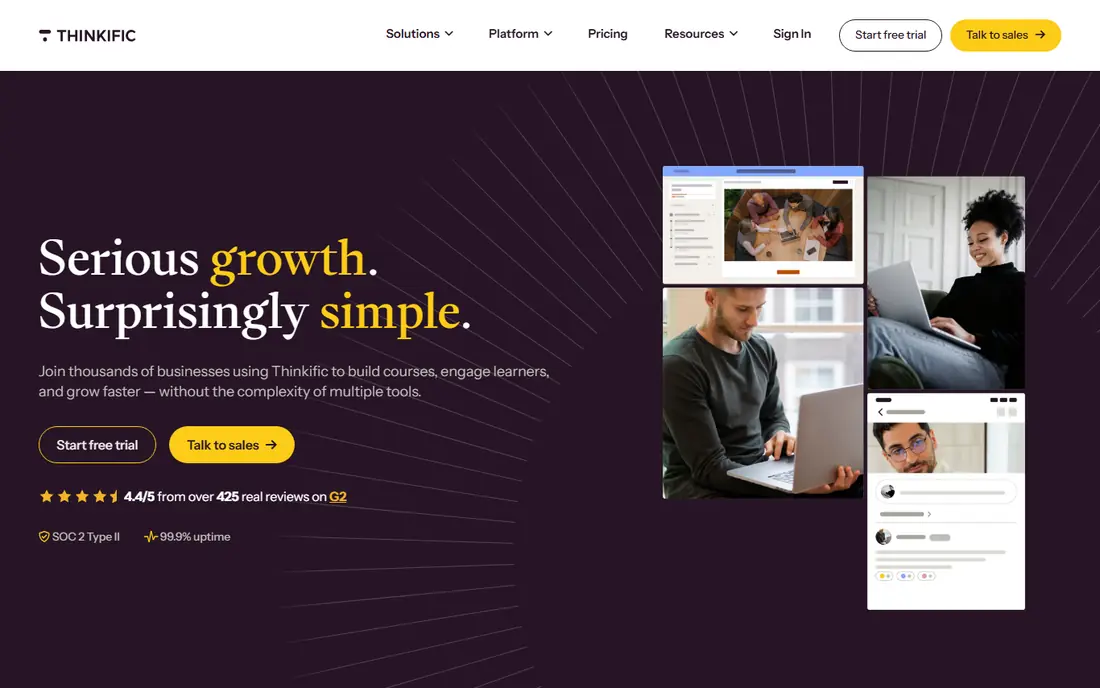
Thinkific is our pick for most people starting a course business, because its free plan lets you publish and test an idea without a subscription. Paid plans add custom domains, advanced design, and more admin seats, while keeping the course player clean and easy for students. If you want to build a catalog over time rather than run a single launch, Thinkific grows with you.
The weakness is marketing. Thinkific covers landing pages and basic email, but creators who want funnels, automation, and a full email system often add outside tools. If marketing is your main need, Kajabi or Podia may fit better, even at a higher price.
- Free plan with no platform transaction fee on Thinkific Payments
- Unlimited students on paid plans
- Strong course player
- Marketing tools are thinner than Kajabi
- Some features need third party tools
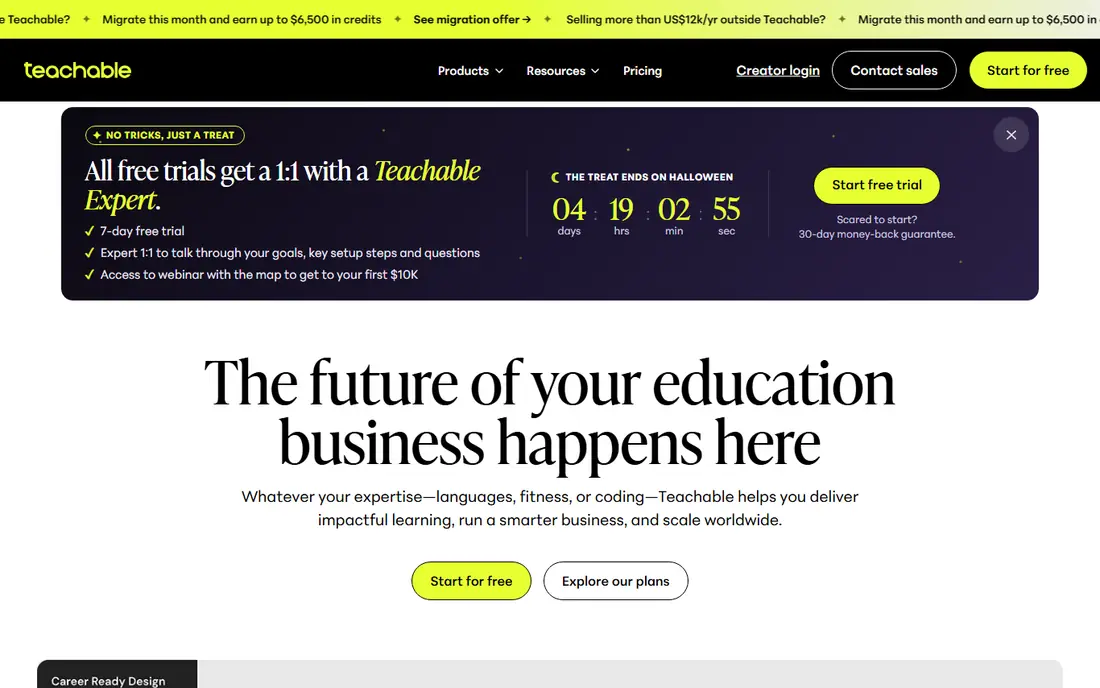
Teachable is the simplest path from an idea to a paid course. It handles hosting, checkout, and student management, so a first time creator can publish without hiring a developer or learning a complex system. The course player is polished, and students can move through video, text, and quizzes without friction.
Fees are the catch. Lower Teachable plans take a percentage of each sale, so a course that sells well can outgrow the cheap plan quickly. Run the numbers at your expected sales volume, and move to a no fee plan when the monthly fee costs less than the fees you would otherwise pay.
- Very easy setup
- Handles payments and tax basics
- Clean student experience
- Lower plans take a per sale fee
- Design control is limited compared with Thinkific
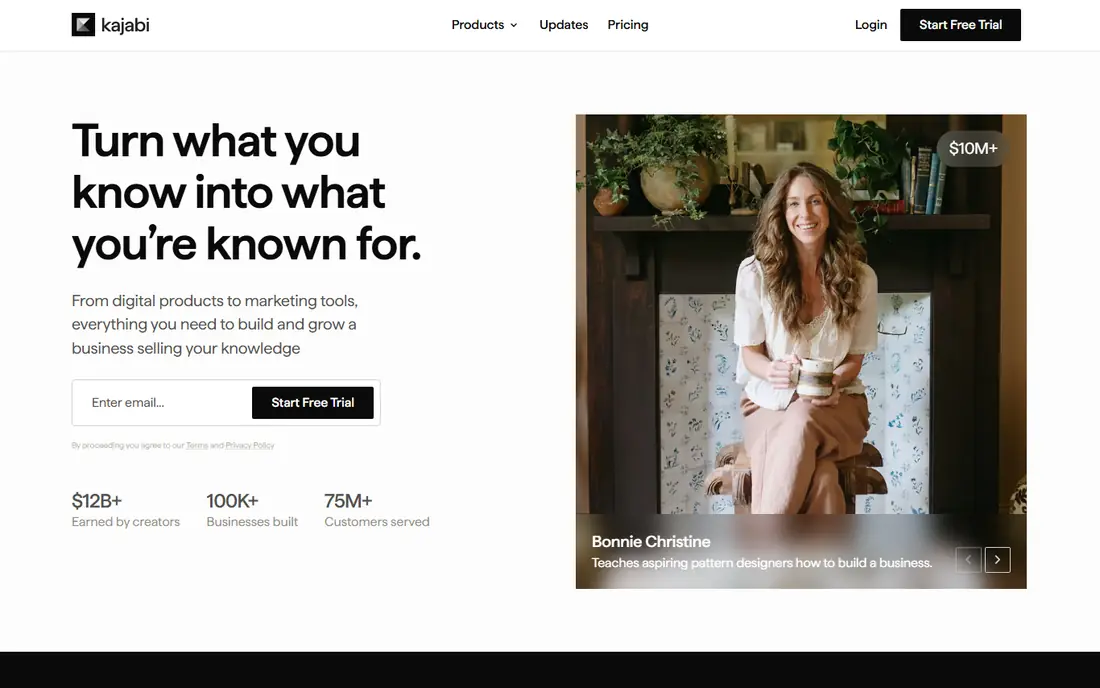
Kajabi is built for creators who want one system for the whole business, not just the course player. It bundles websites, landing pages, email marketing, pipelines, and memberships, which can replace several separate subscriptions. For a creator with steady sales, that consolidation can save money and reduce tool juggling.
For a first course with uncertain sales, Kajabi is expensive. Start cheaper, validate the course, and move to Kajabi when you need its marketing depth and can cover the monthly cost from sales. Creators who already run a full funnel business will feel at home much faster.
- Courses, email, funnels, and websites in one system
- No platform fee on Kajabi Payments
- Polished templates
- Highest starting price here
- Overkill for a single small course
Podia suits creators who sell more than courses. If you offer a course, a workbook, and a membership, Podia lets you sell all three from one storefront with one checkout. Built in email marketing covers launches and newsletters without a separate tool, which keeps the stack simple and the monthly total lower than Kajabi.
Design flexibility is modest, and the lower plan takes a fee on sales. If you care deeply about custom page design or need advanced quizzing, Thinkific or LearnWorlds may fit better. For a mixed product creator, Podia is a strong value pick.
- Sells courses, downloads, and memberships together
- Built in email
- No platform fee on higher plans
- Lower plan takes a per sale fee
- Design options are simpler than Thinkific
LearnWorlds is the best course creation tool for interactive learning. Its video player supports questions inside video, its assessment tools go beyond simple quizzes, and SCORM support matters for corporate and institutional buyers. Schools and training firms that need certificates, gradebooks, and compliance features will find more depth here than on creator focused platforms.
The starter plan charges a flat fee per paid enrollment, so high volume sellers should price the next tier. The interface also takes longer to learn than Teachable. If interactivity and assessment quality are central to your course, that extra setup time pays off.
- Interactive video and assessments
- SCORM support
- White label options on higher plans
- Starter plan charges a fee per paid enrollment
- Learning curve is steeper than Teachable
Mighty Networks is built around community first learning, where discussion, events, and courses live together. That model suits coaches, cohort courses, and membership programs where peer support is part of the value. Students stay in one app for lessons, chat, and live events, which can lift completion rates compared with a course alone.
If your course is mostly self paced video with graded assessments, a dedicated course platform will serve you better. Mighty Networks shines when the community is the product and the course is one part of a larger membership experience.
- Courses plus community in one place
- Mobile app options
- Membership and event tools
- Course tools are less deep than LearnWorlds
- Pricing is quote based on higher plans
TalentLMS is a learning management system aimed at companies training staff, partners, or customers. Admins can assign courses, track completion, issue certificates, and run reports without a steep learning curve. A free plan for up to five users lets a small team test it before paying.
Public creators selling courses to strangers will find its marketing and storefront tools thin compared with Teachable or Kajabi. For internal training, onboarding, and compliance courses, TalentLMS is a practical and affordable choice.
- Free plan for small teams
- Easy admin for employee training
- Reports and certifications
- Less suited to public course sales
- Storefront and marketing tools are basic
LearnDash is a WordPress plugin that turns your own site into a course platform, which gives you full control over design, data, and pricing. It supports drip content, quizzes, certificates, and memberships, and it pairs with many WordPress themes and payment tools. Creators who already run WordPress often prefer owning the site rather than renting space on a hosted platform.
Ownership brings work. You handle hosting, updates, backups, and security, and costs add up across plugins and hosting. If you do not want to manage a WordPress site, a hosted platform such as Thinkific or Teachable will be simpler and faster to launch.
- Full control on your own WordPress site
- One time style licensing
- Deep quiz and drip options
- Needs WordPress hosting and setup
- You manage updates, security, and payments
Payhip is the cheapest way to start selling a course, with a free plan and paid plans that remove platform fees. It suits creators validating an idea, selling a short course alongside ebooks or templates, and keeping costs near zero until sales prove the concept. Setup is fast, and checkout is straightforward.
Course depth is basic compared with LearnWorlds or Thinkific. There is less room for complex quizzes, cohorts, or advanced learning paths. Treat Payhip as a launchpad: start there for free, learn what students want, then move to a fuller platform when the course earns its upgrade.
- Free plan with no platform fee on paid plans
- Simple storefront
- Sells courses and downloads
- Course features are basic
- Limited design and assessment depth
How we picked these
We compared official pricing pages, fee structures, and feature lists for hosted course platforms, community platforms, and learning management systems that creators and companies use in 2026. We favored platforms with clear pricing, a free plan or trial, and a real student experience, and we kept a mix of creator tools and company training tools. We did not run paid courses on each platform ourselves, so confirm limits and fees on the vendor page before you commit.
What to check before you choose
Match the platform to how you will sell, not just to how you will teach. A platform with great quizzes but weak checkout will hurt sales, and a platform with great marketing but weak assessments will hurt learning. List your must haves: video hosting, quizzes, certificates, email, coupons, and payment methods, then test the top two with a real lesson.
Watch fees and ownership
Add the monthly price, the platform fee per sale, and card processing together at your expected sales volume. Check whether you can export your student email list and course content, and whether you can use a custom domain. A platform that locks your list or your content is a risk, even if its starting price looks low.
Test the student experience
Enroll as a test student on your own course and watch it on a phone. Check video playback, quiz flow, progress tracking, and email delivery. Students who struggle with the player will ask you for help, and that support load grows with every sale. A clean mobile experience is worth more than a long feature list.
FAQ
What is the best course creation platform?
Thinkific is our pick for most creators, thanks to its free plan and clean course player. Teachable is simpler for a first course, Kajabi is best for an all in one business, and LearnWorlds is best for interactive courses. Your sales model and budget should decide among them.
What are the best course creation tools for beginners?
Teachable and Thinkific are the best course creation tools for beginners, since both let you publish without code and handle payments and student access. Payhip is a good free starting point for a short course. Start with one small course and learn the platform before building a full catalog.
What is the best platform for online courses with a community?
Mighty Networks is the best platform for online course work built around community, since courses, discussion, and events live in one place. Kajabi also offers community features alongside its marketing tools. If community matters more than graded assessments, favor Mighty Networks.
What is the best online learning platform for company training?
TalentLMS and LearnWorlds suit company training, with admin controls, reports, and certificates. TalentLMS is simpler and cheaper for small teams, while LearnWorlds adds interactive video and SCORM support. For a WordPress based training site, LearnDash gives full control.
How much does a course platform cost?
Course platforms range from free plans with fees to about $143 per month for an all in one system billed annually. Add platform fees and card processing to the monthly price to get the true cost. Most creators can start free or under $50 per month and upgrade as sales grow.