6 Best Online Course Platforms for Fitness Instructors for 2026, Vetted and Compared
6 best online course platforms for fitness instructors, compared on pricing, free plans and best-fit use. Each tool is judged on the same checks. Quick to scan.

- Editor's choice
 Circle
Branded community with courses
Starts at$89 per monthVisit circle.soFull review - Great alternative
 Uscreen
Video membership delivery
Starts at$39 a monthVisit uscreen.tvFull review - Also consider
 Teachable
Courses, coaching and memberships together
Starts at$39 a monthVisit teachable.comFull review
Direct answer
This list puts Circle first for branded community with courses. Listed starting prices: Circle from $89 per month, Uscreen from $39 a month and Teachable from $39 a month. Uscreen is better for video membership delivery, and Teachable is better for courses, coaching and memberships together. The full list of 6 tools follows, with prices and free plan facts.
TL;DR:
- The list opens with Circle, aimed at branded community with courses.
- Uscreen comes with a trade-off: narrower than full business suites.
- A permanent free plan is missing from all 6 tools, Circle and LearnWorlds included; plan for a trial or a premium start.
- Uscreen has the lowest monthly starting price in this list: $39 per month.
- LearnWorlds suits structured training and learning programs.
Last checked November 2026. Prices and plan details were read from the vendors' own pages in November 2026; vendors change plans often, so confirm the current price on the vendor site before you buy.
Quick comparison
| Tool | Best for | Starts at | Free plan? | |
|---|---|---|---|---|
| Circle | Branded community with courses | $89 per month | Free trial | Visit |
| Uscreen | Video membership delivery | $39 a month | Free trial | Visit |
| Teachable | Courses, coaching and memberships together | $39 a month | Free trial | Visit |
 Kajabi | Building a broader expert brand | $143 a month | Free trial | Visit |
 Podia | Courses, community and email in one | $42 a month | Free trial | Visit |
 LearnWorlds | Structured training and learning programs | See website | Free trial | Visit |
The 6 tools in detail
LinkVetted put together this guide to online course platforms for fitness instructors for readers who want a clear shortlist without reading every vendor page. It compares 6 tools on starting price, free plans, who each one suits and where each one falls short.
Pick Circle if this describes you: branded community with courses. Circle is a complete community system where you can build a home for your community, events and courses under your own brand. For everyday use, fitness instructors can use it to host group challenges, live sessions and supporting course material in one branded space.
On top of that, if you need in-depth learner tracking or streaming-first delivery, compare LearnWorlds or Uscreen. For everyday use, Circle emphasizes community and events, so advanced course administration and video membership delivery are not its primary strengths. On cost, Circle starts like this: $89 per month. Trial and free access: Free trial.
Where it falls short: Video delivery is not the focus.
- Community
- Events and courses together
- Course depth is moderate
Uscreen makes the most sense for video membership delivery. Uscreen centers on video membership, so community engagement and course administration are less broad than on community or LMS systems.
The main drawbacks: Less focus on community tools.
More specifically, fitness instructors who publish on-demand workout libraries or subscription video content can use it to deliver that content in one place. What you pay to start with Uscreen: $39 per month. As for free access: Free trial.
- Suits subscription-style content
- Designed for creators
- Narrower than full business suites
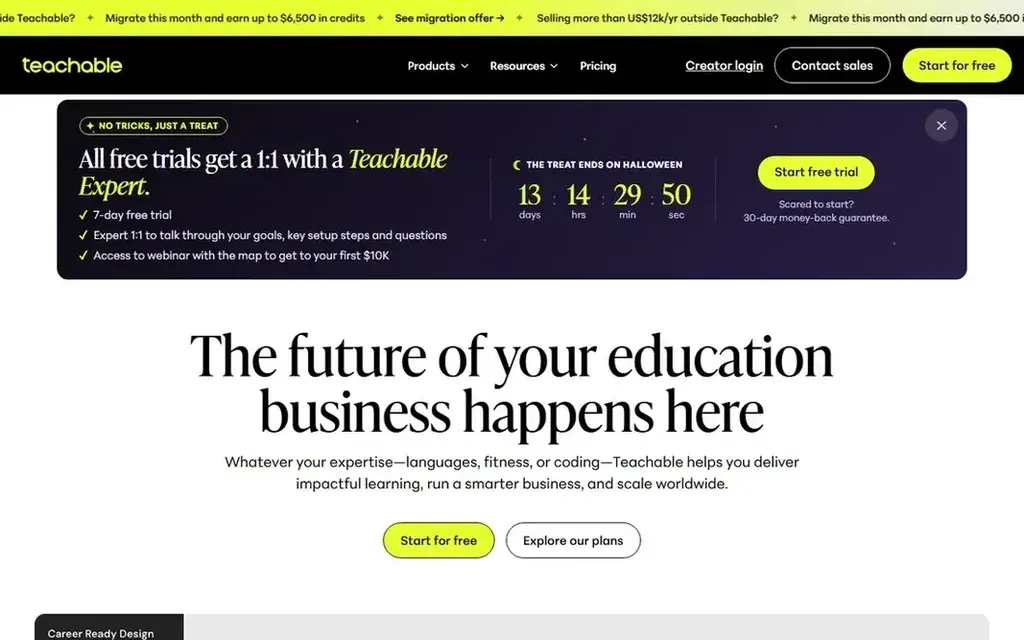
Choose Teachable for courses, coaching and memberships together. Teachable is an online course system aimed at selling courses, coaching, memberships and digital products. In practice, for fitness instructors, that means you can package recorded workouts, live coaching and continuing memberships in one place instead of stitching tools together.
Teachable leans toward course delivery, so deep community engagement is not its strongest area. For everyday use, choose Teachable when selling structured programs and coaching is the priority. Teachable starts at: $39 per month. Free options: Free trial.
Strengths: Made for selling digital products.
Limits to weigh: Community features are secondary.
- Wide creator-focused feature set
- Supports courses
- Advanced branding may need workarounds
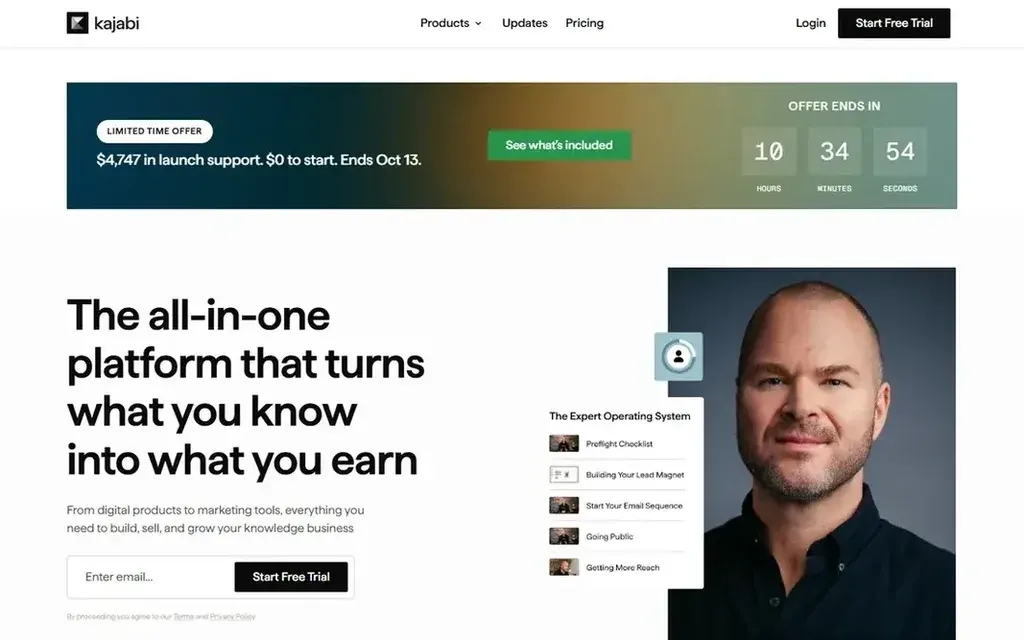
Choose Kajabi for building a broader expert brand. Fitness instructors who want to position themselves as a brand, not just a course seller, can use it to host content and handle their offerings.
Where it is weaker: Feature depth can feel complicated.
In practice, Kajabi's breadth can feel heavy if you only have to publish a handful of workout programs. From a buyer's view, the ramp-up time is steeper than more straightforward course tools. Kajabi cost at the entry level: $143 per month. Trial and free access: Free trial.
- Suited to selling expertise
- All-in-one business platform
- May exceed needs of small setups

Pick Podia if this describes you: courses, community and email in one. That combination does well for fitness instructors who want to deliver training content and stay in touch with clients without adding separate tools.
Podia pricing: $42 per month. Trial and free access: Free trial.
Points against: Less specialized for video streaming.
- Email built into the product
- Courses and community together
- Fewer deep LMS features
LearnWorlds serves structured training and learning programs. LearnWorlds is LMS software for building, delivering and scaling training programs.
Where it falls short: Setup can need planning.
Beyond that, pick it when structured curriculum and learner management matter more than social features. Beyond that, LearnWorlds is oriented toward learning delivery, so community and membership experiences are less central than on community-first systems. Pricing for LearnWorlds is not stated here, so ask the vendor for current figures. As for free access: Free trial.
- Built to deliver training programs
- Complete LMS feature set
- More LMS than community focus
How these tools were picked
LinkVetted looked at what each vendor publishes: pricing, plan limits, feature coverage for online course platforms for fitness instructors and stated drawbacks. No hands-on testing is claimed. Prices and plan limits come from vendor pages and can change, so confirm them on the vendor site before you buy. The order reflects how well each tool fits the most common buying scenario for online course platforms for fitness instructors, then price clarity, then free plan access. It is a starting point, not a verdict.
Pre-purchase checklist
- Ask LearnWorlds for a written quote, since no starting price is shown.
- Take the trial from Circle, Uscreen, Teachable and others and push a live task through it before you pay.
- Before choosing Circle, weigh its main limit: course depth is moderate.
- Before you load data into Uscreen, check what an export looks like and who can run it.
- Check whether the features you need in LearnWorlds sit on the entry plan or only on higher tiers.
FAQ
Do I need a full LMS as a fitness instructor?
Only if you run structured programs for example certifications or multi-week curricula. LearnWorlds is built for that kind of training delivery. For casual classes and memberships, more straightforward systems like Teachable or Podia are normally enough.
Does any tool for online course platforms for fitness instructors here have a free plan?
A permanent free plan is not offered by Circle, LearnWorlds or the other tools here. Several tools offer a trial. Plan a short evaluation period instead.
How are the tools for online course platforms for fitness instructors ordered?
Circle sits first and LearnWorlds last because the order follows typical fit for online course platforms for fitness instructors, then price clarity and free access. It is a judgement call, so read each profile for fit and limits.
Which system is best for selling workout video libraries?
Circle is the pick this page puts first, mainly for branded community with courses. If your situation differs, Uscreen suits video membership delivery, and Teachable suits courses, coaching and memberships together. Compare price and limits before you decide.
Is Circle the right pick for everyone comparing online course platforms for fitness instructors?
No single tool suits every team. Circle comes first because it fits branded community with courses, while Uscreen suits video membership delivery and Teachable suits courses, coaching and memberships together. Match the tool to your own size, budget and workflow before deciding.
Do these tools publish their prices?
Not all of them. LearnWorlds publishes no starting price, so expect a quote request for it. The rest, Circle included, show a starting price, though seats and billing terms still change the final cost.
Sources
- https://circle.so
- https://www.uscreen.tv
- https://teachable.com
- https://kajabi.com
- https://www.podia.com
- https://www.learnworlds.com