Top 5 Onboarding Software for Hourly Workers for 2026 (Prices and Free Plans)
Best onboarding software for hourly workers in 2026: 5 tools with starting prices, free plans and limits. The weak spots sit next to the strengths. Plain facts.
- Editor's choice
 ADP Workforce Now
Firms of all sizes needing payroll and HR
Starts atSee websiteVisit adp.comFull review - Great alternative
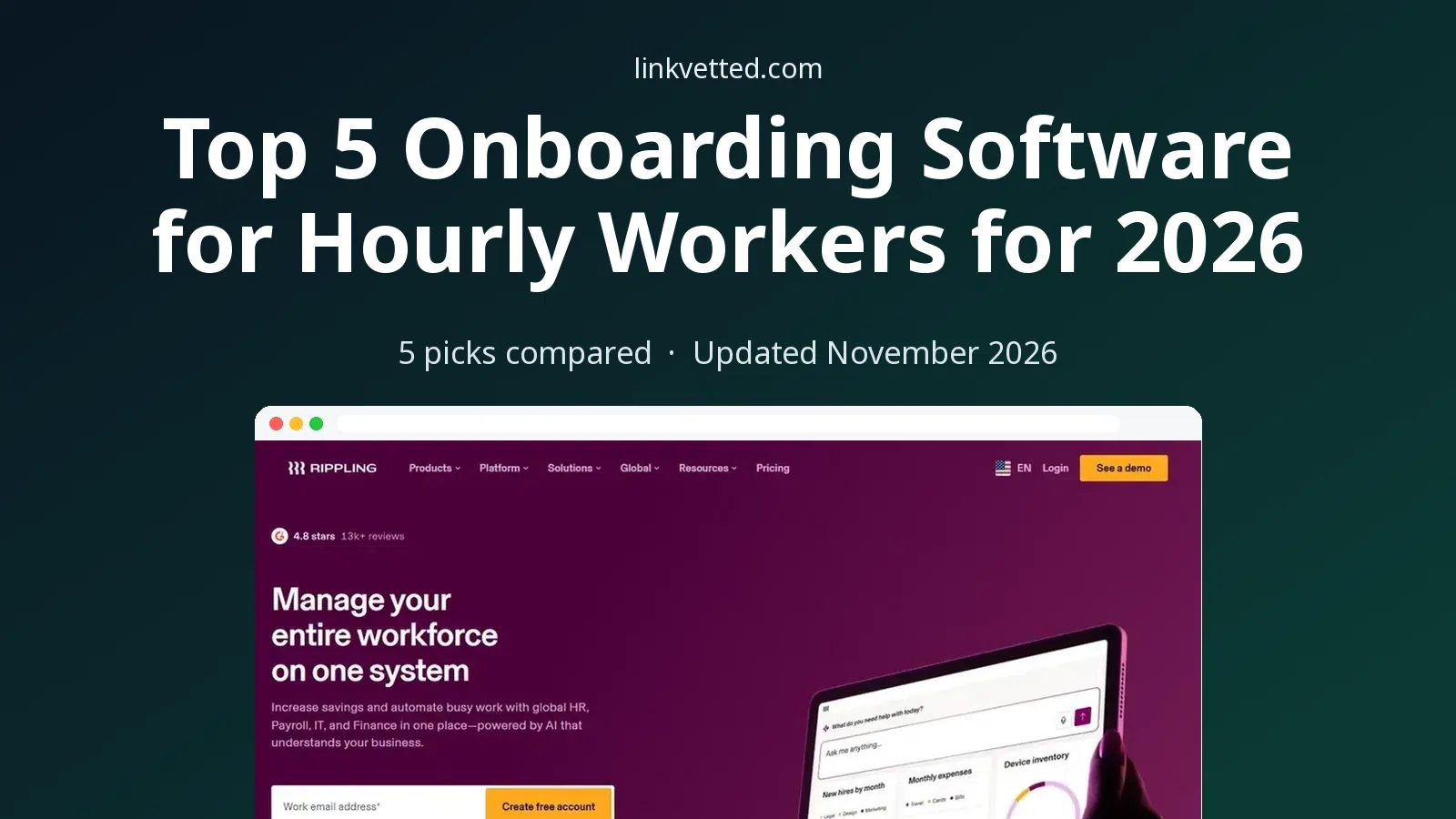
 Rippling
Firms wanting unified HR, IT, and Finance
Starts at$8 per employee a monthVisit rippling.comFull review - Also consider
 Workday
Large enterprises with complicated HR needs
Starts atSee websiteVisit workday.comFull review
Direct answer
Start with ADP Workforce Now if you need companies of all sizes needing payroll and HR. Listed starting prices: Rippling from $8 per employee a month, BambooHR from $10 per employee a month and Homebase from $30 per location a month. Rippling fits firms wanting unified HR, IT, and Finance; Workday fits large enterprises with complicated HR needs. Prices, free plans and limits for all 5 tools follow.
TL;DR:
- Top of the list is ADP Workforce Now, which targets firms of all sizes needing payroll and HR.
- Check the limits for ADP Workforce Now before you commit: may have a ramp-up time.
- Rippling has the lowest monthly starting price in this list: $8 per employee per month.
- Just one of the 5 tools, Homebase, has a free plan.
- Homebase fits small companies with hourly teams.
Last checked November 2026. Prices and plan details were read from the vendors' own pages in November 2026; vendors change plans often, so confirm the current price on the vendor site before you buy.
Quick comparison
| Tool | Best for | Starts at | Free plan? | |
|---|---|---|---|---|
| ADP Workforce Now | Firms of all sizes needing payroll and HR | See website | Not stated | Visit |
| Rippling | Firms wanting unified HR, IT, and Finance | $8 per employee a month | Not stated | Visit |
| Workday | Large enterprises with complicated HR needs | See website | Not stated | Visit |
 BambooHR | Small to midsize companies seeking HR simplicity | $10 per employee a month | No | Visit |
 Homebase | Small firms with hourly teams | $30 per location a month | Yes | Visit |
Tool-by-tool breakdown
Short on time? The summary and table above give the quick view of 5 onboarding software for hourly workers, and the profiles that follow give the detail behind each entry.
ADP Workforce Now serves firms of all sizes needing payroll and HR. ADP Workforce Now provides payroll, tax, HR, and HCM options for firms of every size, from small teams to large enterprises. ADP is a solid choice for firms that want a proven payroll provider with integrated HR capabilities.
For a more focused hourly onboarding experience with scheduling, consider Homebase. Worth adding: some users find the system has a ramp-up time, and support quality can vary. Check the vendor site for ADP Workforce Now pricing; none is listed in this comparison. As for free access: Not stated.
Trade-offs to know: Customer support experiences vary.
- HR and HCM options
- Scalable from small to large companies
- May have a ramp-up time
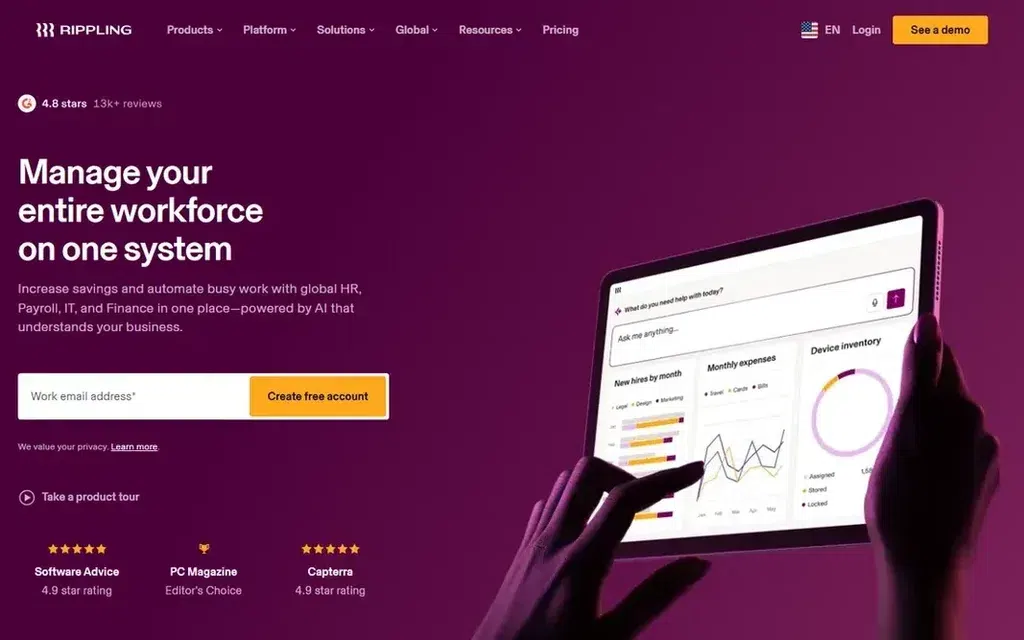
In short, Rippling is for firms wanting unified HR, IT, and Finance. Rippling merges HR, IT, and Finance apps on a unified data product, eliminating friction from running a business.
The breadth of Rippling's product may be more than a small hourly-focused business needs, and the full suite can be expensive. Rippling starts at: $8 per employee per month. On free options: Not stated.
Downsides: Pricing can be higher for full suite.
- Connects with plenty of third-party tools
- Automatic onboarding workflows
- May be overwhelming for very small teams
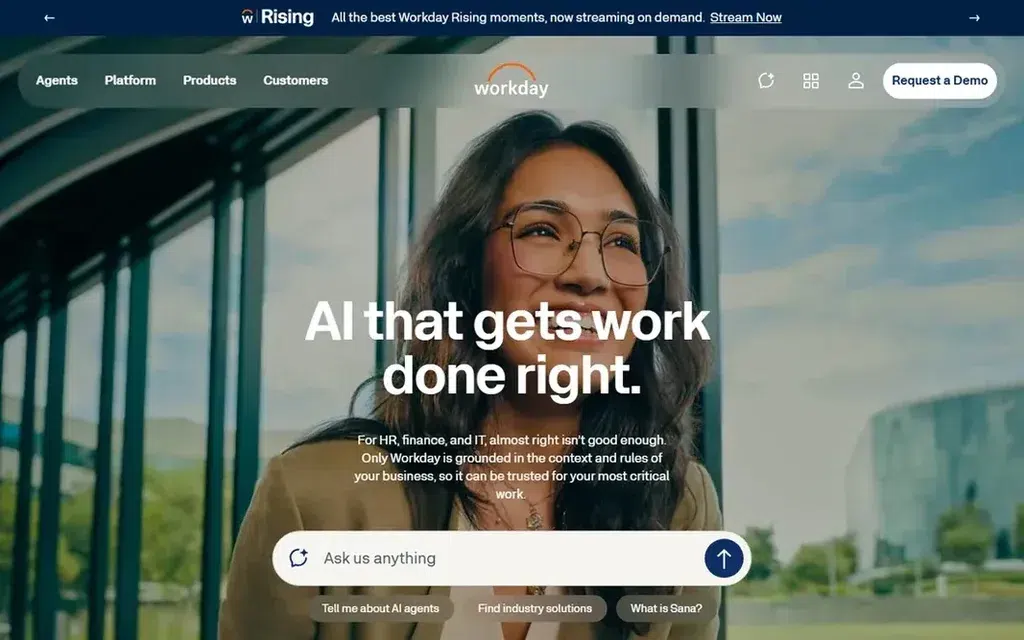
Workday is built with large enterprises with complicated HR needs in mind. Workday is an enterprise AI product for HR, Finance, and IT, meant to support large organizations with sophisticated needs. It gives you tools for onboarding, payroll, and workforce management, with AI capabilities that help automate routine tasks.
Watch-outs: May be complicated for small companies.
In daily use, Workday is ideal when you need a unified product that scales with a large, global workforce. Worth adding: Workday is a good match for enterprises that require a highly customizable system to run a diverse workforce, including hourly employees across several locations. Its depth and configurability can make Workday overkill for smaller businesses, and getting started may demand dedicated IT and HR resources. Pricing for Workday is not stated here, so ask the vendor for current figures. As for free access: Not stated.
- AI-powered features for automation
- Scalable for global workforces
- Implementation can need significant resources
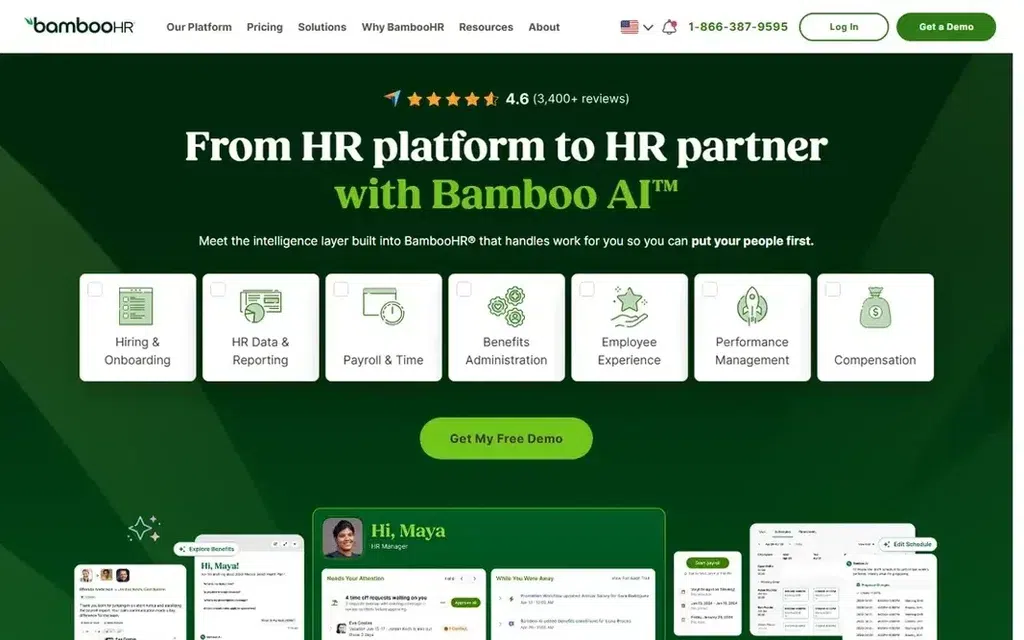
BambooHR was built for small to midsize companies seeking HR simplicity. BambooHR is a complete HR software for people, payroll, and benefits, built to ease HR from hire to retire. It offers onboarding tools that help small and midsize firms simplify the transition from candidate to employee, with document management, e-signatures, and task tracking.
Downsides: Payroll features may not suit all industries.
More specifically, BambooHR is a strong choice for straightforward hourly onboarding when HR simplicity is the priority. Whereas BambooHR includes core HR well, it may not offer the deep customization or industry-specific features that some bigger or specialized operations require. On cost, BambooHR starts like this: $10 per employee per month. There is no free plan with BambooHR.
- Capable onboarding workflows
- All-in-one HR, payroll, benefits
- May lack advanced customization for large businesses
Homebase is a good fit for small companies with hourly teams. Homebase is an all-in-one employee scheduling, time clock, payroll, and hiring app designed for hourly teams. It eases onboarding by allowing new hires to complete paperwork and learn schedules straight in the app, making it well suited to small companies that require a practical, straightforward option.
Strengths: All-in-one app for scheduling.
What to check first: Restricted customization for complicated needs.
On top of that, Homebase is designed to help hourly teams get up to speed rapidly without complicated setup. As for the details, Homebase is the go-to when simplicity and speed for hourly onboarding are paramount. Price to start with Homebase: $30 per location per month. A free plan is available with Homebase.
- Approachable for small teams
- Simple onboarding for hourly workers
- May lack advanced HR features for large businesses
How we built this list
Selection started from tools commonly considered for onboarding software for hourly workers, then narrowed to 5 that have clear pricing information or a clear quote process. Seat minimums, billing terms and add-ons can move the real cost, so the starting prices here are a guide and not a quote. Tools are placed by general fit for onboarding software for hourly workers, with price clarity and free access as tie-breakers. A different team can reasonably rank them differently.
A buyer's checklist
- Get a written quote from ADP Workforce Now and Workday; the list shows no starting price for them.
- Look at the free plan from Homebase closely: its caps decide whether it is usable for real work.
- Before choosing ADP Workforce Now, weigh its main limit: may have a learning curve.
- Pick one real project and run it in BambooHR first; a small pilot shows fit faster than a checklist.
- Ask Workday whether prices are locked for the first term and what happens at renewal.
FAQ
What should I look for in onboarding software for hourly workers?
Focus on features that accelerate paperwork, like digital onboarding and e-signatures, and integration with scheduling and time tracking. Mobile accessibility is also important so hourly workers can complete steps before their first shift.
Can I try these tools before paying?
Often, yes. Homebase has a free plan. Use your own data and a real task during the test, and check what the free tier or trial limits before you rely on it. All 5 picks in this onboarding software for hourly workers comparison list a starting price, free plan details and the main limits on their cards above.
How are the tools for onboarding software for hourly workers ordered?
The order follows typical fit for onboarding software for hourly workers, with ADP Workforce Now first and Homebase last, then price clarity and free access. It is editorial judgement, not a score, so another team could rank the tools differently.
Which options for onboarding software for hourly workers have a free plan?
Homebase is the only tool in this list with a free plan. Free plans usually cap users, projects or features, so check the limits on the vendor page. For the full picture, the cards above cover all 5 entries of this onboarding software for hourly workers list, including price, free plan and limits.
Is ADP Workforce Now the right pick for everyone comparing onboarding software for hourly workers?
No single tool suits every team. ADP Workforce Now comes first because it fits businesses of all sizes needing payroll and HR, while Rippling suits businesses wanting unified HR, IT, and Finance and Workday suits large enterprises with complex HR needs. Match the tool to your own size, budget and workflow before deciding.
Sources
- https://www.adp.com
- https://www.rippling.com
- https://www.workday.com
- https://www.bamboohr.com
- https://joinhomebase.com