The 6 Best Note-Taking Software with AI Summarization in 2026, Ranked
Best Note-Taking software with AI summarization in 2026: 6 contenders with entry costs and free tiers. Short verdicts, no fluff. Pick with confidence.
- Editor's choice
 Microsoft OneNote
Organized notebooks and collaboration
Starts atSee websiteVisit microsoft.comFull review - Great alternative
 Evernote
Capturing ideas and to-do lists
Starts atSee websiteVisit evernote.comFull review - Also consider
 Fireflies.ai
Cross-platform meeting summaries
Starts at$10 per seat a month, billed yearlyVisit fireflies.aiFull review
Direct answer
For organized notebooks and collaboration, Microsoft OneNote is where this list starts. Listed starting prices: Fireflies.ai from $10 per seat a month, billed yearly, Notion from $10 per member a month and Obsidian from $4 per user a month. Look at Evernote for capturing ideas and to-do lists, and at Fireflies.ai for cross-platform meeting summaries. The full list of 6 tools follows, with prices and free plan facts.
TL;DR:
- This list starts with Microsoft OneNote, which is built for organized notebooks and collaboration.
- 4 of 6 tools offer a free plan: Evernote, Fireflies.ai, Notion, Obsidian.
- Check the limits for Microsoft OneNote before you commit: Summarization relies on Microsoft AI features.
- Obsidian fits private, local-first linked notes.
- Starting prices begin at $4 per user per month with Obsidian.
Last checked November 2026. Prices and plan details were read from the vendors' own pages in November 2026; vendors change plans often, so confirm the current price on the vendor site before you buy.
Quick comparison
| Tool | Best for | Starts at | Free plan? | |
|---|---|---|---|---|
| Microsoft OneNote | Organized notebooks and collaboration | See website | Not stated | Visit |
| Evernote | Capturing ideas and to-do lists | See website | Yes | Visit |
| Fireflies.ai | Cross-platform meeting summaries | $10 per seat a month, billed yearly | Yes | Visit |
 Mem | AI-assisted personal note capture | See website | Not stated | Visit |
 Notion | Teams wanting notes plus AI agents | $10 per member a month | Yes | Visit |
 Obsidian | Private, local-first linked notes | $4 per user a month | Yes | Visit |
The full Note-Taking software with AI summarization list
Short on time? The summary and table above give the quick view of 6 tools for Note-Taking software with AI summarization, and the profiles that follow give the detail behind each entry.
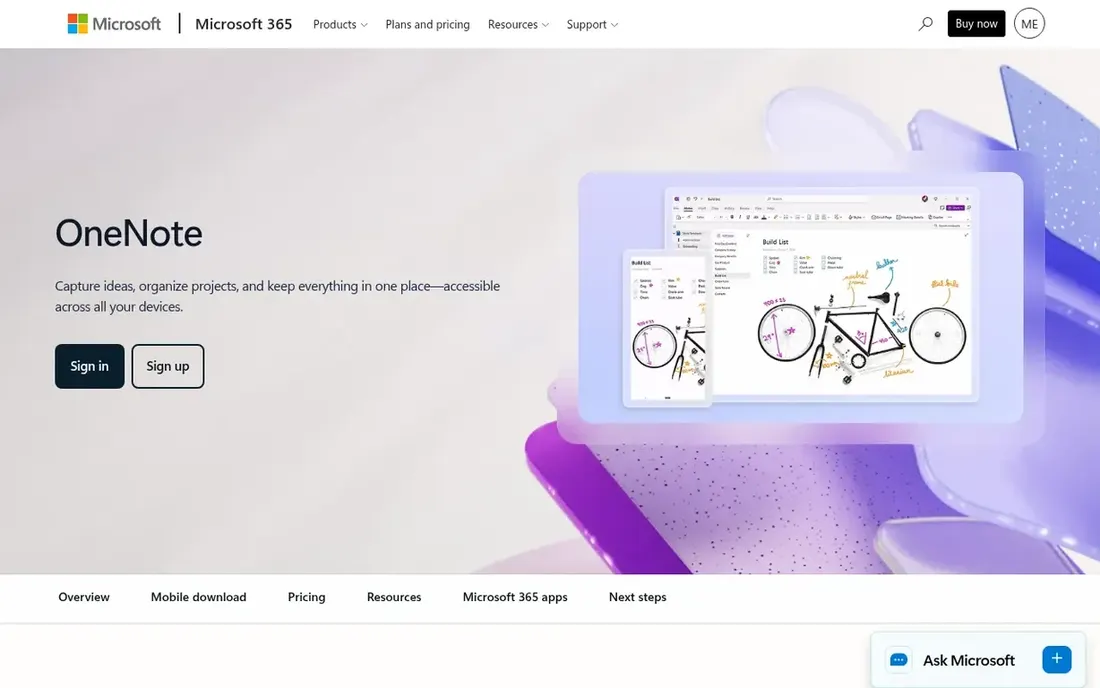
Where Microsoft OneNote fits: organized notebooks and collaboration. If AI-first note organization is the priority, compare Notion or Mem.
Trade-offs to know: Summarization relies on Microsoft AI features.
It fits students, offices, and teams already working inside Microsoft tools. This comparison lists no price for Microsoft OneNote; ask the vendor. Free plan details: Not stated.
- Suits Microsoft 365 workflows
- Notebook structure for organization
- Notebook layout can feel rigid
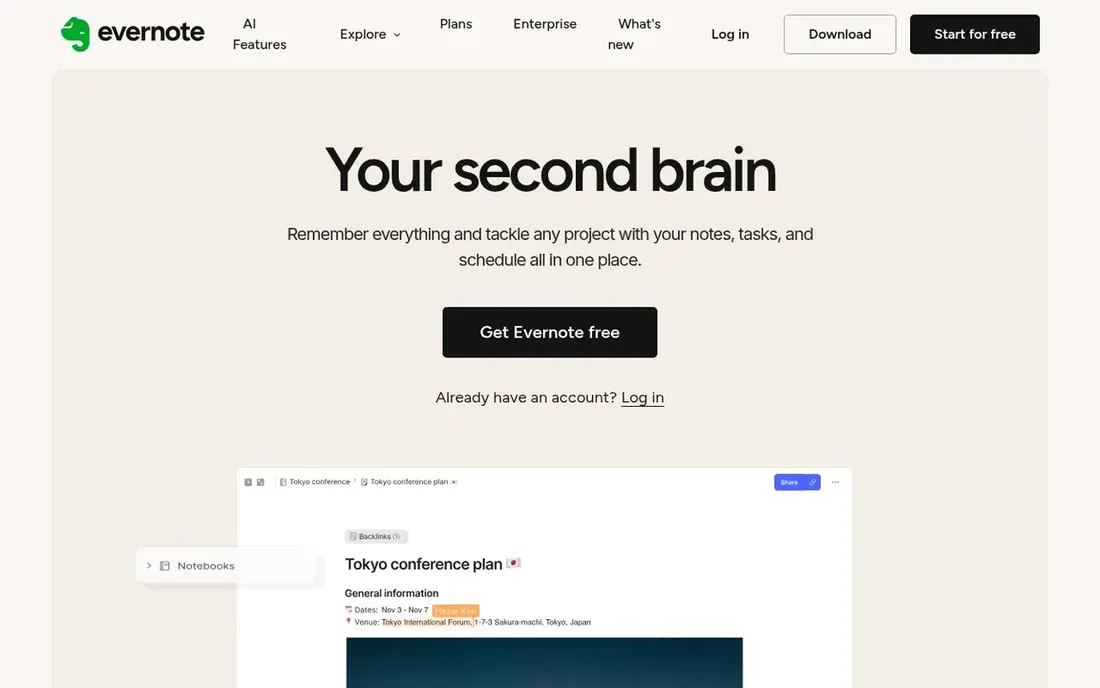
Think of Evernote for capturing ideas and to-do lists. AI summarization is not the centerpiece here, so heavy summarization users may want a more AI-forward tool.
As for the details, users who prefer local-first storage or open formats should compare Obsidian before committing. Evernote shows no starting price here, so confirm the cost on the vendor site. Evernote has a free plan.
Watch-outs: AI features are secondary to capture.
- Solid capture and organization
- Prioritizes projects and tasks
- Interface can feel dated to some
Where Fireflies.ai fits: cross-platform meeting summaries. Fireflies.ai describes itself as an AI teammate that transcribes, summarizes, and examines meetings, generating transcripts and smart summaries for Zoom, Google Meet, Microsoft Teams, Webex, and other systems.
It is not designed as a general note-taking workspace, so personal notes and research belong in tools like Notion or OneNote. Summary and transcript quality track audio and speaker clarity. Fireflies.ai pricing: $10 per seat per month, billed annually. You can start on Fireflies.ai without paying.
Limits to weigh: Not a general-purpose note app.
- Works with numerous meeting platforms
- Generative AI applied to meetings
- Summary accuracy varies with audio and speakers
Mem targets AI-assisted personal note capture. It appeals to individuals who want light capture with AI help instead of complicated databases.
Its emphasis on personal knowledge and fast capture makes it a fit for solo users and small teams exploring AI-first notes. Pricing for Mem is not stated here, so ask the vendor for current figures. Free access: Not stated.
Honest limits: Migration to another app is needed.
- Notes accessible across devices
- Made for capturing thoughts rapidly
- Service is winding down
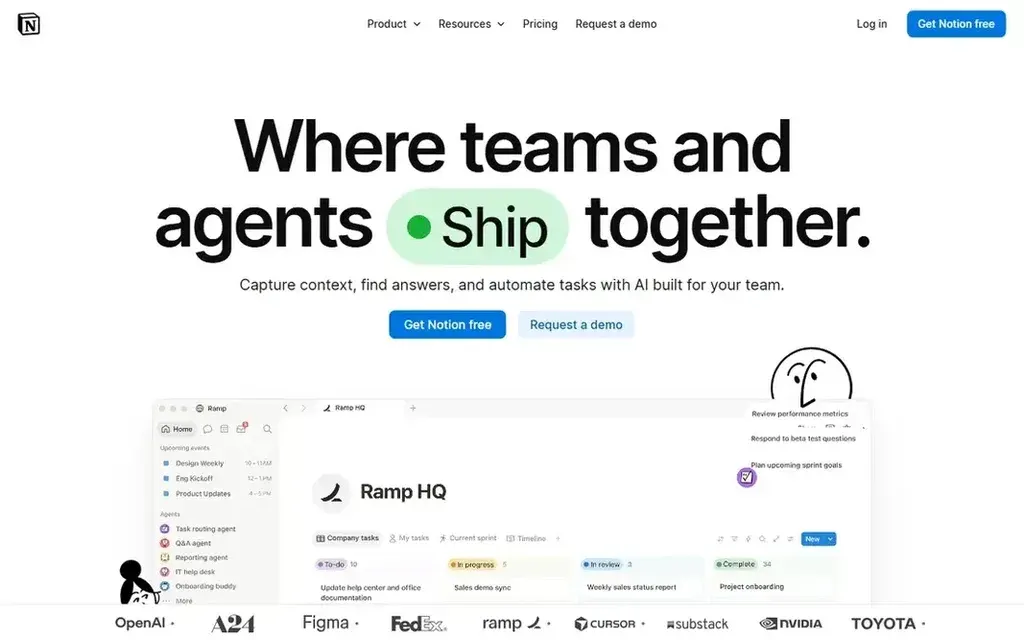
For teams wanting notes plus AI agents, Notion is a natural candidate. Notion presents itself as an AI workspace that works for you, combining notes, databases, and search across your other apps.
The main drawbacks: Feature depth can overwhelm new users.
Worth adding: the breadth of choices means a ramp-up time, and lighter users may find the structure heavier than needed. More specifically, if you chiefly need fast meeting transcripts, a dedicated transcription tool may be more straightforward. Entry price for Notion: $10 per member per month. A free plan is available with Notion.
- Automates routine busywork
- Search across connected apps
- Setup takes deliberate planning
Think of Obsidian for private, local-first linked notes. Obsidian describes itself as the free and adaptable app for your private thoughts, storing notes locally and linking them into a personal knowledge network.
Downsides: AI summarization needs extras.
For everyday use, AI summarization is not native, so users generally add community plugins, which needs setup and comfort with configuration. Those who want summaries from day one should look at Notion, Mem, or the meeting-focused tools instead. Starting cost for Obsidian: $4 per user per month. You can start on Obsidian without paying.
- Linked notes for deep thinking
- Free and adaptable
- Setup and plugins take effort
How the list was put together
For each of the 6 tools we noted price, free plan or trial, fit for Note-Taking software with AI summarization and the main limit, using vendor pages and documentation. Plan names, prices and limits change often. Treat the figures here as a starting point and verify them with the vendor. The order reflects how well each tool fits the most common buying scenario for Note-Taking software with AI summarization, then price clarity, then free plan access. It is a starting point, not a verdict.
Questions to settle before buying
- Confirm the entry price on the vendor page. For Microsoft OneNote, Evernote and Mem that means a quote rather than a fixed price.
- Read the fine print on the free plans from Evernote, Fireflies.ai, Notion and Obsidian; seat, project and feature caps differ.
- Read the limits listed for Microsoft OneNote first: Summarization depends on Microsoft AI features.
- Ask Microsoft OneNote whether prices are locked for the first term and what happens at renewal.
- Before you load data into Fireflies.ai, check what an export looks like and who can run it.
FAQ
How are the tools for Note-Taking software with AI summarization ordered?
The order follows typical fit for Note-Taking software with AI summarization, with Microsoft OneNote first and Obsidian last, then price clarity and free access. It is editorial judgement, not a score, so another team could rank the tools differently.
Do these tools publish their prices?
Not all of them. Microsoft OneNote, Evernote and Mem publish no starting price, so expect a quote request for those. The rest, Fireflies.ai included, show a starting price, though seats and billing terms still change the final cost.
Is Notion or OneNote better for organized team notes?
Notion emphasizes AI agents, cross-app search, and adaptable pages, whereas OneNote centers on notebook structure and collaboration inside Microsoft 365. Both manage large note collections well.
Is Microsoft OneNote the right pick for everyone comparing Note-Taking software with AI summarization?
No single tool suits every team. Microsoft OneNote comes first because it fits organized notebooks and collaboration, while Evernote suits capturing ideas and to-do lists and Fireflies.ai suits cross-platform meeting summaries. Match the tool to your own size, budget and workflow before deciding.
Which options for Note-Taking software with AI summarization have a free plan?
On this list, Evernote, Fireflies.ai, Notion and Obsidian include a free plan. Caps on seats, usage or features are common, so test the free plan against your real workload.
Sources
- https://www.microsoft.com/en-us/microsoft-365/onenote/digital-note-taking-app
- https://evernote.com
- https://fireflies.ai
- https://get.mem.ai
- https://www.notion.so
- https://obsidian.md