Best AI Voice Note Taking Apps in 2026: 8 Apps Compared
Compare the best ai voice note taking app for meetings and voice memos, with live transcription, summaries, free tiers and clear pricing for work and study.
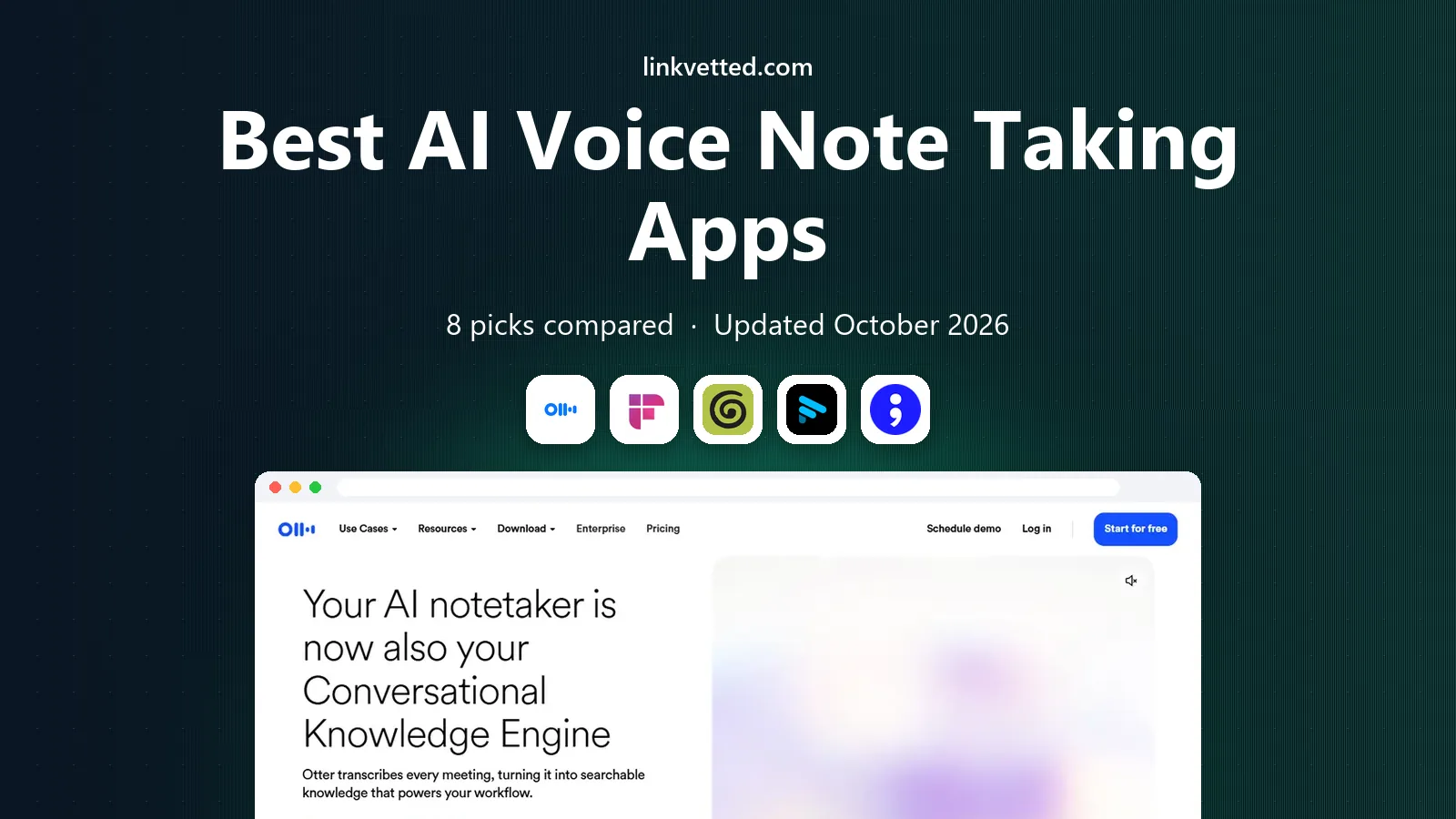
- Editor's choice
 Otter.ai
Live transcription
Starts atFreeVisit otter.aiFull review - Great alternative
 Fireflies.ai
Teams and integrations
Starts atFreeVisit fireflies.aiFull review - Also consider
 Granola
No bot meeting notes
Starts atFreeVisit granola.aiFull review
TL;DR:
- Otter.ai is our pick for live transcription, because it shows a searchable transcript while the meeting is still running.
- Fireflies.ai is the strongest choice for teams, with a generous free tier, many integrations and AI chat over past meetings.
- Granola suits people who do not want a recording bot in the call, since it captures audio on your own device.
- Fathom offers the most generous free recording tier, with unlimited recordings and a limited number of advanced summaries per month.
Quick comparison
| Tool | Best for | Starts at | Free plan? | |
|---|---|---|---|---|
| Otter.ai | Live transcription | Free | Yes | Visit |
| Fireflies.ai | Teams and integrations | Free | Yes | Visit |
| Granola | No bot meeting notes | Free | Yes | Visit |
 Fathom | Free recording | Free | Yes | Visit |
 tl;dv | Clips and research | Free | Yes | Visit |
 Notta | Multilingual transcription | Free | Yes | Visit |
 MeetGeek | Auto emailed notes | Free | Yes | Visit |
 Mem | Personal voice notes | Free | Yes | Visit |
The best ai voice note taking apps
These apps turn spoken words into searchable notes, summaries and action items, for meetings, lectures and voice memos.

Otter.ai is the clearest pick for live notes. You can read the transcript as people speak, search it during the call, and ask Otter AI Chat questions about what was said. That live view helps in meetings where you need to catch a decision or a number without waiting for a post call summary. The mobile app also records in person conversations, which helps for interviews and lectures.
The free tier is useful but limited, with 300 minutes per month and a 30 minute cap per conversation in recent listings. Pro raises those limits and adds more features, at $8.33 per user per month billed annually, with a higher monthly price if you pay month to month. For individuals and small teams, Otter is the sharpest live tool on this list.
- Live searchable transcript
- Speaker labels
- Mobile app for in person recording
- Free plan limited to 300 minutes per month and 30 minutes per conversation
- Pro costs $8.33 per user per month billed annually

Fireflies.ai is the best team system here. It joins Zoom, Meet and Teams calls, transcribes with speaker labels in many languages, and produces summaries with action items. The free tier is genuinely useful, with unlimited transcription and limited storage, so a team can test it on real meetings before paying. Integrations with Salesforce, HubSpot, Slack and Notion push notes into tools the team already uses.
Pro costs $10 per seat per month billed annually, with Business at $19 per seat per month in recent listings. Video recording and deeper analytics need the higher tier, and heavy users should check AI credit limits for summaries. For a shared meeting library that the whole team can search, Fireflies is the safest default.
- Free tier with unlimited transcription
- Over 100 integrations
- AskFred AI chat over meeting history
- Video recording sits on Business plans and above
- Paid summaries use AI credits on some plans

Granola solves a specific problem: some companies block third party meeting bots, and some participants dislike seeing a bot join a call. Granola captures audio from your own device instead, so no bot appears in the meeting. The notes interface is calm and focused, with transcripts and summaries you can edit and share after the call.
The free plan is limited to 30 days of meeting history, so you need a paid plan to keep notes long term. Business costs $14 per user per month in recent listings. If bot free capture matters to you or your clients, Granola is worth the trade, even though Otter and Fireflies offer larger free libraries.
- No recording bot joins the call
- Captures audio on your device
- Clean notes interface
- Free plan keeps only 30 days of history
- Business costs $14 per user per month
Fathom is the best free option for individuals who record a lot. The free plan offers unlimited recordings and transcripts, which is more generous than Otter's minute cap. Advanced AI summaries are capped at 5 calls per month on free, but basic notes still help for most meetings. Setup is fast, and the app works across Zoom, Meet and Teams.
Premium, at around $16 per month billed annually in recent listings, lifts the summary cap and adds more features. Fathom also offers bot free capture in beta on Mac, which may appeal to Granola fans. If you want free recording without counting minutes, start with Fathom.
- Unlimited free recordings and transcripts
- Simple setup
- Clips and highlights
- Advanced AI summaries limited to 5 calls per month on free
- Premium costs around $16 per month billed annually
tl;dv suits user research and product teams who share short clips, not just full transcripts. You can mark moments during a call, turn them into timestamped clips, and share a reel with a colleague in seconds. Search across many calls helps researchers find a quote or a theme without rewatching hours of video.
The free plan covers unlimited recordings, with AI notes limited to 10 meetings in recent listings. Pro at $18 per seat per month billed annually adds more AI notes and team features. For research, sales calls and training, tl;dv's clip workflow is a clear advantage over a plain transcript app.
- Unlimited free recordings
- Timestamped clips and reels
- Strong search across calls
- Pro costs $18 per seat per month billed annually
- AI notes on free limited to 10 meetings
Notta is a strong budget pick for multilingual work. It transcribes voice notes, uploaded audio and meetings in many languages, and it offers summaries and search at a lower paid price than some rivals. Premium starts around $7 per month in recent listings, which makes it attractive for students, freelancers and small teams.
Team features are lighter than Fireflies, and the app is less focused on CRM handoff or sales analytics. If your main need is accurate transcription in several languages at a low price, Notta fits well. If you need a shared team library with deep integrations, Fireflies or Otter may serve you better.
- Multilingual transcription
- Good value paid tier
- Web, mobile and meeting bot options
- Meeting features are lighter than Fireflies for large teams
- Interface can feel busy
MeetGeek is the most hands off option here. After a call, it emails notes, summaries and action items to you, so you rarely need to open the app to find what was decided. Meeting insights track talk time and other patterns, which helps managers spot unbalanced meetings or missed follow ups.
The free tier covers about 3 hours per month with unlimited summaries in recent listings, so light users can use it free. Paid plans start around $15.99 per month for more hours and features. If you want notes to arrive in your inbox without extra work, MeetGeek is a good pick.
- Notes and action items emailed after calls
- Meeting insights and KPIs
- Simple setup
- Free tier limited to about 3 hours per month
- Paid plans start around $15.99 per month
Mem is different from the meeting tools above, because it is built for personal capture. Voice Mode lets you speak a note, and Mem organizes it without folders, then resurfaces it when it seems relevant. That suits solo users who want a second brain for ideas, tasks and follow ups, rather than a team meeting library.
The free plan is limited, with 25 notes and 25 agent messages per month plus 3 hours of Voice Mode in recent listings. Plus at $9 per month raises those limits. If you mainly need meeting notes for a team, pick Otter or Fireflies. If you want personal voice notes that find you later, Mem is worth trying.
- Voice Mode for personal notes
- Folderless organization that resurfaces notes
- Simple personal capture
- Free plan limited to 25 notes and 3 hours of Voice Mode per month
- Plus costs $9 per month
How we picked these
We compared official pricing pages, feature pages and app listings in October 2026, focusing on apps that offer real voice capture and AI notes today. We kept only tools with a working free tier or a clear paid price, and we noted how each app captures audio, since bot versus device capture matters for privacy and company policy. Where pricing varies by billing period, we used the annual figure where published.
How to choose an AI voice note taking app
Match the app to how you capture, how long you keep notes, and who else needs to see them.
Decide how audio is captured
A meeting bot joins the call and is visible to others, which is transparent but may be blocked by some firms. Device capture, as in Granola, avoids a bot but runs on your computer. Mobile recording suits in person talks and lectures. Check your company policy and your clients' comfort before you pick a capture method.
Check free limits against your volume
Count your meetings per month and their length, then compare with free limits. Otter's 300 minutes suits about ten short meetings, while Fathom's unlimited recordings suit heavier use. Fireflies free suits teams that need unlimited transcription with limited storage. Pay for the limit you actually hit, not for features you rarely use.
Think about privacy and consent
Recording a meeting without consent can break company policy or local law, depending on where participants are located. Tell participants you are recording, check the vendor's data retention and training policies, and avoid recording sensitive personal or health details unless you have a clear need and permission. For private notes, choose a vendor with clear deletion controls.
Plan where notes go next
A transcript is only useful if it turns into action. Check integrations with your calendar, task tool, CRM or wiki, and test how summaries, action items and clips move there. Fireflies and tl;dv excel for team handoff, while Mem excels for personal recall. Pick the handoff that matches your workflow, not just the transcript quality.
FAQ
What is the best ai voice note taking app for meetings?
Otter.ai is best for live transcripts, Fireflies.ai is best for teams and integrations, and Granola is best if you do not want a bot in the call. Fathom is the best free recording option. Choose by capture method, free limits and team needs, not by brand alone.
Can AI note takers record in person conversations?
Yes, many apps offer mobile recording for in person talks, lectures and interviews. Otter.ai and Notta both support mobile capture, while meeting bots cover online calls. Always tell participants you are recording and check local consent rules.
Are AI voice notes private?
Privacy varies by vendor. Check data retention, whether recordings train models, and how to delete notes. Device capture and clear deletion controls help, but no consumer app should hold sensitive medical, legal or financial details without a business agreement and a clear need.
Do I need a paid plan for AI summaries?
Free plans often include basic summaries with limits, such as Otter's minute cap or Fathom's 5 advanced summaries per month. Paid plans lift those caps and add team features. Start free, count your meetings, and pay only when you hit a limit that matters.
Which app is best for students?
Fathom and Otter.ai suit students, with free recording and live transcripts for lectures. Notta is a good low cost option for multilingual study. Check your school's recording policy before you record a lecture, and use notes to review, not as a substitute for attending and understanding the material.